Tags:micro-course production

13 articles

Case Study: How a Training Agency Cut Video Costs 90% with Zendeck

PPT to Video 2026-10-27 1186

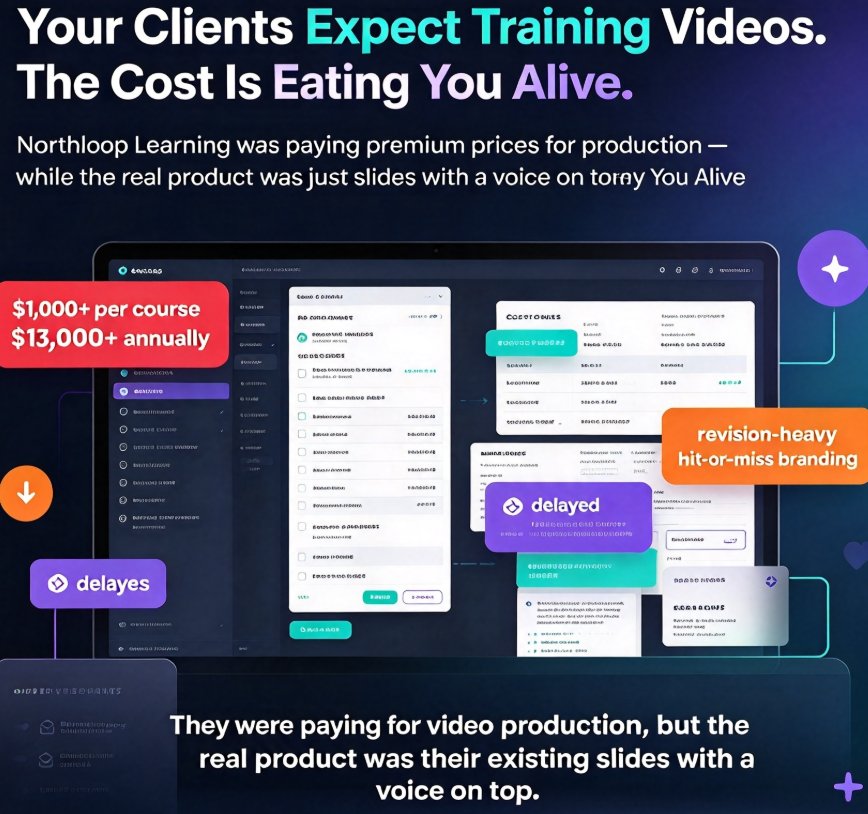
A training agency cut video production costs by 90% using Zendeck's PPT-to-video and AI narration, delivering client micro-courses in days instead of weeks. This real-world case study breaks down the exact budget math — from $800-per-course outsourcing to $45 in-house production — and the workflow that made it possible. We walk through how the agency repurposed existing slide decks, added automated voiceover and subtitles, and shipped branded training videos without hiring a single video editor. You'll get the numbers, the step-by-step process, and the lessons for your own team. If you're tired of burning budget on outsourced video or wrestling with complex editing tools, this case study shows a faster, cheaper path.
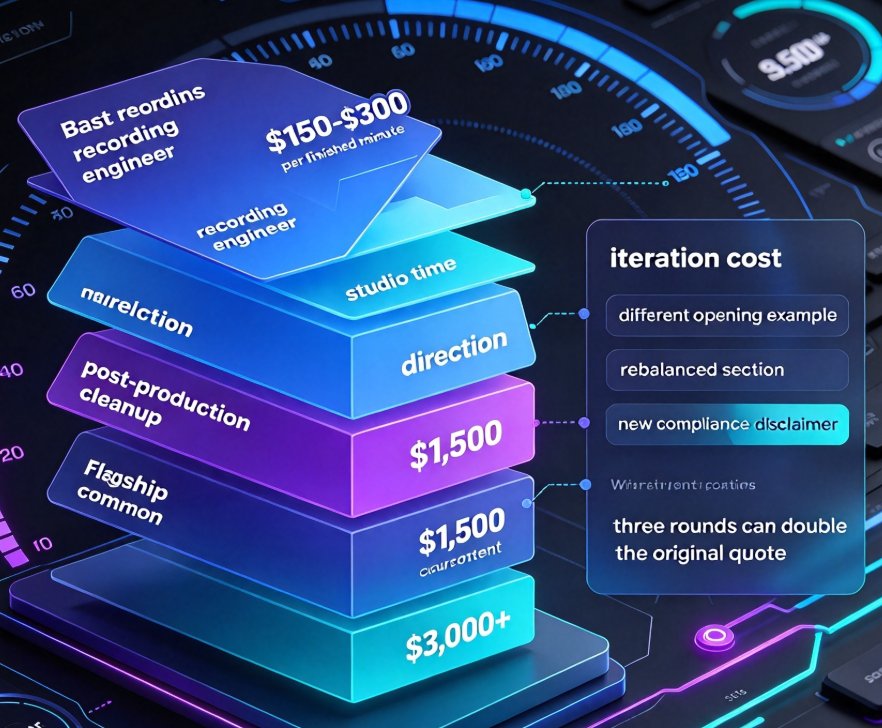
Micro-Course Narration Expensive? AI Voice + PPT to Video Cuts Cost

PPT to Video 2026-10-19 1182

Professional voice-over for a 10-minute micro-course can cost $1,500 or more. Zendeck's AI voice synthesis paired with PPT-to-video conversion turns any slide deck into a narrated course for a fraction of the price. This guide breaks down the real cost of studio narration, the workflow for generating AI voiceovers from your existing slides, an honest comparison of quality and iteration speed, and the edge cases where a human microphone still wins. If your team ships multiple training courses a year, the savings add up fast — and the output is ready in minutes, not days.

How Autonomous Agents Automate Slide-to-Course Workflows in 2026

Courseware Design 2026-10-09 1168

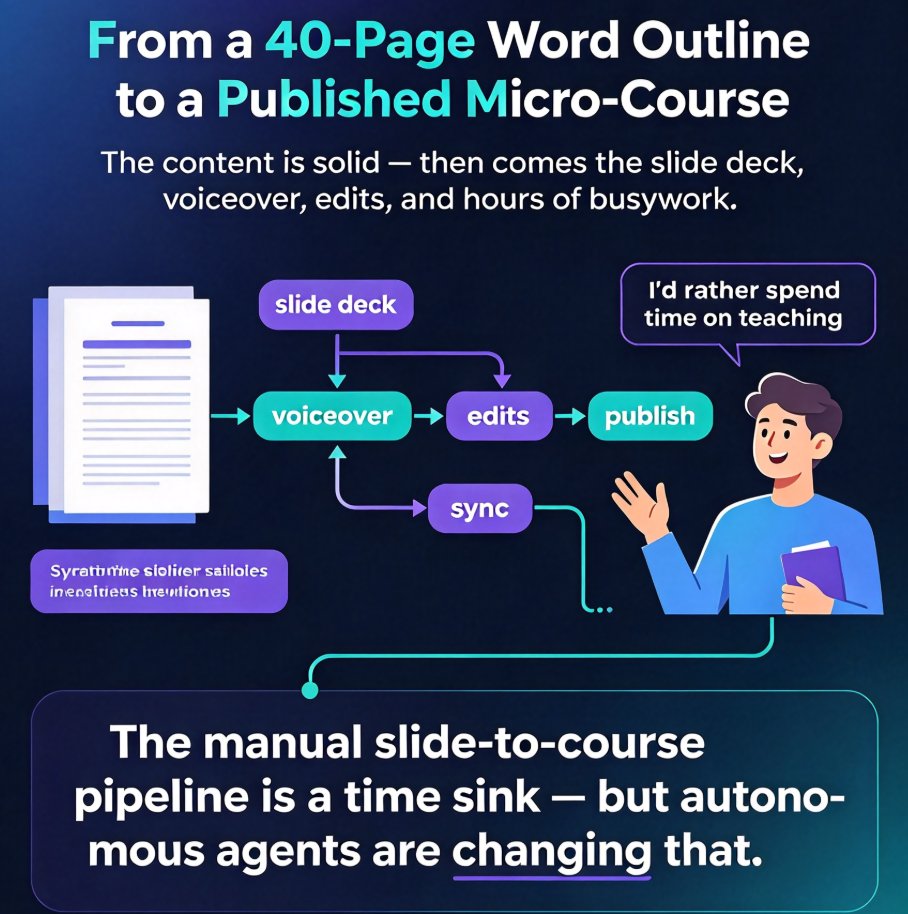
Autonomous agents are reshaping how we build courses in 2026. Zendeck's AI agent automates the entire slide-to-course workflow—from a Word outline to a published micro-course—in under 10 minutes. In this guide, we explain what autonomous agents are, break down the 2026 slide-to-course pipeline into five automatable steps, and show you a practical adoption plan that starts small. You'll learn how to cut manual design, narration, and editing work by 90%, why consistency improves when humans hand off repetitive tasks, and how Zendeck's agent picks up where you leave off. Whether you're a trainer, L&D specialist, or educator, this article gives you the exact playbook to transition from manual course building to agentic production—without overwhelming your team. Plus, we share the real-world time savings with illustrative data and a comparison table to help you plan your migration.

Multi-Modal AI in PPT-to-Video: The 2026 Micro-Course Trend

PPT to Video 2026-10-09 3465

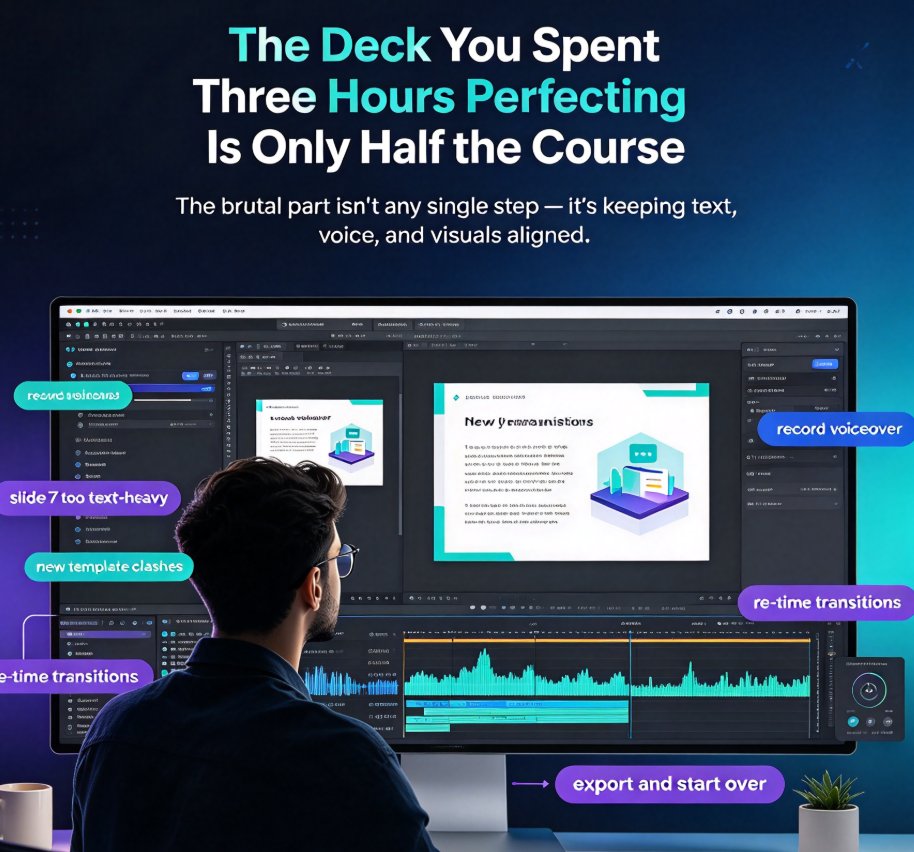
Multi-modal consistency is the 2026 standard that separates premium micro-courses from slides with a voiceover pasted on top. Zendeck's PPT-to-video pipeline turns static decks into narrated, on-brand courses in minutes — and real projects show structured slides cut editing time by 30–50%. This article breaks down what multi-modal consistency means across text, voice, and visuals, why the old tool-by-tool workflow can't scale, and how teams are building repeatable production systems. You'll also get four concrete pitfalls to avoid and a step-by-step look at how Zendeck turns an existing PPT into a polished narrated micro-course with subtitles and brand kits. If you build courseware for training, education, or internal enablement, this is the trend worth betting on in 2026.

Why Is My PPT to Video Export Blurry? Fix Quality in 5 Steps

AI Courseware 2026-09-16 2753

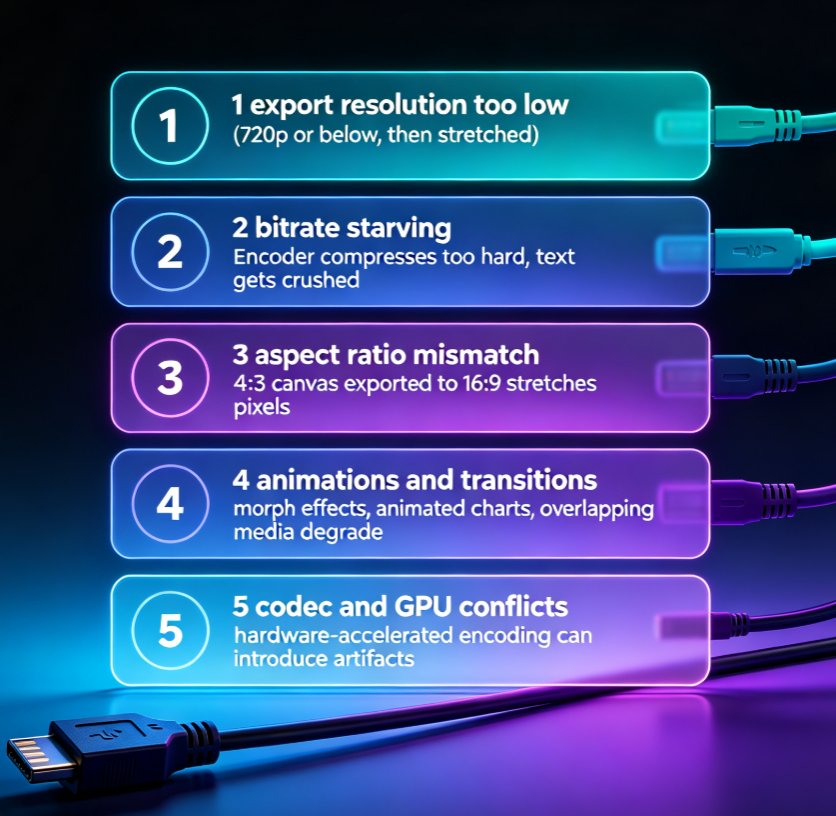
Blurry PPT-to-video exports are the #1 post-production complaint among educators and trainers. This guide breaks down the five real causes of pixelated MP4 output — export resolution, bitrate, aspect ratio, animations, and codec settings — and walks you through a step-by-step fix. You'll learn the exact numbers that matter for sharp 1080p output, how to config Zendeck's export presets for crisp professional video, and a prevention checklist that saves hours of rework. If your micro-courses look soft, this troubleshooting guide gives you a repeatable fix in five steps. No guesswork, just settings that work.

Video Micro-Courses Without a Camera: Zendeck Digital Presenter

Knowledge Video 2026-09-14 1055

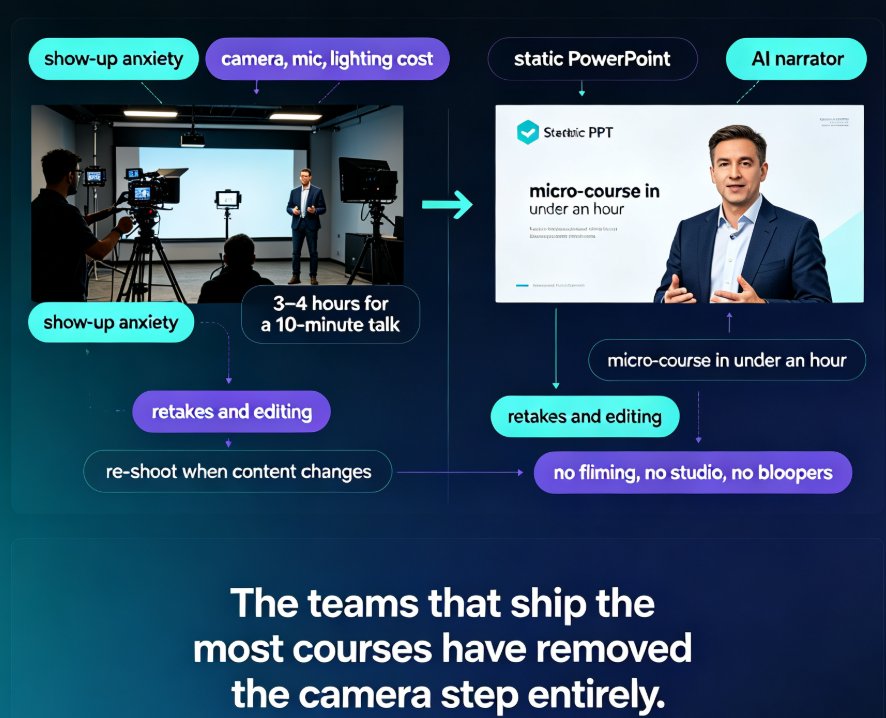
Create video micro-courses without a camera in under an hour with Zendeck's digital presenter. This guide explains how AI narration, auto-subtitles, and slide-flow pacing turn any PowerPoint deck or Word outline into a professional, narrated knowledge video — no studio, no filming, no retakes. We compare the traditional on-camera path (roughly 10 hours per 10-minute course) with Zendeck's camera-free workflow (around 2 hours), walk through the step-by-step production process, and share concrete script-writing tips so your narrated videos sound human, not robotic. Ideal for trainers, educators, and L&D managers who want more video content without camera anxiety or equipment costs.

▲