
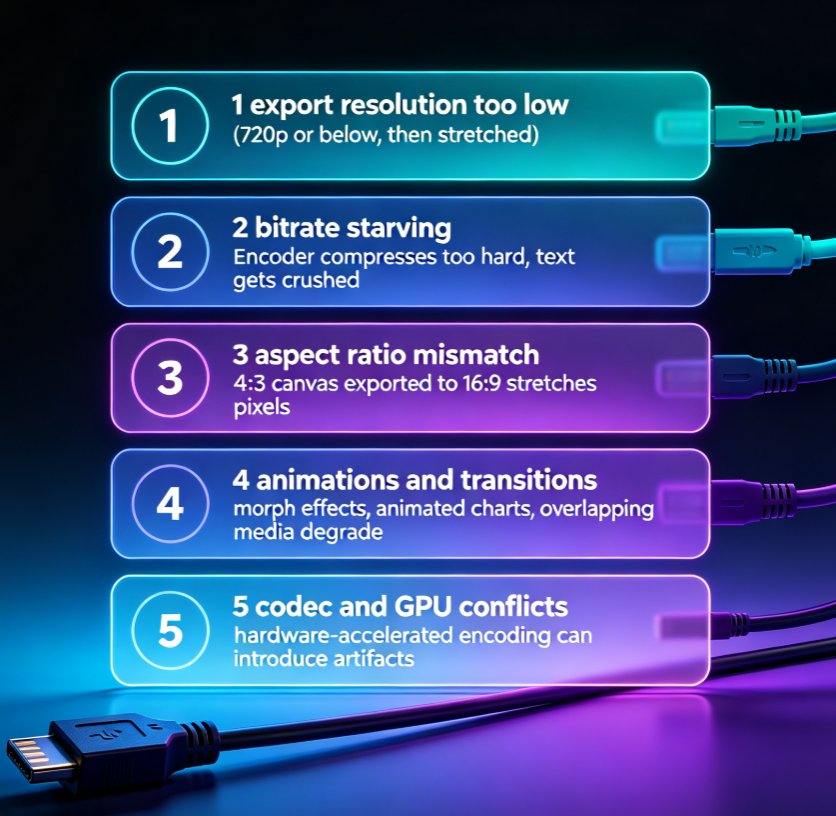
Why Is My PPT to Video Export Blurry? Fix Quality in 5 Steps
Blurry PPT-to-video exports are the #1 post-production complaint among educators and trainers. This guide breaks down the five real causes of pixelated MP4 output — export resolution, bitrate, aspect ratio, animations, and codec settings — and walks you through a step-by-step fix. You'll learn the exact numbers that matter for sharp 1080p output, how to config Zendeck's export presets for crisp professional video, and a prevention checklist that saves hours of rework. If your micro-courses look soft, this troubleshooting guide gives you a repeatable fix in five steps. No guesswork, just settings that work.