Tags:Zendeck

75 articles

Multimodal Courseware: Why 2026 Needs Text, Voice, and Video in One

Knowledge Video 2026-09-23 3012

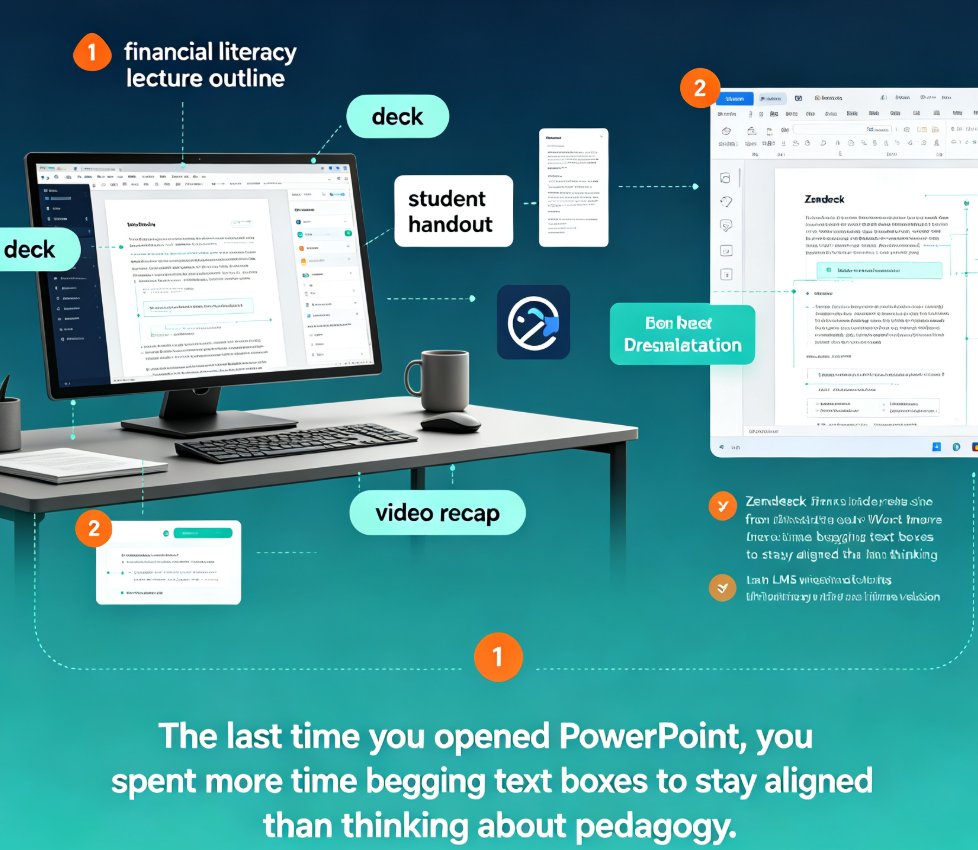
Multimodal courseware is the 2026 standard: text, voice, and video in one seamless pipeline. Zendeck turns a single Word outline into a fully narrated, animated deck, making AI-powered multimodal creation the default workflow for trainers and educators. This article explains why single-format content is dying, how the unified production flow saves hours and boosts engagement, and gives you a step-by-step blueprint to start creating multimodal courseware today. If you’re building corporate training or online courses, this is your guide to what’s next.
Collaborative Presentations: Real-Time Editing & Sharing in Zendeck

Office Efficiency 2026-09-22 2561

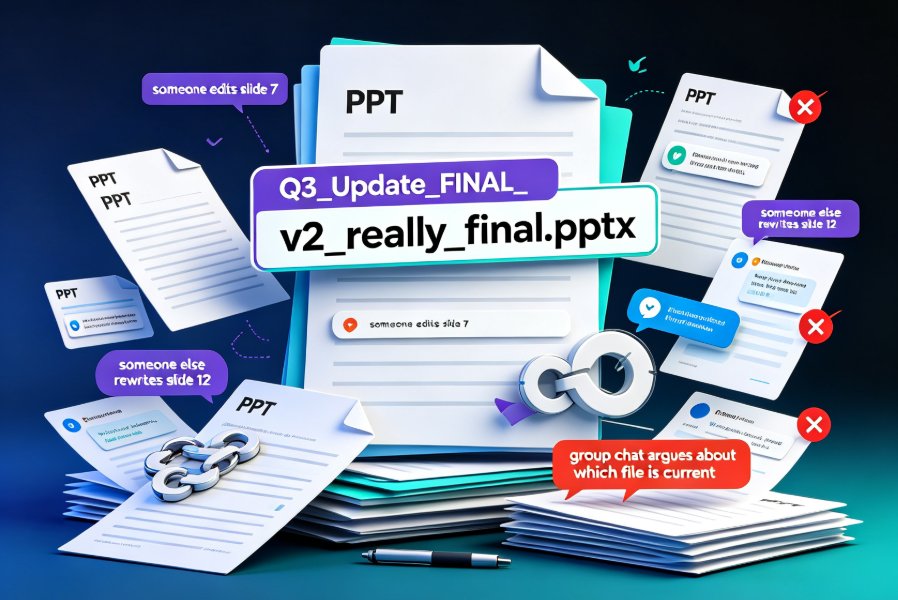
Team presentation collaboration gets messy fast. Zendeck turns scattered files and endless email threads into one cloud-based workspace where your whole team edits, comments, and shares decks in real time. Version history means you never lose work, inline comments keep feedback tied to specific slides, and link-based permissions let you control who views or edits — no more emailing 'final_v2_actually_final.pptx' across the office. Whether you're prepping a quarterly review with five stakeholders or a training deck with three instructors, this guide walks you through a practical collaboration workflow, common pitfalls, and how smart templates keep design consistent when many hands touch the same file. You'll learn to assign clear ownership, run feedback cycles inside the deck instead of across ten email threads, and roll back to any earlier draft the moment something goes wrong. The result: a faster, saner, more organized way for teams to build presentations together.

5 Smart Layout Tricks to Upgrade Your Presentation Design Instantly

Courseware Design 2026-09-22 2453

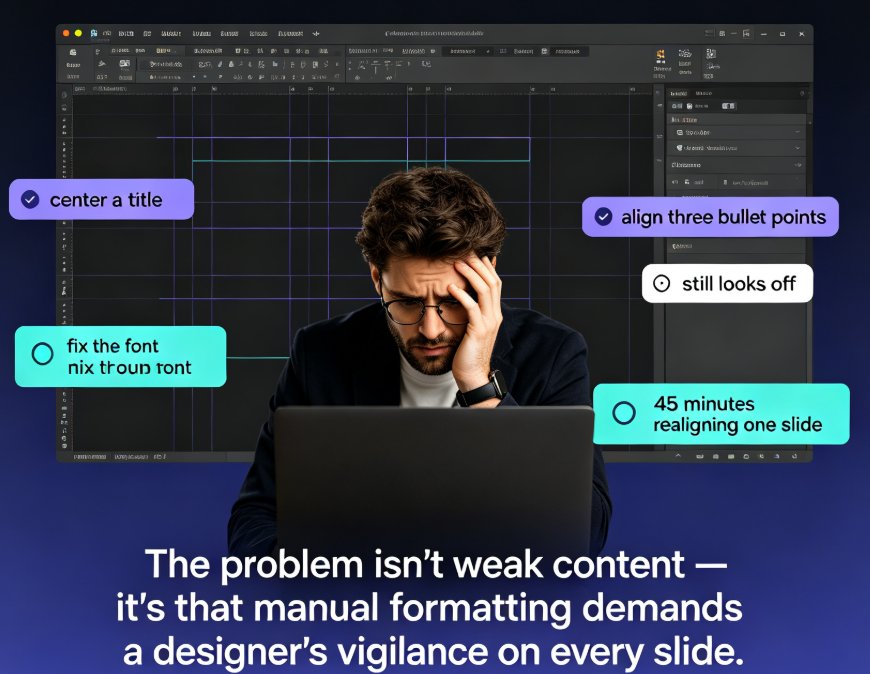
Messing with text boxes for hours gets you nowhere. These 5 smart layout tricks will instantly upgrade your presentation design — no design skills needed. See how consistent typography, a limited color palette, disciplined alignment, and a clear content hierarchy transform messy slides into professional decks. Then discover how Zendeck's smart layout and one-click reskin features automate all of it: unify fonts and colors, fix spacing, and refresh an entire deck in a single click. Includes a practical comparison of manual formatting versus AI-driven layout, with time-saving estimates for educators, trainers, and busy team leads. You'll also learn which formatting habits to drop and the honest caveats worth knowing before you reskin a 60-slide course and send it to your manager.

Real-Time Co-Editing: Zendeck Ends Version Control Nightmares

Office Efficiency 2026-09-10 687

Real-time co-editing and version control are the cure for team presentation chaos. Zendeck lets multiple teammates edit slides simultaneously, auto-saves every change, and keeps a full history so you never lose track of the latest version. Say goodbye to emailing 'final_v3_FINAL(2).pptx' and hello to a single source of truth. This guide explains how Zendeck's collaboration features kill version confusion, why version history is your safety net, and how to adopt best practices for smooth team workflows. If your team struggles with outdated decks or conflicting edits, Zendeck's real-time co-editing is the solution you've been missing.

Thesis to Slides: Turning a Research Outline into a Defense Deck

AI Courseware 2026-09-09 3752

Turning a Word thesis outline into a defense-ready deck is a common pain point for graduate students. This guide walks you through a step-by-step workflow using Zendeck, an AI presentation tool that imports your outline, generates structured slides, and applies academic templates in minutes. Save hours of manual formatting and focus on rehearsing your argument. Learn how to prepare your outline, choose the right template, add visuals, and avoid common mistakes. Perfect for thesis defenses, conference talks, and research presentations.

Zendeck vs Gamma vs Canva: Best AI Presentation Tool for Educators 2026

AI Courseware 2026-09-07 2483

Zendeck vs Gamma vs Canva: best AI presentation tool for educators in 2026. This head-to-head comparison benchmarks all three platforms against a real course-design workflow — Word outline import, AI deck generation, smart layout, brand consistency, and PPT-to-video. Gamma is fast and straightforward; Canva offers maximum design control. But neither converts slides into narrated micro-courses natively. Zendeck is the only tool built for educators that pairs AI deck generation with PPT-to-video export, auto subtitles, and automatic accessibility checks. Backed by 2026 third-party tests and educator community ratings, this review shows which tool actually saves time for course designers, trainers, and L&D teams. Includes benchmark charts, comparison tables, and practical recommendations. Read this before you pick another presentation tool.