
How to Turn a Word Outline into a Professional PPT in 5 Steps Using Zendeck
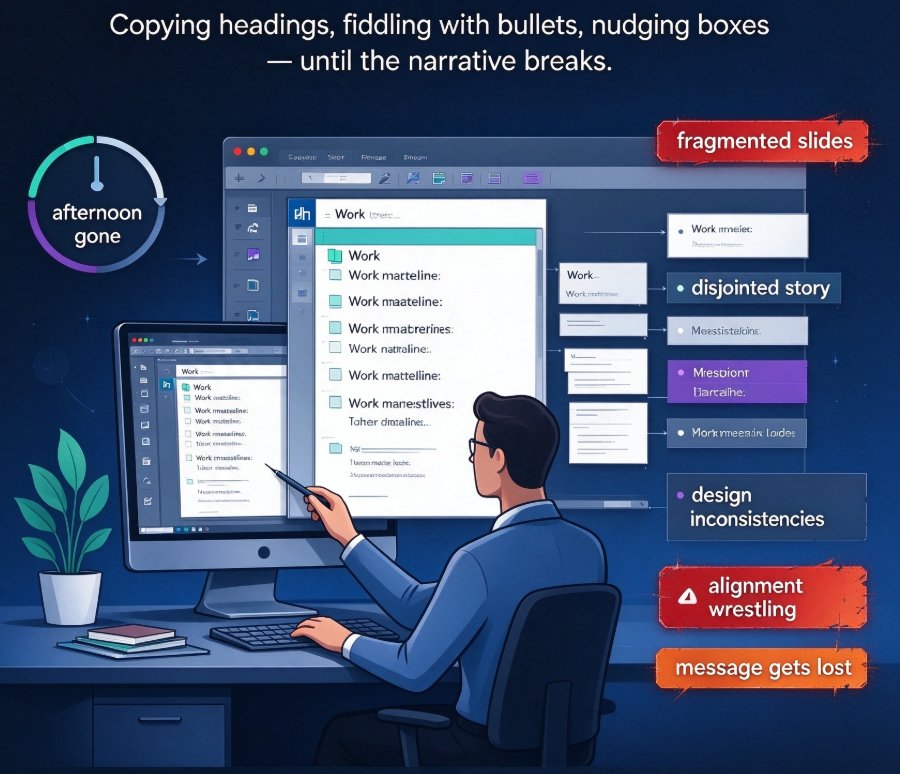
How to turn a Word outline into a professional PPT? Use Zendeck's AI-driven Doc-to-Slides to transform a rough outline into a polished presentation in under five minutes. No design skills needed. Just paste your text, tweak settings, and let AI handle layout, colors, and content flow. This guide breaks it down into 5 steps and shows why you can finish in minutes instead of the 3-4 hours manual work takes. If you're tired of producing disjointed slides, this is your fix.