Why Your AI-Designed Slides Look Generic and How Zendeck Fixes It
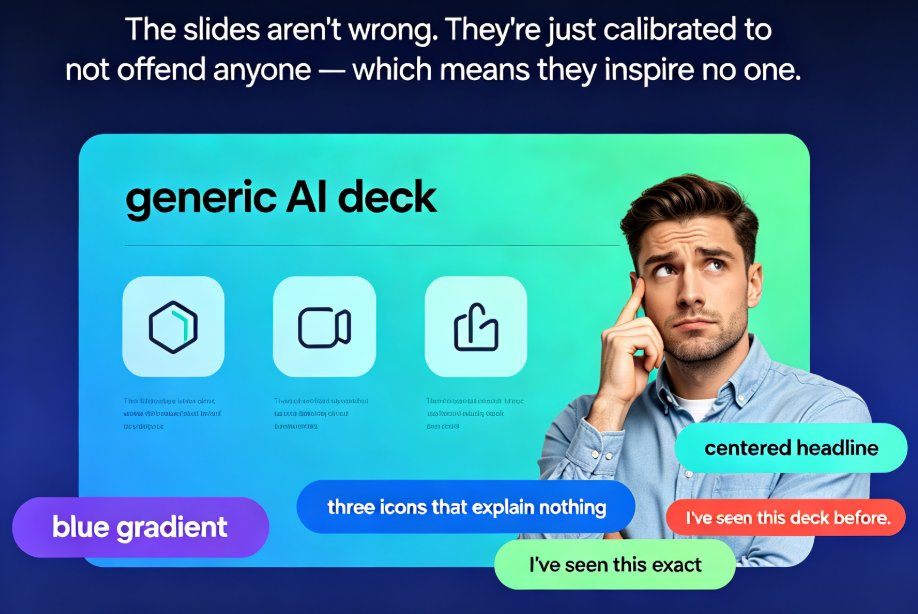
You know the moment. You paste your outline into an AI presentation tool, wait ninety seconds, and the deck appears — clean, coherent, color-matched. Then you stare at it and think: I've seen this exact deck before. Somewhere. In a conference room. Delivered by a vendor you can't even remember. The slides aren't wrong, exactly — they're just... safe. The blue gradient. The centered headline. The three icons that explain nothing.
Here's the uncomfortable truth: that deck is generic because the tool is working as designed. And the fix isn't a better prompt. It's a better framework — plus a tool that respects your brand when it executes.
AI-generated slides look generic because AI defaults to "acceptable to everyone" rather than "compelling to your specific audience." It's not a rendering problem. It's an input and identity problem.
01 The root cause isn't the AI — it's the framework you feed it
Every AI presentation tool has the same silent bias: it optimizes for safety. Give it a loose prompt — "create a deck about our Q3 results" — and it will reach for the most neutral template, the most universal icons, the most inoffensive color palette. That's not a defect; that's what generic means. The output is calibrated to not offend anyone, which also means it inspires no one.
As Winning Presentations puts it bluntly: "The tool isn't broken — the input is." When you prompt AI without a clear framework — structure, audience, decision point — it fills the gap with template defaults. This is why endless rounds of generate → cringe → delete → redo burn hours for people who use AI tools daily. The loop isn't the AI's fault. It's the absence of a brief.
Here's the case that convinced me. A founder spent weeks prompting AI to build an investor deck. Every version looked "fine" and raised exactly nothing. Six weeks later, she rebuilt the same deck with a framework-first approach — same AI tool, same facts, different structure. The result: £2.1M raised. The AI didn't change. Her input did.
So before you blame the template, answer three questions: 1. What do you want the audience to decide or believe? 2. What's the main objection they'll raise? 3. What evidence overcomes it?
Write the answers down. That's your framework. Everything else — prompts, tools, templates — is execution.
02 The framework-first fix that ends the redo loop
Let's be real for a second. Most of us skip the framework because it feels like homework. We want the AI to think so we don't have to. The problem is, the AI can't think for you — it extrapolates from your worst-case ambiguity.
The framework-first method is brutally simple: - Write your main message in one sentence. Not a topic — a message. "We should expand into Brazil in Q2" beats "Brazil expansion overview." - List your three supporting points in order of importance. AI needs hierarchy, not a list. - Identify the objection and the evidence that kills it. This is what separates a persuasive deck from an informative one.
Then, and only then, prompt your tool with that framework. The output transforms — not because the AI got smarter, but because you gave it constraints instead of a void.
That's the "aha" shift: the fix for generic AI slides isn't a better tool or a better prompt — it's better input. Generate from a framework and even a basic template can look deliberate. Generate from a blank prompt and even a premium template will look borrowed.
03 Where Zendeck breaks the "one-size-fits-none" cycle
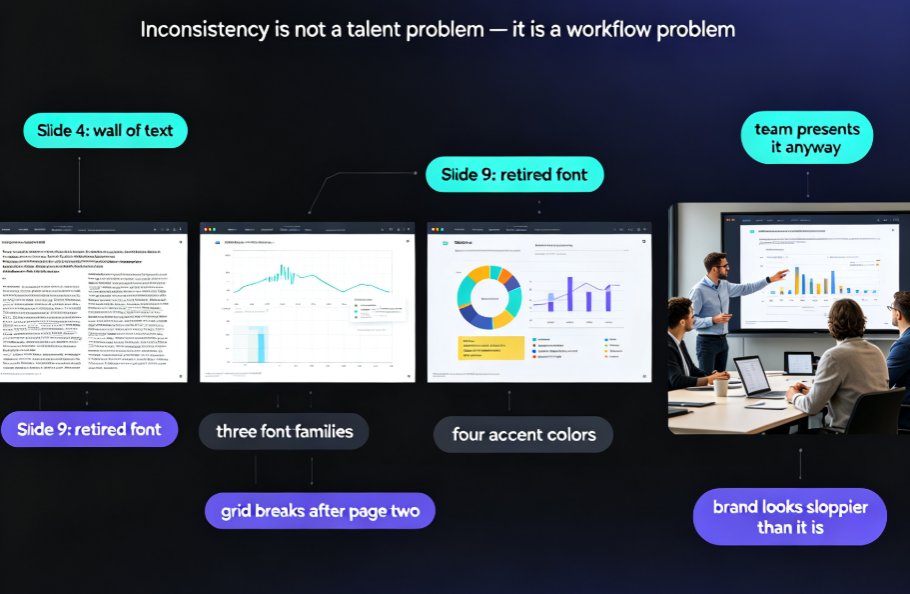
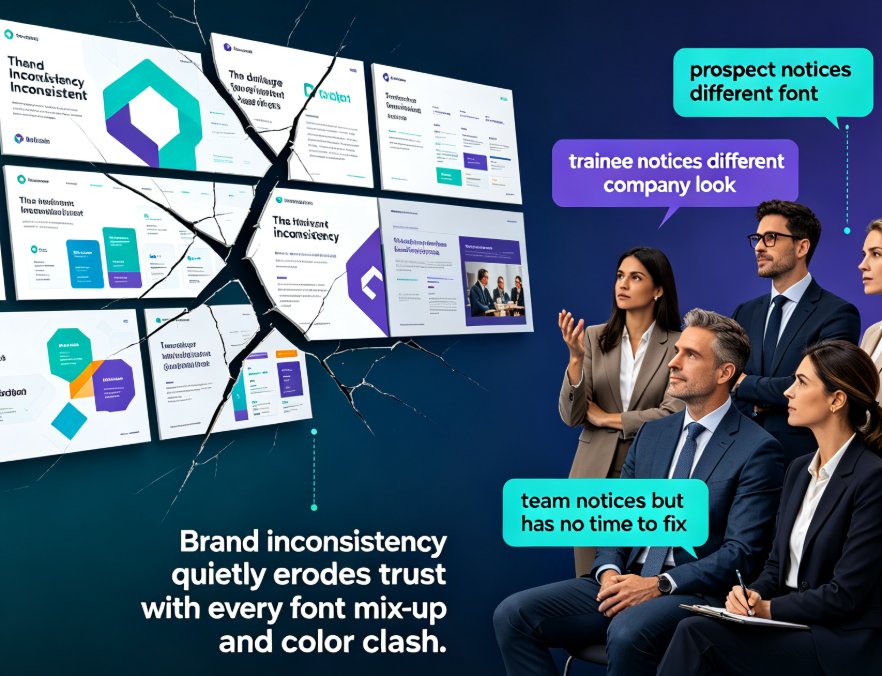
Framework fixes the content. But there's a second, quieter reason AI decks feel generic: template aesthetics that don't match your visual identity. Most AI generators pull from libraries of pre-designed templates designed for visual appeal, not brand alignment. The result is a deck that looks "professionally designed" but completely foreign to your organization — and the problem compounds when every new deck pulls a different template variant, so your library is inconsistent.
This is exactly the gap that led to Zendeck's approach to context-aware design. Instead of dropping your content into a random pretty template, Zendeck's engine reads the structure of your outline — hierarchy, emphasis, relationships — and applies layouts that fit that specific content. It adapts to you rather than making you adapt to a template.
Three capabilities matter most for killing the generic look:
Custom brand kits
Set your fonts, colors, and logo once, and every deck Zendeck produces inherits them. No more blue-gradient surprises. This is how you stop asking "does this look like us?" and start assuming it does. Brand consistency isn't vanity — it's governance that scales across teams.
Smart layout engine
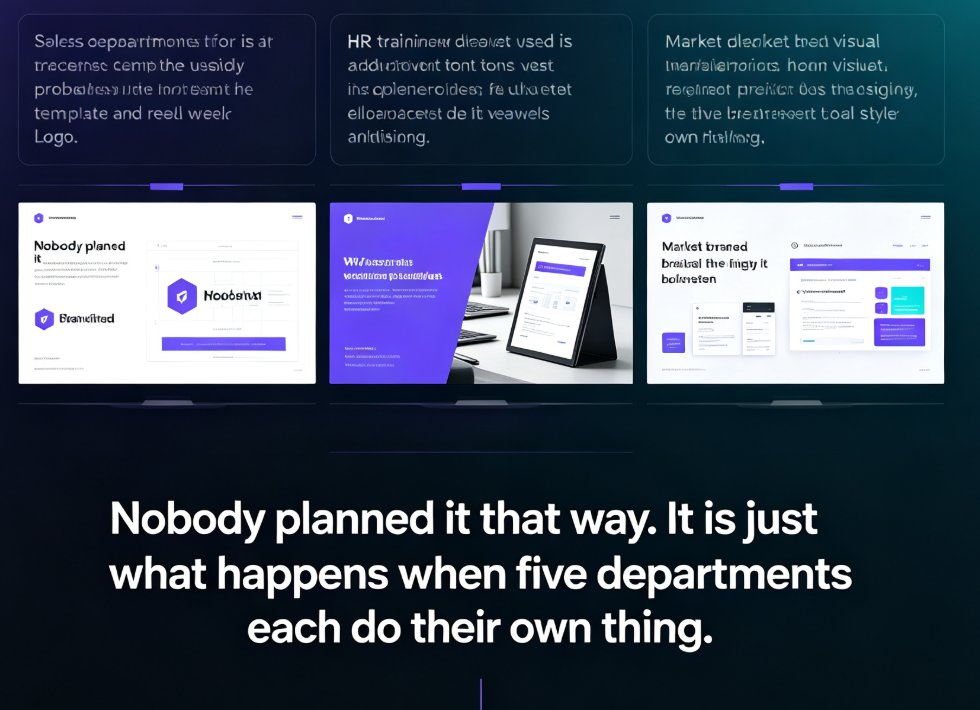
Zendeck's smart layout doesn't just align boxes. It unifies fonts, colors, and spacing across every slide so the deck reads as one designed system rather than five glued-together templates. One-click reskin means when the brand updates, the whole library follows.
Contextual template selection
Rather than a random pull from a template pool, Zendeck matches the template to the content type — a metrics-heavy quarterly review gets a chart-forward layout; a narrative pitch gets an image-led flow. Contextual templates beat generic ones because relevance is the design.
The outcome is a deck that looks authored, not assembled. That distinction is what audiences pick up on in the first ten seconds, even if they can't name it.
04 Generic AI vs. Zendeck: a side-by-side
Let's put the difference in concrete terms. Same content, two workflows:
| Generic AI tool | Zendeck | |
|---|---|---|
| Input | Loose prompt, no framework | Structured outline + framework first |
| Template sourcing | Random pull from a shared library | Contextual match to content type |
| Brand identity | None — default palette | Custom brand kit applied automatically |
| Layout logic | Fixed template slots | Smart layout adapts to content hierarchy |
| Across decks | Different variants each time | Consistent visual system every time |
| Typical finish | "Looks fine... whose brand is this?" | "This looks like us" |
| Redo loop | Generate → cringe → delete → redo | Generate → tweak → present |
That last row is the one that saves your team real hours. The redo loop isn't a productivity tax — it's the actual cost of generic output. And it's where smart design automation pays for itself.
Here's an illustrative look at the time difference between the two workflows across the same three phases — setup, generation, and rework:
Illustrative comparison of typical workflow time — the exact hours vary by team, but the shape of the problem doesn't. Framework-first setups trade a little extra planning for a massive cut in rework.
The point isn't that Zendeck is a magic wand — it's that the combination of a framework (your input) and brand-aware execution (Zendeck's smart layout) removes the two biggest drivers of the generic look: vague input and mismatched templates.
05 A 20-minute blueprint to de-generic your next deck
Here's a routine you can steal this afternoon. It takes about twenty minutes and works with any content you already have.
Minutes 0–5 — Write the decision sentence. What do you want the audience to believe or do? One sentence. If you can't write it, you don't have a presentation yet — you have a topic.
Minutes 5–10 — Force your outline into a hierarchy. Not a bullet list — a structure. Primary argument, three supports, the killer evidence for the likely objection. In Zendeck, you can paste a structured Word or Markdown outline directly, and the smart layout will respect the hierarchy you defined instead of flattening it into template slots.
Minutes 10–15 — Set your brand kit before you generate. If your team works with Zendeck, spend ten minutes configuring fonts, colors, and logo once, then let every deck inherit them. Ten minutes now saves a "can you make it look like us?" round on every future deck.
Minutes 15–20 — Generate, then edit like a human. Use the AI output as a strong draft, not a final. Move one visual anchor. Change a headline's verb. Add a chart from the asset library where the content calls for data. Small human touches after generation are what move a deck from "AI clean" to "deliberately designed."
One honest tip from someone who's made this mistake: don't spend the full 20 minutes polishing a slide that's already fine. The generic look usually comes from too little structure up front, not too little polish at the end. Put the effort into the framework and let the tool execute.
06 When the "uniqueness" payoff shows up
The generic problem isn't cosmetic. It shows up in measurable outcomes:
- An investor who can't remember your deck because it looked like every other pitch deck they saw that day.
- A training course where learners glaze over because the slides look like last year's compliance module.
- A brand team that spends days re-skinning decks because each person generated a different variant.
If you work in education or corporate L&D, this hits even harder — learners clock "templated" within seconds, and credibility drops with it. That's why accessible, consistent courseware has become a design priority, not a nice-to-have.
The good news: you don't need to become a designer to escape the template trap. You need a framework and a tool that respects your brand. Zendeck handles the execution — contextual templates, smart layouts, brand kits — so your slides look yours, not everyone's.
The measure of a great AI deck isn't how fast it generated — it's whether your audience remembers it the next morning. When your input is a framework and your execution is brand-aware, you stop asking "is this good enough?" and start presenting with the confidence that this deck couldn't belong to anyone else.
FAQ
Why do AI-generated slides look generic?
Most AI presentation tools optimize for safety: given a vague prompt, they pull neutral templates, universal icons, and inoffensive palettes. The output is "acceptable to everyone" and therefore compelling to no one. The root cause is usually vague input or a template mismatch with your brand, not a broken tool.
Is the fix better prompts or a better tool?
Neither alone. The durable fix is a framework first — a one-sentence main message, three ranked supporting points, and the evidence that overcomes the main objection. Then use a tool like Zendeck that executes with your brand in mind. Better input plus brand-aware execution is what kills the generic look.
How does Zendeck keep slides brand-consistent?
Zendeck's custom brand kit stores your fonts, colors, and logo, and applies them automatically to every generated deck. Combined with smart layout, which unifies spacing and style across slides, your whole presentation library stays visually consistent instead of pulling different template variants each time.
Can Zendeck adapt to my content instead of forcing a template?
Yes. Zendeck's smart layout engine reads the structure of your outline — hierarchy, emphasis, relationships — and applies layouts that fit that content. Template selection is contextual to your content type, so a metrics-heavy review gets a chart-forward layout while a narrative pitch gets an image-led flow.
How long does it take to set up a brand kit in Zendeck?
Around ten minutes. Configure your fonts, colors, and logo once, and every future deck inherits them. That's the setup hour that pays off as a consistent brand on every subsequent project.