Why AI Deck Tools Are Moving Beyond Templates: Context-Aware Design
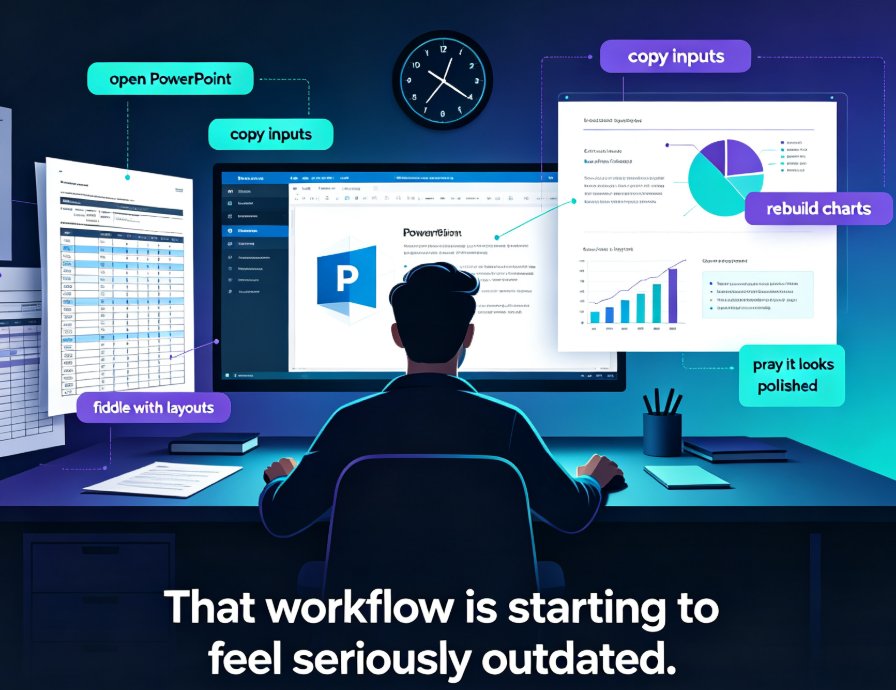
Remember the last time you opened a template gallery and felt your soul leave your body? Forty-seven options, all "professional," none of them right. You pick one that sort of works, then spend the next hour fighting the layout to make your content fit. That's not design — that's a hostage negotiation with a template.
The template era gave us a starting line, but it never understood the race. Static libraries treat every presentation like it's the same problem. A quarterly earnings review, a nursing training module, a startup pitch — they all get the same generic treatment, because the template doesn't know what your content means.
That's changing. AI presentation tools are moving beyond templates into something smarter: context-aware design.
I. The Template Era: A Shortcut That Became a Speed Bump
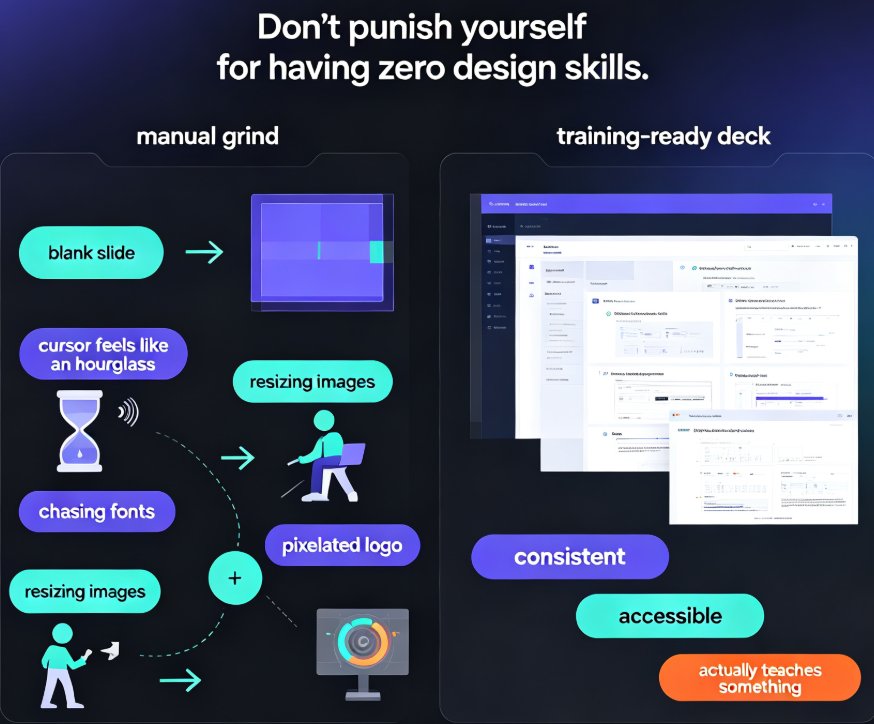
Let's be honest about what templates actually solved. Before libraries, every deck started from a blank canvas. Templates gave us a head start — consistent fonts, pre-built layouts, a color scheme that didn't look like a toddler's crayon experiment. That was genuinely useful.
But here's the catch: templates are static. They're a snapshot of a design decision made by someone who never met your content. Your slide about "Q3 pipeline growth" gets the same visual treatment as someone else's slide about "employee onboarding best practices." The template doesn't know the difference, and it shows.
The pain point is familiar: you spend more time adapting your content to the template than the template saves you. You're resizing text boxes, moving images, deleting decorative elements that don't fit your message. The shortcut became a detour.
The solution isn't more templates — it's templates that understand context. Instead of asking you to choose from a gallery, the tool reads your content and makes the design decisions for you. That's the core idea behind context-aware design, and it's the direction every serious AI presentation tool is heading.
II. What Context-Aware Design Actually Means
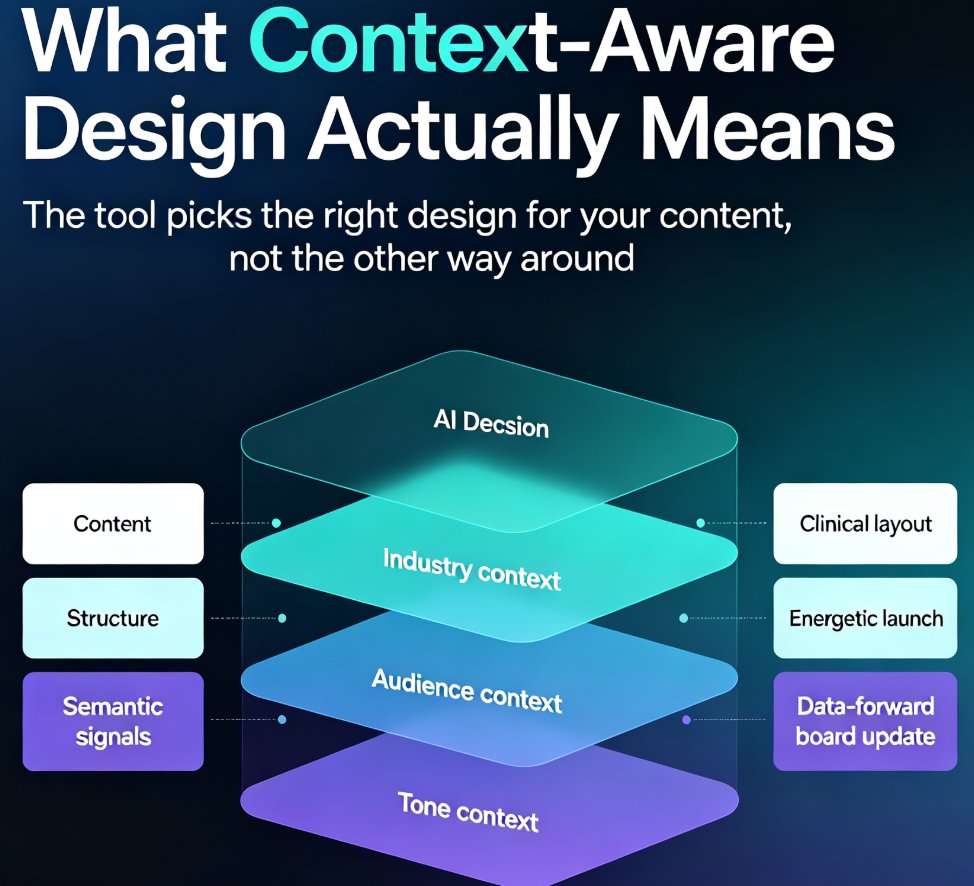
Context-aware design is the shift from "pick a template" to "the tool picks the right design for your content." It's not just smart layout — it's the system understanding what your presentation is about, who it's for, and how it should feel.
Think of it this way: a good designer doesn't just apply a style. They ask questions first. What industry is this for? Who's in the room? What's the tone — formal, energetic, educational? Context-aware AI does the same thing, automatically.
The engine reads your content — the words, the structure, the semantic signals — and matches it to design principles that fit. A medical training deck gets clean, clinical layouts with strong contrast. A product launch gets bold, energetic visuals. A board update gets restrained, data-forward design. Same content input, completely different output — because the context is different.
This is a fundamental shift from how presentation tools have worked for two decades. If you're curious about how Zendeck handles template selection specifically, their approach to AI deck template selection breaks down how the engine makes those choices.
III. Industry, Audience, and Tone: The Three Pillars
Context-aware design rests on three pillars, and understanding them helps you see why this matters for your work.
Industry. A fintech compliance deck and a kindergarten curriculum deck have almost nothing in common visually. The industry determines what "professional" means. Context-aware tools recognize industry-specific language and visual conventions — financial data wants charts and restraint; education wants clarity and warmth; tech wants modern, clean aesthetics. This is exactly the kind of adaptation that AI templates now handle by industry, audience, and tone.
Audience. Who's sitting in the room changes everything. A presentation to executives needs density and data. A training session for new hires needs step-by-step clarity and patience. A pitch to investors needs narrative momentum. The same content, aimed at different audiences, should look and flow differently.
Tone. Is this presentation inspiring, instructional, urgent, or celebratory? Tone shapes color, typography, and pacing. Context-aware design reads the emotional register of your content and adjusts accordingly.
The result: presentations that feel designed for the specific moment, not borrowed from a generic gallery. This is the difference between wearing a well-tailored suit and grabbing whatever's on the rack.
IV. Static Templates vs. Context-Aware Design: A Side-by-Side
| Dimension | Static Template Library | Context-Aware Design |
|---|---|---|
| Content understanding | None — you adapt content to fit | Reads semantics and structure |
| Industry adaptation | Manual — you hunt for the right category | Automatic — matches industry conventions |
| Audience awareness | None — same design for everyone | Adjusts density, pacing, and visuals |
| Tone matching | Limited to template "mood" | Reads emotional register of content |
| Time to first draft | 15-30 minutes of browsing and adapting | Minutes — design decisions handled |
| Design consistency | Depends on your discipline | Enforced by the engine |
| Rework rate | High — you fight the layout | Low — layout adapts to content |
The pattern is clear. Static templates put the design burden on you. Context-aware design moves it to the tool.
V. Why This Matters for Teams (Not Just Designers)
Here's the thing: most people making presentations aren't designers. They're subject matter experts — trainers, HR managers, product marketers, engineers — who have to communicate their expertise visually. The template gallery was always a workaround for that gap.
Context-aware design closes the gap properly. When the tool understands your industry and audience, you don't need design instincts to produce a deck that looks intentional. You just need your content.
For teams, this changes the workflow in three ways:
First, faster first drafts. Instead of browsing templates and adapting, you paste your outline and get a structured, styled deck in minutes. The time you used to spend on design decisions goes back into content quality.
Second, consistent quality across the team. When design decisions are made by the engine rather than individual judgment, the variance between "good deck" and "bad deck" shrinks dramatically. Everyone produces at the same quality bar.
Third, brand compliance without the fight. Context-aware design can work with your brand kit, so the output is on-brand by default — no more chasing colleagues who used the wrong font or an off-brand color. If you're wrestling with brand consistency across hundreds of slides, this is the fix you've been looking for. For a deeper dive on maintaining consistency, check out how AI brand kits keep hundreds of slides on-brand.
VI. Zendeck's Approach: Design Decisions, Not Template Choices
This is where Zendeck comes in. Zendeck's context-aware template engine doesn't just offer you a library — it reads your content and automatically selects the design that fits your industry, audience, and tone.
The workflow is simple: you paste your outline or upload a Word document, and Zendeck analyzes the content semantics. It identifies what kind of presentation this is, who it's for, and how it should feel. Then it generates a deck with layouts, colors, and typography matched to that context.
What makes this different from a standard template picker? The engine isn't matching keywords to categories. It's understanding the structure and intent of your content — then applying design principles that serve that intent. The result is a deck that looks like it was designed for your specific material, not borrowed from a generic collection.
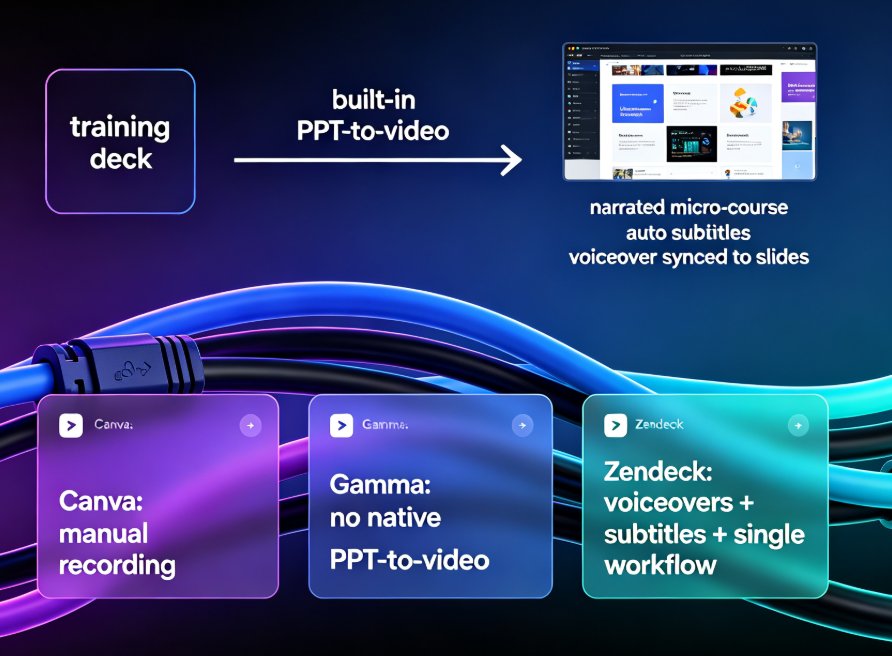
For teams that need consistency, Zendeck pairs this with brand kits and smart layouts, so the context-aware output stays on-brand. And if you want to go further, the platform can turn finished slides into narrated video micro-courses — but that's a story for another article.
VII. The Road Ahead: From Templates to Strategy
The shift from static templates to context-aware design is part of a bigger movement. AI presentation tools are moving from design automation to strategic assistance — helping you think about what to say, not just how it looks. This is the same shift from design to strategy that's reshaping the entire category.
We're seeing the early signs: AI that suggests narrative structures, that adapts to audience reactions, that generates speaker notes and coaching cues. The template was step one. Context-aware design is step two. What comes next is tools that help you think, not just format.
The practical takeaway: if you're still spending your evenings fighting templates, you're working harder than you need to. The tools have moved on. Context-aware design means the deck starts to feel like it was made for you — because it was.
If you're exploring what AI can do for your presentation workflow, the AI courseware category has more resources on how these tools are evolving.
FAQ
What is context-aware design in AI presentation tools? Context-aware design means the AI reads your content — industry terms, audience signals, tone — and automatically selects or generates a design that fits. Instead of you picking from a static template gallery, the tool makes design decisions based on what your presentation is actually about.
How is context-aware design different from smart templates? Smart templates typically adjust layout within a chosen template. Context-aware design goes further: it understands the semantic content and selects the entire design direction — layout, color, typography, pacing — based on industry, audience, and tone. It's a bigger decision, made automatically.
Does context-aware design work with brand guidelines? Yes. Tools like Zendeck combine context-aware design with brand kits, so the automatically generated deck stays on-brand. The engine respects your brand colors, fonts, and visual rules while adapting the design to the specific presentation context.
Who benefits most from context-aware design? Anyone who makes presentations regularly but isn't a designer. Trainers, HR professionals, marketers, and subject matter experts benefit most, because they get professional-looking decks without needing design skills or spending hours on template selection.
Will context-aware design replace human designers? No. It replaces the tedious parts of template selection and layout adaptation. Human designers still bring strategic thinking, custom visuals, and creative judgment. Context-aware design handles the repetitive work so humans can focus on content and strategy.