Zendeck vs PowerPoint: Why AI Generation Beats Manual Slide Design
Zendeck vs PowerPoint: Why AI Generation Beats Manual Slide Design
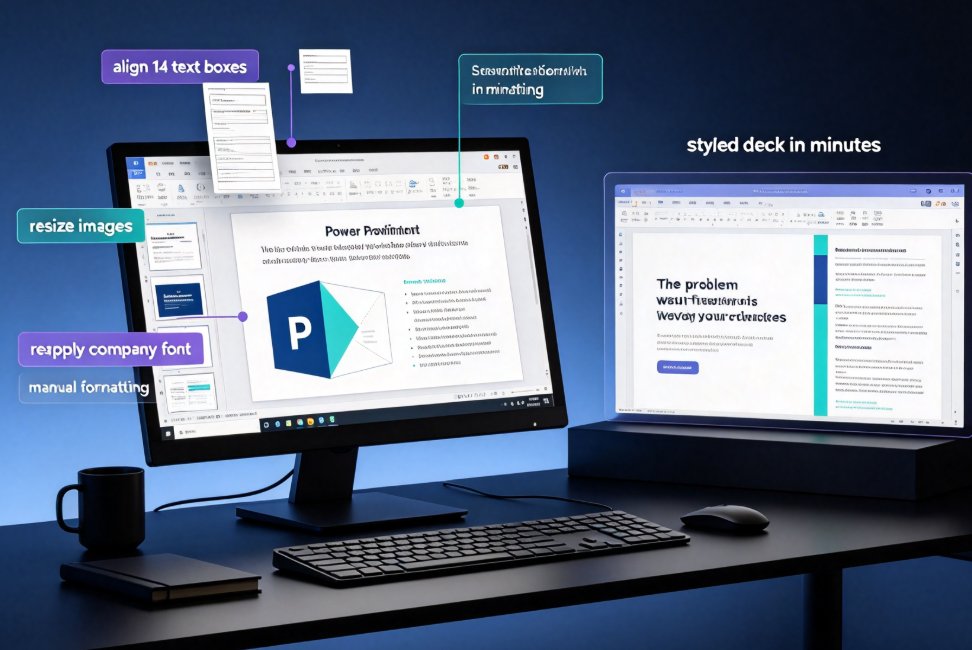
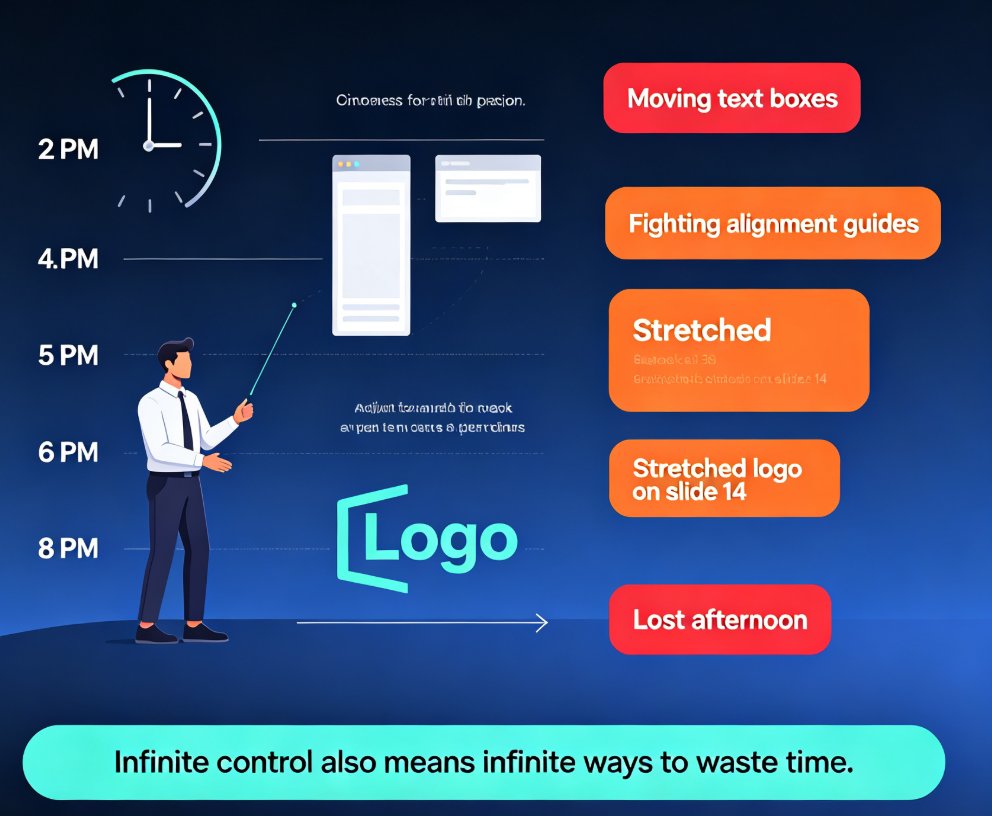
The 6-hour problem nobody talks about. You sit down at 2 PM to "quickly" update a presentation. By 8 PM, you're still moving text boxes, fighting with alignment guides, and wondering why the company logo looks slightly stretched on slide 14. Sound familiar?
If you've ever built a deck in PowerPoint, you know the drill. The tool gives you infinite control — and infinite ways to waste time. Every font choice, every color pick, every bullet point alignment is a decision that eats minutes. Multiply that across 20 slides and you've lost an afternoon.
Zendeck takes a fundamentally different approach: you provide the content, and the AI handles the design. No more wrestling with layout grids. No more squinting at color palettes. Just paste your outline, pick a template, and get a finished deck in minutes.
This article breaks down exactly where Zendeck beats PowerPoint, where PowerPoint still holds its ground, and how to decide which tool belongs in your workflow.
I. The Real Cost of Manual PowerPoint Design
Let's be honest about what manual slide design actually costs. It's not just the hours — it's the cognitive drain of making dozens of micro-decisions that have nothing to do with your actual message.
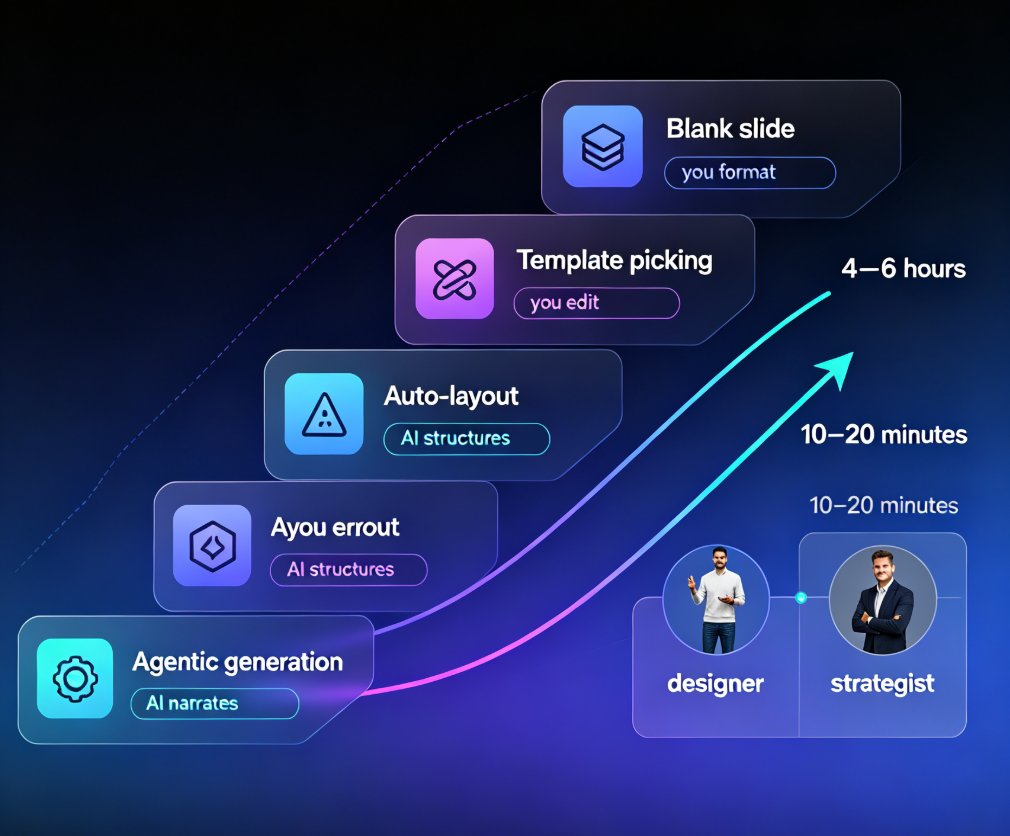
A typical 20-slide deck built in PowerPoint takes a non-designer 4 to 6 hours to complete. That includes:
- Structuring content (45-60 min): Deciding what goes on each slide, what order makes sense, what to cut.
- Building slides (2-3 hrs): Creating text boxes, adding images, placing charts, adjusting layouts.
- Design polish (1-2 hrs): Choosing fonts, matching colors, fixing alignment, making it "look professional."
- Revisions (30-60 min): Moving things around after someone reviews it and says "can we make this pop?"
The worst part? Most of that time is spent on design mechanics, not on the actual content. You're not thinking about your message — you're thinking about whether the bullet points are vertically centered.
II. What Zendeck Does Differently: From Outline to Deck in Minutes
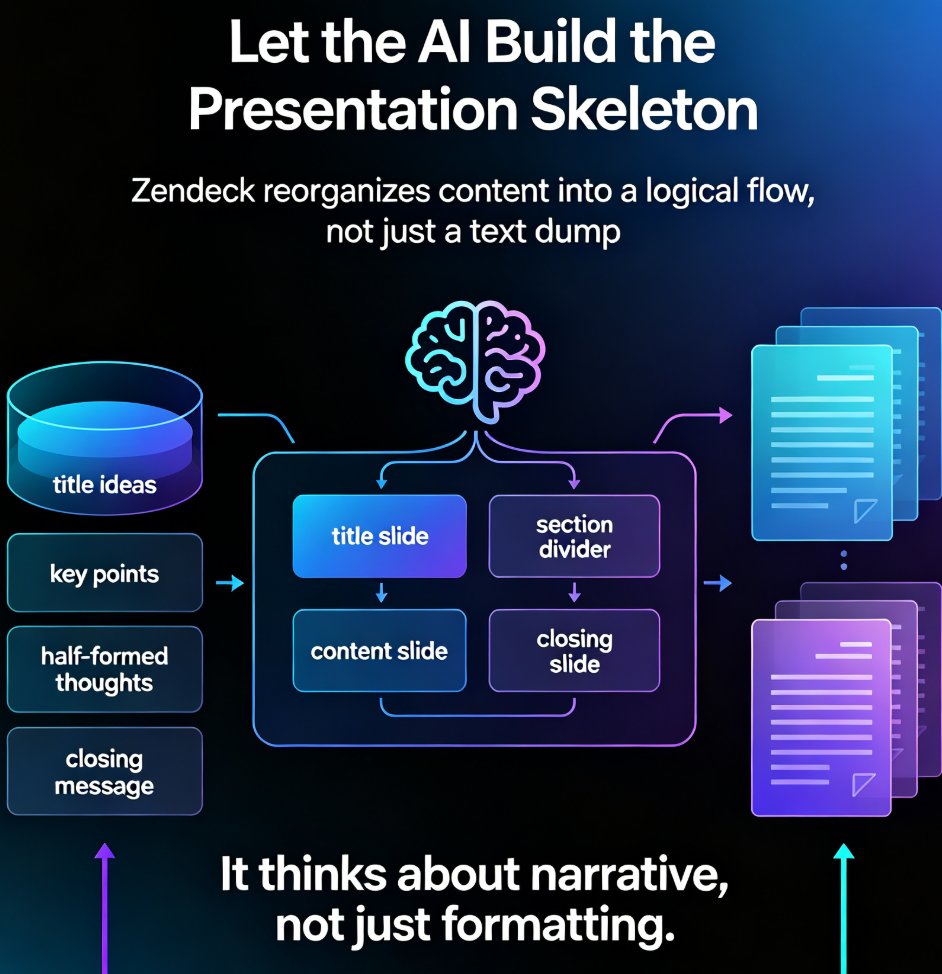
Zendeck flips the workflow. Instead of starting with a blank slide and building up, you start with your content and let the AI build around it.
Here's how it works in practice:
- Drop in your content. Paste a Word outline, Markdown, or plain text. Zendeck reads the structure and understands the hierarchy of your points.
- Pick a template. The AI recommends layouts based on your content type — a training deck gets a different treatment than a sales pitch.
- Let the AI generate. Zendeck produces a complete, visually consistent deck with proper typography, color harmony, and layout balance.
- Fine-tune with one click. Need a different look? One-click reskinning changes the entire deck's theme without breaking the layout.
The entire process takes 10 to 15 minutes for a 20-slide deck — versus 4 to 6 hours in PowerPoint. That's not a marginal improvement; it's a 20x speedup.
If you want to see the full workflow in action, check out how Zendeck generates professional slides from a simple prompt.
III. Speed Showdown: AI vs Manual
Let's put the numbers side by side. The table below breaks down where the time actually goes when building a 20-slide presentation.
| Task | PowerPoint (Manual) | Zendeck (AI) | Time Saved |
|---|---|---|---|
| Content structuring | 45-60 min | 5 min | ~50 min |
| Slide creation | 2-3 hours | 10 min | ~2.5 hours |
| Design & layout | 1-2 hours | 2 min | ~1.5 hours |
| Revisions | 30-60 min | 5 min | ~45 min |
| Total | 4-6 hours | ~20 min | ~4+ hours |
The gap is even wider when you factor in rework cycles. In PowerPoint, a stakeholder request like "can we try a different color scheme?" means manually updating every slide. In Zendeck, it's a single click.
For a professional who creates 5-10 decks per month, switching to AI generation recovers 20 to 40 hours of productive time every month. That's a full work week — or more — back in your calendar.
IV. Design Quality: Where Manual Work Falls Short
Here's the uncomfortable truth: most non-designers aren't good at design. And PowerPoint doesn't help — it gives you a blank canvas and expects you to know what to do with it.
Common problems in manually-built decks:
- Inconsistent fonts. You start with Arial, switch to Calibri on slide 6, and end with a random font you downloaded once.
- Clashing colors. The company blue doesn't quite match the accent color you picked, but you can't tell until it's on a projector.
- Misaligned elements. Text boxes that are 2 pixels off from each other. Images that don't line up with the grid.
- Visual clutter. Too many bullet points, too many animations, too many "fun" transitions.
Zendeck eliminates these problems by design. The AI enforces consistent typography, harmonious color palettes, and proper spacing across every slide. You get the polish of a professional designer without needing design skills.
If you've ever wondered why your AI-generated slides still look messy, it's usually because the tool isn't handling design constraints properly. Zendeck's smart layout engine applies design rules automatically — no manual tweaking required. Here's a deeper look at why AI slides look messy and how Zendeck fixes it.
V. Beyond Static Slides: The Features PowerPoint Can't Match
PowerPoint has been around for decades, and it's good at what it does: static slides. But modern presentation needs go beyond static.
Zendeck's PPT-to-video feature turns your deck into a narrated micro-course. Add voiceover, subtitles, and export a video that works for asynchronous training or sharing on social platforms. PowerPoint can't do this natively — you'd need separate recording software, video editing tools, and a lot of patience. Learn more about adding narration to slides with Zendeck's PPT-to-video.
Other capabilities that go beyond PowerPoint:
- Smart asset library: AI-generated icons, charts, and illustrations that match your deck's style.
- Brand kit enforcement: Upload your brand colors and fonts once; every deck stays on-brand automatically. See how to create a custom brand kit in Zendeck.
- Collaboration: Share a link, edit online, and get feedback without emailing files back and forth.
For teams that create training materials, sales decks, or client presentations, these features turn a presentation tool into a content production system. PowerPoint is a hammer; Zendeck is a workshop.
VI. When PowerPoint Still Makes Sense
Let's be fair. PowerPoint isn't useless. There are scenarios where it's still the right choice:
- Deep customization: If you need pixel-perfect control over every element and have the design skills to pull it off.
- Legacy files: You have hundreds of existing PowerPoint files with complex animations and macros.
- Offline work: You need to work without internet access.
- Specific enterprise requirements: Your organization mandates PowerPoint for compliance reasons.
The smart approach is hybrid: use Zendeck for the 80% of decks that follow standard formats, and keep PowerPoint for the 20% that need heavy customization. Most professionals find that the 80% is where they spend most of their time anyway.
VII. How to Make the Switch Without Losing Your Mind
Switching tools doesn't mean abandoning everything you know. Here's a practical migration path:
- Start with one deck. Pick a low-stakes presentation — a team update, a training recap — and rebuild it in Zendeck.
- Import your content. Paste your existing outline or Word document into Zendeck and let the AI generate a fresh version.
- Compare the results. You'll likely notice the AI version looks more polished in less time.
- Set up your brand kit. Upload your logo, brand colors, and fonts so every future deck is automatically on-brand.
- Graduate to video. Once you're comfortable, try converting a training deck into a narrated video for your team.
The learning curve is minimal — if you can write an outline, you can use Zendeck. No design tutorials, no template hunting, no alignment guides.
For more tips on getting the most out of AI presentation tools, browse our AI courseware guides.
FAQ
How much time does Zendeck actually save compared to PowerPoint? For a typical 20-slide deck, Zendeck reduces creation time from 4-6 hours to about 15-20 minutes — a 90%+ reduction. The exact savings depend on your familiarity with the tool and the complexity of your content.
Will my slides look as good as what I can make in PowerPoint? For most non-designers, Zendeck's AI-generated slides look significantly better than manually-built PowerPoint decks. The AI enforces consistent typography, color harmony, and layout balance that manual work rarely achieves without design training.
Can I still edit slides after Zendeck generates them? Yes. Zendeck generates editable slides, so you can fine-tune any element after generation. The difference is that you start from a polished base instead of a blank canvas.
Does Zendeck work for team presentations and brand consistency? Absolutely. Zendeck's brand kit feature lets you upload your brand colors, fonts, and logo once. Every deck generated by any team member stays on-brand automatically — something that's nearly impossible to enforce in PowerPoint.
What happens to my existing PowerPoint files? You can use your existing content as a starting point. Paste your outline or content into Zendeck, and the AI will rebuild it with proper design. You don't need to start from scratch.