Zendeck vs. PowerPoint: 6 Reasons AI Slides Win for Trainers
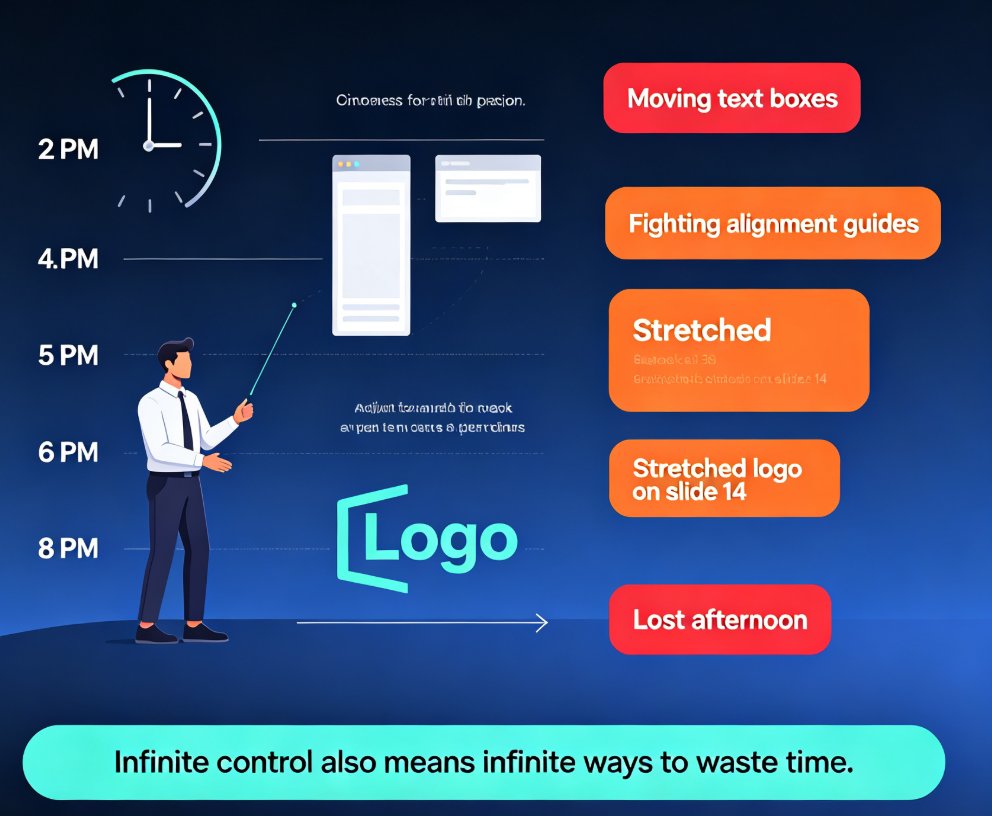
It's 4:47 p.m. on a Friday. Your training deck needs a serious refresh — new policy updates, new screenshots, and a design that hasn't aged well since 2021. You open PowerPoint, and two hours later you've individually realigned 14 text boxes, re-sized three images, and re-applied the company font for the fifth time this month. Sound familiar?
If you build courseware, onboarding materials, or client-facing workshops, this is the ritual nobody talks about. The problem was never your content — it's that traditional PowerPoint makes you do the tedious work by hand, and that cost isn't small.
Independent research consistently shows a standard 15-slide presentation takes 2–4 hours to build manually in PowerPoint (source: deck-building benchmark research, 2026). Meanwhile, AI-powered presentation tools can generate a complete, styled deck in minutes — and 2026 research shows teams using AI presentation tools reduce creation time by roughly 70% compared to PowerPoint workflows. That gap isn't a small optimization; it's a workflow shift. Here's how it breaks down for trainers.
I. The Trainer's Time Audit: Where Hours Actually Go
Let's be honest about what a "finished" PowerPoint actually requires:
- Aligning text boxes and images slide by slide
- Matching fonts and colors to your organization's brand — manually
- Redesigning slides whenever a stakeholder asks for a "different look"
- Adding speaker notes, alt text, and consistent slide numbering
- Re-doing all of it when you need to adapt the deck for a new workshop format
Each of these tasks feels minor individually. Together, they turn a 30-minute content edit into a 3-hour formatting session. For trainers, this is the true cost of PowerPoint: every hour you spend aligning boxes is an hour you're not spending on your actual training material.
◉ Do trainers really lose that much time?
The research says yes. Benchmarks show the manual route eats 2–4 hours per standard deck. Even with AI assistance built into PowerPoint (like Copilot), the design and brand-application work still lands on you — Copilot works best as a refinement tool for existing content, not as an end-to-end builder. Trainers starting from scratch every semester or product-launch cycle feel this most acutely.
II. Speed: From Blank Canvas to Finished Deck in Minutes
The most obvious reason AI slides win for trainers is speed. Where PowerPoint is a blank canvas begging for manual decisions, a tool like Zendeck takes your outline and handles structure, layout, and styling in one pass.
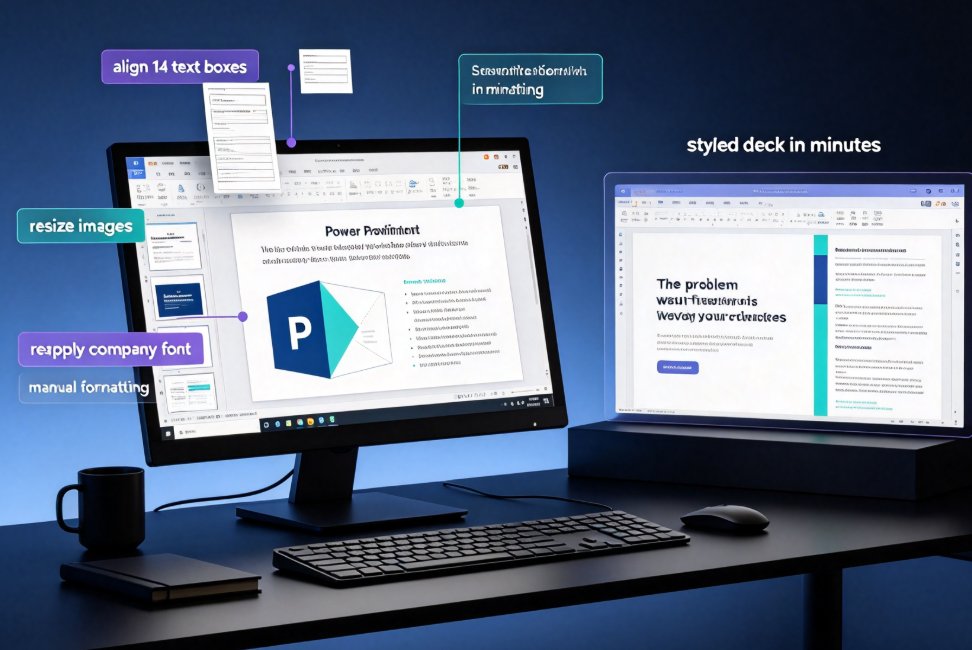
The real headline: what takes 2–4 hours in PowerPoint can be produced — complete, branded, and structured — in minutes with AI generation. The chart below puts the gap in perspective.
That "5 minutes" figure includes generation plus a quick review pass. It does not include the hours of manual formatting you skip — because there is none. For trainers running weekly classes or quarterly compliance training, that's not a marginal improvement; it's a released afternoon every time you build a deck.
If you want the full picture on why AI production is replacing the manual pipeline, our piece on how AI deck generation is replacing traditional PPT in 2026 covers the broader shift.
III. Design Quality Without a Design Degree
Here's the dirty secret of PowerPoint: it gives everyone a blank canvas — powerful if you're a designer and paralyzing if you're not. Most trainers are not designers. They're subject-matter experts who happen to be accountable for how their material looks.
◉ Will your slides look like a cookie-cutter template?
Only if you pick a cookie-cutter template. The difference between amateur-looking and professional-looking slides is consistent design rules — applied uniformly — and that's exactly what AI slide tools automate. Zendeck handles font pairing, spacing, color, and layout decisions for you, so every slide in the deck follows the same system without you knowing (or caring) about the underlying design logic.
This matters on a practical level: learners judge courseware on visual polish, and sloppy layouts undermine your credibility before you've said a word. AI design automation removes that risk. For a closer look at how smart layouts and design automation are changing the game, see our breakdown of the 2026 shift to smart layouts and AI-driven design.
IV. Brand Consistency Without the Police Work
Trainers at larger organizations face a specific nightmare: keeping every deck on-brand. Different courses, different authors, different versions — and the logo ends up in slightly the wrong place on half of them.
It's exhausting to police. Zendeck instead puts brand rules into the deck generation itself. Upload your brand assets or set the rules once, and every slide you generate follows them automatically — fonts, colors, layout, logo placement. That's the difference between hoping your colleague got the 2019 brand update and knowing the deck can't deviate from it.
If you manage course decks across a team, our guide on creating a custom brand kit in Zendeck for consistent decks walks through the practical steps.
V. From Raw Outline to Structured Courseware
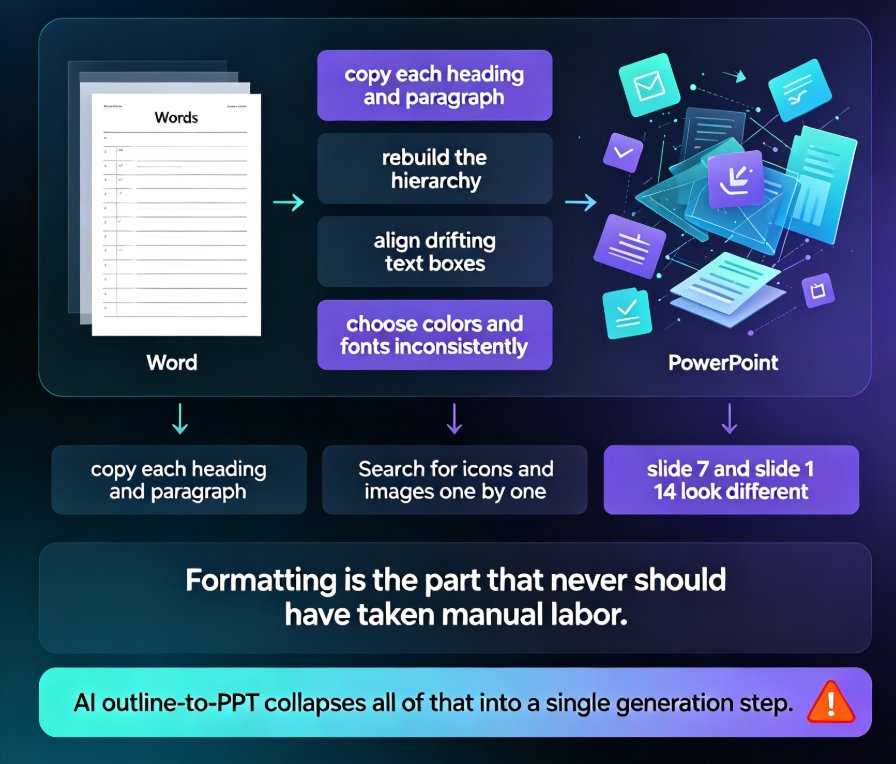
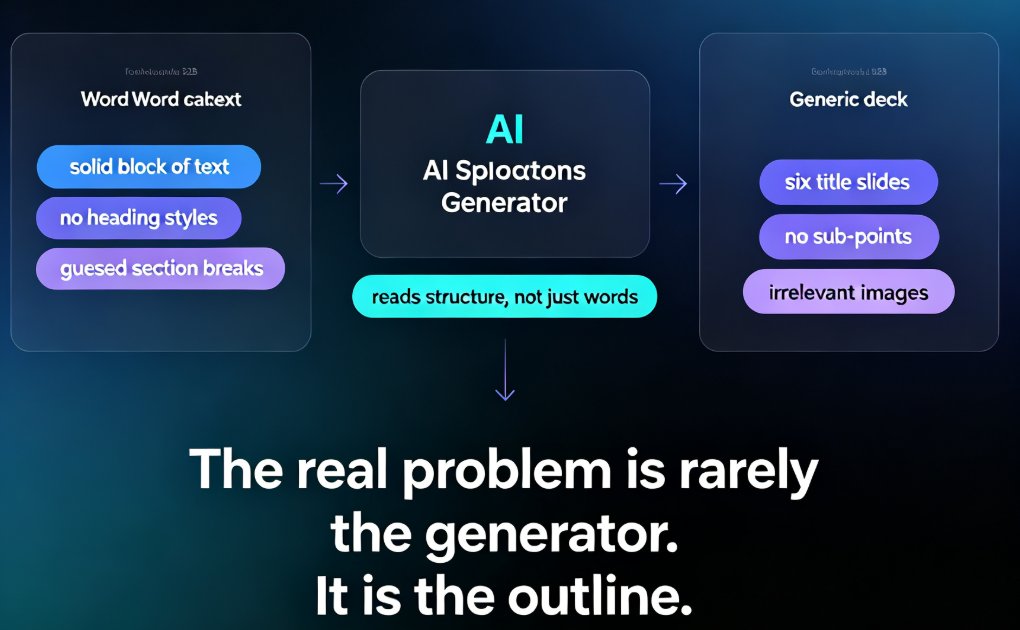
Most trainers don't start with slides — they start with a Word document, a syllabus, or a stack of notes. The translation from prose to slides is where the real work happens, and PowerPoint gives you zero help there.
Zendeck treats this as the core flow: you paste a Markdown outline or upload a Word document, and the AI structures it into a slide deck with titles, body copy, and supporting visuals. The narrative arc of your course gets preserved while the formatting burden disappears.
That's a meaningful shift for trainers who think in content, not in layouts. If you've ever built a course from a messy syllabus, this workflow alone might justify the switch. For the integration details, check out how AI presentation tools integrate with Word and Google Docs.
VI. The Slides Are Only the Beginning: PPT to Video
Here's where trainers get an advantage that PowerPoint simply can't match. Modern learning doesn't stop at a deck — learners want on-demand micro-courses they can watch before class, after class, or instead of a live session.
Zendeck converts a finished presentation into a narrated video micro-course, adding voiceover and keeping the visual flow intact. For a training team publishing onboarding content, that means one source deck becomes both live materials and a replayable video — no separate video editing project required.
We've covered this in depth in our piece on why AI PPT-to-video is becoming the 2026 corporate training standard. The short version: if you're delivering training that people need to rewatch, the video layer is now table stakes, and it should come from the same deck you already built.
Zendeck vs. PowerPoint: The Comparison Table
| Dimension | PowerPoint (manual) | PowerPoint + Copilot | Zendeck AI |
|---|---|---|---|
| Time to build a 15-slide deck | 2–4 hours | ~90 minutes (still manual design/brand work) | ~5 minutes |
| Design consistency | Manually enforced | Partially assisted | Automated (theme, layout, fonts) |
| Brand governance | Manual, error-prone | Limited | Enforced at generation |
| Outline / Word import | Minimal support | Document conversion | Directly generates structured slides |
| Design skills required | Yes, for good results | Some | None |
| PPT-to-video export | Not native | Not native | Yes, narrated micro-courses |
| Accessibility features | Manual alt text | Limited | Automated support (alt text, subtitles) |
The Verdict: When to Use Which
PowerPoint is not dead, and it's not wrong for every job. For deep slide-by-slide customization, offline editing, or a highly specific interactive layout that only you know how to build, it remains a legitimate tool. But for trainers producing courseware regularly, AI slide generation is the better default — it removes the formatting tax, enforces quality, and gets you to the learning content faster.
The trainer's job is to teach, not to wrestle with alignment guides. If you're spending more time on layouts than on your content — and the data says most are — the move to AI slides is less about technology and more about getting your evenings back.
For a practical starting point, browse our AI courseware category for step-by-step guides on templates, design, and production workflows. And if you're new to AI deck building, our guide to avoiding the common AI presentation mistakes will save you the trial-and-error phase entirely.
FAQ
Q: How much time does Zendeck actually save compared to PowerPoint?
A: Building a 15-slide training deck in PowerPoint typically takes 2–4 hours. With Zendeck, you paste an outline or upload a Word document and get a structured, designed deck in minutes. Research from 2026 shows teams using AI presentation tools reduce creation time by roughly 70% versus traditional PowerPoint workflows. The real win: hours that used to go to formatting get reinvested in content quality.
Q: Do trainers need design skills to produce professional-looking slides with Zendeck?
A: No. Zendeck auto-applies a consistent theme — fonts, colors, spacing, and layouts — so every slide looks intentional. Whether you're building a university lecture or a corporate onboarding deck, the design decisions are handled automatically. That's a relief if design has never been your strength.
Q: Can I bring existing PowerPoint or Word content into Zendeck?
A: Yes. Zendeck accepts Word outlines and pasted Markdown or plain text, and it structures them into slides directly. It's built for people who already write in documents — you create content where you're comfortable, then generate the deck from that outline instead of starting from a blank slide.
Q: Will Zendeck keep my organization's branding consistent across decks?
A: Yes. Zendeck can enforce brand rules at generation time, so fonts, colors, and layout stay on-brand deck after deck. For training teams that ship lots of courseware — and can't afford to manually re-check logo placement on every slide — this is one of the strongest reasons to switch.
Q: Does Zendeck do more than make slides?
A: Yes. Zendeck turns finished decks into narrated video micro-courses, great for asynchronous learning and LMS uploads. It also includes an asset library of icons and charts, so you don't need to source visuals elsewhere. Slides become one step in a fuller training-production workflow, not the endpoint.