Zendeck Collaboration Features That End Version Chaos in Team Decks
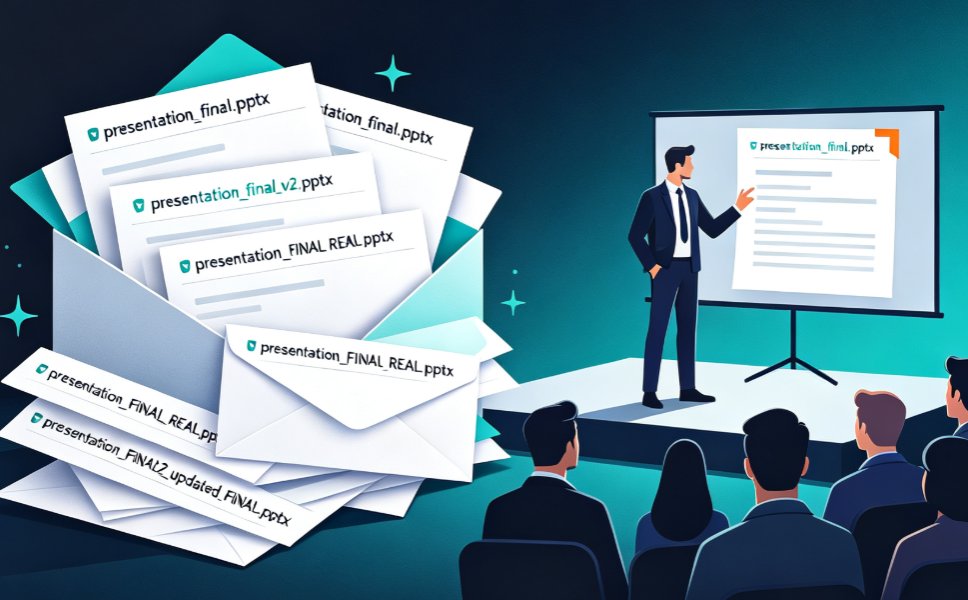
Thursday, 9:47 PM. Your team lead posts FINAL_v7_ACTUAL_USE_THIS.pptx in the group chat. Your designer is midway through slide 14. Your writer is fixing a typo on slide 3. And somewhere in your inbox, there are four other versions that might be obsolete.
That is not a workflow. That's a graveyard of good intentions.
If you've ever built a presentation with more than one person, you know the drill. And you know the fix isn't another folder called final_final_2.
01. The real cost of deck chaos
Everyone blames the tool, but the tool isn't the problem. The problem is how teams produce decks: one file, many hands, zero coordination.
Think about how much time disappears into these tasks:
- Waiting for someone to send "the current version"
- Re-doing an edit because you worked on the wrong copy
- Translating chat feedback into actual slide changes
- Reconciling two people's different edits of the same slide
Add up the hours across a five-day project and the number gets sobering. Most teams spend more time coordinating the deck than writing it. In my years running content teams, I've watched a two-hour polish job swallow a full working day — purely because every change had to be routed through the one person who "had the file."
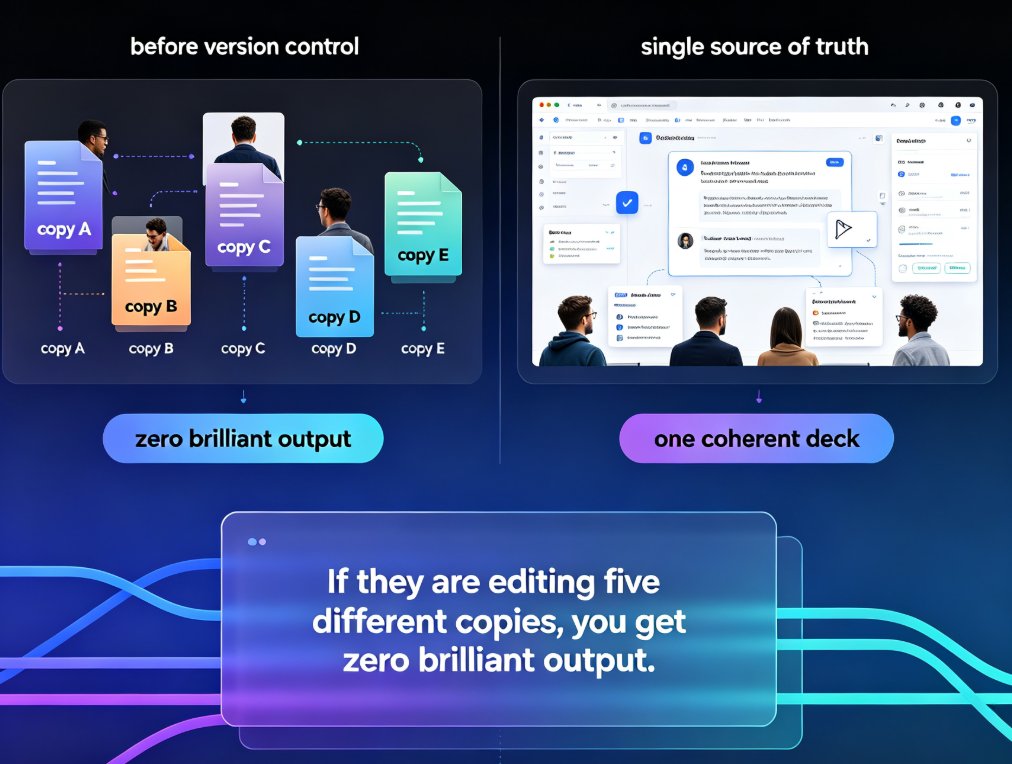
The problem with most team decks isn't design talent. It's version control. You can have five brilliant people in a room, but if they're editing five different copies, you get zero brilliant output.
02. Why "pass-the-file" workflows break
The old model looks like this:
- Person A builds a deck and emails it to B.
- B edits locally, saves
v2, and emails it back. - A can't spot B's changes at a glance because B rearranged three slides and didn't say where.
- C, meanwhile, is working from the original v1 because nobody told them about v2.
Step 4 is where decks die.
Email and chat are great at many things. They are terrible at one thing: maintaining a single source of truth for a living document. Every handoff introduces ambiguity. Every rename creates a fork. And every fork is a future argument about "whose version is right."
This is why feedback sessions feel like archaeology — you spend the first ten minutes figuring out what you're even looking at.
03. What smooth collaboration actually looks like
Let's be real about the bar. A good team presentation workflow has three properties:
- One file, always current. No copies, no forks, no "latest" guessing game.
- Feedback where the content lives. Comments attached to the slide they're about, not lost in a chat thread.
- Controlled access. Stakeholders can view or comment without touching the working file.
None of these are exotic. Modern teams expect them. But most presentation tools treat collaboration as an afterthought — a "share" button bolted on after the real work.
That's exactly where Zendeck breaks the pattern.
04. Zendeck's collaboration features in action
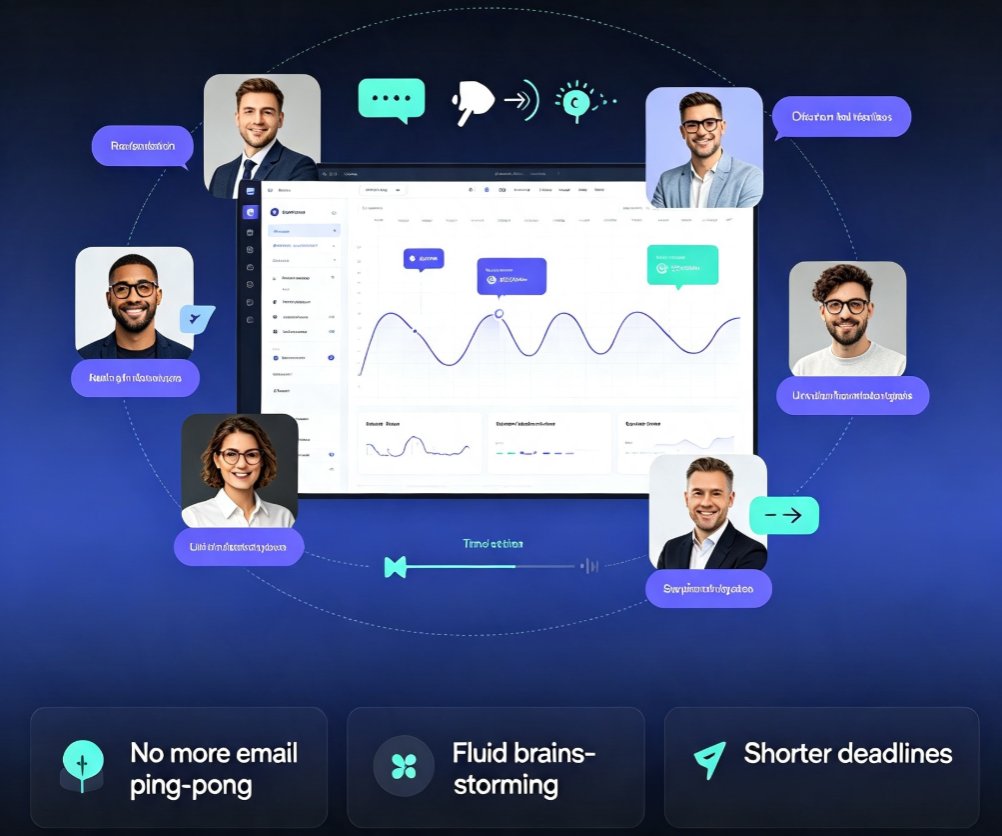
Zendeck hosts your deck online, so "the file" stops being something you pass around. Multiple people open the same deck, edit live, and see changes settle in real time. No duplicates. No sync conflicts. Just one evolving deck that everyone looks at together.
Link sharing with controls means you pick who sees what. A stakeholder gets a view-only link and reviews the final deck. A subject-matter expert gets comment access and marks up specific slides. Your co-author gets full edit rights. You're not emailing attachments; you're handing out keys.
Slide-anchored comments are the quiet killer feature. When someone says "this stat doesn't look right," that comment is pinned to the slide with the stat. The conversation stays in context. You fix it, mark it resolved, and move on. No more scrolling through a six-hour chat thread to find the note about slide 14.
05. The multiplier: reskin, don't redo
Here's where Zendeck stops being "like other tools" and starts being a different animal.
After your team finishes the content, someone still has to make the deck look consistent. In the old workflow, that meant a designer — or the most patient person on the team — spending an evening aligning fonts and color values.
Zendeck's one-click reskin applies your template or brand kit across every slide. You're not starting over; you're unifying in a single interaction.
When any team member can enforce brand consistency in one click, the design bottleneck disappears. Your least design-savvy teammate can trigger a reskin and get a uniform, on-brand deck. That's not a design feature; it's a collaboration feature, because it removes the dependency on one person.
If your team deals with strict brand rules, Zendeck's brand kit workflow covers the deeper setup, and AI-governed brand consistency is worth a read for keeping standards enforced automatically.
06. The whole pipeline: outline to final deck
The collaboration story doesn't start at the design stage. Many teams begin with a Word outline or a shared Markdown doc.
Zendeck handles that start as well. Upload a Word outline or paste Markdown/TXT, and Zendeck generates a structured deck. From there, the team jumps in to refine, comment, and polish — all in the same online space.
This is especially useful for training and course teams. A curriculum developer drafts the outline; a subject-matter expert reviews and comments; an instructional designer reshapes the slides. All of it happens in one deck. When the deck is approved, parts of the same file can be turned into narrated micro-courses via PPT-to-video — no rebuild required.
There are more hidden features of AI presentation tools that boost team productivity worth exploring if your team runs on tight cycles.
07. The collaboration comparison
| Pain point in a typical team deck project | The old way | With Zendeck |
|---|---|---|
| Several teammates need to edit the same deck | Email copies back and forth; version names multiply | One online deck; everyone edits live |
| Feedback arrives on the wrong version | Comments scatter across chat and email | Comments anchored to exact slides |
| Client or stakeholder needs to review | Send a PDF; feedback arrives in a separate email | Share a view-only or comment-only link |
| Design consistency after edits | One person spends hours fixing fonts and layouts | One-click reskin with brand kit or template |
| Turning a deck into training material | Rebuild from scratch in another tool | Export the same deck to PPT-to-video |
Read the table top-to-bottom: every row is a weekly argument that disappears.
08. Building a team deck workflow that sticks
Tools help, but habits win. Three practices that make collaboration actually stick:
One: make Zendeck the only home for decks. No downloads for teammates. If someone wants to review, give them a link. This single rule eliminates the majority of version chaos before it starts.
Two: agree on comment-to-edit discipline. Early in the project, leave comments instead of making direct edits. You keep a readable history of what changed and why. When someone asks next month why slide 9 was cut, you have the answer.
Three: assign one final QA pass. Even with live co-editing, one person should own the final pass — checking numbers, links, and unfinished sentences before a client or class sees the deck. Zendeck makes this pass fast because layout and branding are already consistent.
If your team handles sensitive content, also keep 2026 data security trends in AI presentation tools on your radar. Collaboration should be frictionless — not careless.
09. The outcome, in practice
What changes when a team actually adopts this workflow? Meetings begin with the deck open, not with five minutes of "who has the latest version?" Comments get addressed because they're visible where the content lives. And the final deck stops being a hostage of whoever had the file last.
That's the real payoff of Zendeck's collaboration design: it removes the logistics friction that quietly eats deadlines. You still need good content and clear thinking. But you stop burning your best hours on coordination.
The deck goes out on time. The team argues about ideas instead of files. And Thursday nights look different.
FAQ
Q: Does Zendeck support real-time collaboration on presentations? A: Yes. Zendeck hosts decks online so multiple teammates can open and edit the same file simultaneously, with changes visible across sessions in real time. No email attachments, no duplicate copies.
Q: Can I share a deck with a client without letting them edit it? A: Absolutely. Zendeck's link sharing lets you grant view-only or comment-only access. Clients and stakeholders can review the latest version and leave feedback without ever touching the working file.
Q: How does Zendeck handle version control? A: Because the deck lives in one online location and everyone edits the same file, there is no "latest version" puzzle. Slide-anchored comments create a clear history of what changed and why, so you always know the current state.
Q: Does Zendeck integrate with Word or Google Docs for team workflows? A: Zendeck lets you upload a Word outline or paste Markdown/TXT, and it automatically generates a structured deck. This works well for teams where content is drafted in documents before being turned into slides.
Q: Can team members review each other's edits before a deck goes live? A: Yes. Use comment-mode sharing to have reviewers mark slides with feedback. The deck owner addresses each comment, resolves it, and maintains a clean audit trail before the final version is shared.