One-Click Reskin: Keeping Team Decks On-Brand with Zendeck
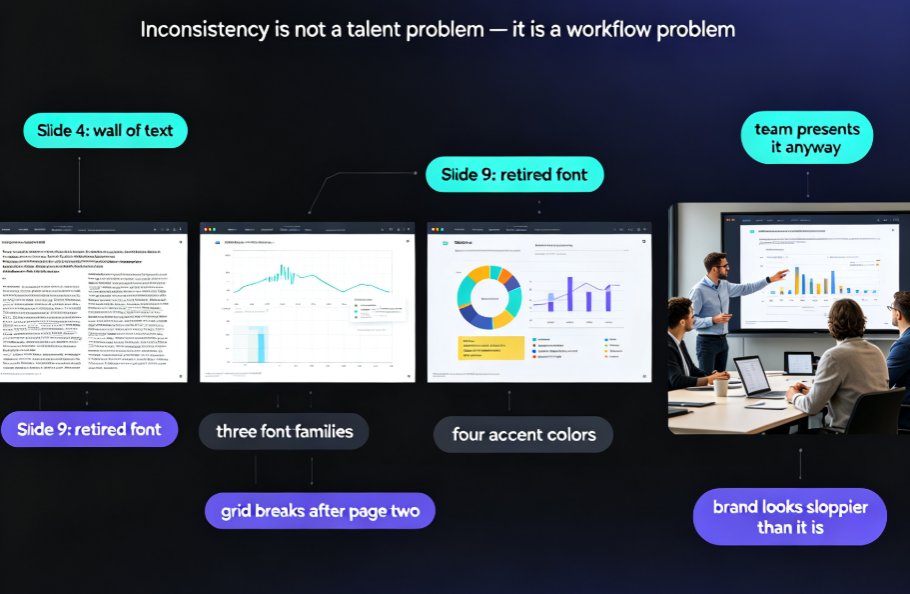
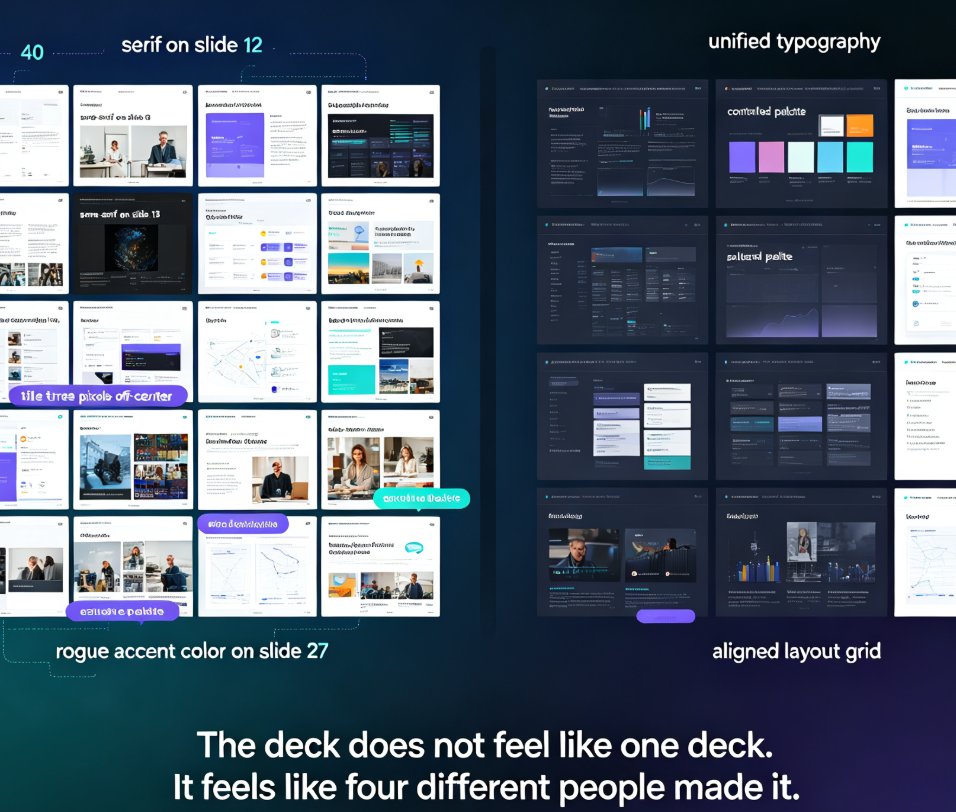
You know the scene. Five trainers, three departments, and every deck looks like it was designed by a different person. One uses navy blue, another uses purple. One has 24pt headings, another 40pt. The logo is stretched in one deck, tiny in another. It's not that your team can't design — it's that nobody has time to enforce a brand system across every single slide.
That's where one-click reskin comes in. Let me walk you through how Zendeck's smart layout reskin keeps every team deck on-brand — without turning you into the design police.
I. Why brand consistency is a training problem, not just a design problem
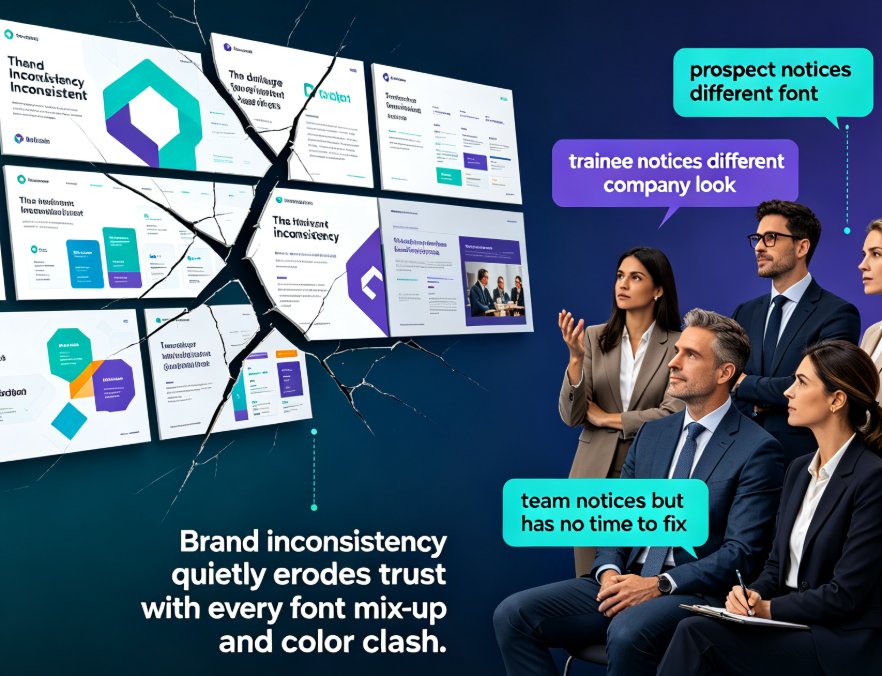
When your courseware is inconsistent, learners notice. They don't say "that font is off" — they say "this feels thrown together." And that feeling erodes trust in the material, the trainer, and the whole program.
Think about it from the learner's seat. You're sitting through a compliance module, and slide three uses a completely different color scheme than slide ten. Subconsciously, you start questioning the quality of the content. If the visuals are sloppy, is the information reliable? That's a question you never want your audience asking.
Brand consistency is a credibility signal. When every deck follows the same fonts, colors, and layout rules, your training content looks like it was produced by one professional team — because it was.
The pain point: enforcing consistency manually means checking every slide, every deck, every week. That's hours of work nobody budgets for. And even when you do catch the inconsistencies, fixing them means opening each deck, hunting down the offending font, and hoping you didn't break something else in the process.
The solution: a reskin tool that applies your brand rules automatically.
The outcome: every deck — old, new, from any team member — inherits the same visual system in seconds.
This isn't just about aesthetics, either. When your team's courseware looks consistent, learners spend their mental energy on the content instead of being distracted by visual noise. That's a real learning outcome, not a vanity metric.
II. What one-click reskin actually does (and doesn't do)
Let's be clear about what reskin is. It's not a template that forces everyone to start from scratch. It's not a filter that slaps your logo on top of random slides. Reskin takes an existing deck and re-applies your brand's fonts, colors, and layout rules across every slide.
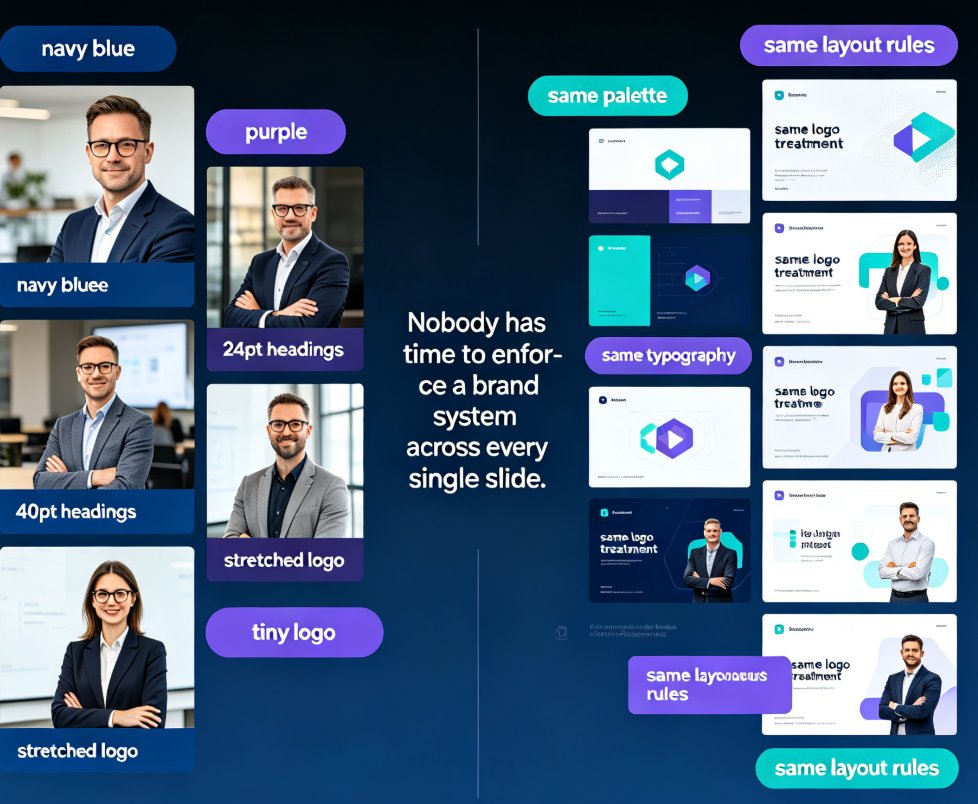
Here's what the smart layout reskin handles:
- Fonts: swaps every typeface to your brand fonts, including heading and body hierarchy
- Colors: maps your palette onto backgrounds, text, accents, and charts
- Layout: reflows content into consistent spacing, alignment, and slide structure
- Assets: aligns icons, images, and logo placement
The key distinction: reskin preserves your content and structure while unifying the visual layer. You don't lose your message — you just make it look like it belongs to one family.
This matters more than people realize. A lot of "brand enforcement" tools in the past were glorified find-and-replace. They'd swap a color here, a font there, and leave the rest of the slide a mess. Reskin is different because it understands layout — it reflows content so the whole slide follows your rules, not just the obvious bits.
If you're curious about how Zendeck picks the right look in the first place, the template selection logic plays a big part in how consistent your starting point is.
III. How to reskin a team deck in Zendeck
Step-by-step, the way you'd actually do it on a Tuesday morning:
- Upload or open the deck — any Word outline, Markdown, or existing presentation works.
- Pick your brand profile — if you've set up a brand kit, Zendeck already knows your fonts and colors. If not, create one once and reuse it forever.
- Hit reskin — Zendeck applies the brand system across all slides in one pass.
- Review the reflow — check that charts, tables, and images landed where they should.
- Share or export — the deck is now on-brand, ready for the team.
That's the whole workflow. No design skills, no slide-by-slide editing, no "can you just make it match the other one?"
Here's a real scenario. Say you have a new trainer joining next week. They've built a 40-slide onboarding deck in their own style — different fonts, different colors, different everything. Without reskin, someone spends an afternoon manually reformatting. With reskin, the trainer uploads the deck, picks the team's brand profile, clicks once, and it matches every other deck in the program. The trainer learns the brand system by seeing it applied, not by reading a style guide.
The real win: reskin turns a 3-hour consistency audit into a 3-minute operation.
And because the brand rules live in one place, you only define them once. When your brand evolves — new color, new font — you update the kit and re-run reskin on your existing decks. No redoing everything by hand.
IV. Manual redesign vs. one-click reskin
Here's the honest comparison:
| Task | Manual redesign | Zendeck one-click reskin |
|---|---|---|
| Time per 30-slide deck | 3–5 hours | Under 5 minutes |
| Design skills required | Yes | None |
| Consistency across decks | Depends on the person | Guaranteed by brand rules |
| Risk of breaking content | High (copy-paste errors) | Low (content preserved) |
| Team adoption | Low (nobody volunteers) | High (it's one click) |
| Updating brand later | Redo everything | Re-run reskin |
The numbers aren't magic — they're just the difference between doing work by hand and letting software do it. When you multiply that across five trainers and ten decks a month, the savings become obvious. That's fifty hours a month your team gets back for actual content work — writing better examples, recording better narration, improving the learning experience instead of fighting font sizes.
V. Common reskin mistakes (and how to dodge them)
A few things I've seen teams trip on:
- Skipping the brand kit setup. If you reskin without defining your brand rules first, you're just guessing. Set up the kit once — it pays for itself. If you need a hand, this guide on creating a custom brand kit walks through it.
- Reskinning without reviewing. Reskin is fast, but it's not magic. Charts and tables sometimes need a nudge after reflow. Budget two minutes to scan the deck before shipping.
- Forcing one template on everything. A sales deck and a training module have different jobs. Reskin unifies the brand, not the content structure.
Here's a friend's advice: don't treat reskin as a one-time cleanup. Make it the default step in your deck workflow. When every deck passes through reskin before it ships, consistency stops being a project and becomes a habit.
VI. Beyond reskin: building a brand system your team actually uses
Reskin is the enforcement mechanism, but the foundation is your brand kit. If you haven't set one up yet, that's your first move. Once your fonts, colors, and layout rules live in one place, reskin just applies them.
And here's the thing — this scales beyond individual decks. When your whole team works from the same brand system, you stop having "the deck that looks different" conversations entirely. New hires onboard faster, external materials look professional, and your training program reads as one cohesive product.
This is where smart templates and brand governance come together. The goal isn't just one good deck — it's a system where every deck is good by default, because the rules are baked in. And when your asset library is also on-brand, the whole ecosystem stays consistent without anyone micromanaging it.
Teams that standardize their brand system don't just look better — they save hours every week and build learner trust with every deck.
If you're building courseware specifically, the same principles apply across your whole library. Consistency isn't a one-deck project; it's a program-wide standard.
FAQ
Q: Does one-click reskin change my content? A: No. Reskin applies your brand's fonts, colors, and layout rules to the existing content. Your text, data, and structure stay intact — only the visual layer changes.
Q: Can I reskin a deck that was made outside Zendeck? A: Yes. You can upload existing presentations or import from Word/Markdown outlines, then apply reskin to bring them into your brand system.
Q: Do I need design skills to use reskin? A: No. That's the point. Reskin automates the design decisions — you just pick your brand profile and click.
Q: How do I set up my brand rules once? A: Create a custom brand kit in Zendeck with your fonts, colors, and layout preferences. After that, every reskin uses those rules automatically.
Q: Is reskin useful for a single person, or only teams? A: Both. Individuals get consistent personal decks, but teams get the bigger win — every member's work automatically matches the brand.