Real-Time Deck Collaboration: Zendeck for Distributed Teaching Teams
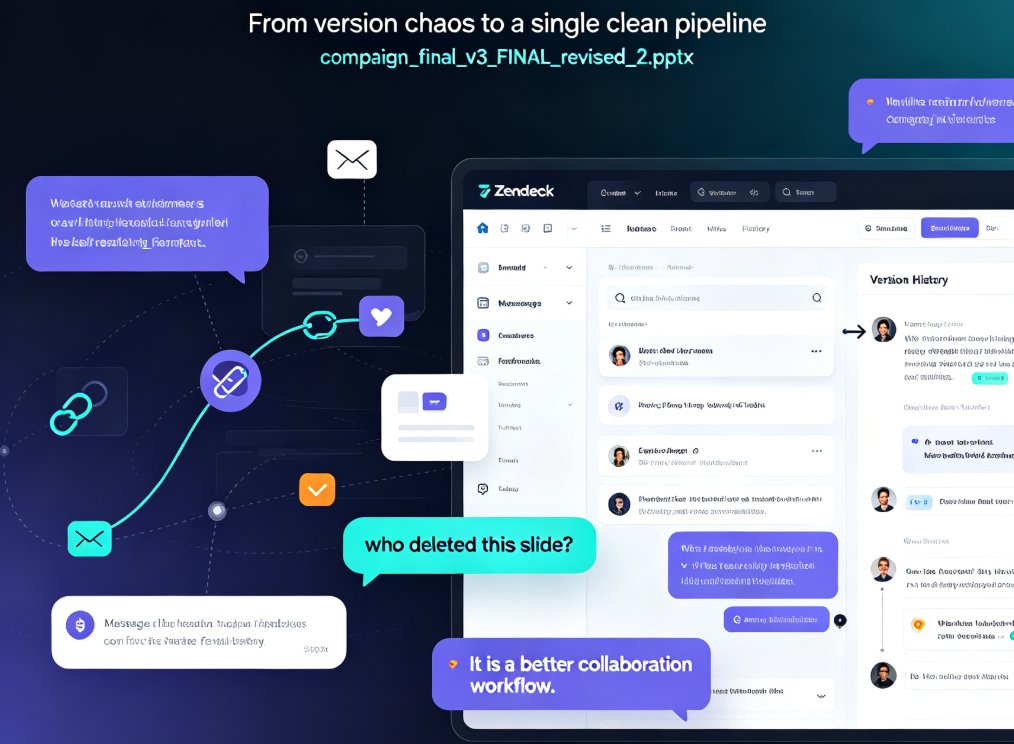
You know the file. Course_Outline_FINAL_v3_edited_review2.pptx. Every distributed teaching team has one. It's the deck that's been emailed back and forth so many times that nobody can remember which version is actually current. The content is solid. The process is a mess.
This article walks through how real-time deck collaboration — the kind Zendeck bakes into its platform — removes the version chaos that slows down distributed curriculum teams. No fluff, just the workflow that actually works.
01 The Collaboration Problem No One Talks About
Distributed teaching teams are the norm now. Curriculum designers in one city, subject-matter experts in another, instructional designers working from home, and a program lead coordinating across three time zones. The content itself is usually fine. The problem is the pipeline.
The real bottleneck in distributed deck creation isn't design skill — it's version control.
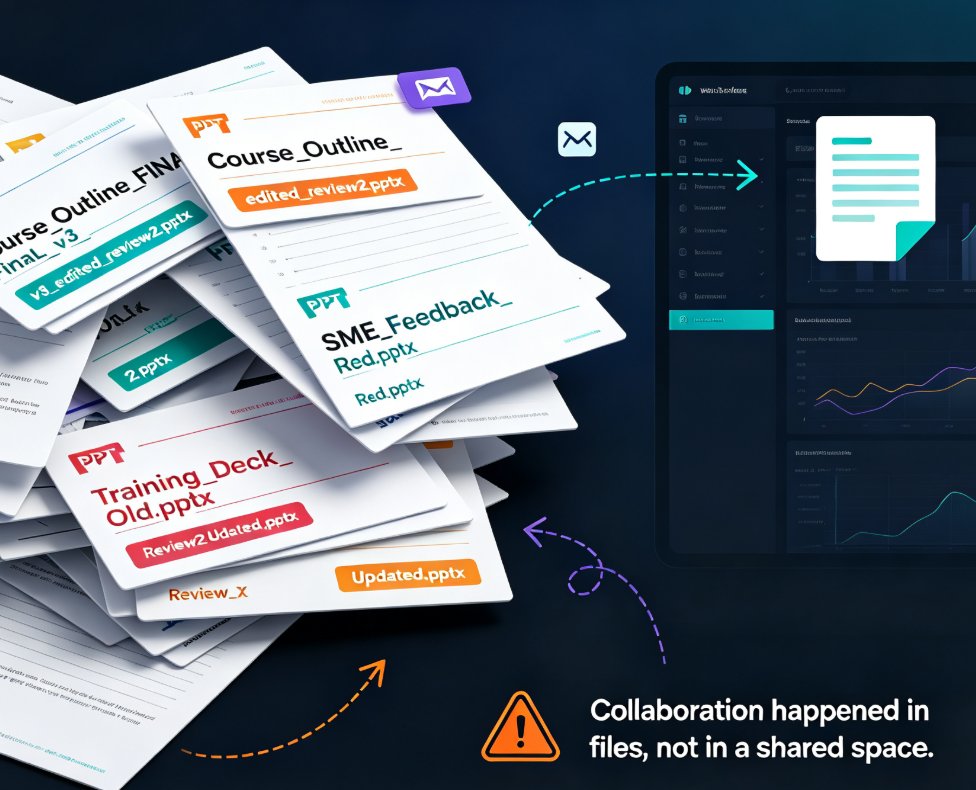
Think about a typical week. The program lead sends the course outline to three SMEs for feedback. Each SME edits their own copy. One uses tracked changes, one just types comments in red, and one rewrites entire sections and emails it back as a new file. By Thursday, you have four versions of the same deck, none of which match.
The cost isn't just confusion. It's rework. Someone builds slides on top of an outdated outline. The instructional designer formats content that's already been cut. The trainer delivers a session using last week's quiz questions. Every one of those mistakes traces back to the same root cause: collaboration happened in files, not in a shared space.
And here's the thing — this isn't a small-team problem. The bigger the team, the worse it gets. A team of two can survive on email. A team of eight, spread across time zones, cannot. The coordination overhead grows faster than the team does, and eventually the process eats the productivity.
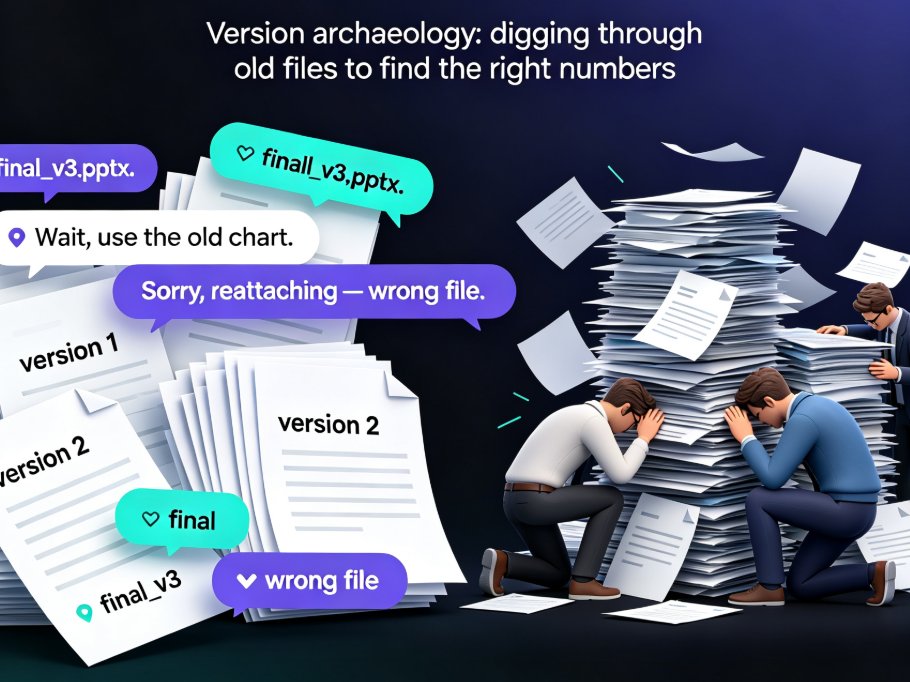
There's also a quieter cost: the meeting time. When versions diverge, teams burn entire calls just reconciling what's current. "Wait, did you see my email about slide 8?" "No, I was working from the version you sent Tuesday." That's not collaboration — that's archaeology.
02 Why Email and Shared Drives Fall Short
Let's be honest — most teams try to solve this with shared drives and email threads. And it sort of works, until it doesn't. Here's the reality:
| Pain Point | Email + Shared Drive | Real-Time Collaboration |
|---|---|---|
| Who has the latest version? | Whoever downloaded last | Everyone, always |
| Feedback format | Scattered emails, red text, tracked changes | Inline comments tied to specific slides |
| Editing conflicts | Two people overwrite each other | Live co-editing with changes visible |
| Time zone issues | Wait for replies, then merge manually | Async comments resolved on your schedule |
| Version history | Manual file naming (FINAL_v2_reallyfinal) | Automatic, searchable history |
| Onboarding new members | Send them the "right" file | Share one link, they see the current state |
The pattern is clear: file-based collaboration creates friction at every step, while link-based collaboration removes it.
The shift is simple but profound. Instead of passing a file around like a physical object, you share a link. Everyone works on the same deck. No duplicates, no merging, no "which one is current" debates. If you've ever spent 20 minutes reconciling two versions of a slide deck by hand, you know exactly how much time this saves.
The shared drive approach has one more flaw: it assumes everyone follows the same naming convention. In practice, they don't. Someone always saves "v2" over "v1" or creates "final_actual_v3". The system only works if everyone is disciplined, and distributed teams rarely are — not because they're careless, but because they're busy.
03 Real-Time Editing: The Core Fix
The heart of Zendeck's collaboration model is live co-editing. Two people can work on the same deck at the same time — one adjusting the flow of Module 2 while another fixes the chart on slide 14. Changes appear as they happen, so nobody works blind.
For teaching teams, this matters more than it might seem. Curriculum work is deeply iterative. A learning objective changes, which ripples into the assessment slide, which changes the timing of the module. When edits happen in real time, those ripples are visible immediately. You see the consequence of a change while you're making it, not three days later.
Real-time editing turns deck creation from a batch process into a conversation.
And because the platform handles the layout automatically, the design doesn't break when someone adds a bullet or swaps an image. The smart layout system reflows the slide on the fly. That's the part that makes live co-editing actually usable — otherwise you'd spend half the session fixing misaligned text boxes. This is one of those hidden features that boost team productivity — the ones you don't notice until you don't have them.
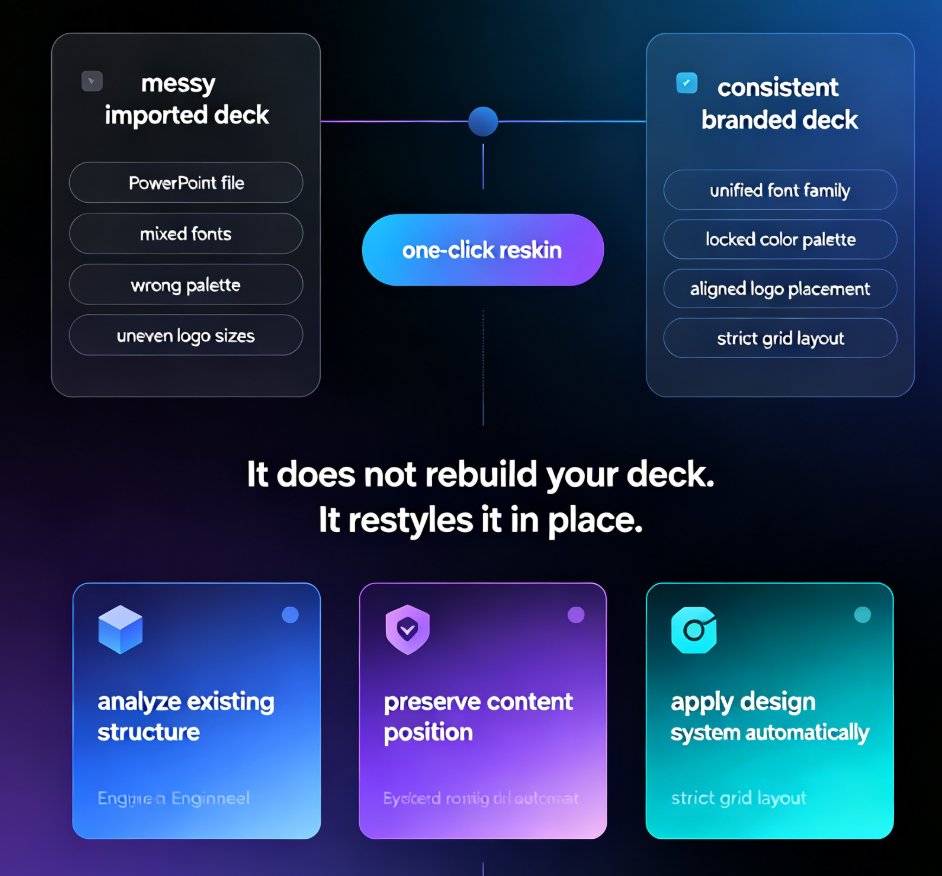
There's also a design consistency angle. When five people edit a deck independently, the visual style drifts. One person uses a different font, another changes the color scheme, a third adds a random clip-art image. Real-time co-editing, combined with template enforcement, keeps everything aligned. The deck looks like one team made it, because effectively, one team did.
04 Link Sharing and Async Feedback
Not everyone on a teaching team works at the same time. That's just reality. The SME in Singapore reviews slides at 9 p.m. their time. The instructional designer in Chicago picks up the comments at 8 a.m. the next day. For that to work, feedback needs to live in the deck, not in an email thread.
Link sharing solves this. You share one link, and every collaborator sees the current state of the deck. Comments attach to specific slides — sometimes to specific elements on a slide. The SME can flag "this statistic is outdated" directly on the chart, and the designer sees it in context, not buried in a 40-message email chain.
Async feedback works when context travels with the comment.
This is where distributed teams either thrive or fall apart. If feedback is disconnected from the content it refers to, it loses meaning. "Slide 12 needs work" is useless. "The learning objective on slide 12 doesn't match the assessment on slide 14" is actionable. Link-based collaboration makes the second kind of feedback natural.
The beauty of async feedback is that it respects everyone's schedule. Nobody has to be online at the same time. The SME leaves comments when they have a free hour. The designer resolves them when they're in flow. The work progresses continuously, not in bursts that depend on everyone being available simultaneously. For teams spread across time zones, this is the difference between a project that moves and one that stalls.
05 Version Management Without the Headache
Here's the part that saves the most time: version history. Zendeck automatically tracks every change. You don't name files "v2" or "v3" anymore. You just work, and the platform keeps the timeline.
Need to see what the deck looked like before the SME's edits? Jump back in the history. Want to restore a section that got cut in a late-night editing session? It's one click. Automatic version history means you can stop managing files and start managing content.
For teaching teams, this is a quiet superpower. Curriculum decks go through many revisions over a semester. Being able to compare the current version against the one from three weeks ago — and see exactly what changed — is invaluable for quality control. It also protects against the "someone deleted the wrong slide" moment that every team has experienced. If you've ever had to tell a colleague "I think you accidentally deleted the assessment section," you know the value of being able to just restore it.
Version history also creates accountability without blame. When you can see who changed what and when, the conversation shifts from "who did this?" to "what changed, and was it intentional?" That's a healthier dynamic for any team, but especially for distributed teams where you can't just walk over to someone's desk.
06 A Practical Workflow for Distributed Teams
Here's a workflow that works, based on how teams actually use real-time collaboration:
- Start from one outline. Upload your Word outline or paste Markdown into the platform. The deck structure generates automatically, and everyone works from the same starting point. This is where Word and Google Docs integration pays off — you don't have to rebuild anything by hand.
- Assign sections, not files. One person owns Module 1, another owns Module 2. They edit live, in the same deck, without conflict. Ownership is clear, but the work stays unified.
- Comment for async review. SMEs add comments on specific slides. Designers resolve them in their own time zone. Nothing gets lost in email.
- Review the version history weekly. Before a milestone, check the history to confirm nothing was lost in the shuffle. This takes five minutes and prevents end-of-project surprises.
- Export when you're done. When the deck is final, export it or turn it into a video for asynchronous learners. The collaboration phase ends cleanly.
This workflow eliminates the three biggest time-wasters in distributed deck creation: file naming, merge conflicts, and "which version is this" emails. It's the kind of office efficiency improvement that shows up in your calendar — you get the hours back.
The outcome: your team spends its time on content, not on coordination.
One more tip, from experience: agree on a comment convention early. Decide whether comments are for questions, suggestions, or approvals, and label them accordingly. It sounds bureaucratic, but it saves a lot of back-and-forth. A comment that says "Question: should we keep this example?" is much easier to process than one that just says "Hmm."
FAQ
Q: Can multiple people edit the same Zendeck deck at the same time? A: Yes. Zendeck supports live co-editing, so multiple team members can work on the same deck simultaneously. Changes appear in real time, and the smart layout system keeps slides visually consistent even as content shifts.
Q: How does link sharing work for external reviewers like subject-matter experts? A: You share a single link to the deck. Reviewers see the current state and can leave comments attached to specific slides or elements. No account setup friction for basic review — they just click and comment.
Q: Does Zendeck keep a version history? A: Yes. Every change is tracked automatically. You can review the timeline, compare versions, and restore earlier states without manually saving copies.
Q: What if our team works across very different time zones? A: The async comment system is designed for this. Feedback lives in the deck, attached to the relevant slide, so team members can resolve comments whenever they're online. No one has to be awake at the same time.
Q: Can we start from a Word outline instead of building slides from scratch? A: Absolutely. Upload a Word outline or paste Markdown, and Zendeck generates the initial deck structure. That's often the best starting point for collaborative projects because everyone begins from the same foundation.