How Marketing Teams Use Zendeck Collaboration to Build Decks Faster | 2026 Guide
How Marketing Teams Use Zendeck Collaboration to Build Decks Faster
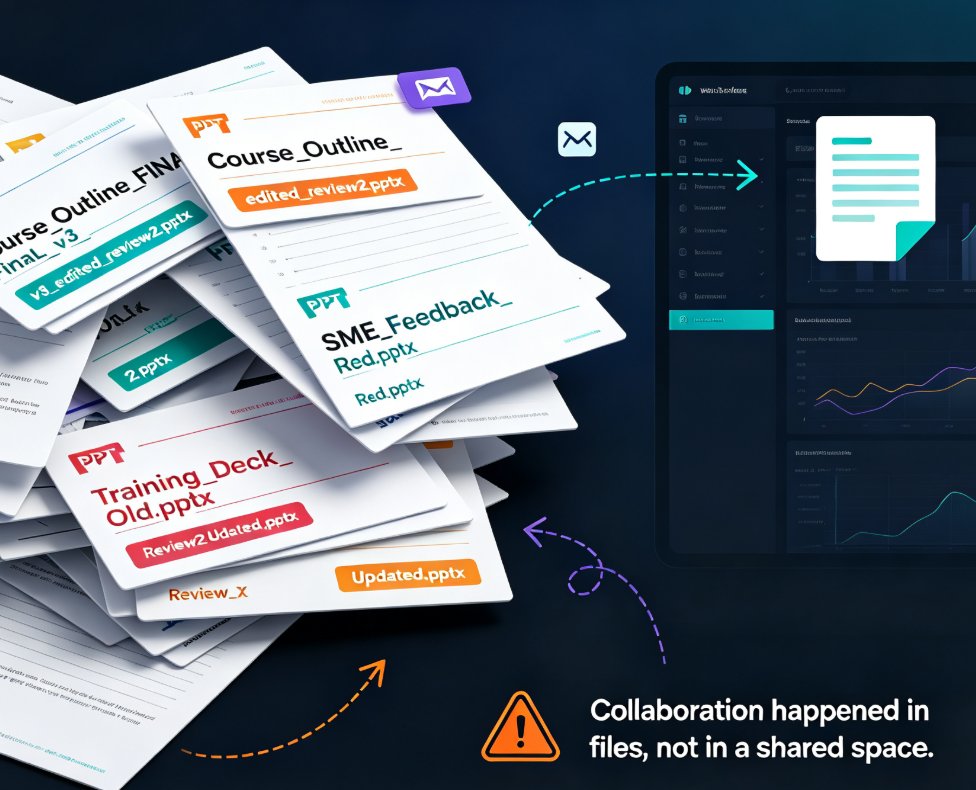
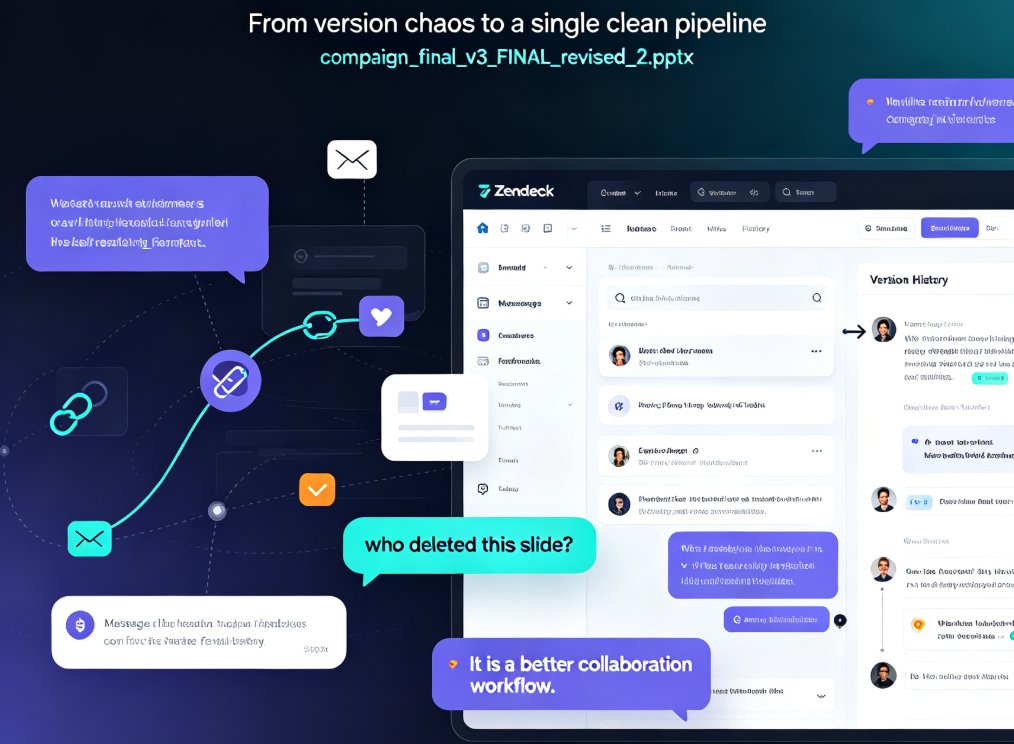
Let's be honest: if you've ever received a file named campaign_final_v3_FINAL_revised_2.pptx from a teammate, you already know the pain. The endless email chains, the "who deleted this slide?" panic, the feedback buried in five different message threads. It's a cycle that kills momentum and eats into your actual creative work.
The fix isn't a better design tool – it's a better collaboration workflow. For marketing teams juggling campaign pitches, client presentations, and quarterly strategy reviews, Zendeck's real-time collaboration features turn the chaotic final-mile of deck production into a single, clean pipeline. Here's how it works, what it actually looks like in practice, and why teams that adopt it ship decks twice as fast.
I. The Collaboration Mess: Why Traditional Decks Take Forever
Every marketing team knows this scenario. A campaign launch presentation needs three sections written by different specialists, a design pass from the art director, and approval from the campaign lead. In a traditional workflow:
- The copywriter finishes their section and emails it to the designer.
- The designer waits a day, integrates the text, sends a PDF back.
- The copywriter opens the PDF, marks changes, emails it again.
- Someone saves a version to their desktop, edits offline, and uploads a conflicting copy.
This is exactly the version chaos that the Teamwork blog warns about: "Without these tools, teams resort to emailing Word documents back and forth, leading to version chaos (Final_v3_FINAL_revised.docx) and lost edits."
The result is not just wasted time – it's wasted creative energy. In my experience managing content workflows, switching from email attachment editing to real-time collaborative tools "cut our editing cycles from 2-3 days (waiting for email attachments) to same-day turnaround." That's a 66% reduction in editing time, and it's the same pattern we see with marketing decks.
II. Real-Time Editing: The Google Docs Moment for Presentations
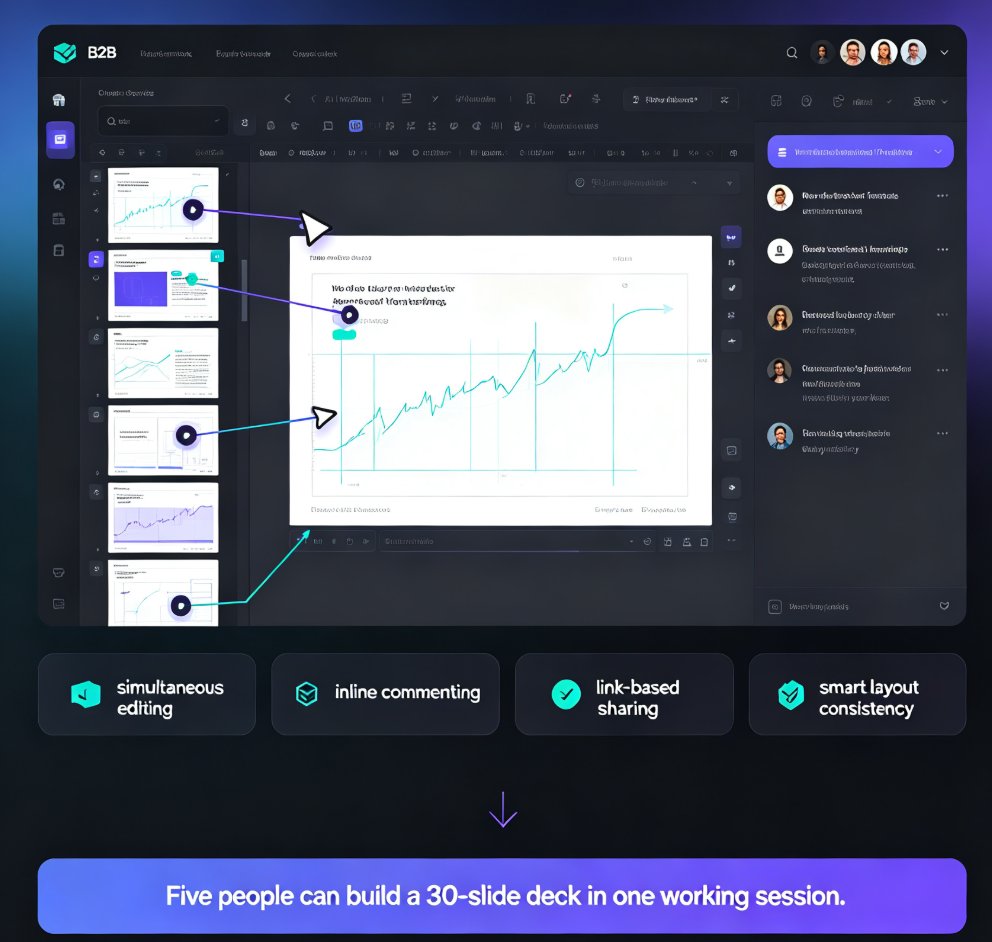
Zendeck brings the same real-time editing experience you love in Google Docs to the presentation world. When multiple team members are working on a deck, you'll see their cursors, watch changes appear live, and leave comments that thread through the document – no downloading, no emailing, no "can you check this section?" messages.
The beauty of real-time editing is that it eliminates the most common source of conflict: the single shared file that lives in one person's inbox. In Zendeck, the deck is always in the cloud, always up-to-date, and always accessible.
Here's what a typical teamwork session looks like:
- The campaign strategist logs in and drafts the narrative outline using the Zendeck Word import feature.
- The copywriter opens the same deck from their laptop to polish the messaging for the introduction slides.
- Meanwhile, the data analyst adds interactive charts from the asset library to the performance slides.
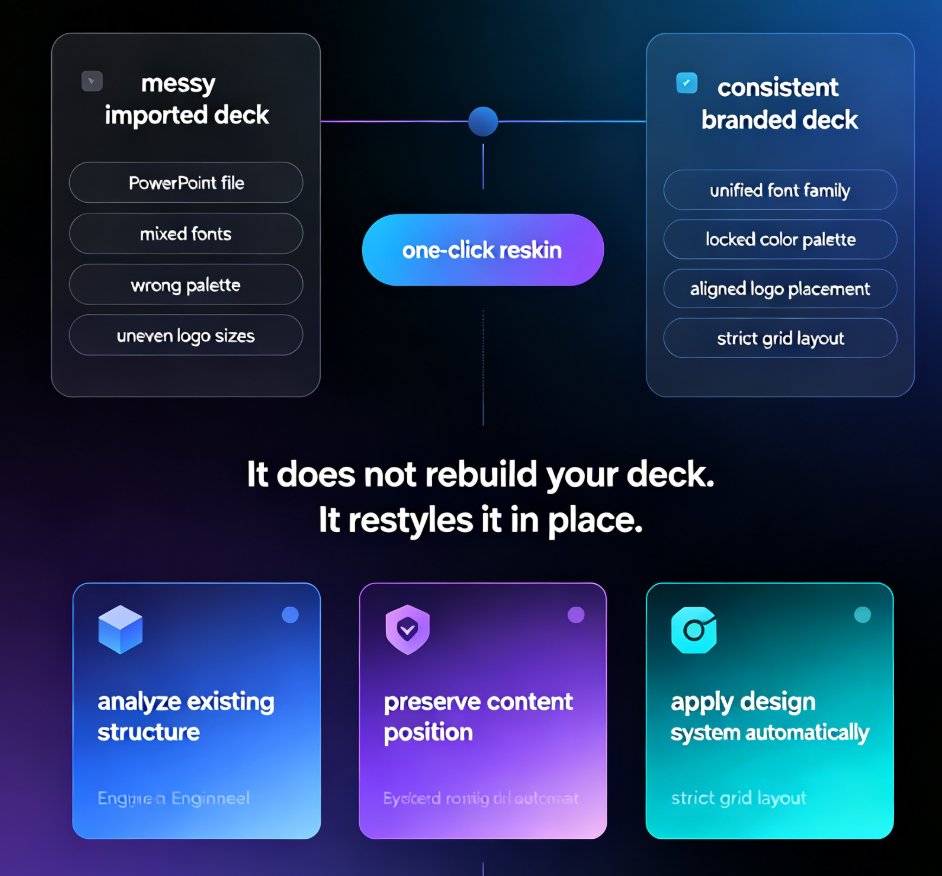
- The art director observes the design and applies a one-click reskin to ensure consistent colors.
- The campaign lead drops in a comment on a slide, tags the copywriter, and the edit happens in real-time.
This isn't future tech – it's how marketing teams using Zendeck operate today. The collaborative editing engine supports multiple users, and since everything syncs automatically between desktop, mobile, and tablet, a teammate on a commute can make a final tweak before the 3 PM pitch.
III. Version History: Killing the "Final_v3_FINAL" Nightmare
We've all been there: someone makes a change that breaks the layout, and the team spends time trying to remember the right version. Zendeck's version history solves this by storing the complete evolution of your deck.
Zendeck lets you restore previous versions instantly, compare decks side-by-side, and even name important milestones like "Draft for Client Review" or "Final Approved Campaign Deck." The connection? It's the same peace of mind that collaborative document tools bring to text – but for visual presentations.
The practical benefits:
- Color-coded edits by author – Instantly see who changed what, when they changed it, and why.
- Side-by-side comparison – Review the "before and after" of a design change without guessing.
- Named versions – Lock an approved version so teammates know exactly what the client has seen.
- One-click rollback – If a new ideation branch doesn't work out, revert without losing the work from the main branch.
This isn't just about avoiding embarrassing typos in front of a client. It's about removing the fear of breaking something. When a teammate feels safe experimenting because they know they can roll back, the quality of creative work goes up.
IV. The Shared Asset Library: Consistency Without Reinventing
Marketing decks live or die on visual consistency. But when each specialist creates their own charts, icons, and template variations, the deck ends up looking like a patchwork quilt.
Zendeck's shared asset library stores approved company fonts, colors, icons, charts, and illustrations. Instead of hunting through old files or guessing if a logo is the right resolution, every team member pulls from a single source of truth.
The connection between the asset library and branding is strong: a governed asset library means the next deck you build automatically reflects the brand. It's why teams that adopt Zendeck stop paying for external design support on simple updates.
V. From Word Outline to Polished Deck in One Workspace
Perhaps the workflow that saves marketing teams the most time is the Word or Markdown import feature. Instead of hours of copying and pasting bullet points into slides, you can write your campaign plan or strategy narrative in Word, then let Zendeck structure it into a visually clean deck.
This isn't just a time-saver – it's a game-changer for teams working on the same brief. In practice:
- The campaign lead writes the strategic narrative in a shared Word document.
- Once the team agrees on the outline, it's imported into Zendeck.
- The AI generates a structured deck with consistent visual styling.
- Team members then collaborate in real-time to add specifics, attach metrics, and finalize the pitch.
I've seen this reduce a week-long deck production cycle to a two-day sprint. The key is that the AI handles the mechanical layout so the humans can focus on the story.
VI. Measuring the Impact: What Collaboration Actually Saves
Research from collaboration tools consistently shows dramatic efficiency gains. The Teamwork blog cites a shift from 2-3 day editing cycles to same-day turnaround. Let's frame that in deck-building terms:
Here's a realistic scenario for a typical campaign kickoff deck (15 slides, 4 stakeholders):
| Task | Traditional Email Workflow | Zendeck Collaboration | Time Saved |
|---|---|---|---|
| Collecting written input from 3 specialists | 2 days (waiting for replies) | 2 hours (real-time co-editing) | 1.5 days |
| Design and layout pass | 1 day (designer queue) | 30 minutes (AI auto-layout) | 3.5 hours |
| Feedback consensus & revision loop | 3 rounds of email + edits | In-line comments + immediate fixes | 1 day |
| Final version control & archiving | 1 day (who has which version?) | Instant (version history + named versions) | 1 day |
| Total | 5-7 days | 2-3 days | 3 days (50%+ faster) |
The table above shows a conservative estimate: most marketing teams report cutting deck production time in half. That's a week saved per project – which translates to more campaigns launched, fewer late nights, and a noticeably calmer team.
VII. Getting Started: Zendeck Collaboration in 3 Steps
If you're sold on the vision, getting started is straightforward:
- Set up your team workspace. Invite your marketing leads, designers, and relevant stakeholders.
- Upload your brand kit (logos, colors, fonts) to the asset library to keep visuals on-brand.
- Start with a shared outline. Write your campaign narrative in Word, import it, and let Zendeck handle the slide structure.
Then, begin co-editing in real-time. Watch the version history grow as you iterate. Even on your first project, you'll feel the difference: no more frantic "can you resend the latest file?" messages.
FAQ
Q: What makes Zendeck collaboration different from using Google Slides or Canva?
Zendeck combines real-time co-editing with AI-powered design automation and a shared asset library. While Google Slides focuses on document editing and Canva on design, Zendeck adds smart layout reskinning and version control in the same workspace founded on your brand kit, cutting deck production time by roughly 50%.
Q: How does Zendeck version history prevent the "final_v3_FINAL" problem?
Zendeck stores a complete revision history with color-coded edits by author, side-by-side comparison, and the ability to name important versions like "Draft for Client Review." You can roll back to any previous state instantly, which eliminates the confusion of emailing files back and forth.
Q: Can remote marketing teams use Zendeck collaboration effectively?
Yes. Zendeck is cloud-based, accessible from desktop, laptop, iOS, and Android with automatic syncing. Real-time cursors, comments, and co-editing work exactly like Google Docs for design, so remote teams can iterate on the same deck simultaneously without version conflicts.
Q: Does Zendeck collaboration work with brand guidelines and templates?
Absolutely. The shared asset library and brand kit ensure every team member uses the same fonts, colors, and approved assets. The one-click reskin feature automatically unifies the design when someone imports new content, which is why marketing leads trust it for client-facing pitches.
If you're still trading PowerPoint files over email, you know the cost. Zendeck's collaboration tools aren't just an upgrade – they're a new way of working that respects your team's time and creative energy. Start with one project, and the difference will be obvious by Friday.
Ready to see what your next campaign deck could look like? Try Zendeck with a simple outline and feel the version chaos disappear.