Tags:Zendeck collaboration

8 articles

Zendeck for Teams: Real-Time Collaboration on Presentations

Office Efficiency 2026-09-03 2999

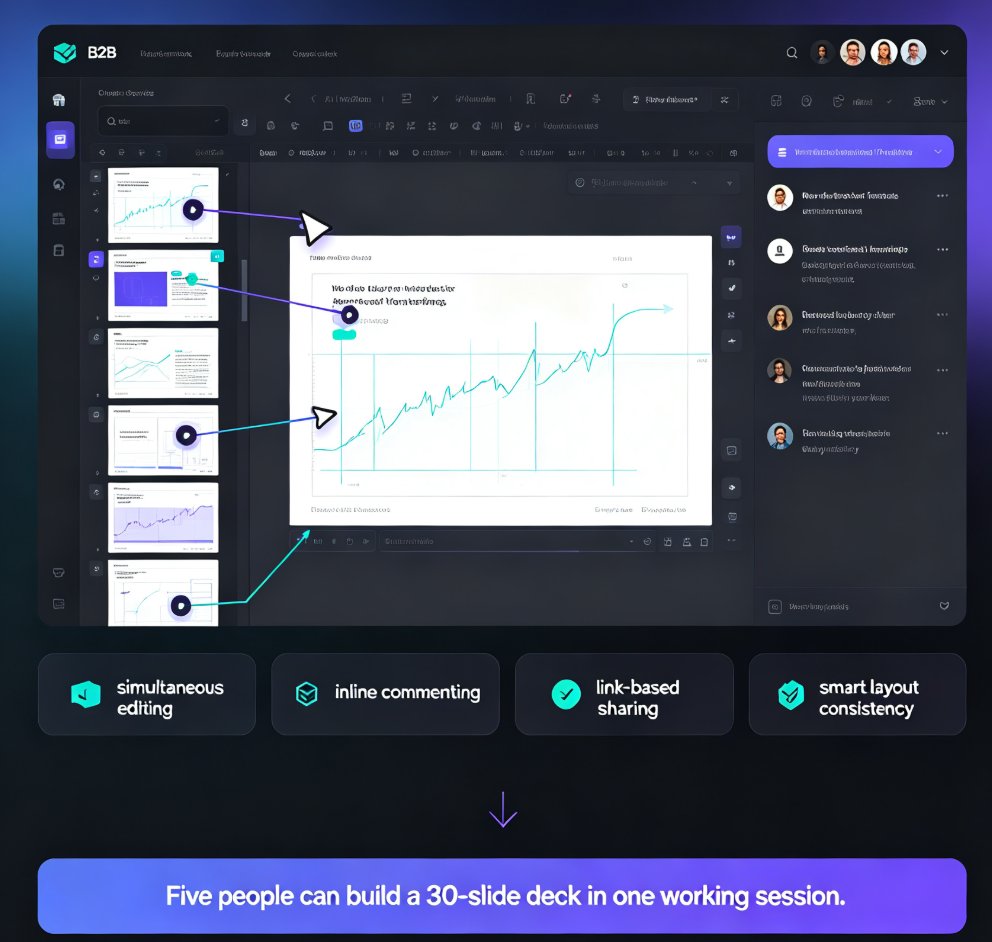
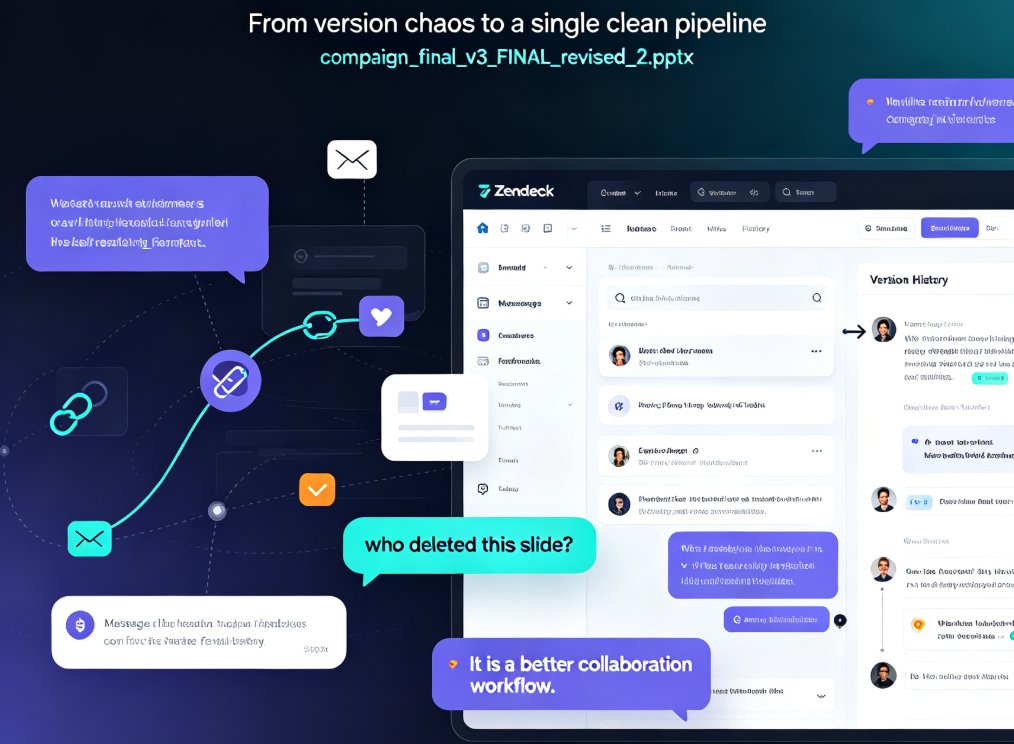
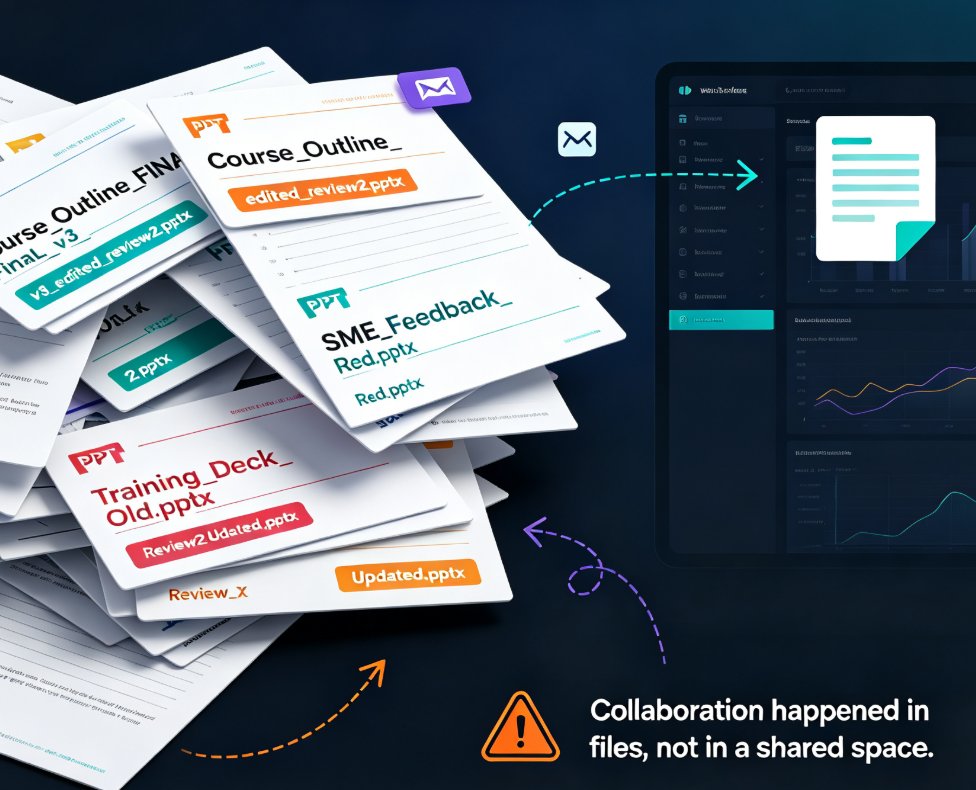
Zendeck for teams brings real-time collaboration to presentations — simultaneous editing, inline comments, secure link sharing, and full version history. Learn how corporate teams and educators can co-create decks without version chaos, plus best practices for access control and workflow. This guide covers the collaboration features that make Zendeck a practical choice for team presentation projects, from outline to final deck. We walk through the real-world workflow: starting from a Word outline, editing together in real time, resolving comments inline, sharing with granular permissions, and rolling back changes with version history. If your team is tired of 'final_v3_FINAL.pptx' email chains, this is the workflow you've been looking for. We also compare Zendeck's collaboration capabilities against traditional PowerPoint, Google Slides, and Notion, so you can see where the real differences lie.
How Marketing Teams Use Zendeck Collaboration to Build Decks Faster | 2026 Guide

Office Efficiency 2026-09-02 1593

Zendeck collaboration replaces email chains and version chaos with real-time editing, version history, and shared asset libraries. Marketing teams are cutting deck production from weeks to days. This guide explains how to build on-brand presentations faster with Zendeck's collaboration workflow, including a walkthrough of the key features that eliminate feedback bottlenecks.

Real-Time Deck Collaboration: Zendeck for Distributed Teaching Teams

Office Efficiency 2026-08-27 2599

Real-time deck collaboration with Zendeck removes version chaos for distributed teaching teams. Learn how live co-editing, link sharing, and automatic version history let remote curriculum teams build and refine decks together — without email threads, merge conflicts, or "which version is this" debates. This guide covers the workflow that actually works for teams spread across time zones, from starting with a shared outline to resolving async feedback on specific slides. If your team spends more time reconciling files than creating content, this is the fix. Includes a practical five-step workflow, a comparison of file-based vs. link-based collaboration, and answers to common questions about multi-editor decks, external reviewer access, and version restoration.

Real-Time Presentation Collaboration: Zendeck Streamlines Team Decks

Office Efficiency 2026-08-25 2597

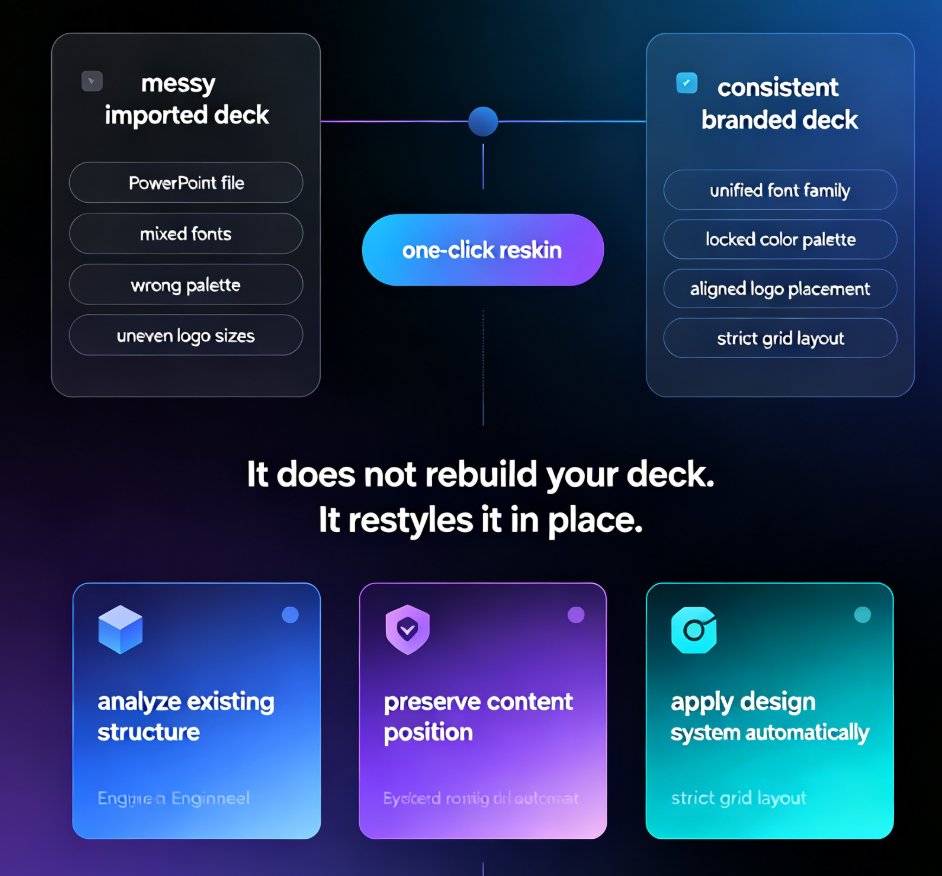
Real-time collaboration on presentations is the key to faster team deck creation, and Zendeck makes it effortless. This guide breaks down how Zendeck's simultaneous editing, inline commenting, and automatic version control eliminate the version chaos that plagues traditional PPT workflows. You'll learn practical best practices for corporate and education teams, see a side-by-side comparison of traditional versus collaborative workflows, and get a step-by-step plan for your first collaborative deck. We also cover how AI-enforced smart layouts keep your brand consistent even when five people edit at once, and why link-based sharing beats email attachments every time. If you're tired of 'final_v2' emails, lost edits, and review meetings that go nowhere, this is the workflow upgrade your team needs. By the end, you'll know exactly how to turn deck creation from a bottleneck into a fast, collaborative process.

Team Deck Collaboration: How Zendeck Keeps Everyone in Sync

Office Efficiency 2026-08-20 3751

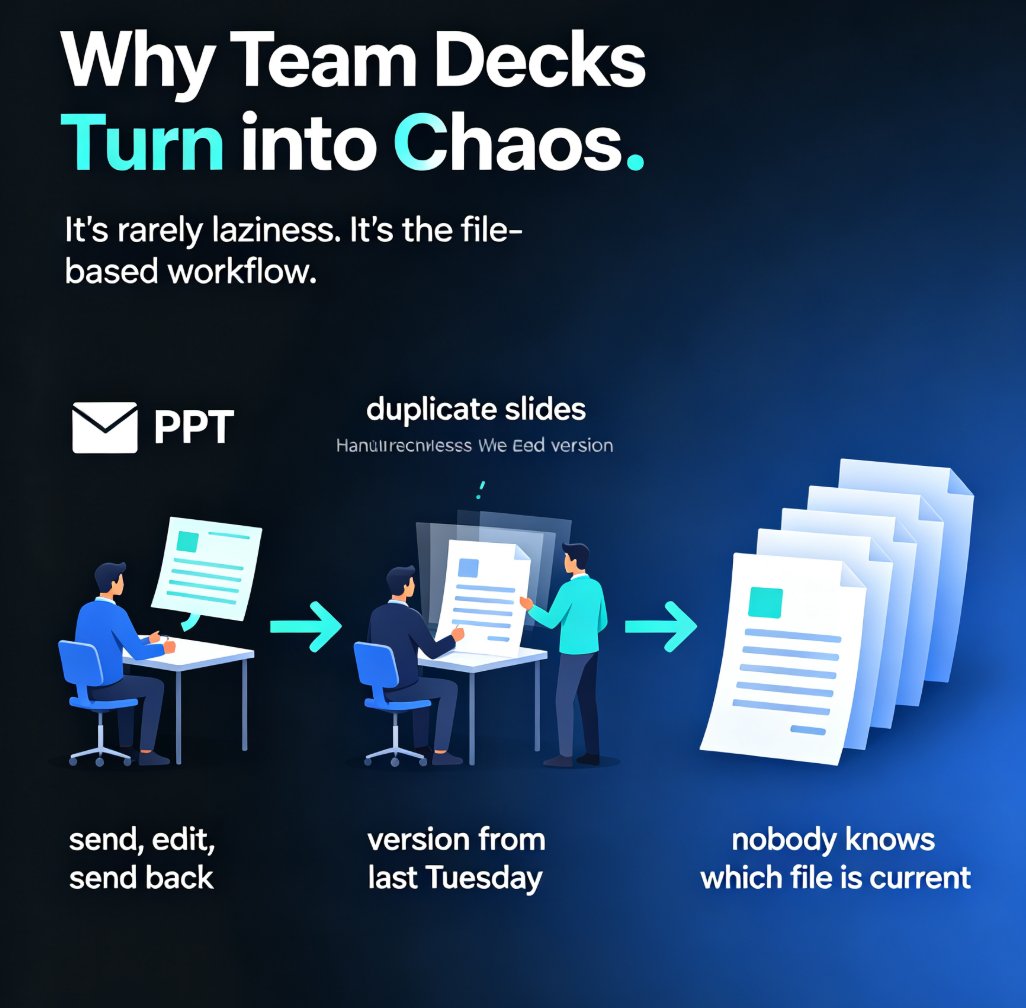
Stop emailing PPT files back and forth. Zendeck's team deck collaboration tools let your whole team edit presentations in real time, share via link, and kill version-control chaos for good. This guide breaks down how online editing, smart permissions, and in-context comments turn a messy multi-owner deck into one clean, always-current file. You'll see exactly how to set up a collaborative workflow, who should own what, and how to bring external clients in without losing control. If you've ever opened a file named 'final_v2_FINAL_3.pptx' and wondered which version was actually current, this is for you. Real-time co-editing is now the baseline for professional teams — here's how Zendeck makes it painless. Whether you're a team lead, an educator, or a content operator, this guide gives you a repeatable process for keeping every stakeholder in sync from first draft to final approval.

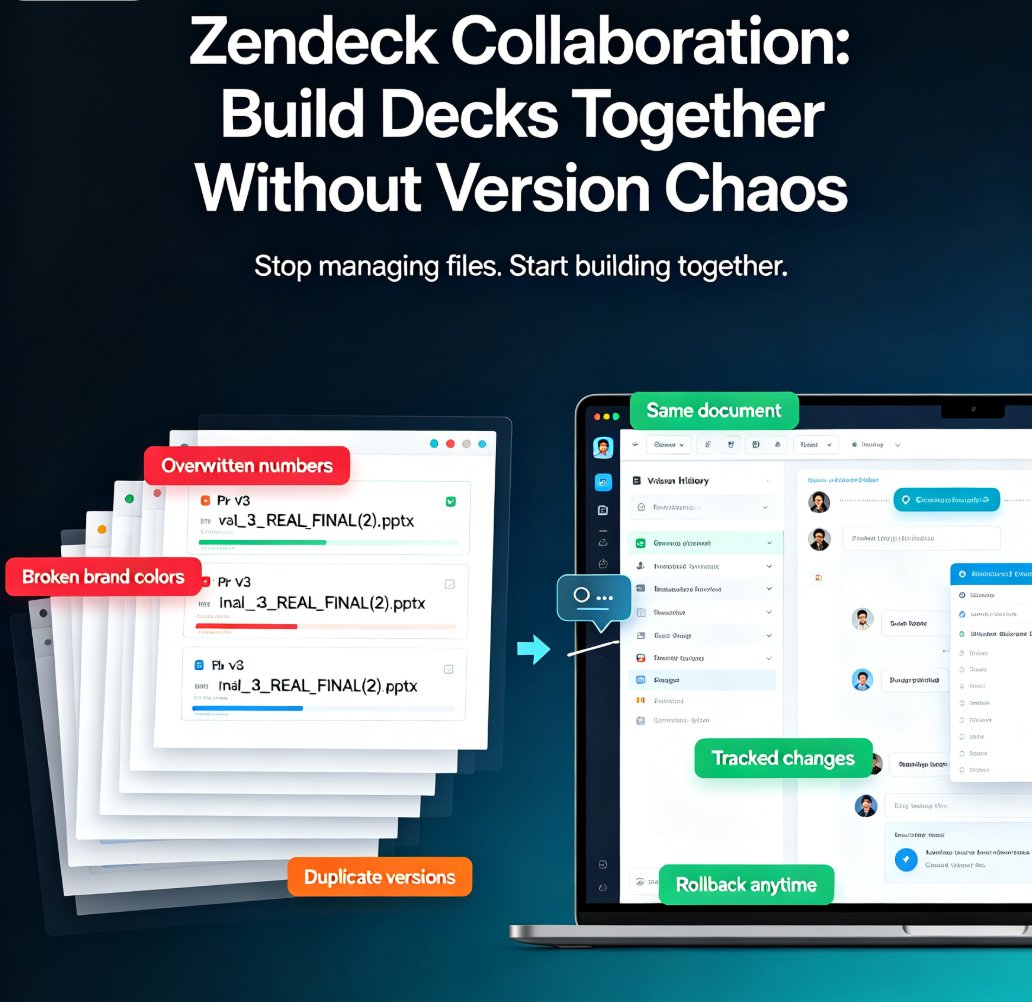
Zendeck Collaboration: Build Decks Together Without Version Chaos

Office Efficiency 2026-08-19 2562

Zendeck collaboration tools end version chaos. Real-time co-editing and automatic version history let your team build decks together without overlapping edits, lost changes, or merge nightmares. This guide breaks down why traditional file sharing fails, how real-time co-editing turns sequential handoffs into parallel workflows, and why automatic version history is your safety net when things go wrong. You'll get actionable tips on assigning slide ownership, using comments for decisions, and setting up brand kits so nobody has to fix anyone's layout. Plus a comparison table showing the difference between email-based sharing and real-time collaboration, and a step-by-step plan for getting your team started in under an hour. If your team ships presentations regularly, this is the workflow upgrade you've been waiting for — no more final_v2 files, no more merge conflicts, just a deck that comes together.