5 Easy Ways to Add Interactive Elements to Your PPT with Zendeck
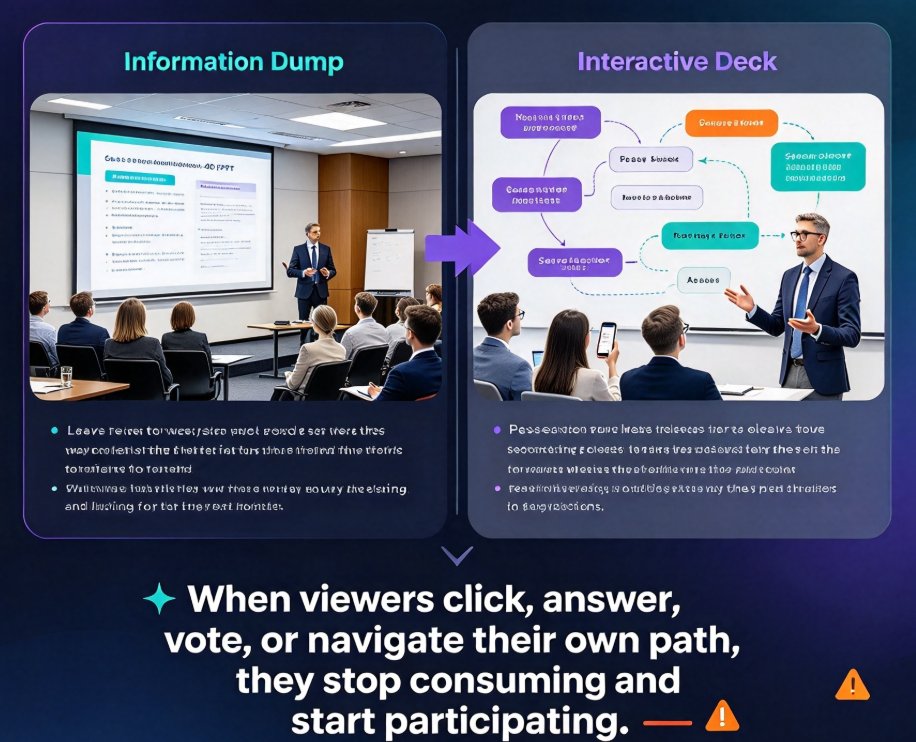
Turn passive slides into engaging experiences with these 5 easy ways to add interactive elements to your PPT with Zendeck. Learn how to embed quizzes, run live polls, create clickable navigation, convert decks into narrated micro-courses, and unlock async collaboration — all without design skills. Zendeck's AI handles the layout, so you focus on connection. Perfect for educators, trainers, HR teams, and content operators who want higher retention and more participation. This practical guide walks through each method step by step, with real scenarios and quick-setup tips. Start with a five-minute live poll or go deep with a full interactive quiz flow. Every method works in live sessions and self-paced formats, helping you turn any deck into a resource audiences actually use.