Team Slide Deck Chaos? How Zendeck's Version History Fixes Collaboration
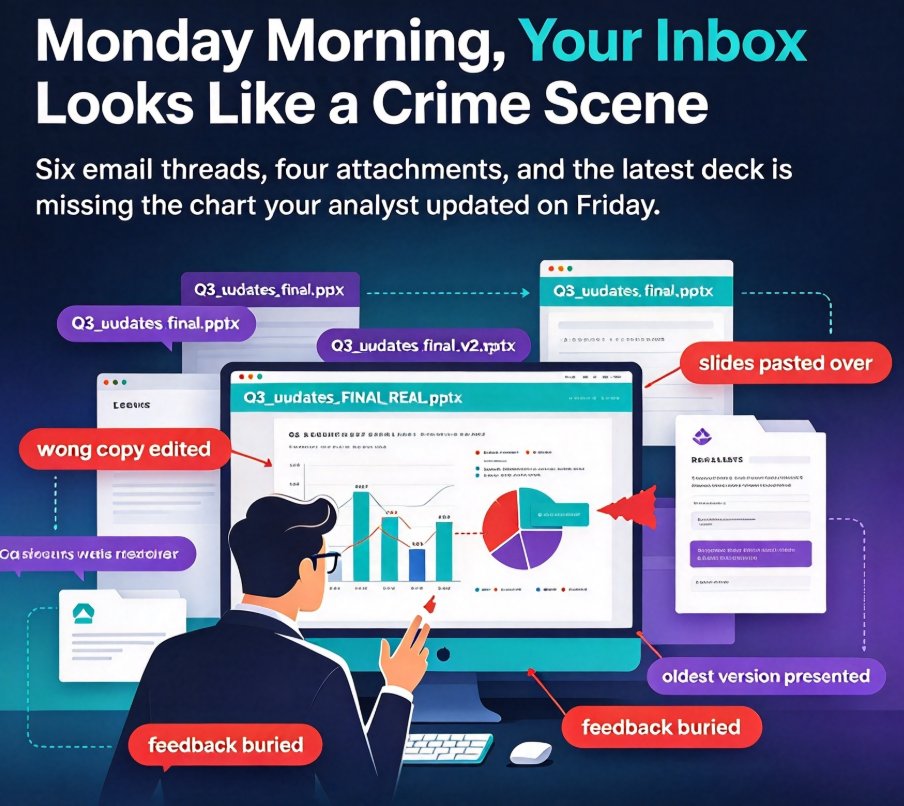
It's Monday morning, and your inbox looks like a crime scene. Six email threads, four attachments named Q3_updates_final.pptx, Q3_updates_final_v2.pptx, and Q3_updates_FINAL_REAL.pptx. You open the newest one — and it's missing the chart your analyst spent an hour updating on Friday.
If you've ever built a team presentation, you know this exact panic. Someone edited the wrong copy, someone else pasted over your slides, and by the time the actual meeting rolled around, the deck that got presented was the oldest version on the drive. The root problem isn't your team's work ethic — it's that email was never designed for collaborative creation. The fix is a workspace where version control, co-editing, and sharing live in one place.
That workspace is what Zendeck's collaboration features are all about. Here is how version history, real-time editing, and secure link sharing kill the final_v3 chaos for good.
01. Why Email Turns Deck Building into a Nightmare
Let's walk through a typical week. Your marketing team has to present a quarterly strategy. You assign slides. Then the emails start:
- Your analyst updates the market chart and emails a new file.
- Your designer tweaks the color palette and emails another version.
- Your boss adds comments and forwards it to the whole team.
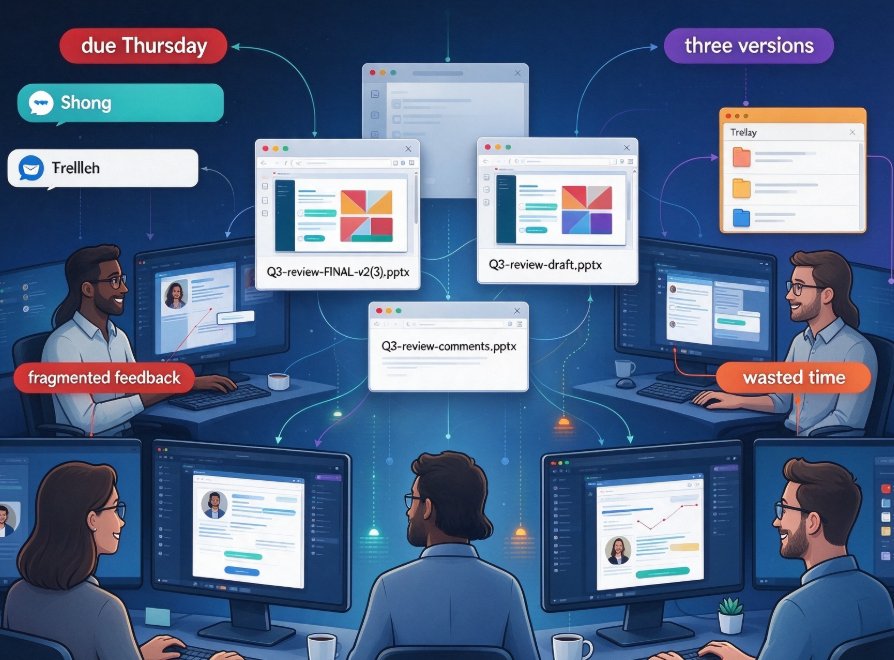
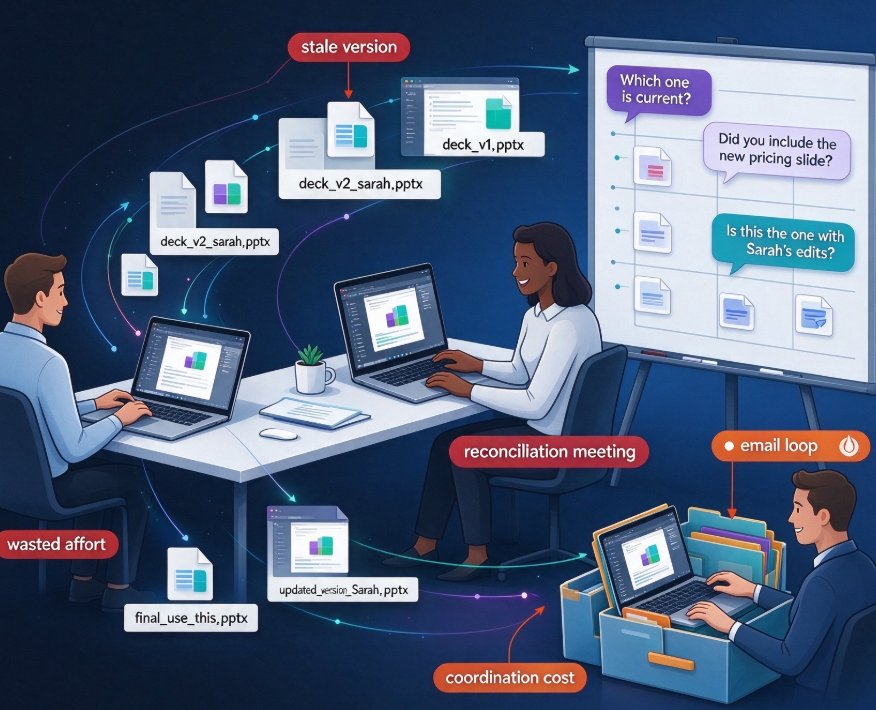
By Wednesday, nobody knows which file is canonical. One teammate keeps working on the original draft. Another is editing a copy from Tuesday. The "final" deck is a mashup that nobody fully owns. Meanwhile, feedback gets buried in reply threads and lost in email filters.
This is the classic version-conflict trap, and it costs you more than frustration. Teams end up building from inconsistent content, missing feedback, and presenting a deck that doesn't reflect the last three days of work. Sound like a familiar slide-deck horror story?
The underlying problem is structural: email treats a presentation as a document to be mailed back and forth, not as a living thing that a team builds together. Once you stop treating decks as attachments and start treating them as shared files in a collaborative workspace, the chaos drops off dramatically.
02. Version History: The Undo Button You've Always Wanted
Now let's talk about the feature that rescues you when things go sideways: version history.
Zendeck's workspace keeps a running snapshot of every meaningful change to your deck. You don't have to think about "saving a new copy" — it's automatic. Every time you or a teammate makes a structural change, a design adjustment, or a content edit, the previous state is preserved.
Why does this matter? Because it removes the fear that you'll break something permanently. Want to try a bold new cover layout? Go ahead — if it doesn't work, you can roll back to the version from an hour ago. Did someone accidentally delete two slides on a shared deck? Open the version history, find the state before the deletion, and restore the entire thing in one click.
Every change is saved as a checkpoint. You can jump back to any earlier state, grab the slide you liked, and move on — no more keeping six backup copies on your laptop. This is the difference between "we can always revert" and "I hope I didn't delete the right file."
A friend-level tip: when you're about to test a risky redesign, make a mental note of what you're editing — but don't bother naming backup copies. Version history is your backup. Just tell your teammates what you're trying, and if it flops, you revert.
03. Real-Time Co-Editing: No More "Who's Editing What?"
Version history solves the past. Real-time co-editing solves the present.
When your team works inside a Zendeck deck, everyone sees the same live canvas. There's one shared version, not a set of conflicting copies. You might see a teammate's cursor moving on a slide you're also revising, or notice an inline comment appear while you type.
This transforms the feedback loop. Instead of emailing slides and waiting hours for a reply, your colleague leaves a comment directly on the slide, you see it in real time, you adjust, and the meeting never gets blocked. When everyone edits the same canvas in real time, the feedback loop shrinks from days to minutes. That's not a small quality-of-life improvement; it's a decisive advantage in fast-moving projects.
Real-time collaboration also handles the human side of the work. You can assign "followers" to specific slides, so the right people get context without everyone seeing everything. (If you want to see the full 2026 trends in this space, I've written about how AI presentation collaboration is moving toward secure, co-edited workspaces.)
04. Secure Link Sharing: Control Who Sees What
Sharing a deck used to mean sending an attachment and hoping the right people open the right file. Zendeck replaces that with secure link sharing that gives you fine-grained control.
When you share a deck, you decide what each person is allowed to do. Some stakeholders get view-only access — they can see the deck, react, and leave comments, but they can't break anything. Trusted collaborators get editing rights. You can even set links to expire after a deadline, so that a deck shared before a launch doesn't float around forever. This is the same permission-based model that makes tools like Google Docs predictable, applied specifically to presentation-building.
The outcome is simple: you always know who has access, how they got it, and what they can do. That's a huge step up from the "I forwarded this file to 12 people" situation.
05. Design Consistency: The Hidden Bonus of a Shared Workspace
Here is a benefit that only becomes obvious after you've moved your team into one workspace: design consistency, without policing.
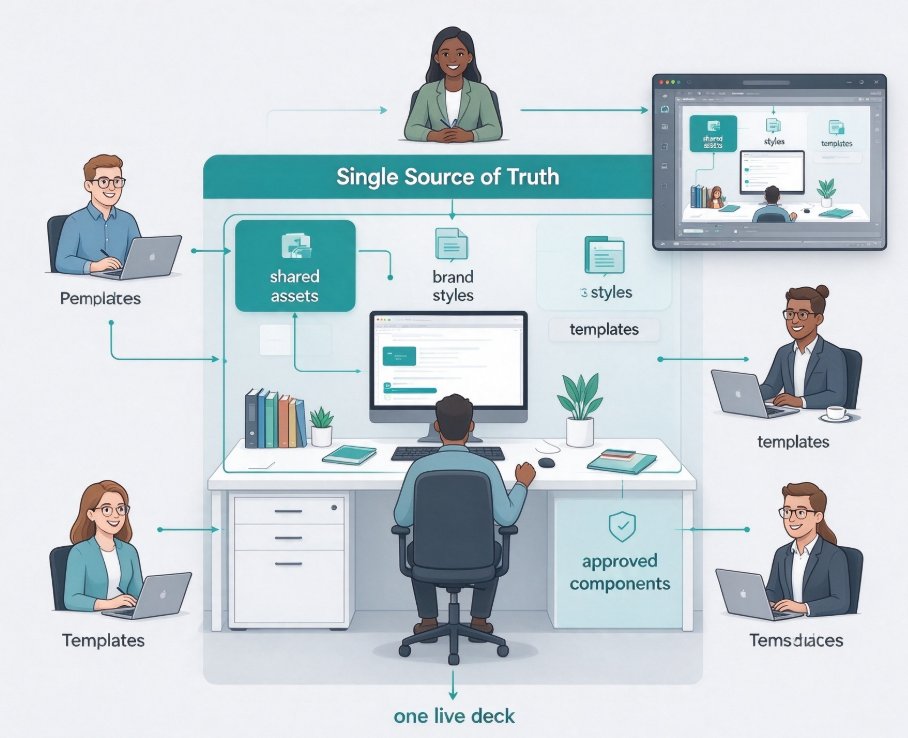
When everyone works in Zendeck, there's one template set, one color palette, one font system running through every deck. You don't have four people each styling their own slides in PowerPoint. The smart layout automation handles the visual details, so the final product looks like one designer made it — even though a team of six touched it.
This is especially powerful if you have a custom brand kit set up. Then every slide your team produces is on-brand by default, with zero extra effort. Design consistency stops being an argument and starts being a byproduct of the workflow.
06. Email vs. Zendeck: The Collaboration Scorecard
Let's put it side by side. Here's how the old email workflow stacks up against a Zendeck collaboration workspace.
| Dimension | Emailing PPTs Around | Zendeck Workspace |
|---|---|---|
| Version control | You manually keep final_v2, final_v3, etc. |
Automatic version history, one-click revert |
| Simultaneous editing | Impossible; edits collide | Real-time co-editing on one live canvas |
| Feedback & comments | Buried in reply threads | Inline comments on specific slides |
| Sharing permissions | "Forward to everyone" | View-only, edit, and expiring links |
| Design consistency | Each person styles their own slides | Smart layout + brand kit unifies everything |
| Time to finalize a deck | Days of back-and-forth | Usually hours, with a single team meeting |
Here's a quick illustration of what the time difference looks like in a typical eight-person team:
These numbers aren't from a lab study — they're the pattern I've seen repeatedly across marketing teams, training departments, and classrooms that switched from email to a shared workspace. The mechanics are simple: fewer versions to reconcile, fewer lost comments, fewer duplicate designs. Time that used to be spent "figuring out what happened" goes back into making the deck better.
07. Where to Start: A Three-Step Fix for Your Team
If you're tired of the final_v2 circus, here's a practical starting point.
- Move the master deck into a shared workspace. Stop emailing files. Create your deck in Zendeck and share a link with your team.
- Define permissions. Give edit access to the people who actually build slides; give view-only access to stakeholders who just need to review.
- Make version history your friend. Tell your team, loudly: "We can always revert. Don't hoard copies. Edit freely."
Within two sprints, you'll notice the difference. Your team will stop referring to "which version" and start referring to "the deck." Lost feedback becomes rare. The deck becomes a genuine collaborative work product rather than a graveyard of conflicting attachments.
If you want to dig deeper into how collaboration is evolving in this space, check out my take on AI presentation collaboration trends or the hidden features of AI presentation tools that quietly boost team productivity. And if you're running a training or education team, the office efficiency category has more workflow ideas.
FAQ
Q: Does Zendeck keep a full version history of my deck? A: Yes. Zendeck automatically saves checkpoints as you and your teammates edit. You can browse the history, preview any earlier state, and restore it with one click — no more keeping manual backup copies.
Q: Can multiple people edit the same deck at the same time in Zendeck? A: Absolutely. Zendeck supports real-time co-editing, so your team sees a live, unified canvas. Visible cursors, inline comments, and instant updates mean everyone is working on the same version, not conflicting copies.
Q: How does secure link sharing work in Zendeck? A: You generate a shareable link and choose the access level: view-only, commenting, or full editing. You can also set the link to expire, which is especially useful for pre-launch materials.
Q: What happens to feedback and comments in Zendeck? A: Comments live directly on slides, right where the change needs to happen. Teammates can reply, resolve threads, and keep everything organized — no more digging through email reply chains to find missing feedback.
Q: How does Zendeck compare to emailing PPT files? A: Email-based workflows are prone to version conflicts, lost feedback, and inconsistent design. With Zendeck, everything lives in one workspace: automatic version history, real-time co-editing, permission-based sharing, and built-in design consistency from smart layouts and brand kits.