Too Many Icons, No Design Eye? Zendeck's Asset Library Chooses for You
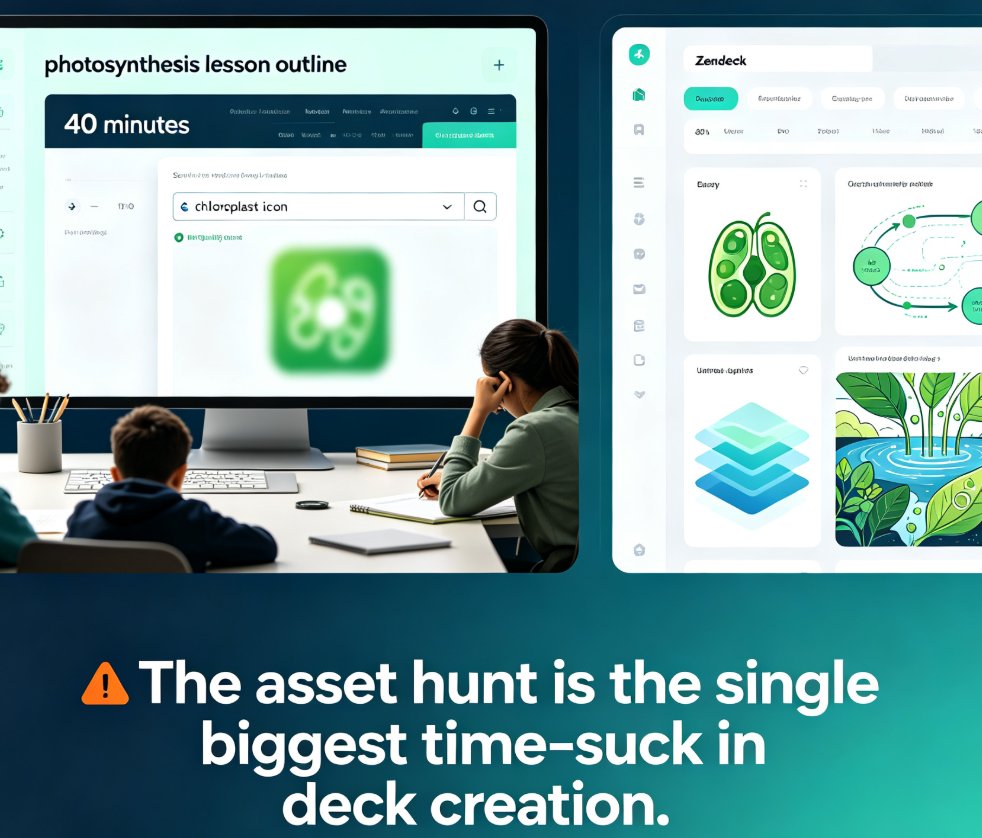
Let's be real: you don't have a design problem. You have a decision problem. You open a template that already looks clean, then you freeze at the icon step. Magnifying glass or funnel? Flat or line? Blue or gray? Twenty minutes later you've clicked through four stock sites and you're back to the first icon you saw. Sound familiar?
I. The Paradox of Plenty: Why More Assets Mean Worse Decks
The average person building courseware today has access to more icons, charts, and illustrations than a 2005 design team could dream of. Free libraries promise everything. Paid libraries promise even more. And yet, having thousands of visual assets at your fingertips doesn't make you a better designer — it just makes you a slower one.
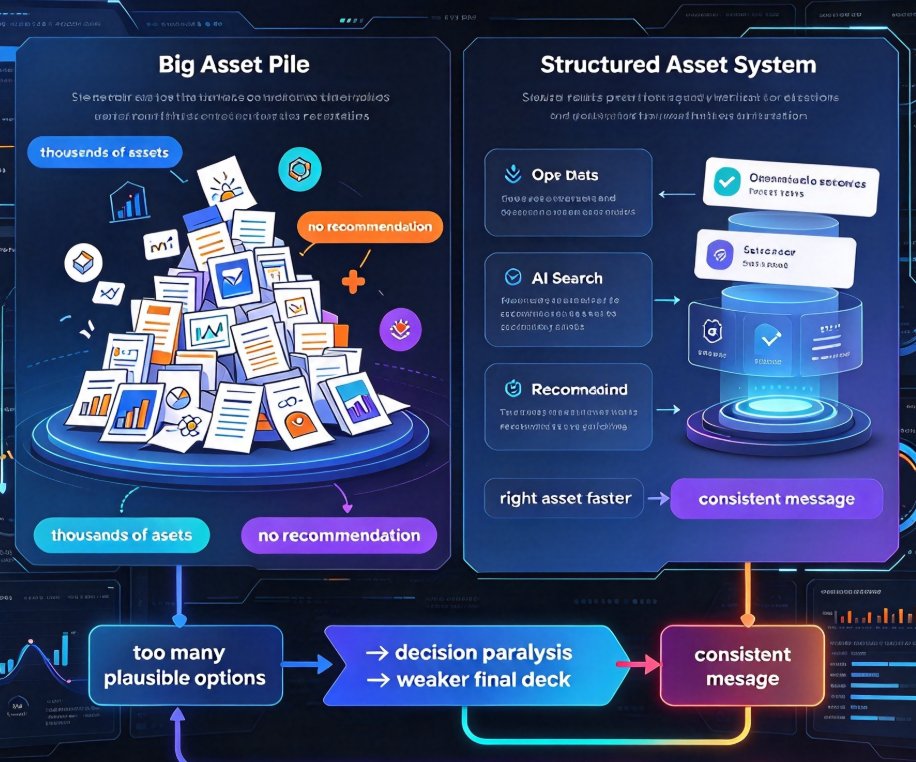
That's not a dig at your taste. It's a well-documented cognitive pattern: when presented with too many plausible options, most people either freeze or pick arbitrarily to move on. Both outcomes show up in your final deck. The first produces an unfinished slide. The second produces a slide where the icon doesn't match the message.
The real problem isn't the assets. It's the absence of a recommendation engine between you and them. As the team at Bynder points out in their guide to digital asset libraries, tagging, metadata, and AI search are what make a library usable. Without structure and enrichment, a library is just a bigger pile of files.
The fix is a system that points you to the right asset — not a bigger pile. And that's where most asset libraries, even the "free" ones, fall short.
II. What Actually Makes an Asset Library Useful
Let's break down what separates a genuinely useful asset library from a digital hoard. Based on Bynder's playbook and years of watching teams build decks, four things matter:
- Consistent naming and metadata — so search actually returns what you need.
- AI enrichment — the library tags assets automatically, so you don't have to rely on manual curation.
- Role-based permissions — so only the right assets ever reach the final deck.
- Regular cleanup — removing outdated or duplicate assets before they become noise.
That's a solid foundation. But even a perfectly organized library doesn't solve the real problem: knowing which visual is right for your message, in your context, at that exact moment.
This is where "searchable" meets "suggestible." A library that returns results still puts the design decision on you. A library that reads your slide's content — the section title, the core idea, the emotional tone of the slide — and surfaces three fitting visuals? That changes the entire workflow. That's the difference between a library and a design partner.
III. Zendeck's Asset Library: The Part That Chooses for You
Here's where Zendeck's approach stands apart. The asset library isn't just a folder of pretty icons bolted onto the editor. It's integrated with the context-aware engine that generated your deck in the first place.
When you're editing a slide about quarterly growth, the library doesn't dump 400 arrow variants at you and say "good luck." It suggests an upward trend line, a clean bar chart, and an icon that matches your brand kit. When you're on a slide about customer feedback, it surfaces a speech bubble, not a random gear icon.
You don't need a design eye. You just need to accept a good recommendation. That's the entire philosophy behind the asset suggestions — and it's the reason the library doesn't create new decisions; it removes them.
This connects to a broader shift in AI deck tools, from "here are assets, good luck" to "here's the right asset for this slide." If you want the full context on how asset libraries are evolving, the post on AI-generated icons and charts walks through the trend in detail.
IV. Workflow: From Outline to Polished Deck in Minutes
Let's walk through a realistic scenario. You're a trainer building a module on remote onboarding.
- You paste your Word outline in, and the engine generates a structured deck with a consistent visual theme.
- You land on a slide about communication tools. You're not sure whether to use a chat bubble, a phone, or a video camera icon.
- The asset library reads the slide's content and your brand kit, then suggests a set of communication icons in your brand's color palette. One click — done.
- On the next slide, "security protocols," the library suggests a shield icon. Matches the content. Matches the tone. No second-guessing.
That's the entire loop. The gap between "I have too many options" and "I know what to pick" is closed by AI suggestions, not by more browsing.
For a deeper look at how to drop in charts from the library, the guide on adding interactive charts to AI slides shows the full workflow, including how the charts stay on-brand.
V. Beyond Icons: Charts, Illustrations, and Brand Consistency
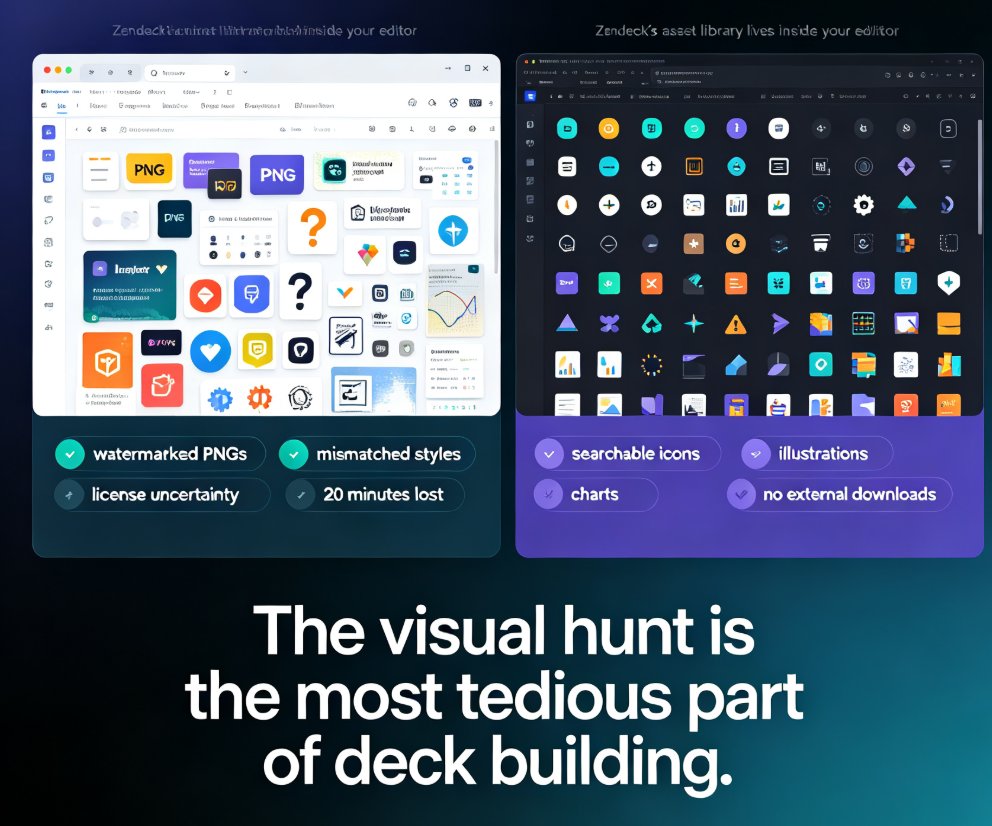
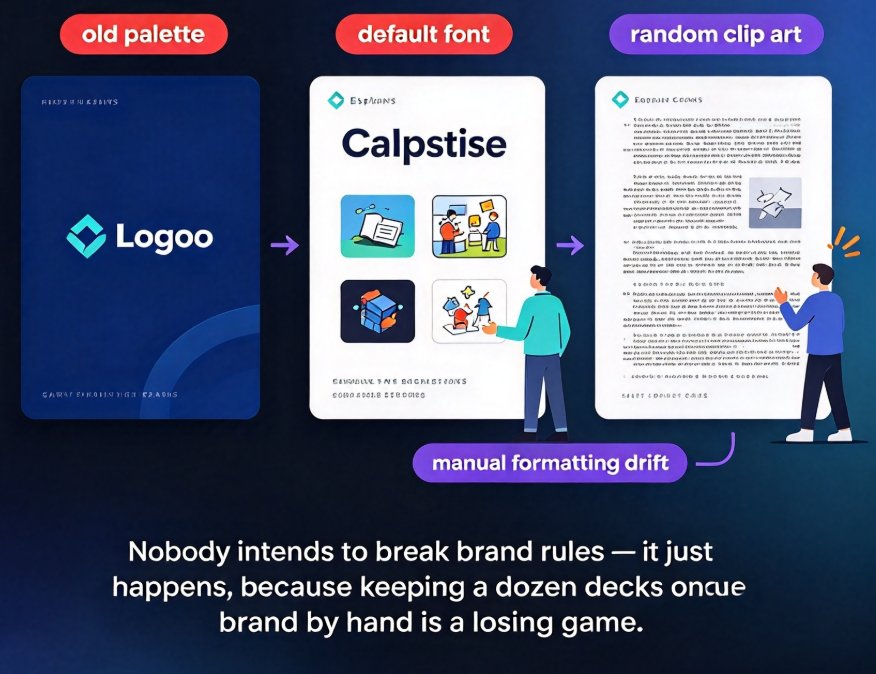
The asset library covers much more than icons. Charts, illustrations, and AI-generated visuals all live in the same system, and every asset respects your brand kit — colors, fonts, and visual language. When everything looks like it belongs on the slide, the deck reads as professionally designed.
That consistency is exactly what AI asset libraries are bringing to corporate brands. Our post on AI asset libraries and brand consistency covers how teams are using the same mechanics to enforce a visual standard without a design department.
Let's be honest about the comparison:
| Approach | Time to find the right visual | Design confidence | Brand consistency | Skill required |
|---|---|---|---|---|
| Stock site browsing | 30–60 minutes per deck | Low — doubt even after picking | None — styles clash | Design eye |
| Tagged library | 15–30 minutes | Medium — searchable but still guessing | Depends on curation | Some awareness |
| Zendeck's context-aware library | Minutes per slide | High — suggestions match content | Built into deck generation | None — AI fills the gap |
The outcome here is simple: you look like you have a design team, and you never hired one. For educators and trainers producing decks weekly, that difference adds up to hours saved and a real boost in confidence.
VI. The Bigger Picture: Asset Selection Is the New Design Skill
For years, the industry automated layout, templates, and typography. But the asset-selection step stayed manual — the last big bottleneck in presentation design. That's finally changing. AI-powered asset libraries are becoming the bridge between "I have assets" and "I used the right asset."
We've written about the evolution of AI-generated icons and charts and about the broader shift toward context-aware courseware design. The short version: if you're still spending your mornings scrolling icon sites, you're solving a problem the tools already fixed.
VII. What This Means for Your Next Deck
Next time you build a presentation or course, notice where your time actually goes. If it's the asset hunt — the icon, the chart, the illustration — that's the step to automate.
The tools exist right now. You don't need to become a designer. You need a library smart enough to suggest the right thing, and you need the willingness to click "accept." Zendeck built the first part. The second part is on you — and honestly, it's the easy part.
FAQ
Q: Do I need design experience to use Zendeck's asset library? A: No. The asset library pairs every visual with a context-aware suggestion based on your slide's content and brand kit. You review the short list and click insert — that's the entire workflow.
Q: What kinds of assets does Zendeck's library include? A: The library covers icons, charts, illustrations, and AI-generated visuals. All of them respect your brand kit and can be inserted directly into your deck without extra editing.
Q: Can I keep my own brand colors and fonts? A: Yes. The asset suggestions adapt to your brand kit — colors, fonts, and visual style — so the recommended assets match your deck's look automatically.
Q: How is Zendeck's library different from searching a stock site? A: Stock sites return thousands of options and zero guidance. Zendeck's asset suggestions read your slide's content and present a short, relevant list. The design decision is made for you, not by you.
Q: Does the asset library work for courseware and corporate decks? A: It works wherever Zendeck generates visuals — courseware, corporate training, pitch decks, and internal presentations. The library adapts its suggestions to the content of each slide.