Zendeck Asset Library: Find the Perfect Icon in Seconds, Not Hours
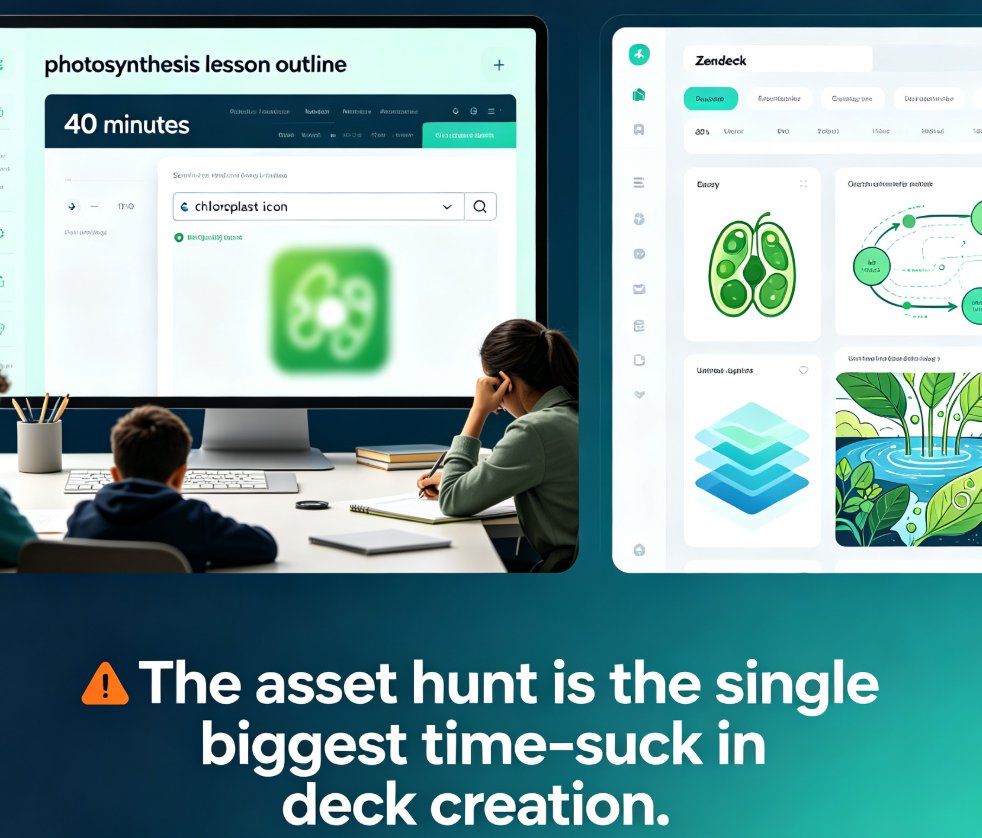
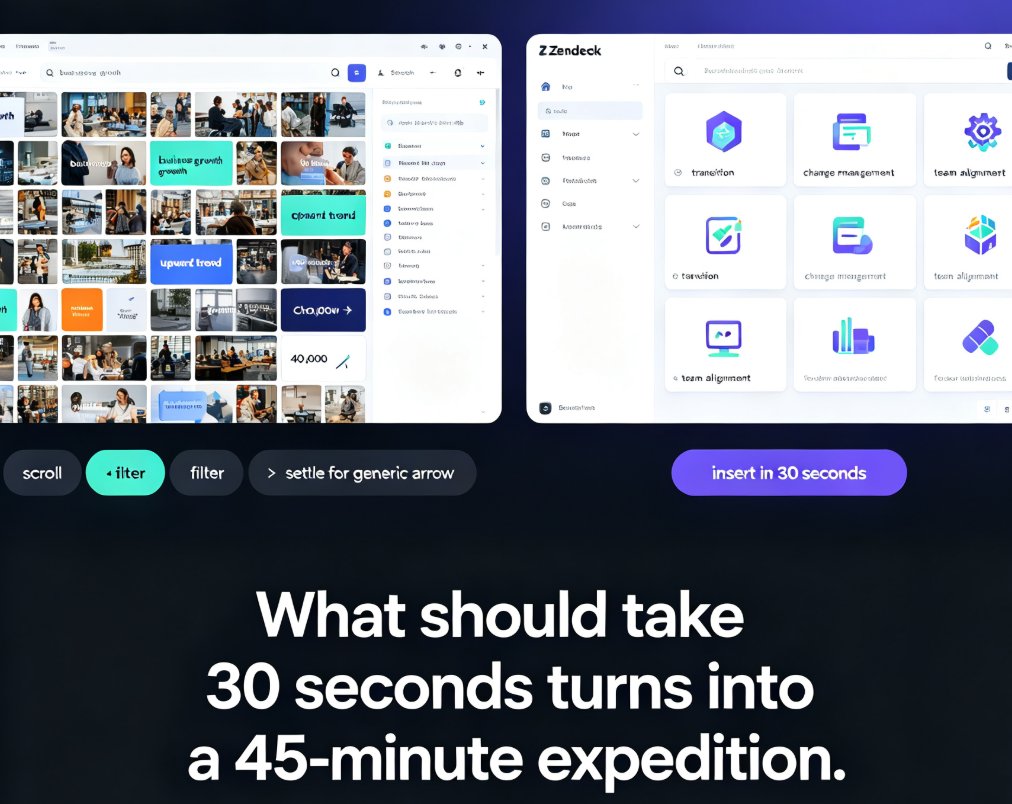
You know the feeling. You're mid-flow on a deck, the structure is solid, the copy is tight, and you need one icon — just one — to make a slide land. You open a stock site, type "growth," and get 40,000 results. Forty thousand. You scroll. You filter. You try "business growth," then "upward trend," then "chart arrow." Twenty minutes later, you settle for the same generic arrow everyone uses.
That's the pain. And it's exactly the problem Zendeck's asset library was built to solve.
I. The 45-Minute Icon Hunt: Why Visual Search Eats Your Day
Every designer, trainer, and course creator has lived this scenario. You're building a course module on change management, and you need an icon that represents "transition." Not "arrow." Not "move." Transition. What should take 30 seconds turns into a 45-minute expedition through endless thumbnail grids.
The math is brutal. If you build three decks a week and spend even 20 minutes per deck hunting visuals, that's 60 minutes a week. Over a year, that's over 50 hours — more than a full work week — just looking for pictures.
The real problem isn't that you're slow. It's that most asset libraries are built for browsing, not for finding.
Traditional stock libraries treat search like a keyword lottery. You type "team," and you get a mix of corporate handshakes, sports teams, and maybe a few people in a meeting room. The categorization is broad, the tagging is inconsistent, and the results are overwhelming.
The outcome? You settle. You use a visual that's "close enough" instead of one that's actually right. And "close enough" visuals are exactly what make a deck feel generic. Your audience can't articulate it, but they feel it — the deck looks like every other deck they've seen.
II. What Actually Lives Inside the Zendeck Asset Library
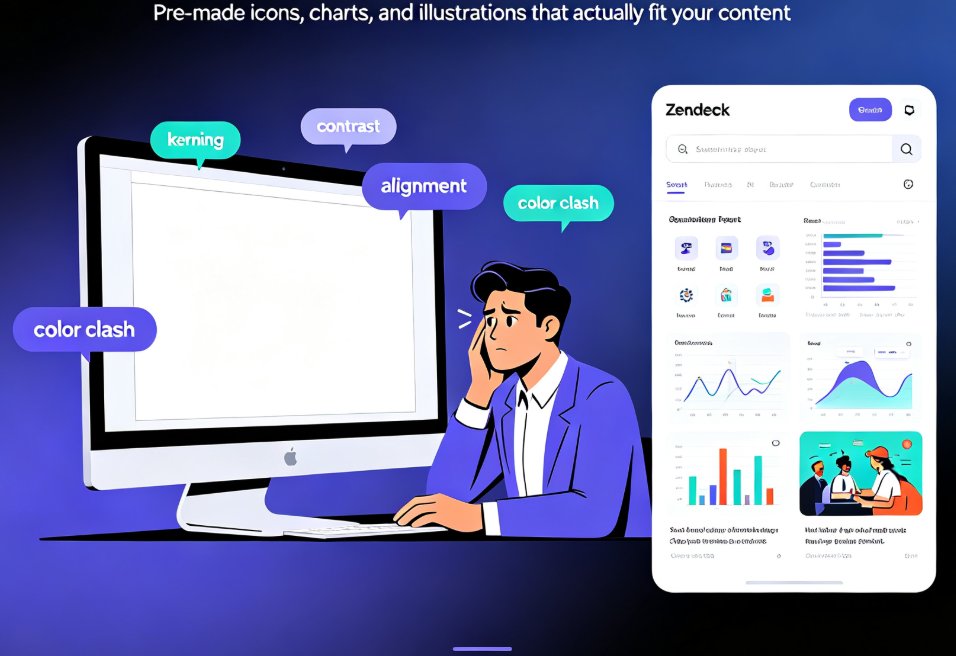
Let's be clear about what we're working with. Zendeck's asset library isn't a stock photo dump. It's a curated collection of icons, charts, and illustrations designed specifically for slide creation.
Here's what you'll find:
| Asset Type | What It's For | Typical Usage Per Deck |
|---|---|---|
| Icons | Concepts, actions, objects | 5-15 per deck |
| Charts | Data visualization | 2-5 per deck |
| Illustrations | Scenes, metaphors, storytelling | 1-3 per deck |
| Diagrams | Process flows, frameworks | 1-4 per deck |
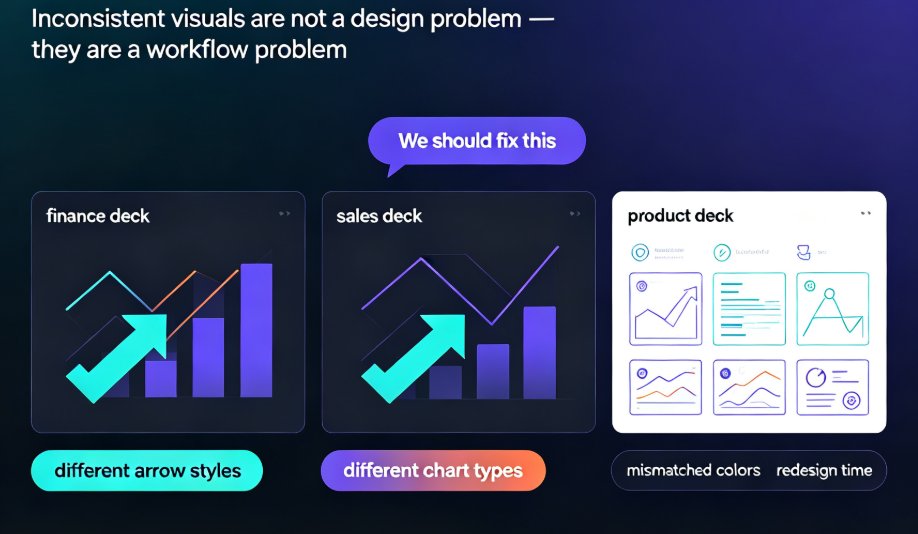
The key difference from a generic stock site: every asset in Zendeck's library is built for slides. That means consistent line weights, matching color palettes, and a visual style that doesn't clash with your content. When you drop an icon onto a slide, it looks like it belongs there — because it was designed to be there.
This matters more than you might think. In a stock library, you'll find icons in a dozen different styles — some thin, some thick, some with shadows, some flat. Mixing them in one deck creates visual chaos. Zendeck's library maintains a consistent style across all assets, so your deck looks cohesive even when you're pulling from different categories.
III. Smart Search: How "Seconds, Not Hours" Actually Happens
Here's where it gets interesting. Zendeck's search isn't just keyword matching — it's context-aware.
Type "growth" and you won't get 40,000 random results. You'll get a tight set of icons that actually represent growth in a business context: upward arrows, ascending charts, sprouting plants, climbing lines. The library understands that "growth" in a deck means something specific.
The search is smart enough to know what you mean, not just what you type.
That's the difference between a keyword search and a semantic one. Zendeck's asset library uses AI-powered tagging that goes beyond surface-level labels. An icon of a rocket isn't just tagged "rocket" — it's tagged "launch," "startup," "growth," "speed," "innovation." So when you search for any of those concepts, the right icon surfaces.
The outcome is measurable. What used to take 45 minutes of scrolling now takes 15 seconds of typing. You search, you see a tight grid of relevant options, you click, and it's on your slide. No filters to fiddle with, no categories to drill into, no dead ends.
IV. Categorization That Reads Your Mind
Beyond search, the categorization system is where Zendeck really shines. The library organizes assets the way you actually think about them — by concept, not by file type.
Traditional libraries categorize by "icon," "photo," "vector." Zendeck categorizes by "business," "education," "technology," "people," "process." You don't need to know whether you want a vector or a PNG. You just need to know you want something that represents "collaboration."
This matters more than you'd think. When you're in flow, the last thing you want is to switch mental modes from "what concept do I need?" to "what file format do I need?" Zendeck removes that friction.
Good categorization doesn't just save time — it preserves creative momentum.
And momentum is everything in deck building. Every time you break flow to hunt for an asset, you lose context. You forget the point you were making. You come back to the slide and it feels flat. Zendeck's categorization keeps you in the zone, so the deck builds itself with fewer interruptions.
V. The Real Cost of Slow Asset Hunting
Let's put some numbers on this. Say you're a trainer who builds one course deck per week, roughly 40 slides, and you spend about 20 minutes per deck hunting for visuals. That's 17 hours a year just searching.
Now imagine you're a content operator managing five decks a week. That's 85 hours a year — more than two full work weeks — spent on asset hunting alone.
Here's a simple comparison:
| Step | Traditional Stock Library | Zendeck Asset Library |
|---|---|---|
| Open search | 5 sec | 2 sec |
| Type keyword | 10 sec | 10 sec |
| Filter results | 5-10 min | 0 sec (auto-filtered) |
| Browse relevant options | 15-30 min | 10-20 sec |
| Pick and insert | 30 sec | 5 sec |
| Total | 20-40 min | ~40 sec |
That's a 30-60x speedup. And it's not just about speed — it's about quality. When you can see the right options quickly, you make better choices. You don't settle for "close enough."
The time you save on asset hunting is time you reinvest in the actual content — the message, the story, the design.
Let me show you what that looks like visually:
The gap is stark. And the more decks you build, the wider that gap gets.
VI. Power Moves: Using the Asset Library Like a Pro
After watching hundreds of users work with asset libraries, a few patterns separate the fast from the slow. Here are the moves that actually matter:
1. Search by concept, not by object. Don't search "handshake" when you mean "partnership." Search "partnership" and let the library surface the right visual. Zendeck's semantic tagging makes this work.
2. Use the color filter early. If your deck has a brand palette, filter by color before you browse. You'll eliminate half the options instantly and see exactly what fits.
3. Mix icons with illustrations for hierarchy. Use icons for supporting points and illustrations for the big idea. This creates visual rhythm that keeps audiences engaged.
4. Reuse your favorites. Zendeck remembers what you've used. If you build decks regularly, you'll build a personal library of go-to assets that makes future decks even faster.
5. Don't over-decorate. A slide with three well-chosen icons beats a slide with ten random ones. The asset library makes it easy to add visuals — resist the urge to add too many.
One more thing: if you're building branded decks for a team, the asset library integrates with Zendeck's brand kit system. Consistency across decks matters more than most people realize, and having a shared asset library is a big part of that. We've written about how AI asset libraries are revolutionizing brand consistency if you want the full picture.
VII. When the Library Isn't Enough: AI-Generated Assets
Sometimes, even the best library doesn't have exactly what you need. Maybe you need an icon of a very specific object, or a chart style that's unusual.
That's where Zendeck's AI generation comes in. Instead of settling for "close enough," you can generate the asset you actually need. The AI understands the context of your slide and produces visuals that match the existing style.
The combination of a curated library and AI generation means you never have to settle again.
This is the real evolution of asset libraries. They're not just repositories anymore — they're active tools that help you create. The library handles the 90% of cases where a good asset exists, and AI handles the 10% where it doesn't.
For a deeper look at how AI is transforming asset libraries, check out this piece on AI-powered asset libraries. And if you're curious about how AI-generated icons and charts are evolving, this article covers the key trends.
VIII. Putting It Together: Your Next Deck, 40 Seconds Faster
Let's be real. The asset library isn't the flashiest feature in Zendeck. It's not the AI generation, the smart layouts, or the PPT-to-video conversion. But it might be the one that saves you the most time.
Every deck you build requires visuals. Every visual requires a search. And every search, in a traditional library, costs you minutes. Zendeck turns those minutes into seconds.
The best tool isn't the one with the most features — it's the one that gets out of your way.
That's what the asset library does. It gets out of your way. You search, you find, you move on. The deck gets built. The message gets delivered. And you get your hours back.
If you're building courseware or training decks, the asset library is worth exploring first. It's the kind of feature that feels small until you use it — and then you wonder how you ever worked without it.
FAQ
Q: How is Zendeck's asset library different from a stock photo site? A: Zendeck's library is curated specifically for slide creation, with consistent visual styles, semantic search, and AI-powered tagging. Stock sites give you thousands of irrelevant results; Zendeck gives you a tight set of options that actually fit your context.
Q: Can I search for assets by color or style? A: Yes. Zendeck's asset library supports filtering by color and style, which is especially useful when you're working with a brand palette and need visuals that match.
Q: What if the library doesn't have the asset I need? A: You can use Zendeck's AI generation to create the asset. The AI understands your slide's context and produces visuals that match the existing style, so you never have to settle for "close enough."
Q: Does the asset library work for team collaboration? A: Yes. Teams can share a common asset library, which helps maintain brand consistency across decks. This is covered in more detail in our article on brand consistency.
Q: How much time can I actually save using the asset library? A: In practice, most users go from 20-40 minutes of asset hunting per deck to under a minute. That's a 30-60x speedup, which adds up to hours saved every week.