Keep Courseware Copyright-Safe with Zendeck's Asset Library
Keep Courseware Copyright-Safe with Zendeck's Asset Library
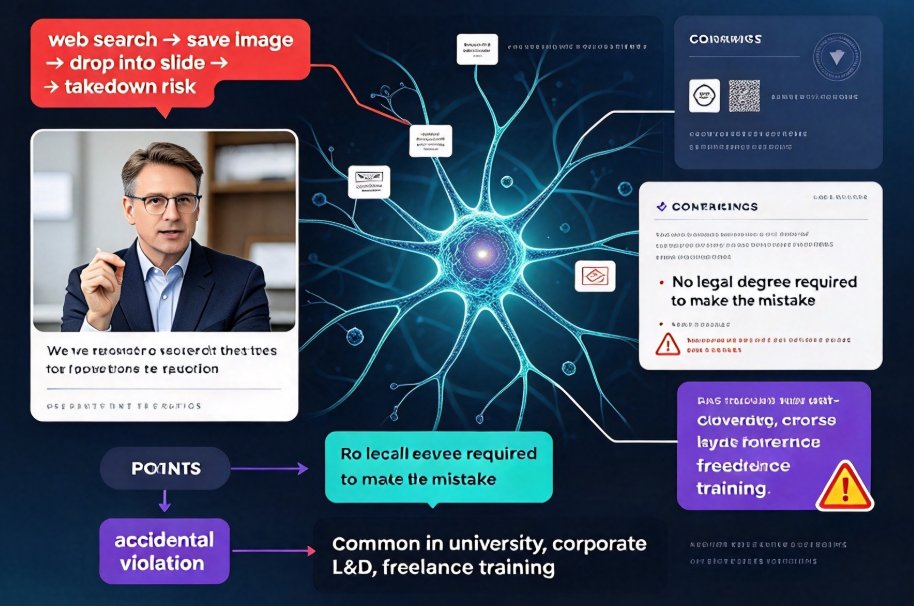
You're 40 minutes from class, you need one diagram of a neuron, so you type "neuron diagram" into an image search, right-click, save, drop it into your slide, and move on. Nothing bad has happened yet — and that's exactly the problem. That image probably came with a photographer's license, a stock-site watermark you cropped out, or a creator who will absolutely file a takedown if their work shows up in a paid course.
This isn't a scare tactic. It's the most common copyright violation in courseware, and it's almost always accidental. I've seen university lecturers, corporate L&D managers, and freelance trainers all make the same mistake. The fix isn't a legal degree — it's a habit, plus the right tool. Zendeck's asset library is built to make "cleared and worry-free" the default, not the exception. If you're new to building courseware end-to-end, you'll find the same workflows covered in our courseware design hub.
01. The copyright trap nobody warns you about
Let's be honest about how courseware actually gets built. An educator's first priority is accuracy: getting the concept right, sequencing the examples, making the quiz fair. Visuals are an afterthought. So when a diagram is needed, the path of least resistance is a web image search.
Here's the trap: almost everything you find there is copyrighted, even when it shows no visible notice. Free doesn't mean licensed. "Found on the internet" is not a usage right.
The major learning platforms have known this for years, which is why they built centralized asset libraries instead of letting creators roam the web. Thinkific's documentation, for example, maintains an asset library so content creators stop hunting for visuals on demand (source: Thinkific Help Center). Thought Industries does the same, treating its asset library as the staging ground for images, certificates, and template designs so nothing enters a course from an uncontrolled source (source: Thought Industries Help Center). The industry pattern is clear: teams that take content seriously stopped pulling pictures from the open web a long time ago.
02. Why "just googling an image" is a lawsuit waiting to happen
Let's break down what actually goes wrong, because the failure modes are more subtle than "I stole a photo."
First, licenses vary wildly. A Creative Commons image might permit commercial use — or explicitly forbid it. An "educational use" license usually doesn't cover a paid course or a corporate workshop. Many licenses require attribution, and most educators never read that far down the page.
Second, cropping a watermark doesn't make it legal. Removing a stock-photo watermark or a creator's signature is a direct license violation, and it's the easiest claim for a rightsholder to prove. If someone files a DMCA takedown or a cease-and-desist, your course can disappear overnight. If the course is monetized, the conversation moves quickly to actual damages.
The result hurts in every direction: wasted rework, platform strikes, legal letters, and lost teaching time. The safest visual is the one you never have to vet. And that's where a curated asset library stops being a convenience and starts being a shield.
03. What a curated asset library actually changes
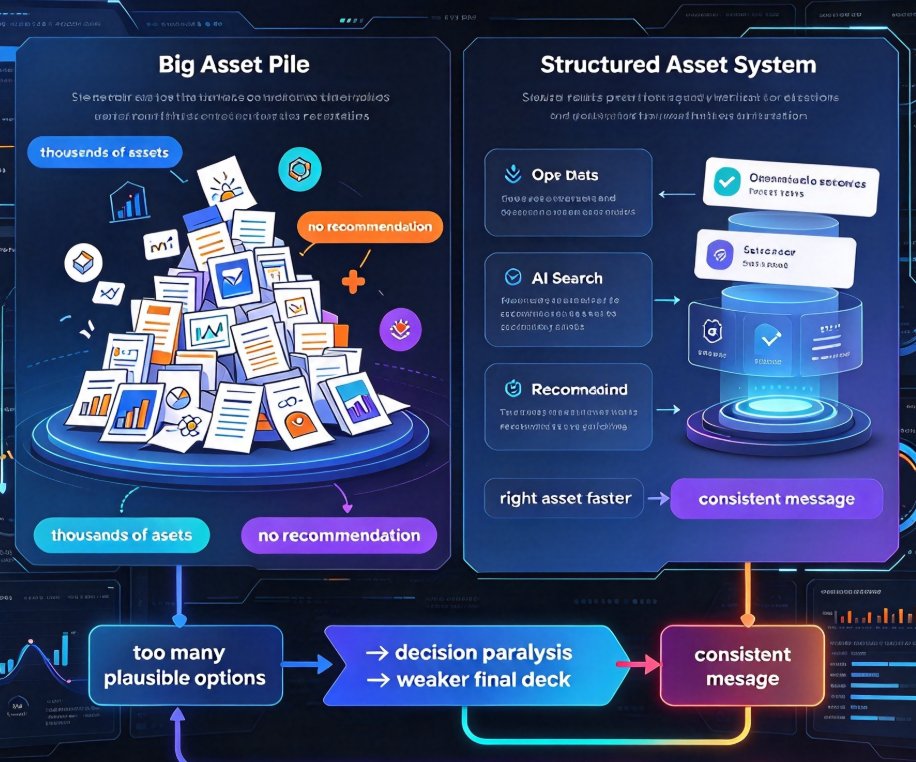
Zendeck's asset library is a managed collection of icons, charts, illustrations, and other graphics that are built to drop straight into your deck or courseware. No sourcing, no license reading, no "can I use this?" anxiety. The library is curated, so the assets are consistent in style, and they're made available under terms that cover your course-building use cases — from classroom slides to commercial training materials.
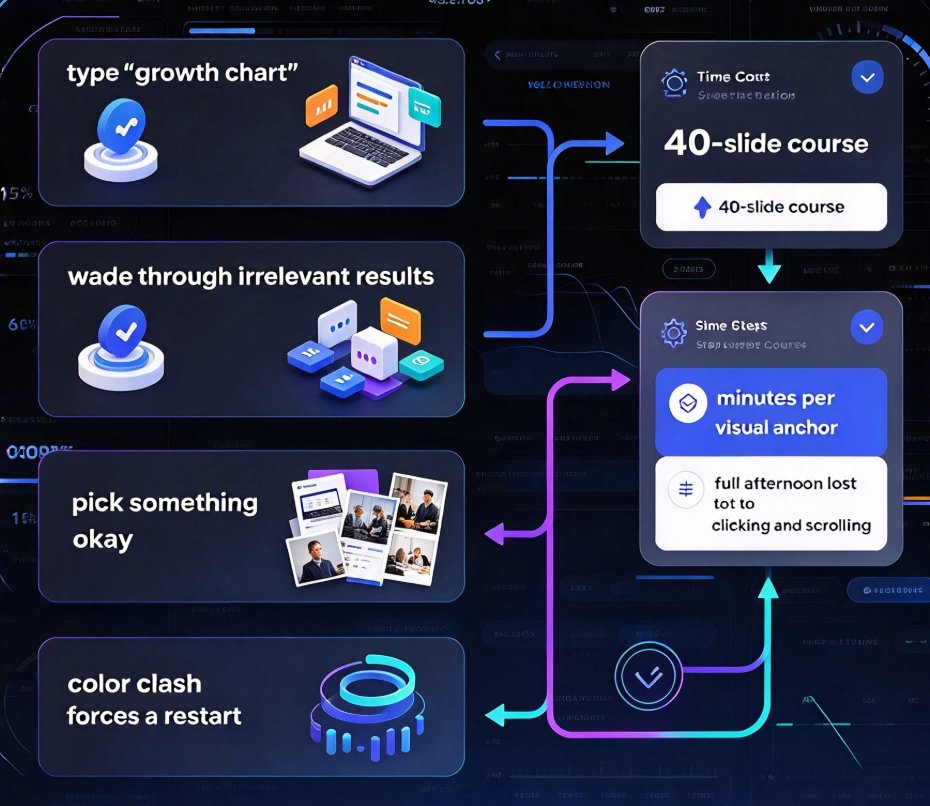
That single change rewrites your workflow. Instead of this:
- Browse the open web for 25 minutes
- Skim (or, honestly, skip) the license terms
- Crop or scale the image so it fits
- Hope the original source never notices
...you get this: open the asset library, search, insert. Done.
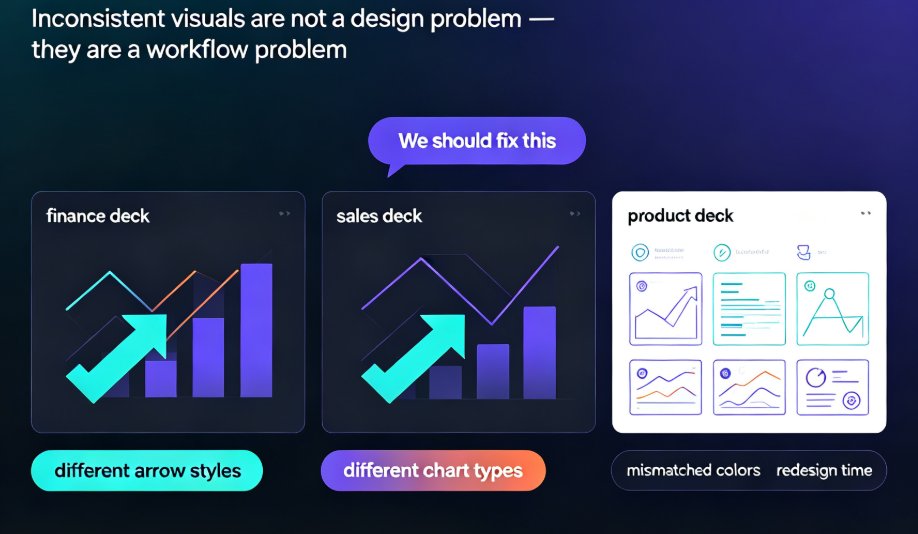
There's a quieter second benefit: consistency. Because everything comes from one curated source, your icons and diagrams share a visual language. Your course looks like a designed product instead of a patchwork of random web finds. If you care about consistent decks across your team, a managed library is the backbone — which is exactly why more organizations are starting to treat asset libraries as brand infrastructure rather than a folder of miscellaneous images. We covered that shift in more depth in our piece on how AI asset libraries are revolutionizing corporate brand consistency.
04. Asset library vs. stock sites: an honest comparison
You don't need a design degree to keep your courseware clean — you need a curated library and a habit. Here's how the two approaches actually stack up in daily use:
| Criterion | Generic stock-site workflow | Zendeck asset library |
|---|---|---|
| Licensing clarity | Varies per file; often buried in fine print | Handled before you insert; terms cover courseware use |
| Time to find one safe visual | 15–30 minutes of browsing | Seconds of searching |
| Style consistency | Random mix of photographers and illustrators | Curated visual language |
| Watermark risk | High, if you're tempted to crop | None |
| Brand compliance | Manual and error-prone | One source, easy to keep aligned |
| Reuse across courses | Needs re-verification every time | Same asset, same license, forever |
The difference shows up fast in real usage. Here's what that step-change looks like in process terms — the same shape we've seen across training teams that switched:
05. A hands-on workflow to keep your courseware clean
This is the part I actually want you to steal. Whether you're building a micro-course or a full training deck, run this sequence every time:
1. Default to the asset library first. Before you open a search engine, open Zendeck's asset library. Make it the first stop for icons, charts, and illustrations. It covers the exact visuals that cause 90% of courseware copyright pain: diagrams, decorative icons, and data graphics.
2. Build charts from the library, not from screenshots. If you need a data visual, pull it from the library rather than screenshotting someone's blog graphic. Screenshots carry all the original licensing baggage; library assets don't. If you want to go a step further, you can even add interactive charts straight into your slides — here's how that works.
3. Reuse everything. The real magic of a library is reuse. The same icon set can serve your intro slide, your quiz slide, and your summary slide without you re-verifying a single license. That's a time saver that compounds on every single course you build.
4. Add alternative text as you go. Since you're inserting visuals anyway, you can have Zendeck auto-add alt text for them — keeping your courseware both legal and accessible, which matters more every year as accessibility becomes a procurement requirement in schools and enterprises.
5. Push brand consistency in parallel. If your team ships decks across departments, pair the asset library with a custom brand kit so colors, fonts, and illustration styles stay locked. Two systems, one outcome: every deck that goes out looks like it came from the same house.
When teams adopt this sequence, the most common reaction is surprise at how much quieter the workflow gets. No more mid-deck panic over a missing attribution. No more "whose chart is this?" No more redesigns three weeks later because someone flagged a graphic.
06. Two pitfalls to keep in mind (from someone who's been burned)
Friendly warning time — this is a friend's offhand advice, not an official memo.
Watch out for your own uploads. The asset library protects you for the assets inside Zendeck's collection. If you import your own images — say, a company logo or a photo a colleague "found" — that protection doesn't automatically extend to them. Before you upload anything externally sourced, confirm you have the rights to use it in the course. If in doubt, leave it out.
Beware of derivative re-draws. Redrawing a copyrighted illustration by hand or in a design tool doesn't automatically make it safe. Substantially similar copies still infringe. The cleanest path is always: use a library asset that was cleared from the start.
One more: attribution checks. If you do use external material under a Creative Commons or similar license, actually read the terms and provide the required attribution. It's the difference between an honest mistake and an avoidable one.
Handle those edges and your courseware footprint stays clean.
07. FAQ
Q: Can I use visuals from Zendeck's asset library in commercial courseware?
A: Yes. The asset library is curated for course-building use cases, including paid courses, corporate workshops, and commercial training materials. The licensing is handled before you ever insert an asset, so you don't need to re-verify terms for each individual use.
Q: What types of assets are in the asset library?
A: The library is built around the visual workhorses of courseware: icons, charts, illustrations, and other graphics that cover most diagram and decoration needs. Because it follows a managed-library pattern, assets are consistent in style and ready to drop straight into a deck or micro-course.
Q: Do asset library visuals support accessibility requirements like alt text?
A: Yes. You can generate alternative text for the visuals you insert, keeping your courseware aligned with accessibility and WCAG expectations. This matters more every year as accessibility compliance becomes a procurement requirement in schools and enterprises alike.
Q: If I upload my own images, are they automatically safe to use?
A: No. The library's protection covers the assets available inside Zendeck's collection. For any image you upload from an external source, confirm that you hold the rights before using it in paid or public-facing courseware — the library can't clear rights it doesn't control.
Q: Can I reuse the same asset across multiple courses?
A: Yes — that's one of the main advantages of a managed asset library. Because the licensing is cleared once at the source, you can drop the same icon or chart into as many decks and courses as you need without checking terms again.