Cross-Time-Zone Collaboration: Zendeck's Cloud Sync for Global Teams
It's 9 PM in Singapore, 8 AM in New York, and someone just renamed the file "training_deck_v7_FINAL_USE_THIS.pptx" for the third time this week. If that sentence made you flinch, you've lived the cross-time-zone collaboration nightmare.
The old way of sharing decks — email attachments, USB drives, and "can you check the latest version?" messages — breaks down the moment your team spans more than two time zones. Every edit creates a new fork in the road, and someone always ends up presenting from a stale file.
Here's the good news: cloud sync changes the math entirely. When your whole team edits one live deck instead of emailing copies, the merge conflicts disappear, the email chains die, and the person in Berlin can see your Tokyo teammate's changes the second they're made.
01. The Real Cost of Version Chaos
Let's be honest about what version chaos actually costs. It's not just annoying — it's expensive.
Every time a training team emails a PPT back and forth across time zones, they're building a chain of dependencies. The instructional designer in London finishes her edits at 5 PM. The subject matter expert in Chicago picks them up at 9 AM the next day. Meanwhile, the facilitator in Sydney has already downloaded an older copy and built her session around it.
Studies consistently show that knowledge workers lose hours each week just hunting for the right file version. For a training team producing courseware, that's time stolen from actual content development.
The pain points pile up fast: - Merge conflicts when two people edit the same slide - Stale decks being presented to real audiences - Email chains that bury the latest version under replies - No audit trail of who changed what and when
Think about what that means for a global rollout. Your company launches a new product in three regions. The training deck needs to reflect the latest pricing, compliance rules, and messaging. But the pricing team is in San Francisco, the compliance team is in Frankfurt, and the training team is split between Manila and Toronto.
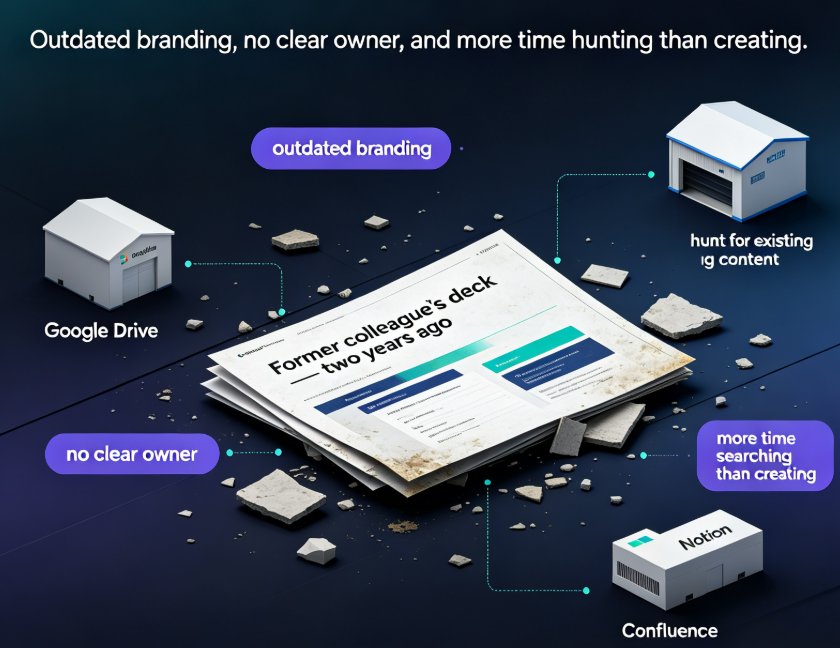
By the time the deck reaches the last region, it's already outdated. Someone presented the old pricing. Someone else used the wrong compliance slide. And nobody can point to exactly when things went wrong, because there's no single source of truth.
Sound familiar? Now let's talk about the fix.
02. What Real-Time Cloud Sync Actually Means
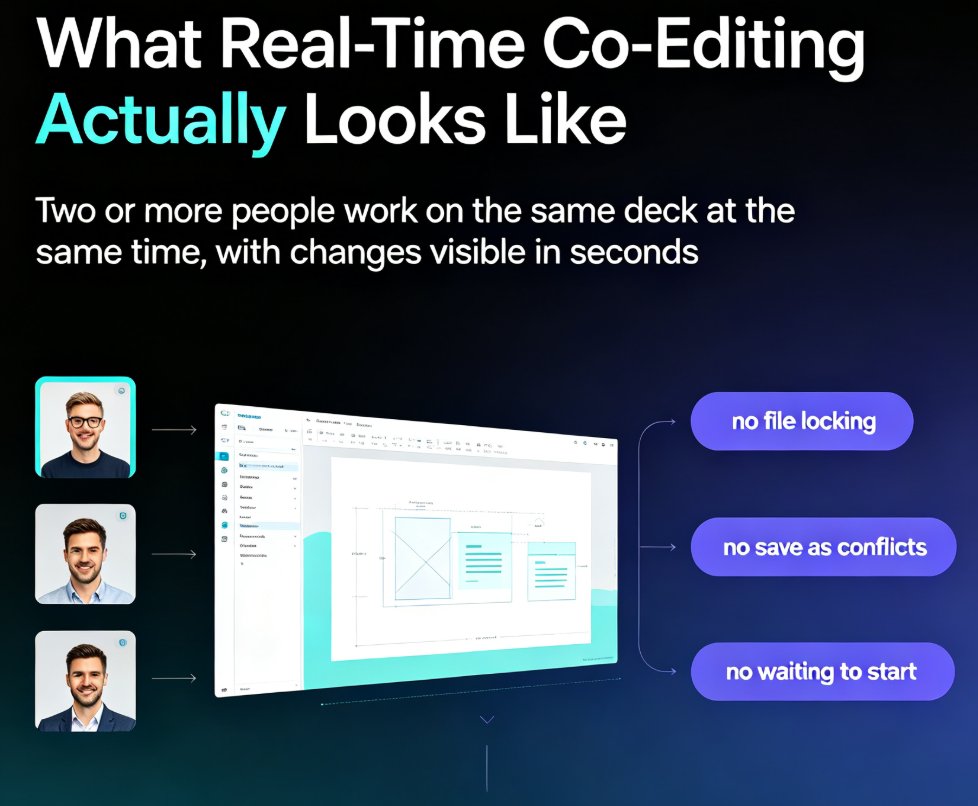
Zendeck's cloud sync isn't just "a file in the cloud." It's a live workspace where the deck exists in one place, and everyone edits that same instance.
When your colleague in Mumbai adds a slide at 2 PM, your teammate in Vancouver sees it at 1 AM — not because they were emailed, but because the deck is one living document. No downloads, no "latest version" confusion, no merge conflicts.
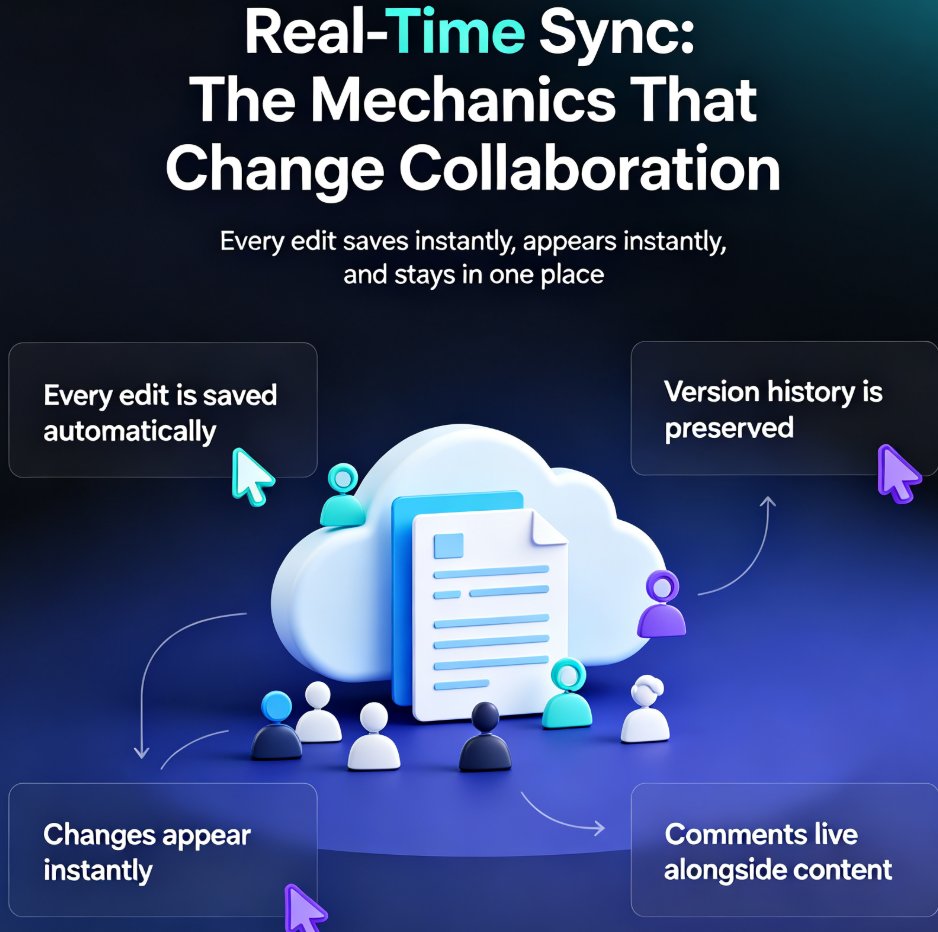
The mechanics matter here. Real-time sync means: - Every edit is saved automatically — no more "did you save?" panic - Changes appear instantly for anyone with the deck open - Version history is preserved — you can roll back to any point - Comments and feedback live alongside the content — not in a separate email thread
For a training team spread across time zones, this is the difference between a chaotic relay race and a genuinely parallel workflow.
Here's a concrete example. A global sales enablement team at a software company maintains a quarterly product training deck. In the old workflow, the deck lived on a shared drive, and whoever edited last "won." The result: regional facilitators were constantly re-doing slides to match their local context, then emailing their versions back to headquarters, where someone had to manually reconcile everything.
With cloud sync, the deck stays in one place. The APAC facilitator adds a region-specific case study. The EMEA lead updates the compliance slide. The HQ team sees both changes immediately and can adjust the global narrative without a single email. The deck evolves as one coherent document, not a patchwork of conflicting copies.
03. Traditional Collaboration vs. Cloud Sync
Let's put the two approaches side by side.
| Aspect | Email Attachments | Zendeck Cloud Sync |
|---|---|---|
| File location | Multiple copies everywhere | One live deck |
| Edit conflicts | Frequent, messy merges | None — real-time sync |
| Version control | Manual renaming | Automatic history |
| Feedback loop | Email threads | Inline comments |
| Async workflow | Sequential, slow | Parallel, instant |
| Offline access | Works but stale | Syncs when reconnected |
| Audit trail | None | Full edit history |
The pattern is clear: the more time zones your team spans, the more painful the old way becomes — and the more valuable cloud sync gets.
This isn't a small efficiency gain. For a global training team producing monthly courseware updates, the difference is measured in days, not hours. A deck that used to take a week to circulate through four regions can now be finalized in a single working day — because nobody is waiting on anyone else.
And the quality improves too. When people stop worrying about version conflicts, they focus on the content itself. They make bolder edits, suggest better examples, and catch errors earlier — because they're not afraid of breaking someone else's work.
04. Building an Async Workflow That Actually Works
Here's the thing about cross-time-zone teams: you can't force everyone to be online at the same time. But you can design a workflow that doesn't require it.
The key insight: async collaboration works when the tool handles the coordination for you. Zendeck's cloud sync means the deck is always current, so each person picks up where the last person left off — regardless of when they log in.
A practical async workflow for a distributed training team looks like this:
- Morning in APAC: The instructional designer opens the deck, sees overnight comments from the US team, and addresses them.
- Midday in EMEA: The subject matter expert adds new content based on the latest product update.
- Evening in Americas: The facilitator reviews the final version, adds speaker notes, and locks the deck for the upcoming session.
No one waits. No one emails. The deck just... moves forward.
This works because the tool removes the coordination overhead. You don't need a "who's working on what" spreadsheet, because the live deck shows you. You don't need a status meeting, because the comments and edit history tell the story. The deck itself becomes the project tracker.
And when you're ready to turn that deck into a narrated micro-course, Zendeck's PPT-to-video workflow means the same live deck can become a self-paced training asset without a second round of file shuffling.
05. Why Training Teams Benefit Most
Training teams have a unique problem: their decks are living documents. Courseware gets updated, revised, and localized constantly. A sales training deck from last quarter is already outdated.
For training content, the deck is never "done" — it's always evolving. Cloud sync makes that evolution painless.
This is where Zendeck shines for trainers building course libraries. When your team maintains dozens of active decks across regions, the ability to edit one live version — and have every regional facilitator see the update instantly — is transformative.
Consider the localization angle. A training deck that works in English might need adjustments for the German market, the Japanese market, and the Brazilian market. With cloud sync, each regional team can maintain its own localized version while still pulling from the same master content. When the master updates, the regional teams see exactly what changed and can adapt quickly.
And if you're worried about keeping everything on-brand while multiple people edit, that's exactly what brand kits are for. The design system stays locked while the content flows freely.
06. Getting Started Without the Overhead
The best part? You don't need a big migration project to start collaborating this way.
Switching from email-based collaboration to cloud sync takes about five minutes — and the payoff compounds from day one.
Here's a friend's advice, not a corporate memo: start with one deck. Take a deck your team is actively working on, put it in the workspace, and tell everyone to edit it there instead of emailing copies. Watch what happens over a week.
You'll notice the email chains shrink. The "which version is this?" questions stop. And the person who used to spend Sunday nights reconciling everyone's edits suddenly has their Sunday back.
That's the real win — not just faster collaboration, but less friction in the work your team actually cares about. And if you want more ideas on squeezing productivity out of AI presentation tools, we've covered hidden features that boost team productivity in a separate guide.
FAQ
Q: How does Zendeck's cloud sync work for teams in different time zones? A: Zendeck keeps a single live version of your deck in the cloud. Every team member edits that same instance, and changes sync automatically. When someone in Singapore edits at 9 PM, the colleague in New York sees it at 8 AM — no email attachments, no version confusion.
Q: Can multiple people edit the same deck at once without conflicts? A: Yes. Zendeck's real-time sync means edits are merged automatically, so two people can work on different slides simultaneously without overwriting each other. Version history also lets you roll back if needed.
Q: What happens if someone edits while offline? A: Zendeck saves changes locally and syncs them automatically when the connection returns. No work is lost, and the deck stays current once reconnected.
Q: How is Zendeck different from emailing PPT files back and forth? A: Emailing creates multiple copies, merge conflicts, and stale versions. Zendeck keeps one live deck that everyone edits, with automatic version history and inline comments — eliminating the chaos entirely.
Q: Does Zendeck keep version history? A: Yes. Every edit is tracked, and you can view or restore any previous version of the deck at any time, which is essential for audit trails and rollbacks.