From Outline to Video: The Rise of End-to-End AI Presentation Agents
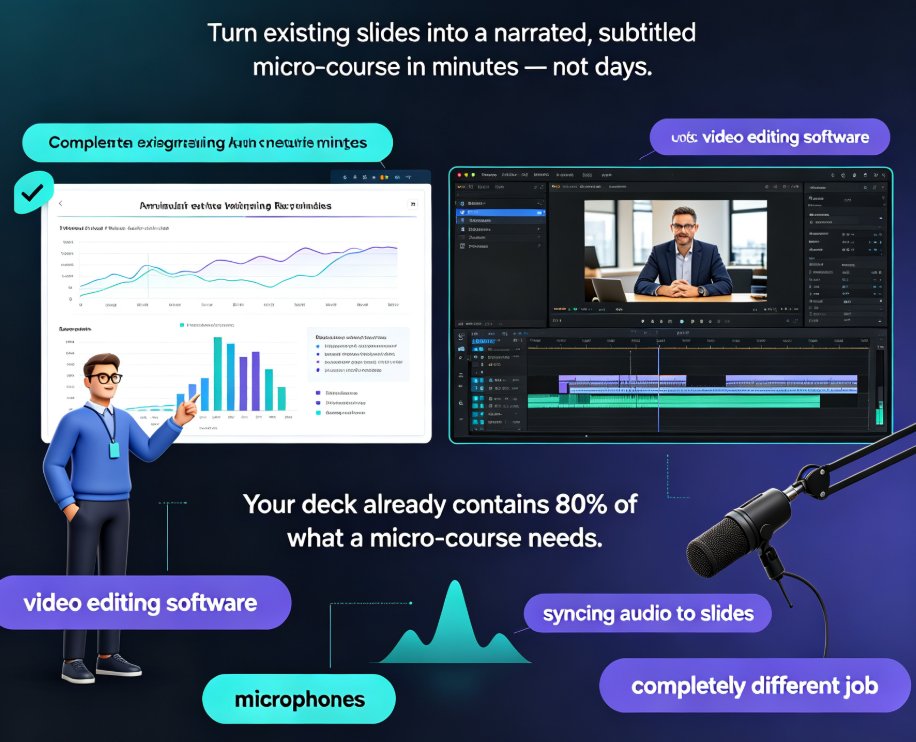
You've got a Word outline sitting on your desktop. Maybe it's a training module, a course syllabus, or a product briefing you wrote last week. You know it needs to become a video — because nobody reads 40-page documents anymore. But the path from outline to finished video usually looks like this: open PowerPoint, rebuild every slide, hunt for icons, fight with alignment, record your voice, pray the audio syncs, export, re-export, and finally upload. That's a four-hour project on a good day.
The workflow that used to take a full afternoon now takes minutes — and it's changing how educators and trainers produce content.
01 | The Pain Point: Outline to Video Is a Multi-Tool Nightmare
Let's be honest about what the old pipeline looks like. You start in Word, move to PowerPoint, then to a screen recorder, then to a video editor, then back to PowerPoint because you forgot a slide. Every handoff is a chance for formatting to break, fonts to shift, and audio to desync.
For educators, the stakes are higher. A training video that looks unpolished reflects on your credibility. Learners notice when slides are inconsistent or when the narration sounds like it was recorded in a closet. So you spend hours on polish — hours you could have spent on content.
The real problem isn't your skill. It's that the tools were never designed to work together. Word doesn't know what PowerPoint wants. PowerPoint doesn't know what your video editor needs. And none of them know your brand guidelines.
This is exactly why the agentic AI trend in presentation tools is gaining traction. The tools that win are the ones that remove handoffs, not add more of them.
02 | What Exactly Is an End-to-End AI Presentation Agent?
An end-to-end AI presentation agent is a tool that takes a source document — a Word outline, Markdown, or even a plain text file — and produces a finished, narrated video without you touching a design tool or a video editor.
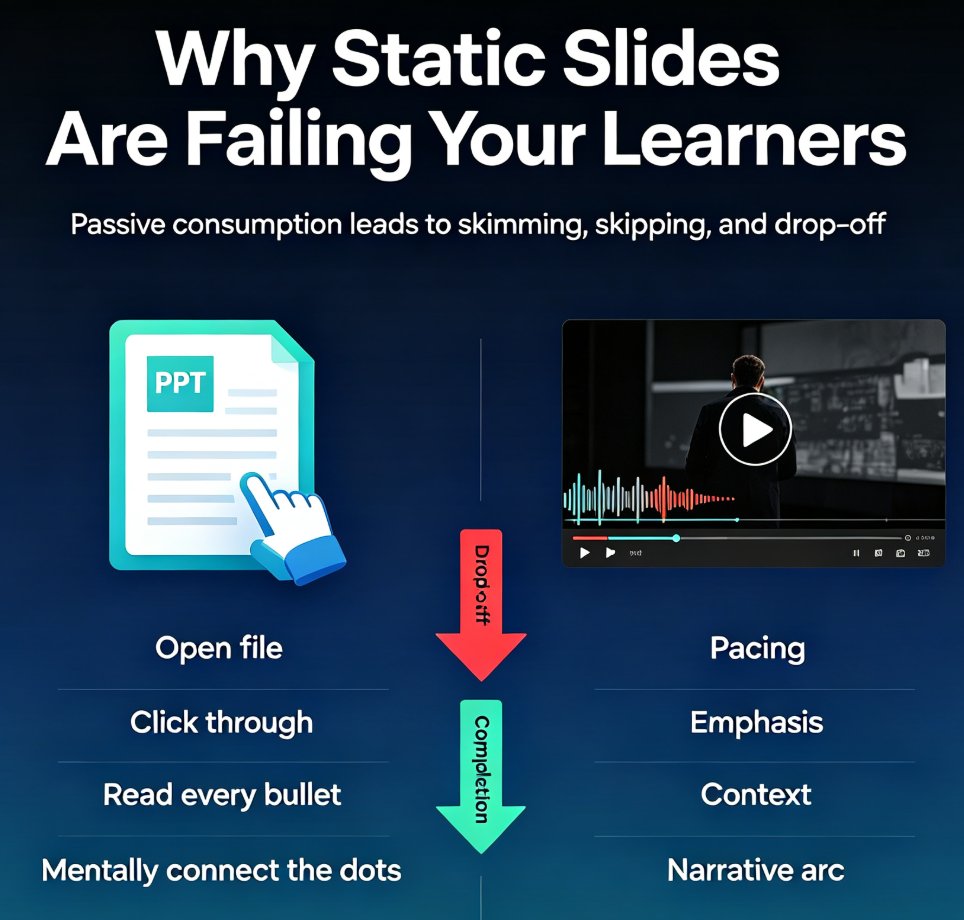
This is different from the AI features you've seen in presentation software over the past few years. Those tools generate slides, but they stop at the deck. You still have to record narration, add transitions, and export video yourself.
An agent goes further. It understands the structure of your outline, generates a visually consistent deck, writes or accepts narration, syncs the audio to the slides, and exports a video file. The whole pipeline runs as one workflow.
The difference between a slide generator and an agent is simple: one produces a deck, the other produces a finished video.
The shift from design to strategy is part of a broader 2026 trend in AI slide generation. When the tool handles layout and production, you get to focus on what the content actually says.
03 | The Workflow: How an Outline Becomes a Narrated Video
Let's walk through what this actually looks like in practice, using Zendeck's AI Agent as the reference point.
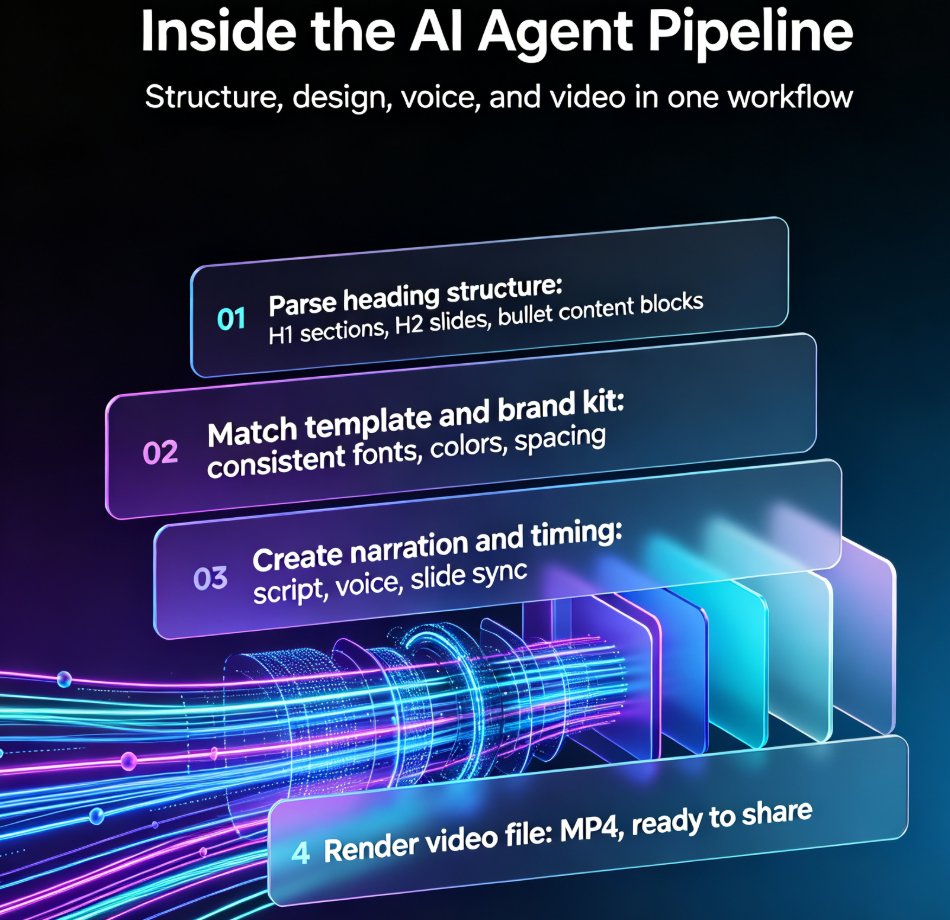
Step 1: Import your outline. You paste a Word document, Markdown, or TXT file. The agent parses the heading structure — your H1s become sections, your H2s become slides, your bullet points become content blocks.
Step 2: The agent generates a deck. It picks a template that matches your content type, applies your brand kit if you have one, and lays out each slide with consistent typography and spacing.
Step 3: Narration. You can write a script, let the agent draft one from your outline, or record your own voice. The agent syncs the audio to the slide timing.
Step 4: Export. The finished video renders as an MP4, ready for your LMS, YouTube, or internal training portal.
The entire process takes minutes, not hours. And if you don't like something, you don't restart — you edit the slide, regenerate the narration, and re-export.
If you want to dig deeper into the narration side, this guide on adding narration to slides with Zendeck's PPT-to-Video walks through the audio options in detail.
04 | Why This Matters for Educators and Trainers
Here's the scenario that makes this relevant. You're a corporate trainer responsible for onboarding. You have a 30-page Word document about company policies. HR wants a video version by Friday. It's Tuesday.
With the old workflow, you'd cancel your evenings. With an agent, you import the document, review the generated deck, tweak a few slides, and export the video. You're done before lunch.
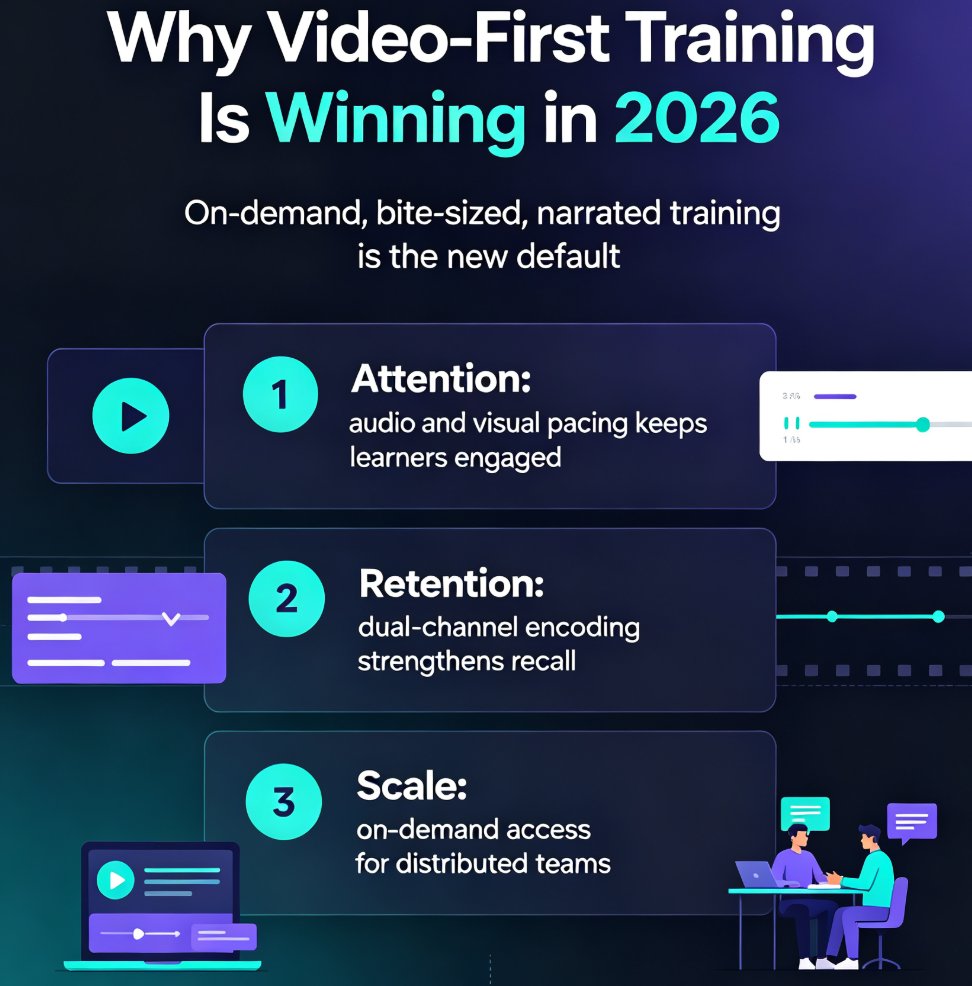
For educators building micro-courses, the math is even better. A typical micro-course is 5-10 minutes of video. Producing one from scratch — script, slides, recording, editing — takes 4-6 hours. With an agent, it's 15-30 minutes. That's a 10x reduction in production time.
When production time drops from hours to minutes, the bottleneck shifts from execution to ideas — and that's exactly where it should be.
This is part of why AI-generated video decks are replacing traditional corporate training. When production stops being the constraint, organizations create more training content, update it more often, and keep it more relevant.
05 | Traditional Workflow vs. AI Agent: A Side-by-Side Comparison
| Step | Traditional Workflow | AI Agent Workflow |
|---|---|---|
| Outline to slides | Manual copy-paste into PowerPoint (30-60 min) | Automatic parsing and layout (2-3 min) |
| Design and layout | Manual formatting, icon hunting, alignment fixes (1-2 hours) | Template + brand kit applied automatically (1 min) |
| Narration | Write script, record audio, edit out mistakes (1-2 hours) | Auto-generated or recorded, auto-synced (5-10 min) |
| Video export | Screen recording, video editor, sync fixes (30-60 min) | One-click render (2-5 min) |
| Total time | 4-6 hours | 15-30 minutes |
| Design skills needed | Yes | No |
| Consistency across slides | Depends on your discipline | Guaranteed by the system |
The numbers aren't hypothetical. Anyone who has built a training video by hand knows the 4-6 hour estimate is optimistic. The recording alone eats an hour, and the editing pass always takes longer than you expect.
06 | Zendeck's AI Agent: A Pioneer in This Space
Zendeck has been building toward this for a while. The platform already handled the outline-to-deck pipeline — you could paste a Word document and get a polished presentation in minutes. The AI Agent extends that pipeline to video.
What makes Zendeck's approach different? Three things.
First, it respects your brand. If you've set up a brand kit, the agent applies your colors, fonts, and logo to every slide. No more decks that look like they were designed by three different people. If you want to set one up, this guide on creating a custom brand kit in Zendeck covers the process.
Second, it's built for real content, not demo content. The agent handles long documents, dense bullet points, and technical terminology without collapsing into generic filler.
Third, it's designed for the people who actually make training content — educators, trainers, and HR teams — not just marketers who need pretty pitch decks. The PPT-to-Video category is where you'll find the full set of video-related capabilities.
07 | What to Look For in an AI Presentation Agent
If you're evaluating tools in this space, here's what matters:
- Import flexibility: Can it handle Word, Markdown, and plain text? Or are you locked into one format?
- Brand controls: Does it apply your brand kit automatically, or do you have to fix colors manually?
- Narration options: Can you record your own voice, or are you stuck with AI voices?
- Editability: Can you change a slide and re-export, or do you start over?
- Export quality: Does the video look like a real production, or like a slideshow with a voiceover?
The last point is the one that separates good agents from mediocre ones. A video that looks like someone recorded a PowerPoint screen is not a video. It's a slideshow with extra steps. The best agents handle transitions, timing, and pacing so the result feels like a deliberate production.
The broader trend of AI agents automating the full path from text prompt to video deck is only going to accelerate. The tools that survive will be the ones that produce genuinely watchable output, not just technically correct output.
FAQ
Q: What is an end-to-end AI presentation agent?
An end-to-end AI presentation agent is a tool that converts a source document — like a Word outline, Markdown file, or plain text — into a finished, narrated video presentation. It handles slide generation, design, narration, and video export as a single workflow, so you don't need to switch between separate tools.
Q: How long does it take to turn an outline into a video with Zendeck?
With Zendeck's AI Agent, the process takes 15 to 30 minutes for a typical micro-course, compared to 4 to 6 hours with a traditional workflow. You import your outline, review the generated deck, adjust narration if needed, and export the video.
Q: Do I need design or video editing skills to use an AI agent?
No. The agent handles layout, typography, branding, and video rendering automatically. If you have a brand kit set up in Zendeck, it applies your colors and fonts to every slide without manual intervention.
Q: Can I edit the video after the AI generates it?
Yes. You can edit individual slides, change the narration, and re-export the video. You don't have to start over from scratch — the agent regenerates only the parts you change.
Q: What source formats can I import into Zendeck's AI Agent?
Zendeck accepts Word documents, Markdown, and plain text files. The agent parses the heading structure of your document to determine the slide hierarchy, so well-organized outlines produce better decks.