Autonomous AI Agents: Automating the Entire Presentation Workflow
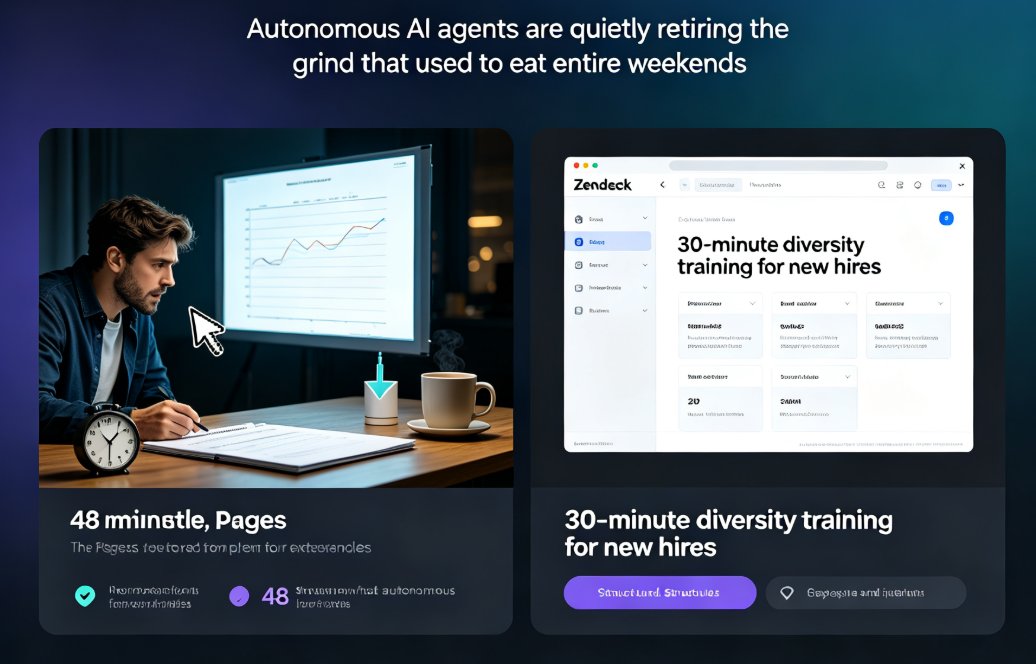
You know that Sunday-night panic? The blank deck, the blinking cursor, the sinking feeling that 48 slides still need writing, designing, and recording. We've all been there. Now picture this: you open Zendeck, type a topic like "30-minute diversity training for new hires," and walk away. Twenty minutes later, there's a finished deck—structured, on-brand, with speaker notes, narration, and subtitles.
That's not a five-year fantasy. Autonomous AI agents have crossed into presentation work, and they're quietly retiring the grind that used to eat entire weekends. This article breaks down what these agents actually do, where the automation starts and stops, and how educators and business teams are using them right now.
I. Why Scripted Automation Falls Short for Presentation Work
For years, "automation" in presentation software meant templates, autofill, and the same if-this-then-that logic you find in a spreadsheet. Useful, sure. But if you've ever pasted a 2,000-word outline into a deck tool and watched it fight you on every text box, you know the limits.
Traditional automation follows the path you program. If this happens, do that. It's deterministic and predictable—powerful, but limited to scenarios you anticipated when you set it up. The moment your content surprises the system (and it always does), the automation breaks.
Autonomous AI agents work differently. As the folks at Creatio describe it, these systems "operate as independent business entities capable of managing complete processes from start to finish with minimal human oversight." They understand intent, evaluate options, and choose actions dynamically. When the AI hits an unexpected situation—say, a client quote that belongs nowhere in the standard template—it adapts instead of failing.
A real-world example from workflow specialists Kissflow: an employee submits an access request, and an AI agent reads the ticket, verifies identity, checks access history, coordinates with the IT system to restore access, validates the fix, and closes the ticket. All within three minutes. No human in the loop.
Now map that to your presentation workflow. The agent isn't "running a script" on your content. It's making decisions about structure, visual emphasis, and narrative flow—the kind of judgment calls you used to make slide by slide.
II. The 7 Stages an Autonomous AI Agent Can Own
Let's get concrete. Here's the full pipeline a true presentation agent can handle end-to-end, based on how today's agentic tools work:
01. Topic intake — You provide a prompt, outline, Word doc, or even a rough idea like "onboarding deck for remote engineers."
02. Research & content structuring — The agent pulls together a logical flow, breaks the topic into sections, and drafts key points for each slide.
03. Slide generation — It builds every slide with real layout decisions: titles, body copy, charts, icons, and visual hierarchy. Not from a static template—it picks the right framework for the content.
04. Brand enforcement — Fonts, colors, and logo lock onto your corporate identity. No more stray Arial in slide 14.
05. Speaker notes & script — It writes the words you're going to say, with timing and emphasis built in.
06. Narration & audio — Agentic tools can generate a natural voiceover track that matches the script's pacing.
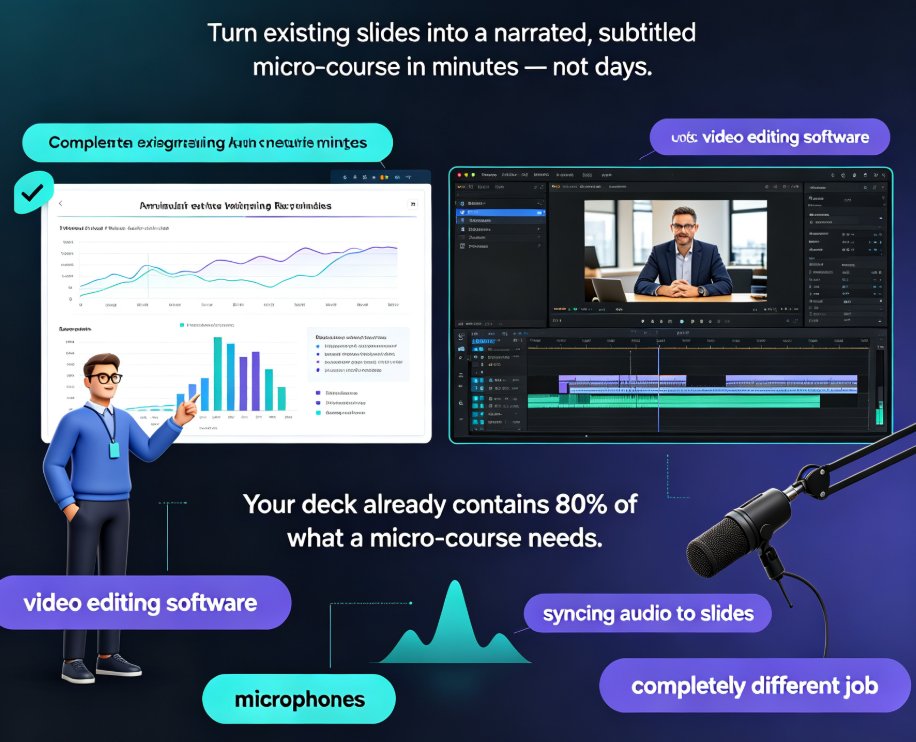
07. Video assembly — The deck becomes a narrated, subtitled video—ready to publish as a micro-course or share via link.
Now, not every tool does all seven. That's actually an important distinction. A lot of "AI presentation tools" stop at stage 3 or 4. The real efficiency leap comes when the agent carries through to the finished video. The best agentic tools were built to complete the whole chain—take an outline, design the deck, apply the brand kit, add the voiceover, and export a video.
If you want the step-by-step details on that full path, ai-agents-course-creation-outline-to-micro-course walks through going from outline to published micro-course.
III. The Educator's Afternoon: A Micro-Course from Blank Page to Video
Let me show you what this looks like with real work. Kaitlyn runs learning & development at a 200-person logistics company. Last quarter, she spent three full days building a 25-minute compliance micro-course: researching, drafting, fighting with slides, recording herself, editing the audio. Three days.
This quarter, she tried the agentic route. She typed the same prompt: "30-minute micro-course on warehouse safety basics, five modules, target: new hires." She uploaded last year's outline as a reference.
Zendeck's AI Agent took that outline and returned a fully designed, narrated, branded video presentation in about 20 minutes. She spent the afternoon reviewing, adjusting a few slides, and re-recording one segment where the voiceover mispronounced a product name.
Total active time: roughly 2 hours. The other 38 hours of the week? She used them to run two live Q&A sessions with the new hires, which honestly matters more than any slide deck.
That's the pattern we're seeing across every case study worth reading: the agent handles the mechanical 90% and hands back the creative 10% that actually needs human judgment.
IV. The Data: What 90% Faster Actually Looks Like
The "90% faster" claim sounds like a slide-deck buzzword. Let's put numbers on it.
Here's a typical production breakdown for a 25-minute narrated video deck, before and after an AI agent:
| Production Stage | Traditional Hours | AI Agent Hours |
|---|---|---|
| Research & content structuring | 4.0 | 0.5 |
| Outline & storyboarding | 1.5 | 0.2 |
| Slide design & layout | 6.0 | 1.0 |
| Writing speaker notes & script | 1.5 | 0.3 |
| Recording narration & audio editing | 2.0 | 0.3 |
| Video assembly & subtitles | 2.0 | 0.5 |
| Total | 17.0 | 2.8 |
Under 3 hours total, with the human reviewing and polishing rather than producing from zero.
When production time drops from 17 hours to under 3, you're not making the same deck faster—you're making five or six decks in the time it used to take for one. For a team producing ten training videos per quarter, that's a full-time position of reclaimed hours.
Of course, every agent output still needs one pass of human eyes. That's not a bug; it's the workflow.
V. Where the Agent Still Needs You: The Human Layer
Let's be honest about what AI agents won't fix (yet).
Context that isn't written down. Your brand's voice? It's not just a style guide. The client-relationship nuances, the analogy your boss loves, the in-joke that makes a workshop sing—those aren't in the research corpus. The agent can't invent them.
Sensitive or controversial topics. If you're building training around layoffs, compliance investigations, or equity issues, the agent will draft a competent deck, but you absolutely need a careful human review before it goes anywhere near an audience.
Everything that happens live. No tool can read a room yet. If you're presenting to a live audience and someone pushes back with a tough question, the deck doesn't save you. That's still your job.
Think of AI agents as the most efficient production assistant you've ever had—one that never sleeps, never complains, and never misses a deadline. But you're still the one who signs the work.
Also worth a watch: a lot of teams make the same three mistakes when they start (over-relying on the first draft, skipping brand setup, and not reviewing final video output). We wrote up the full list in 5 AI Presentation Mistakes to Avoid in 2026—worth a read before you launch your first agentic deck.
VI. The Team-Level Ripple Effect
Now zoom out. Once the 90% grind is gone, what changes for a team?
Content velocity flips. Teams that produced one course per month start shipping one per week. That's not hypothetical—it's the observed pattern across L&D teams adopting agentic tools.
The bar for "good enough" rises. When tools make design and structure free, the differentiator becomes the content underneath. That's actually great news for domain experts: the person who knows the material cold can now produce polished video courses without waiting on a designer.
The specialists move up the food chain. Designers stop resizing decks and start building brand systems. Presenters stop recording re-takes and start coaching learners. This is exactly what happened in email: when templates made design cheap, skilled writers benefited the most.
For more on the trend, our deep dive on agentic AI in presentation tools for 2026 covers how the biggest platforms are racing to build these agents, and AI presentation agents reshaping workflows looks at the workflow changes from the operator's perspective.
VII. Getting Started: Your First Autonomous Agent Workflow
Feel like trying it? Here's the fastest path to a pitch deck, training video, or micro-course with an AI agent, step by step:
Step 1: Choose one piece of content. Don't boil the ocean. Pick one micro-course or training deck you've been procrastinating on.
Step 2: Prepare your source material. A rough outline, a Word doc, or just a clear topic sentence. The better the input, the sharper the output.
Step 3: Set your brand constraints. Open Zendeck, apply your brand kit (font, colors, logo) so every slide is on-brand before any generation happens. Creating a reusable brand kit is a one-time 10-minute setup.
Step 4: Launch the agent. Input your prompt. Let the agent build the full deck, notes, and narration. This is where you see the AI agent's full path from prompt to video deck in action.
Step 5: Review and polish. This is your 10% creative control. Adjust slides, fix tone, swap a stat.
Step 6: Export and ship. Video, link, download—whatever your audience needs.
That's it. Under three hours on your first run, faster after that.
Key Takeaways
- Autonomous AI agents now handle the full presentation pipeline—from a topic prompt to narrated video—closing the gap that manual production left open.
- The 90% time saving is real when measured against a full production cycle: 17 hours of traditional production drops to under 3 with an AI agent.
- The human layer is still irreplaceable—brand nuance, judgment on sensitive content, and live facilitation.
- For educators and L&D teams, this changes content velocity: one course per month becomes one per week.
FAQ
Q1: What is an autonomous AI agent for presentations, exactly? An autonomous agent is a system that manages the entire production workflow from start to finish—research, outline, slide design, brand styling, speaker notes, narration, and video export—with minimal human intervention. It understands the intent behind your prompt and makes design and structural decisions dynamically, rather than applying a fixed template.
Q2: How much time do autonomous AI agents actually save? Based on the production breakdown above, a typical 25-minute narrated deck drops from roughly 17 hours of manual work to under 3 hours with an agent—a time saving of about 84–90%. The exact number depends on how much source material you provide and how picky you are in review.
Q3: Can I trust the output without checking every slide? Check every slide. The agent is excellent at structure, layout, and language, but it doesn't know your organization's unwritten context or the nuances of sensitive topics. Treat the output as a confident first draft: review for judgment, not for mechanics.
Q4: Do I need design skills to use a presentation AI agent? No. The whole point is that the agent applies design structure for you, and it can lock onto your existing brand kit to keep everything consistent. Design skills still help you judge quality, but they're not a prerequisite to producing professional-looking decks.
Q5: What's the difference between an AI presentation tool and an autonomous agent? Many AI tools help you generate slides or pick a template—they stop at the deck. An autonomous agent takes that further into the entire production pipeline: speaker notes, narration audio, and final video delivery. That full-chain automation is where the productivity leap comes from.