Knowledge Video

Knowledge explainers, video courses, video courseware, and lesson-prep resources.

16 articles

Multimodal Courseware: Why 2026 Needs Text, Voice, and Video in One

Knowledge Video 2026-09-23 3012

Multimodal courseware is the 2026 standard: text, voice, and video in one seamless pipeline. Zendeck turns a single Word outline into a fully narrated, animated deck, making AI-powered multimodal creation the default workflow for trainers and educators. This article explains why single-format content is dying, how the unified production flow saves hours and boosts engagement, and gives you a step-by-step blueprint to start creating multimodal courseware today. If you’re building corporate training or online courses, this is your guide to what’s next.
Your Old PPT Lessons Are Gold: Convert to Modern Micro-Courses

Knowledge Video 2026-09-16 1688

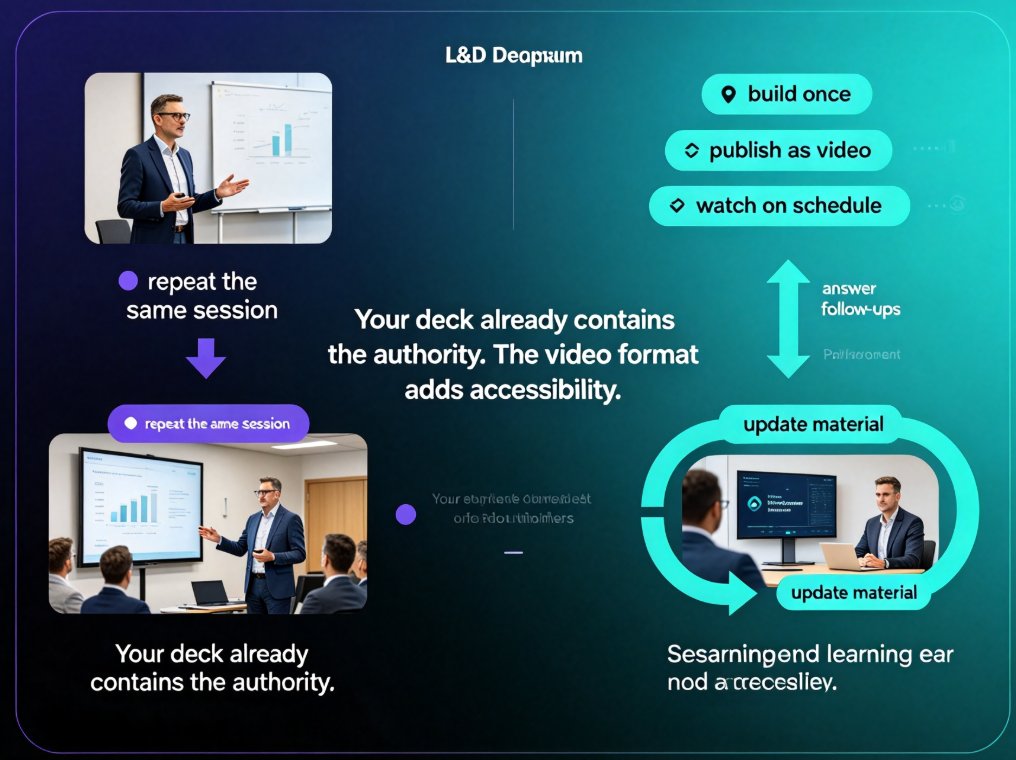
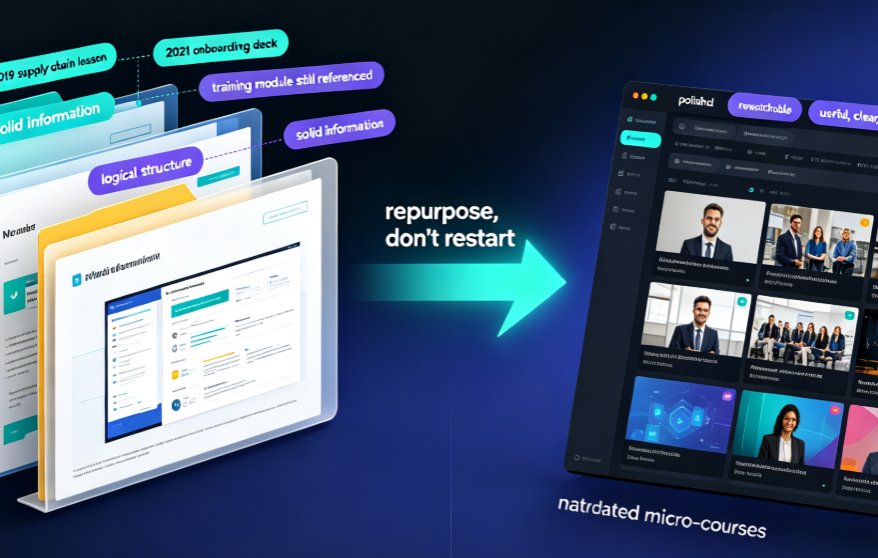
Stop letting years of PowerPoint lessons rot in your archive. Converting old PPT decks into narrated micro-courses with Zendeck's PPT-to-video pipeline turns static slides into rewatchable, accessible video lessons in hours—not months. This playbook shows teachers and trainers exactly which decks to repurpose first, how the conversion workflow protects your layouts and charts, and why narrated video drives higher learner retention than slide decks ever will. Zendeck handles narration, subtitles, and smart layouts automatically, so you focus on teaching, not redesigning. If you have a backlog of outdated courseware, this is the fastest path to a modern, on-brand knowledge video library your students will actually rewatch.

Video Micro-Courses Without a Camera: Zendeck Digital Presenter

Knowledge Video 2026-09-14 1055

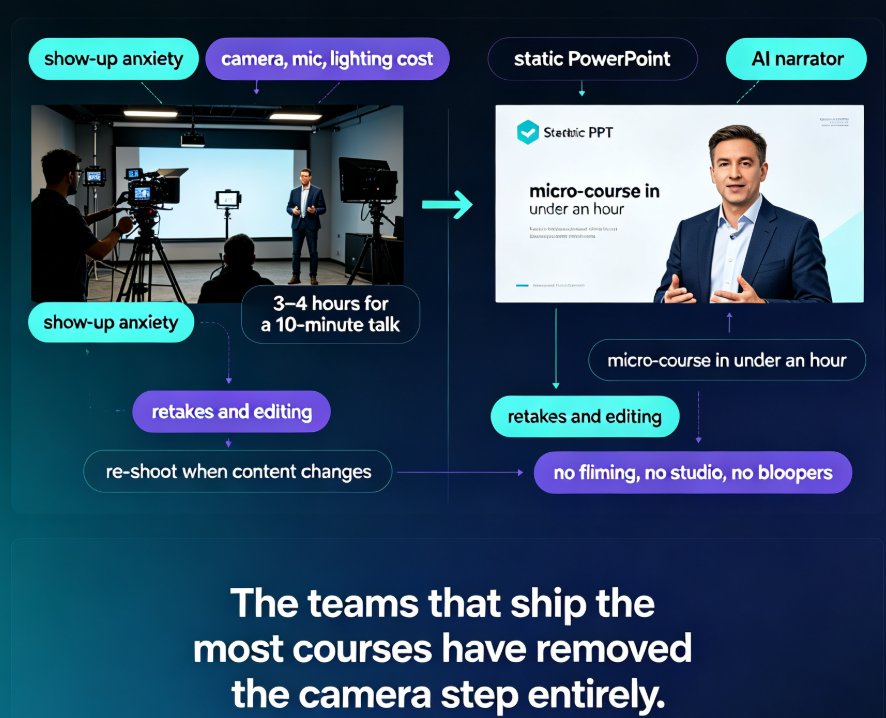
Create video micro-courses without a camera in under an hour with Zendeck's digital presenter. This guide explains how AI narration, auto-subtitles, and slide-flow pacing turn any PowerPoint deck or Word outline into a professional, narrated knowledge video — no studio, no filming, no retakes. We compare the traditional on-camera path (roughly 10 hours per 10-minute course) with Zendeck's camera-free workflow (around 2 hours), walk through the step-by-step production process, and share concrete script-writing tips so your narrated videos sound human, not robotic. Ideal for trainers, educators, and L&D managers who want more video content without camera anxiety or equipment costs.

Turn a Training PPT into a Self-Paced Video Course for Async Teams

Knowledge Video 2026-09-09 1953

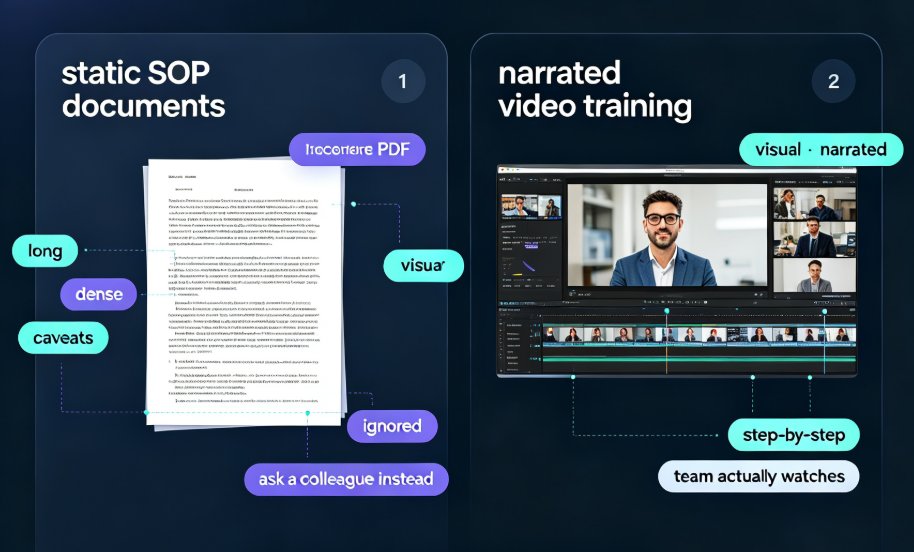
Learn how to turn a training PPT into a self-paced video course your remote team actually watches. We compare the real workflows inside Easygenerator, iSpring, Canva, and Zendeck's PPT-to-video tool, then walk you through script, narration, subtitles, and publishing. If you're stuck with a static deck that only works when someone presents it live, this guide shows the fastest, most practical path to on-demand corporate training — with Zendeck as the working example. No design skills required.

Cut Micro-Course Costs: Zendeck Turns PPT into Narrated Video

Knowledge Video 2026-08-28 2428

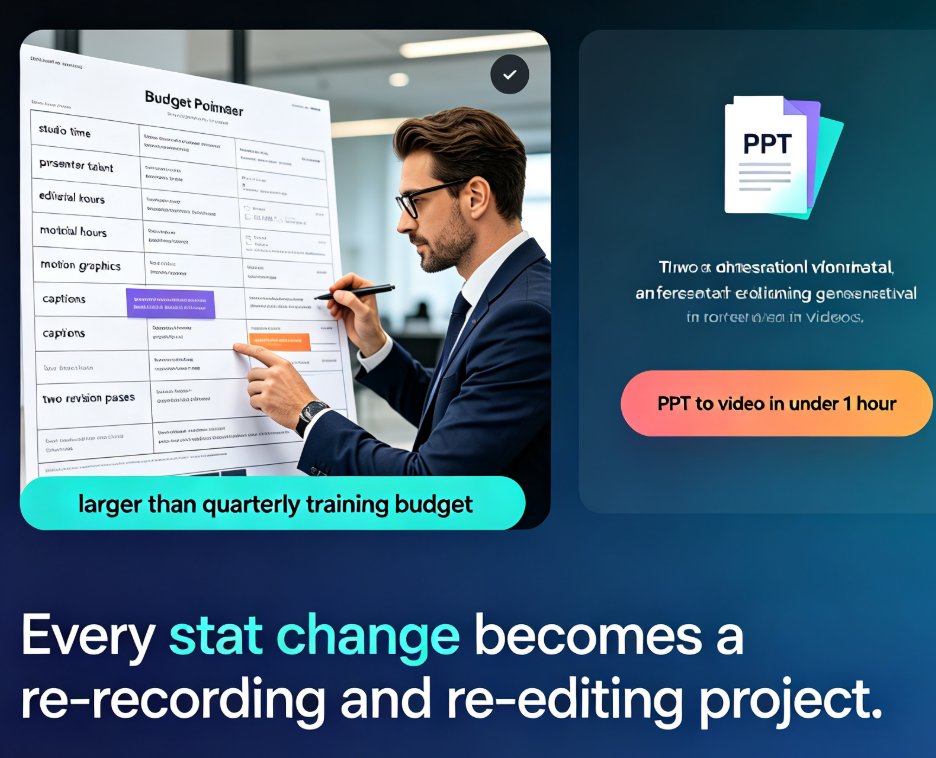
Micro-course production costs can crush a training budget — studio rentals, voice talent, and editing hours add up fast. Zendeck turns your existing PPT into a professional narrated video with AI voiceover, auto-generated subtitles, and polished layouts. No studio, no actors, no expensive software. We'll show you the exact workflow, a side-by-side cost comparison, and the honest limits of AI voiceover, so you can decide with your eyes open. The bottom line: most teams can cut per-course production costs by 80–95% and — just as important — keep every video easy to update when a statistic changes. If you've been avoiding video micro-courses because of the price, read this before you book a studio.