
Tags:micro-learning

4 articles

Convert Static Slides to Video Micro-Lessons with AI Narration

PPT to Video 2026-10-26 1688

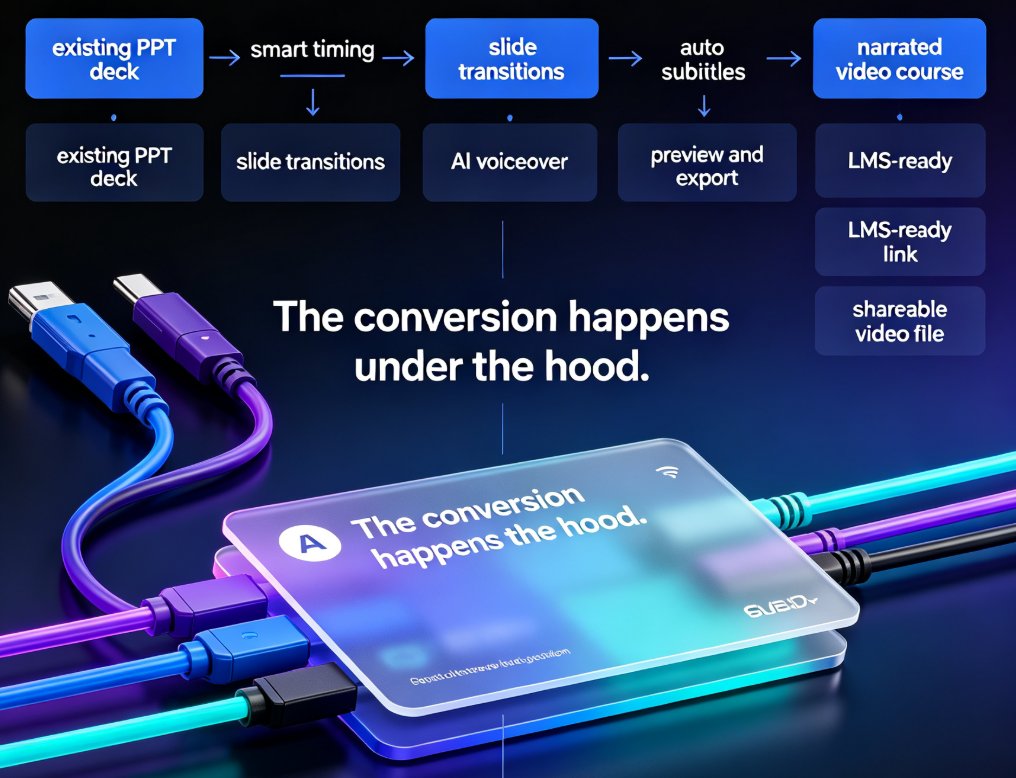
Turning static PowerPoint decks into narrated video micro-lessons is the fastest way to boost engagement and knowledge retention — and you don't need video editing skills. Zendeck's PPT-to-video feature adds AI voiceover, automatic subtitles, and a clean visual flow to any deck in minutes. This guide walks through the exact process: import slides, pick an AI voice, fine-tune subtitles, and export a shareable MP4. Whether you're training new hires, building courseware, or repurposing old sales decks, this workflow turns dead slideware into on-demand learning content. See how Zendeck does it and grab practical tips along the way.
How Zendeck AI Narration Turns Static PPTs Into Micro-Learning

Knowledge Video 2026-10-13 3250

Zendeck AI narration turns static PPTs into interactive micro-learning videos your L&D team will actually watch. Stop letting legacy slide decks gather dust: with AI voice synthesis, timed narration, auto-generated subtitles, and built-in quizzes, you can convert existing PowerPoint files into modern training micro-courses in minutes. This guide walks L&D teams and trainers through the complete workflow — importing outlines, generating structured slides, adding natural AI voiceover, syncing speaker notes, and publishing shareable knowledge videos. No design skills, no recording studio, no reshoots. Learn which decks convert best, how to pace narration for retention, and how to add interactivity that keeps learners engaged. If your organization has years of knowledge trapped in boring slides, this is the fastest path from static PowerPoint to compelling video training.

Turn Static Training Decks into Video Courses with AI Narration

PPT to Video 2026-08-26 3455

Static training decks are the graveyard of corporate learning. Zendeck's PPT-to-video feature turns those legacy slides into narrated video courses with AI voiceover — no re-creating content, no video editing skills, no studio time. This guide walks you through the exact workflow: upload your deck, let Zendeck structure the narration, pick a voice, and export a polished micro-course. You'll learn how to make AI narration sound natural, which slides work best for video conversion, and when to skip the video route entirely. If your L&D team has years of PowerPoint content sitting unused, this is the fastest way to repurpose it into modern micro-learning your employees will actually watch. We also cover voice selection, pacing, subtitle best practices, and how to keep your brand consistent across every video you produce.

Micro-Learning at Scale: How AI Turns PPTs into Video Courses

PPT to Video 2026-08-12 3206

Micro-learning at scale is easier than you think. Learn how AI turns PPTs into video courses in minutes — no studio, no re-recording, no design skills required. Zendeck's PPT-to-video workflow reads your slide structure, generates natural narration, and exports SCORM-ready modules your LMS will actually index. See the 3-step workflow, best practices for slide structure, and why structured decks cut editing time by 30-50%. Whether you're an L&D manager, corporate trainer, or educator, this guide shows you how to turn existing decks into maintainable, indexed micro-courses that learners actually finish — and how to update a single data point without re-recording a single frame. Stop sending PPTs that sit unopened in inboxes. Start shipping video courses your team will actually watch, track, and finish.

▲