Tags:AI narration

8 articles

PPT to Video in 2026: AI Narration & Smart Timing Beat Manual Editing

PPT to Video 2026-08-26 1631

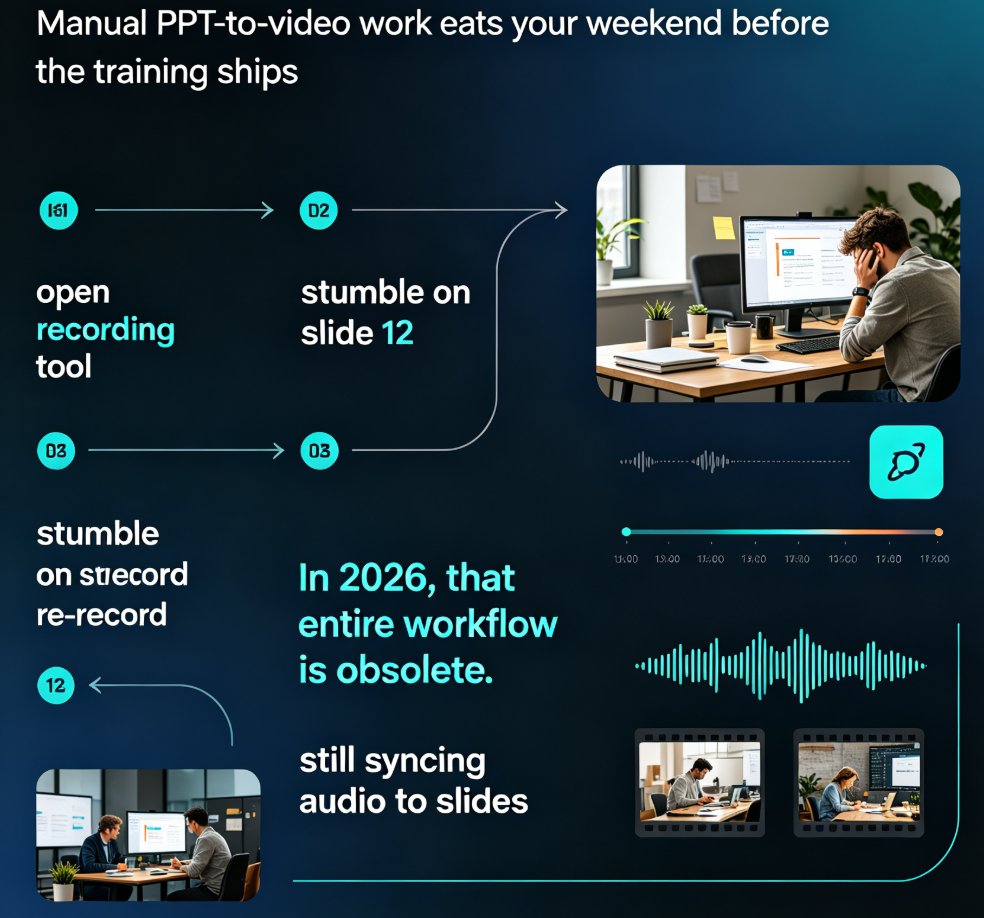
PPT to video in 2026 no longer means manual editing. AI narration and smart timing turn static slides into polished micro-courses in minutes. Zendeck's PPT-to-video reads your slide content, generates synchronized voiceovers, and paces each scene automatically—so educators, trainers, and content teams skip the recording booth entirely. This guide breaks down how scene detection, voice synthesis, and auto-pacing work together, compares production time against traditional workflows, and shows exactly where AI still needs a human touch. If you've been avoiding video because editing eats your weekends, this is the workflow change you've been waiting for.

From PPT to Video: Create a Narrated Micro-Lecture with Zendeck

PPT to Video 2026-08-25 1056

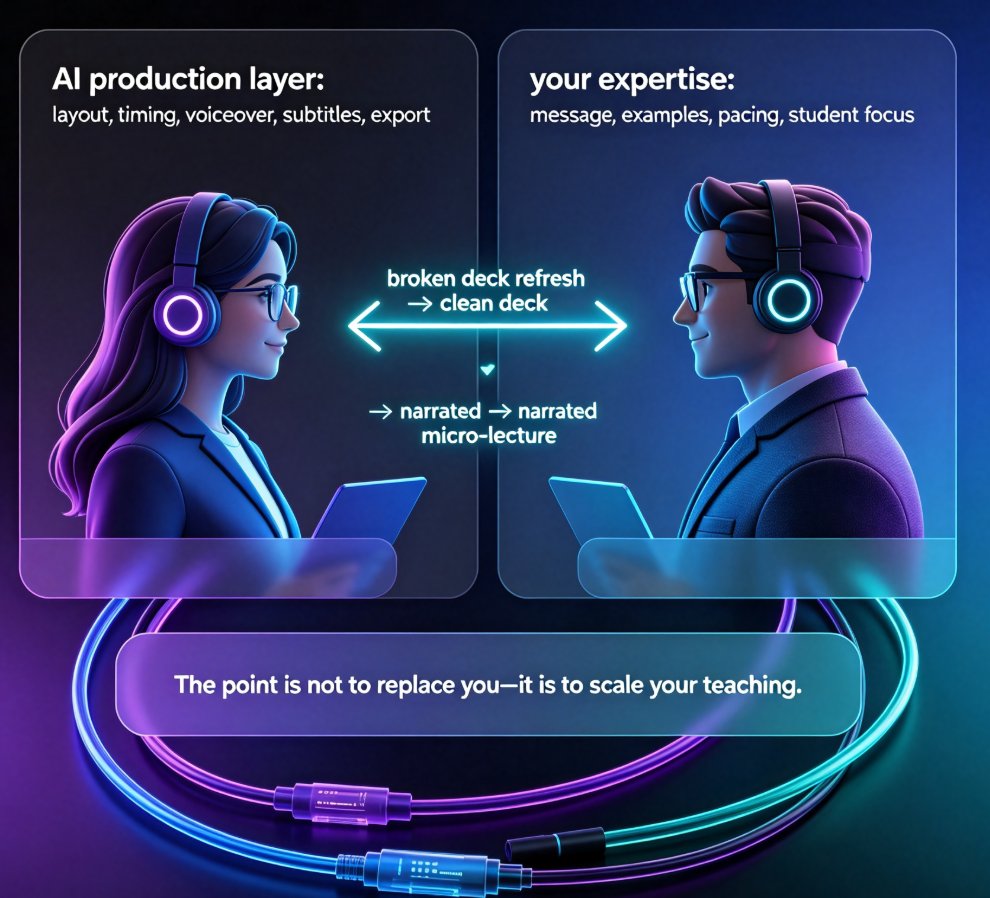
Learn how to turn static PPT slides into a narrated micro-lecture with Zendeck's PPT-to-video feature. This step-by-step tutorial covers AI voiceover, pacing, and sharing — perfect for educators and corporate trainers who need quality video without a production team. Zendeck's PPT-to-video converts your existing slides into engaging narrated videos in minutes, with AI-generated voiceover, subtitles, and smart layout. Whether you're building an e-learning course or onboarding materials, this guide walks you through the entire workflow. Discover narration tips, best practices, and a side-by-side comparison with traditional recording methods. By the end, you'll have a polished micro-lecture ready to share with your learners.

PPT to Video with AI Narration: Zendeck's Guide to Micro-Course Creation

PPT to Video 2026-08-20 2284

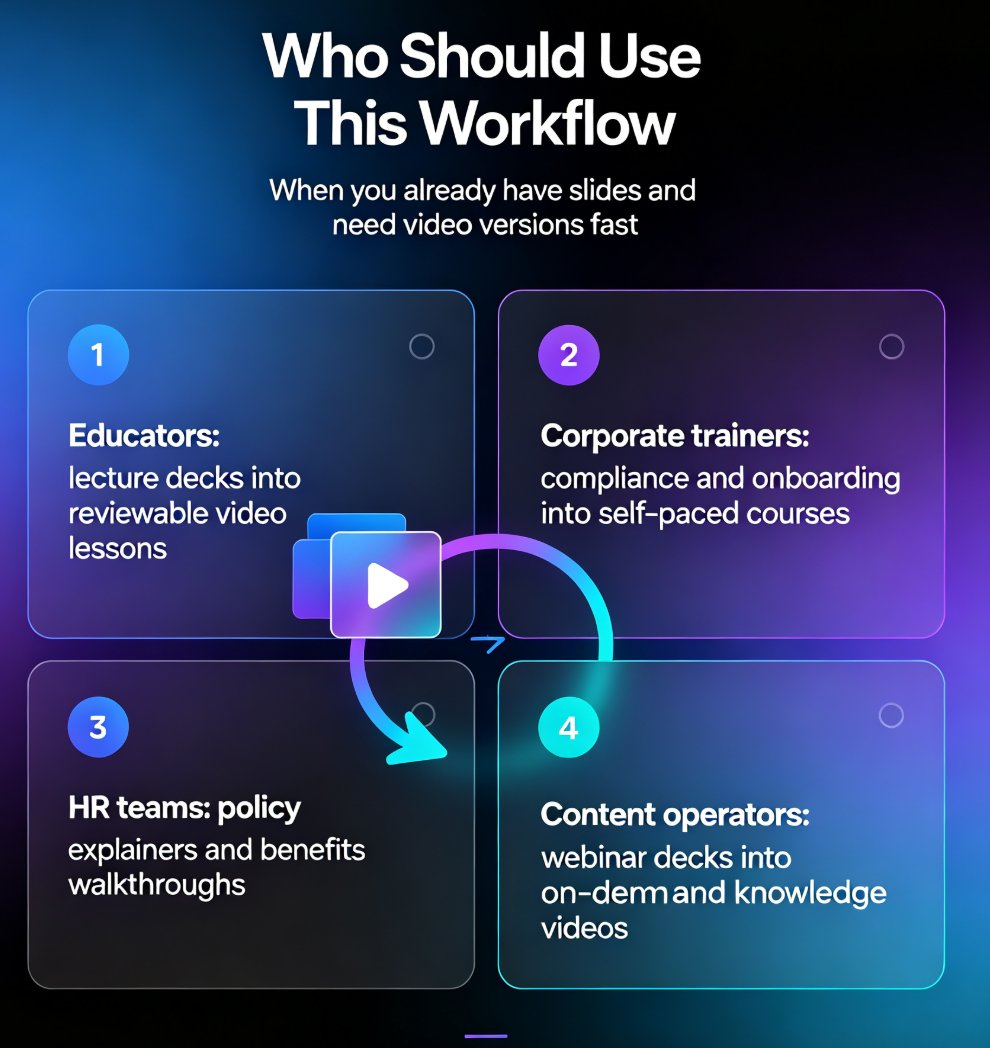
Turn static slides into narrated micro-courses with Zendeck's PPT-to-video feature — no camera, no mic, no editing software required. This guide walks educators, trainers, and HR teams through the complete workflow: upload a deck, let AI generate the script, pick a voice, refine the narration, and export a share-ready MP4 in minutes. We compare the traditional production pipeline against the AI-assisted route, break down the time and cost savings with a side-by-side table, and share practical tips for keeping your micro-courses engaging and up to date. Whether you're converting compliance training, onboarding material, or a lecture deck, Zendeck's PPT-to-video removes the production barrier so you can publish more courses, faster, without a studio budget.

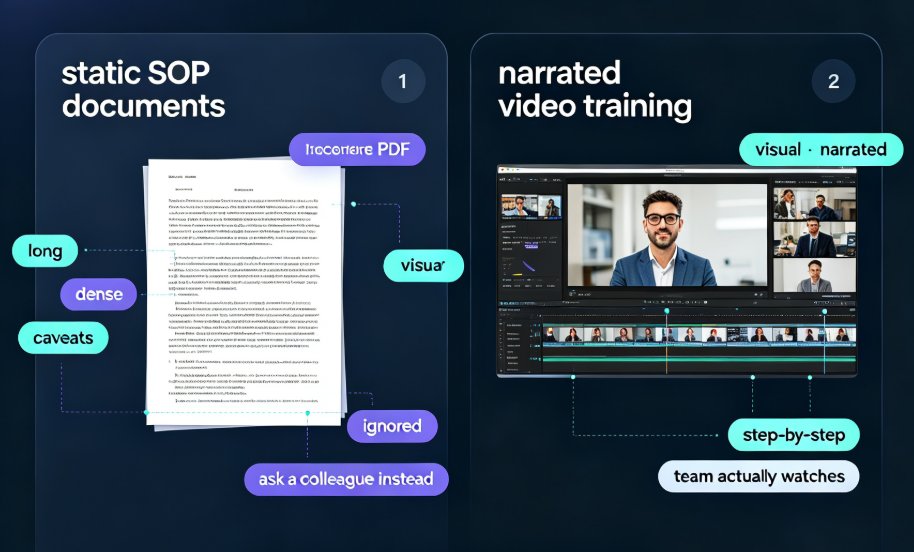
PPT to Video 2026: Narration and Auto-Subtitles Become Table Stakes

PPT to Video 2026-08-18 2741

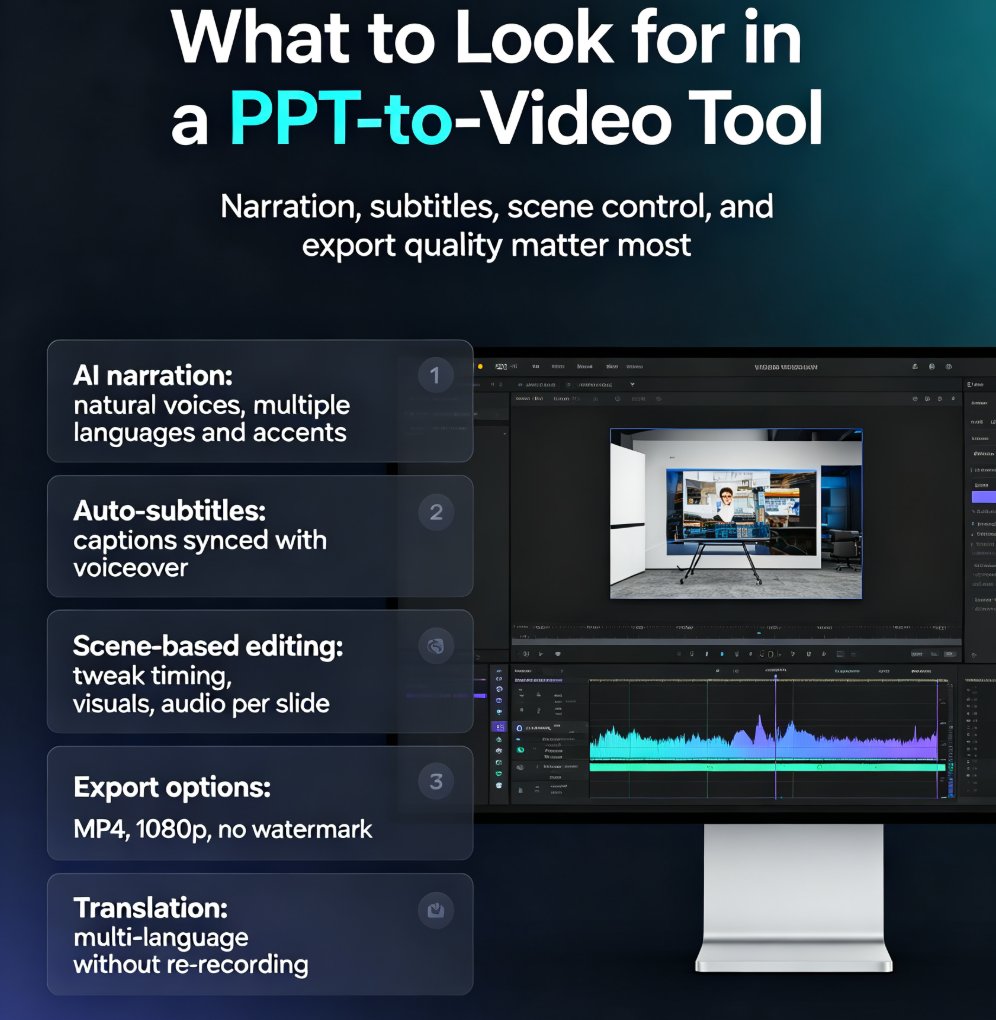
In 2026, converting PPT to video with narration and auto-subtitles is no longer optional—it's table stakes. Learn how Zendeck's AI-powered PPT-to-video feature turns static slides into engaging narrated videos with automatic subtitles, saving up to 60% production time. Discover the key features to look for, step-by-step workflow, and common mistakes to avoid. Whether you're a trainer, educator, or marketer, this guide will help you create professional videos that captivate your audience and boost accessibility. Start converting your PowerPoint decks into dynamic video content today with Zendeck.