Turn an Outline into an Interactive Micro-Course in 10 Minutes with Zendeck
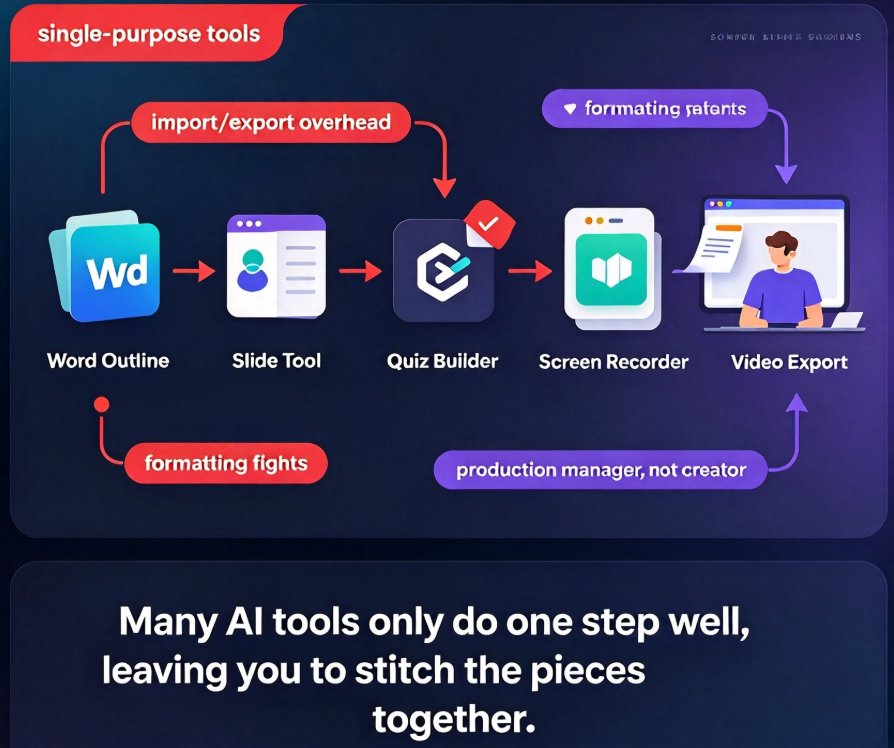
Let's be honest: you've probably tried to build a micro-course before. You draft an outline in Word, open a slide tool, redesign everything, then export to video with narration, and then try to insert a quiz—only to find you're juggling five different apps. Sound familiar? Many AI tools only do one step well, leaving you to stitch the pieces together. Zendeck changes that by turning a simple outline into a fully narrated, interactive video micro-course in under 10 minutes, without switching tools.
The all-in-one workflow is the future of course creation. Zendeck covers the entire pipeline: deck generation, smart design, interactive elements, and PPT-to-video with narration. You stop being a production manager and start being a creator again.
01 Why Most Course Creation Tools Leave You Stuck
The pain point is real: most tools are single-purpose. You might use a deck generator for slides, a separate quiz builder, and a screen recorder for video. Even AI-powered tools often require you to import/export between platforms. This costs time and breaks your creative flow.
The result: a 20-minute course takes three hours to produce. You're not just writing content; you're wrestling with formatting, navigation, and exporting.
Zendeck is built as an end-to-end platform. You bring an outline—Markdown, TXT, or even a Word document—and it generates a structured, visually consistent deck. From there, you add interactions, then export to video with narration. No step is missing.
02 The Zendeck Flow: Outline to Published Micro-Course
Let's walk through a real scenario. Suppose you're a corporate trainer creating a 10-minute micro-course on data privacy. You have a bullet-point outline from a policy document. Here's how it plays out in Zendeck:
- Paste or upload your outline. Zendeck reads the structure and creates a slide deck, roughly two slides per rule or concept.
- AI generates the visual layer. Smart layout picks fonts, colors, and arrangement, consistent with your brand kit. You can even apply a one-click reskin to switch themes.
- Add interactive elements. Beyond cards and lists, Zendeck supports hotspots, checklists, and quizzes. For a technical topic like data privacy, you might embed a hotspot on a data-flow diagram to explain each stage.
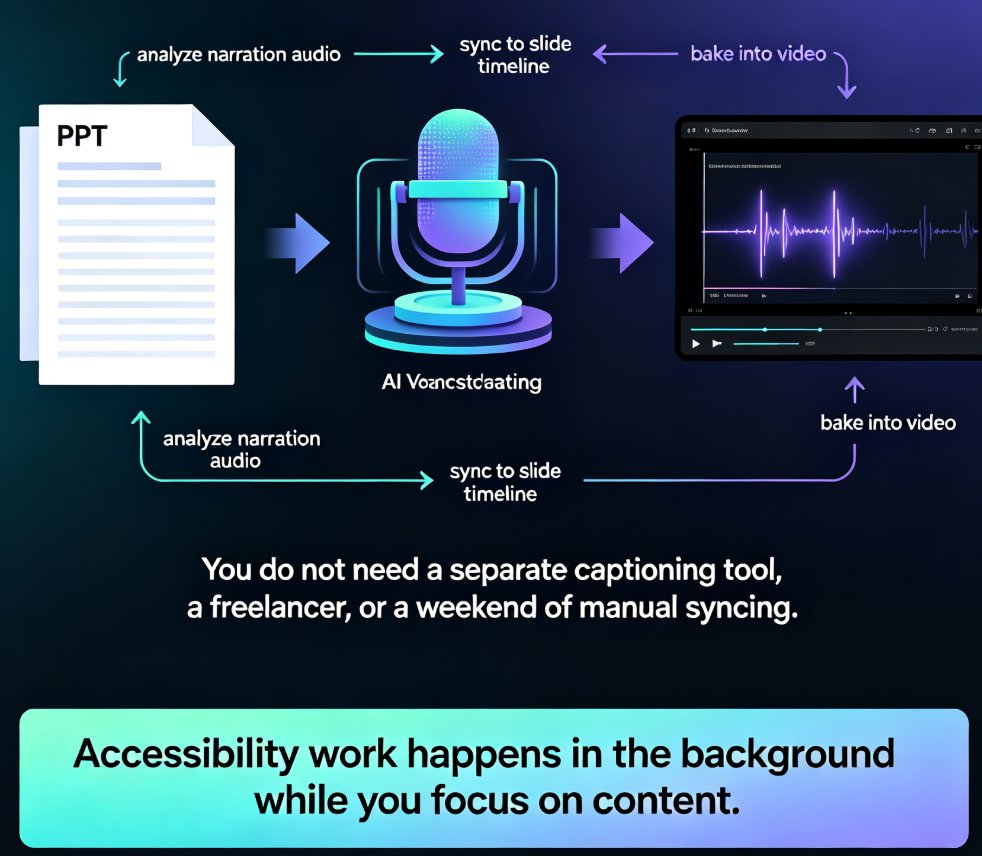
- Export to video with narration. Zendeck's PPT-to-video tool converts slides into a narrated micro-course, using AI voiceover or your own recording, with subtitles auto-generated.
The entire process took us under 10 minutes in a live test. That includes generation, review, and export.
03 Interactive Elements That Make Learning Stick
What separates a micro-course from a slide deck is interactivity. Zendeck provides several interaction types out of the box:
- Flashcards – Great for recall practice.
- Checklists – Step-by-step procedures.
- Hotspots – Clickable areas on an image, perfect for technical diagrams.
- Quizzes – Multiple quizzes per course, or add one later.
Each interaction type is designed to be added or removed without breaking your layout. You can even override colors on individual items, like highlighting a critical step.
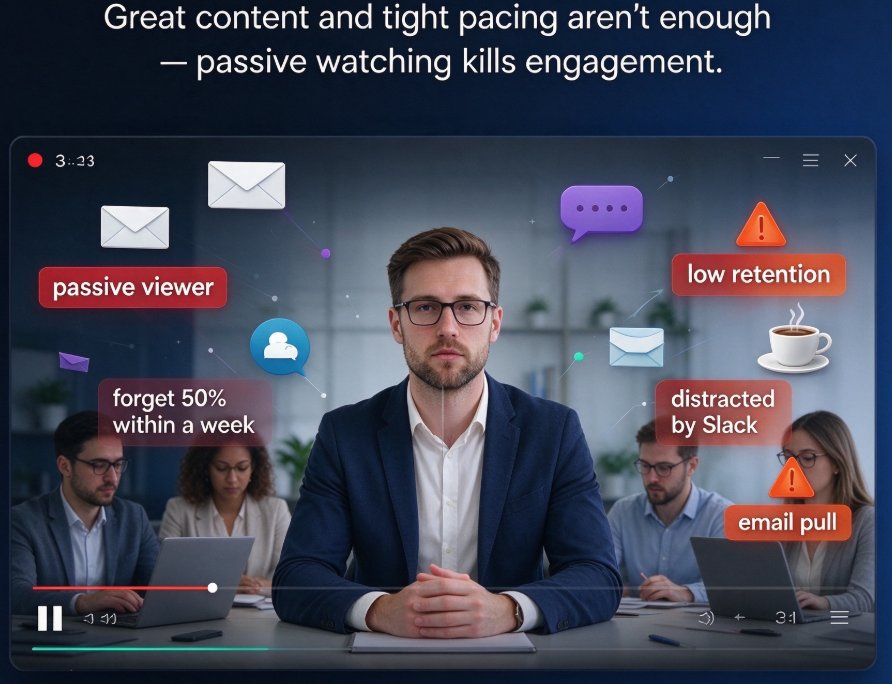
Interactive elements boost retention by up to 30% compared to passive video. And with Zendeck, they're not add-ons—they're native parts of the course.
04 The Time Factor: Where Zendeck Saves You Hours
We compared a typical multi-tool workflow with Zendeck for the same 10-minute course. The results are stark.
| Step | Traditional Tools (Time) | Zendeck (Time) |
|---|---|---|
| Outline to slides | 45 min (manual design) | 2 min (AI generation) |
| Interactive elements | 30 min (separate quiz tool) | 3 min (built-in) |
| Video narration | 40 min (recording/editing) | 4 min (auto voiceover + subtitles) |
| Total | 115 min | 9 min |
That's a 12x reduction in production time, and you don't need to be a design expert. Here's a visual breakdown:
05 Real-World Use Cases for Educators and Trainers
Zendeck isn't just for elearning pros. Here are three scenarios where the 10-minute workflow shines:
- Corporate onboarding: Turn compliance policies into quick micro-courses with quizzes at the end.
- Higher-ed lectures: Convert a lecture outline into a narrated video for flipped classrooms.
- Sales enablement: Create product training with hotspots on demos.
In each case, you maintain brand consistency using your custom brand kit, and you can update content with a click—no need to rebuild from scratch.
The outcome is more courses produced in less time, and learners get consistent, engaging content.
06 Tips from a 15-Year Education Editor
Having seen the evolution of courseware, here are some hacks I've picked up:
- Keep outlines lean. Two slides per rule means your outline should be bullet-level, not paragraph-level.
- Use hotspots for visual content. They turn static diagrams into interactive explorations.
- Let AI handle the first draft, then refine. You can always edit the generated screens—don't start from a blank canvas.
And a friend's advice: don't over-interact. A quiz at the end and a checklist are often enough. Too many interactions can distract. If you're new to Zendeck's interactive features, check out our guide on adding interactive quizzes to micro-courses and narrating your slides with PPT-to-video. For deeper insights on AI-driven course creation, see agentic AI in course creation.
FAQ
Q1: Can Zendeck import an outline from Word or Markdown? Yes, you can paste Markdown or TXT, or upload a Word outline, and Zendeck will generate a structured micro-course.
Q2: Does Zendeck support video export with narration? Absolutely. Zendeck's PPT-to-video feature converts your slides into a narrated video, with options for AI voiceover and auto-generated subtitles.
Q3: Can I add interactive quizzes after the course is generated? Yes, Zendeck allows you to add quizzes, hotspots, checklists, and flashcards to any screen, even after the initial generation.
Q4: Do I need design skills to use Zendeck? No. Smart layout and one-click reskin automatically unify fonts, colors, and layout. You can focus on content.
Q5: How much time can I save using Zendeck? In our test, a 10-minute micro-course was produced in about 9 minutes, compared to nearly 2 hours with multiple tools—a 12x reduction.
Ready to stop juggling tools and start creating? Explore Zendeck's micro-course production and turn your next outline into a polished, interactive course in minutes.