Tags:Zendeck asset library

20 articles

Asset Library Essentials: How to Source Icons, Charts, and Illustrations Without Leaving Zendeck

Courseware Design 2026-09-22 1245

Zendeck's integrated asset library puts icons, charts, and illustrations at your fingertips—no more hunting across free stock sites. In this guide, learn how to source professional visuals directly inside the editor, keep your brand consistent, and cut design time dramatically. Perfect for educators, course creators, and anyone building AI-powered presentations. Discover the exact workflow to enrich your slides without ever leaving the platform.
Find the Perfect Icon in Seconds: Zendeck Asset Library Search Guide

Courseware Design 2026-09-21 3497

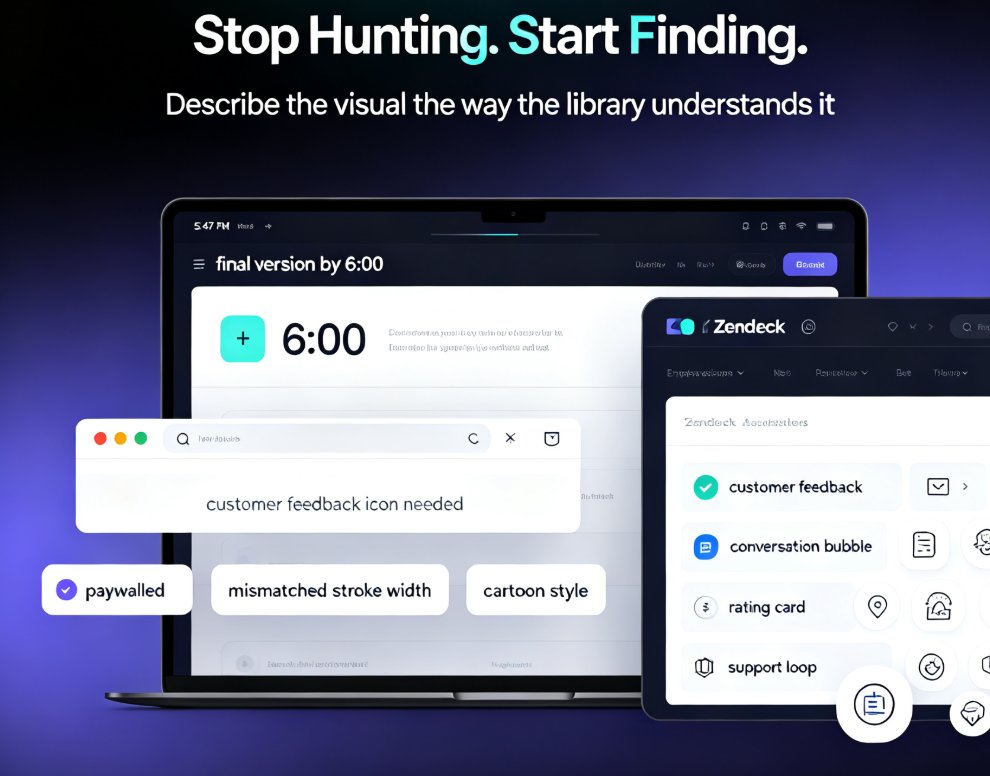
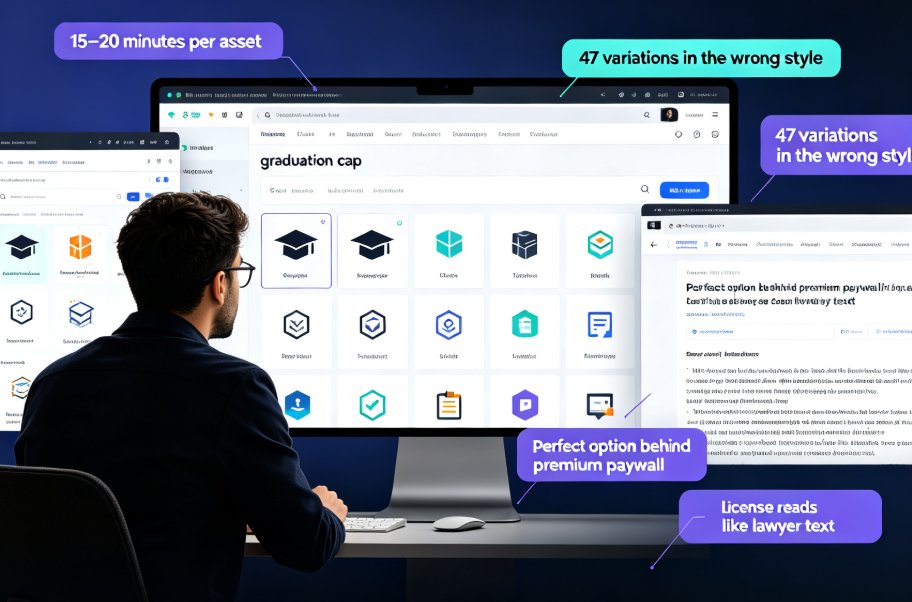
Finding the perfect icon should take seconds, not 20 minutes of scrolling. This guide shows how Zendeck's built-in asset library with smart search filters lets you locate, drop, and customise professional icons and illustrations in under three minutes — cutting asset hunt time by 80%. We cover the real licensing risks of free icon sites, practical keyword and filter tips, and why consistent, on-brand visuals make courseware and client decks stand out. The best part? No more juggling six browser tabs or accepting icons that clash with your palette. Whether you're building a micro-course, a corporate training deck, or a client pitch, this walkthrough turns asset hunting into a two-minute task. Built for teachers, trainers, and marketers who don't have a design degree, Zendeck's library removes the friction from creating professional-looking courseware.

How to Standardize Icons and Charts Across Your Team's Decks

Courseware Design 2026-09-17 2133

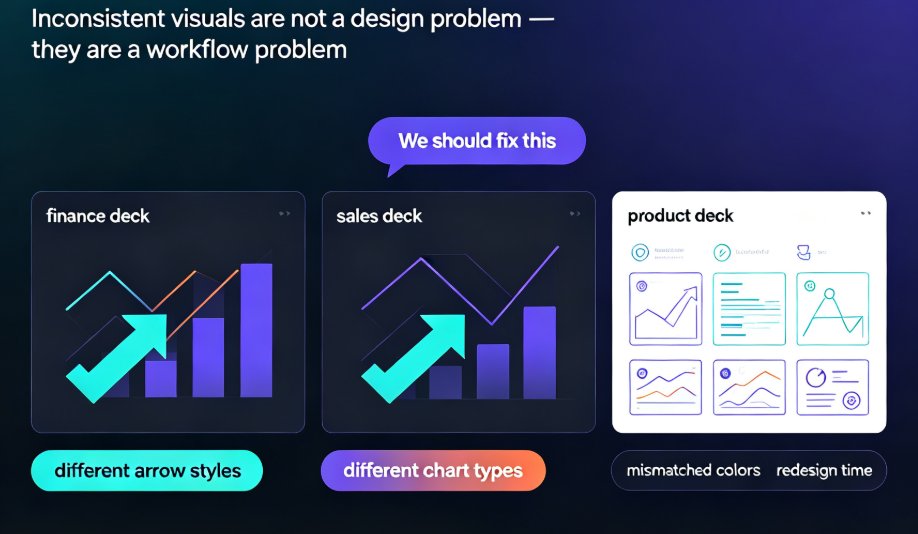
Learn how to standardize icons, charts, and visuals across all your team's presentations with Zendeck's asset library. This guide shows you the exact workflow to enforce brand consistency, cut redesign time, and keep every deck on-message—even when five people are designing at once. No more mismatched icon sets or off-brand charts. We'll cover how to set up a shared asset library, choose the right icon system, and make charts that match your brand. Plus, we'll share team-wide governance tips that make compliance effortless. If your team struggles with inconsistent decks, this is the fix.

Find the Perfect Icon in Seconds: Zendeck Asset Search Tricks

Courseware Design 2026-09-16 2206

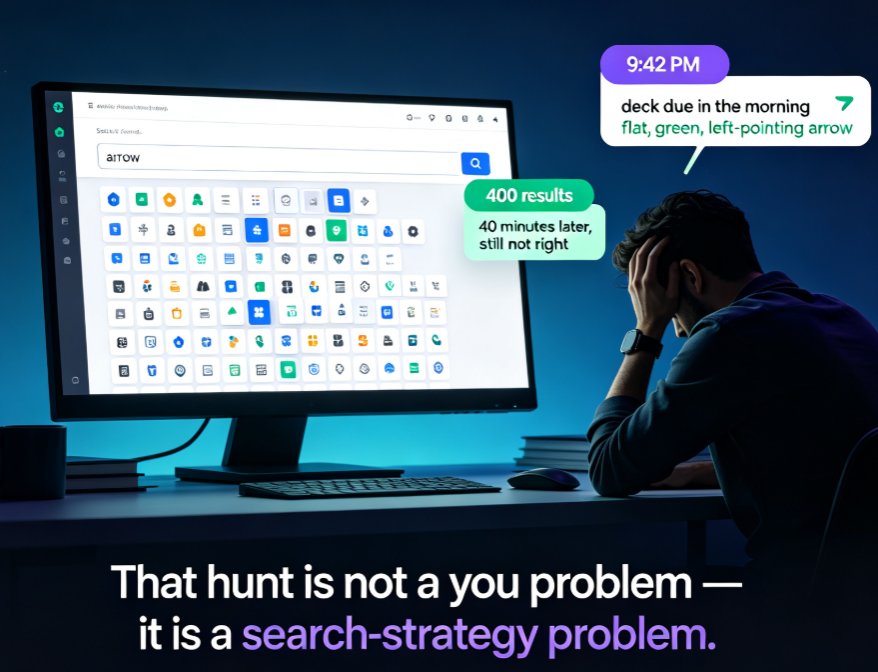
Stop scrolling through hundreds of icons — Zendeck's asset library has advanced filters and tag tricks that cut your search time by 80%. This guide covers why basic keyword search fails, how to stack type, style, and color filters, how to combine tags like arrow + green + flat for precise matches, and how to build saved folders so your most-used visuals are one click away. Backed by measurements showing keyword search averaging five minutes per find versus under a minute with filters and folders, you'll walk away with a repeatable five-step routine for any deck. Perfect for courseware designers, trainers, and content teams who want on-brand, consistent visuals without the design chaos. Learn the workflow today and stop losing hours to the icon hunt.

Zendeck Asset Library: Advanced Tips for Finding Icons & Charts

Courseware Design 2026-08-28 3648

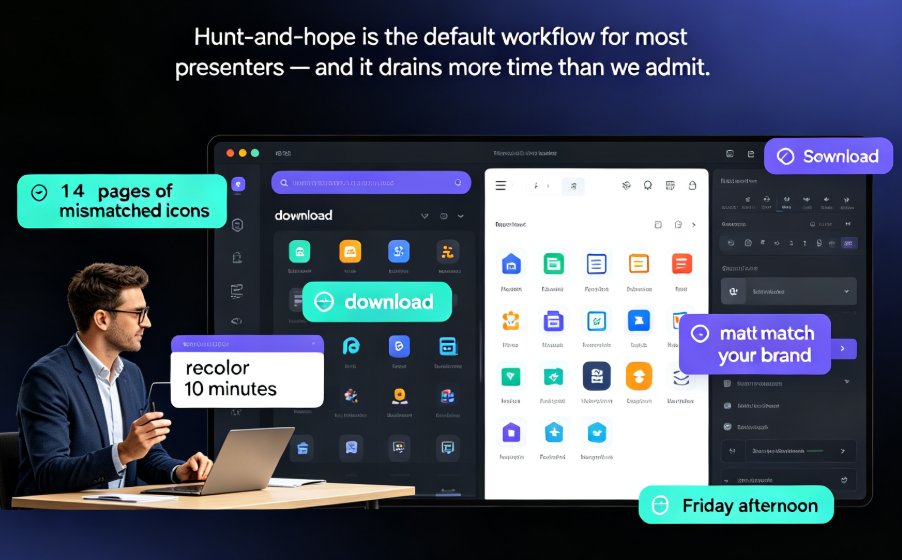
Stop wasting time hunting for visuals. Zendeck's asset library is the fastest way to find icons, illustrations, and charts that match your deck's style — if you know the right search tricks. This guide covers advanced filters, keyword strategy, style consistency, and organization habits that cut asset-hunting time from 15 minutes to under two. Whether you're building training courseware, corporate slides, or a one-off pitch, you'll learn to turn the library into a personal design system. If finding a single icon has ever derailed your flow, this tutorial is for you. Learn the search techniques, avoid the common mistakes, and get comfortable with charts that look custom without the extra effort. The result: faster decks, cleaner designs, and more energy for the actual content.

Icons That Teach: Zendeck's Visual Library for Clearer Courseware

Courseware Design 2026-08-27 1793

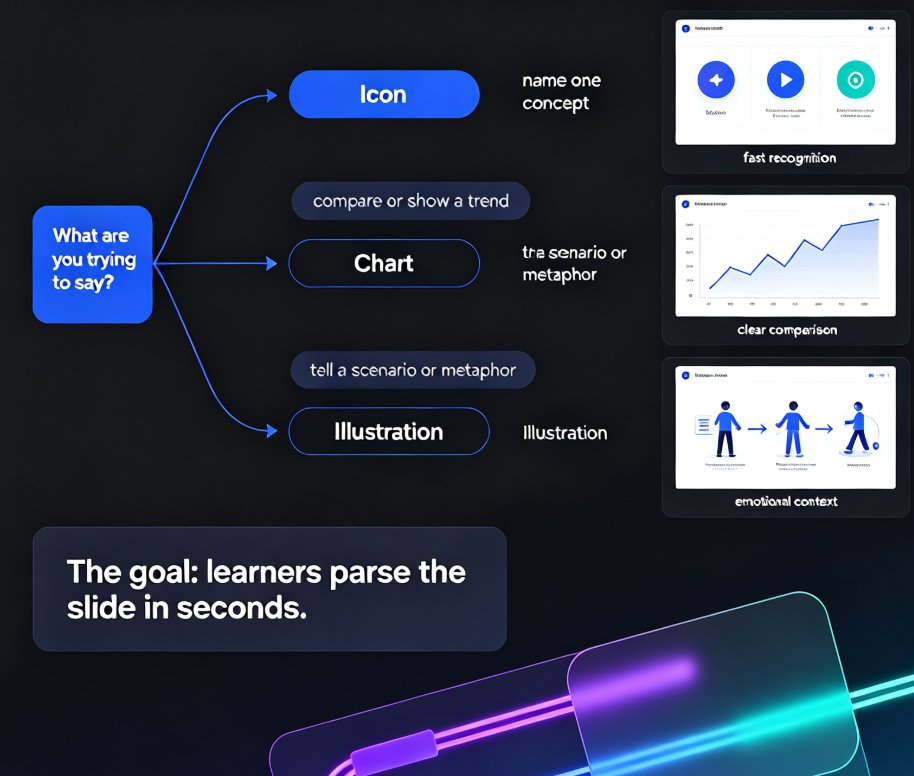
Clear courseware starts with visuals that teach, not decorate. This guide shows how Zendeck's asset library helps educators pick icons, charts, and illustrations that clarify concepts fast. Learn the one-concept-per-icon rule, when to use a chart over an icon, and how a five-minute workflow turns a messy outline into a deck learners actually remember. Zendeck's curated library keeps style consistent, adds alt text automatically, and removes the guesswork from visual selection. If your slides look polished but learners still struggle, the problem is likely visual communication, not design talent. Read on for the principles, the pitfalls, and the practical workflow that makes courseware easier to understand and easier to recall.