Tags:team presentations

5 articles

Real-Time Co-Editing: How Remote Teams Finalize Decks Faster

Office Efficiency 2026-09-17 1230

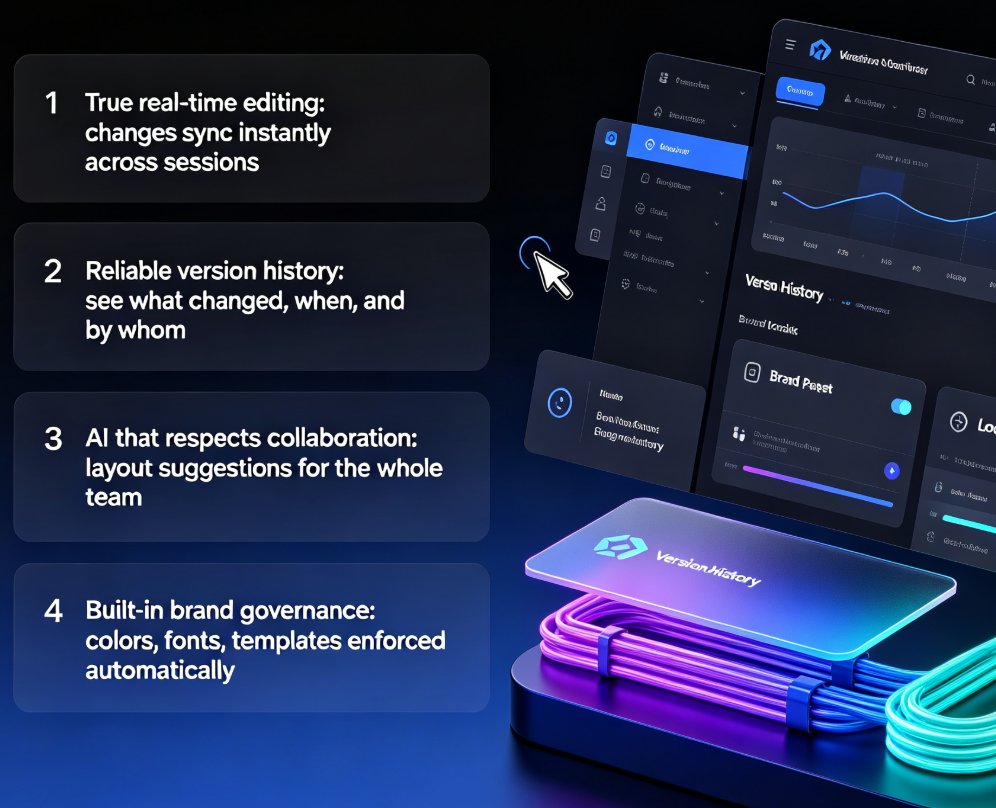
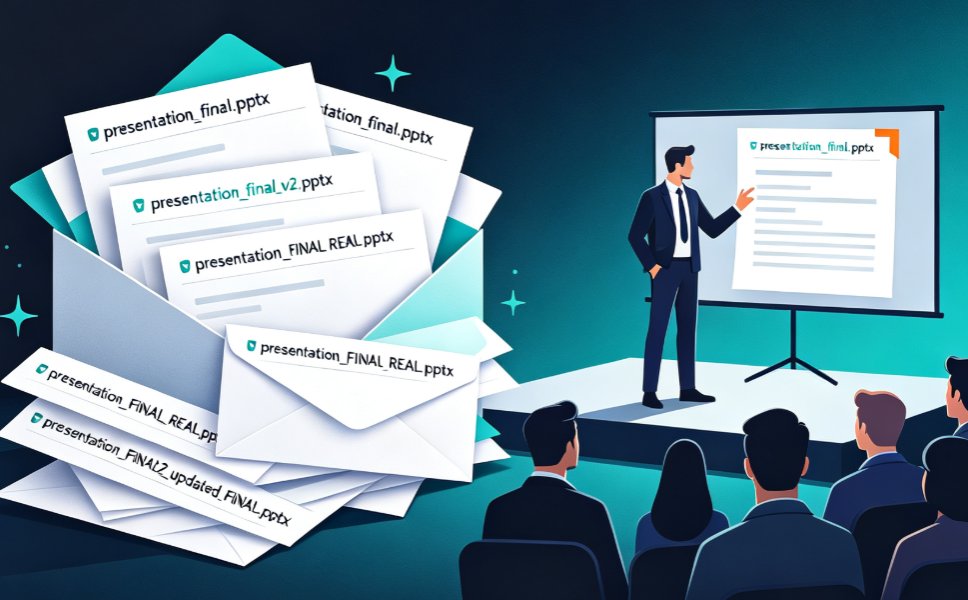
Real-time co-editing cuts deck review cycles from days to hours for remote teams. Instead of emailing PPT files back and forth, Zendeck gives you one live version your whole team can edit, comment on, and share — with threaded feedback tied to specific slides and role-based link sharing for stakeholders. This guide breaks down why version history alone isn't enough, how co-editing collapses the review loop, and a practical review workflow you can adopt today. If you're tired of "final_v3" emails and conflicting feedback scattered across threads, here's how Zendeck's collaboration features help distributed teams finalize presentations faster and with far less coordination overhead.
How to Standardize Icons and Charts Across Your Team's Decks

Courseware Design 2026-09-17 2133

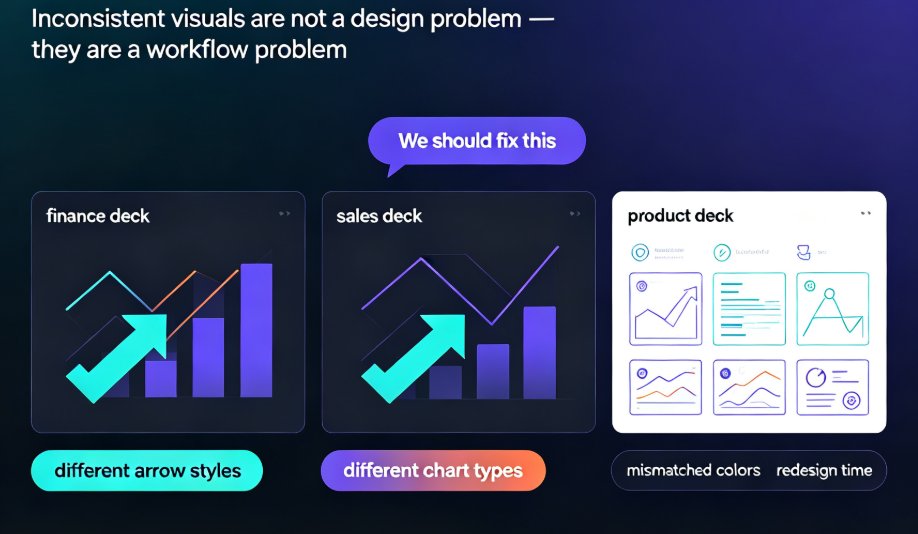
Learn how to standardize icons, charts, and visuals across all your team's presentations with Zendeck's asset library. This guide shows you the exact workflow to enforce brand consistency, cut redesign time, and keep every deck on-message—even when five people are designing at once. No more mismatched icon sets or off-brand charts. We'll cover how to set up a shared asset library, choose the right icon system, and make charts that match your brand. Plus, we'll share team-wide governance tips that make compliance effortless. If your team struggles with inconsistent decks, this is the fix.

Real-Time Co-Editing: Zendeck Ends Version Control Nightmares

Office Efficiency 2026-09-10 687

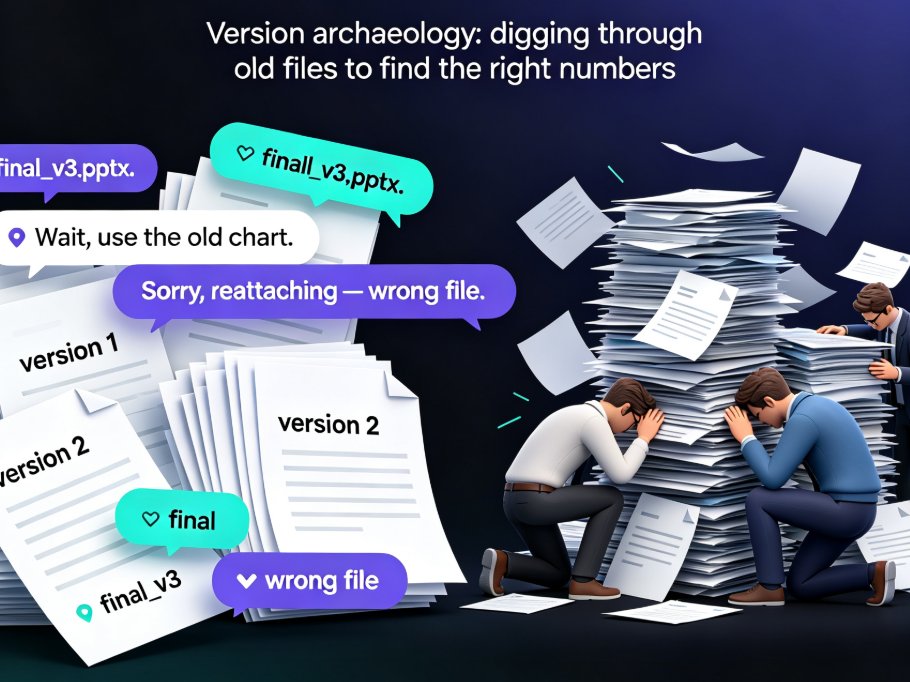
Real-time co-editing and version control are the cure for team presentation chaos. Zendeck lets multiple teammates edit slides simultaneously, auto-saves every change, and keeps a full history so you never lose track of the latest version. Say goodbye to emailing 'final_v3_FINAL(2).pptx' and hello to a single source of truth. This guide explains how Zendeck's collaboration features kill version confusion, why version history is your safety net, and how to adopt best practices for smooth team workflows. If your team struggles with outdated decks or conflicting edits, Zendeck's real-time co-editing is the solution you've been missing.

How to Collaborate on Presentations in Real Time with Zendeck

Office Efficiency 2026-08-26 3303

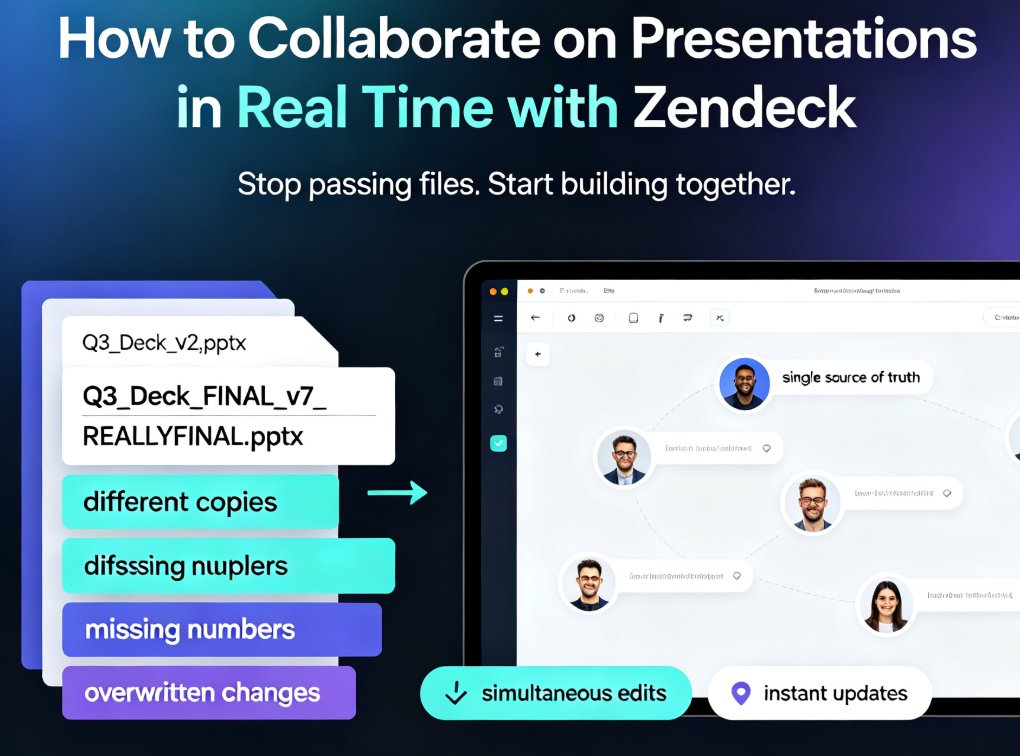
Zendeck's real-time collaboration tools let your team co-edit presentations online, track version history, and share secure links — no more version chaos. This step-by-step guide covers inviting teammates, managing edit and view permissions, restoring past versions, and building a group workflow that keeps every deck organized and on schedule. Whether you're a remote team, an L&D group, or a marketing squad, you'll learn how to turn messy group projects into a single source of truth, cut review cycles, and present with confidence. Real-time co-editing, version control, and secure link sharing are the three pillars that keep group presentations on track — and this guide shows you exactly how to use them in Zendeck.

Collaborative AI Workspaces: Real-Time Sharing for Team Presentations

Office Efficiency 2026-08-24 1896

Real-time collaboration is the new baseline for team presentations, and Zendeck's link sharing and version control eliminate the chaos of emailing PPT files back and forth. This guide breaks down why file-based collaboration fails, what cloud-native sharing actually changes for teams, and the five features that matter most in a collaborative AI presentation tool. You'll see how Zendeck's online editor lets multiple teammates edit the same live deck simultaneously, how AI-enforced design rules keep brand consistency intact, and how share links replace attachments for distribution. If you're tired of 'Final_v3_REAL_FINAL.pptx' version confusion and slow send-and-wait edit cycles, this article walks you through the modern collaborative workflow — and why teams that adopt it stop losing hours to version chaos.