Tags:Zendeck smart layout

17 articles

Why Your AI-Designed Slides Look Generic and How Zendeck Fixes It

Courseware Design 2026-09-21 3994

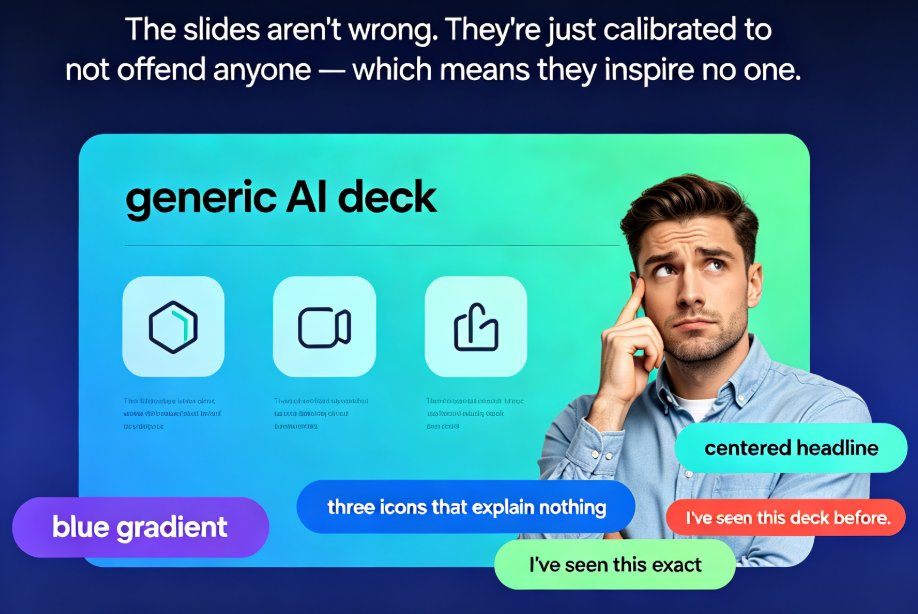
Dreading another generic AI deck? This guide explains why AI-designed slides look templated and how Zendeck fixes it with brand kits, smart layouts, and premium templates. AI presentation tools default to safe, neutral output because they're optimized for 'acceptable to everyone' — so decks end up looking borrowed, not authored. The fix is a framework-first workflow plus brand-aware execution. Learn why the tool isn't broken but the input often is, and how Zendeck's smart layout engine reads your content hierarchy, applies custom brand kits automatically, and picks contextual templates so every deck looks uniquely yours. Includes a side-by-side comparison, a time-saving de-generic blueprint, and an FAQ covering brand consistency and template customization. If generic AI slides are costing you hours of redo and audience trust, this guide shows exactly where to intervene.
From Word to PowerPoint: AI Tools That Automate Slide Deck Creation

AI Courseware 2026-09-20 1664

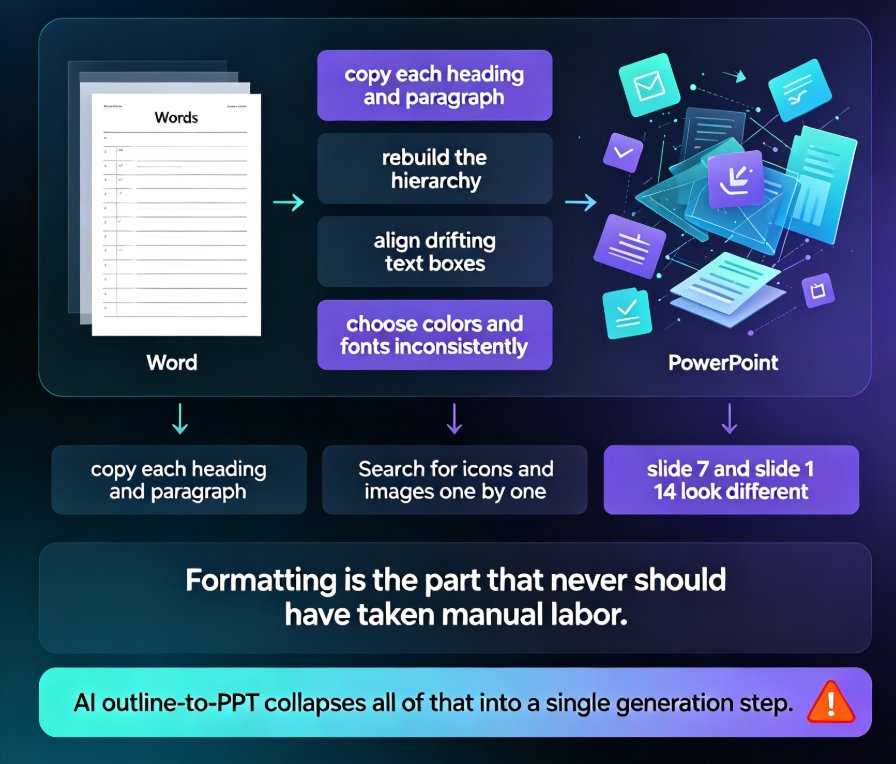
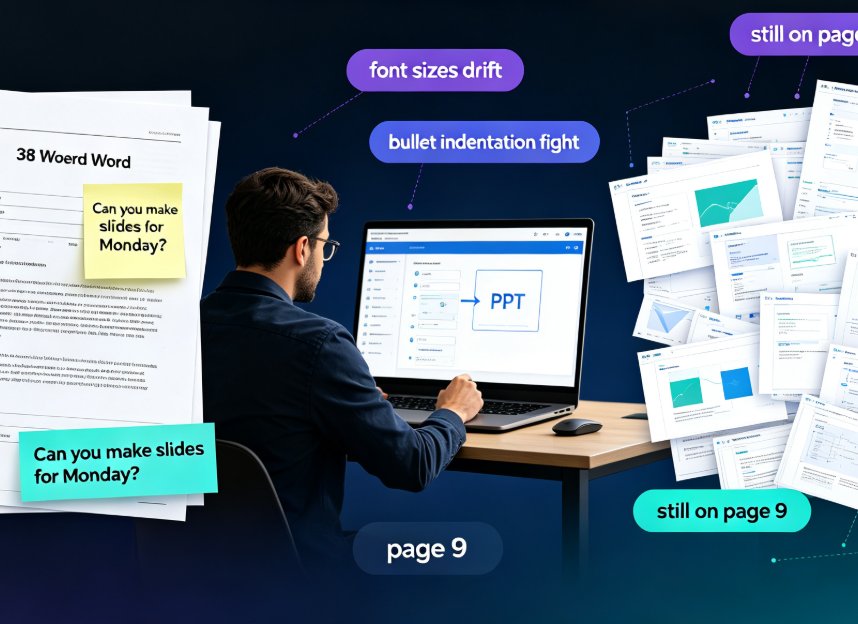
Stop copy-pasting. Modern AI tools like Zendeck convert a Word outline into a polished, on-brand PowerPoint in minutes — parsing structure, rewriting slide copy, and applying smart layouts automatically. For professionals and educators, this guide breaks down how AI Word-to-PPT conversion actually works, compares it side-by-side against tedious manual reformatting, and gives you a five-step workflow to go from a dense document to a presentation-ready deck without touching design software. You'll see the real time savings plotted in a chart, learn what separates transformative converters from simple text pasters, and dodge the two mistakes that still wreck AI-generated slides. If you've ever watched a colleague disappear into a blank PowerPoint for three hours on a Friday afternoon, this guide is for you.

5 Ways Zendeck Smart Layout Cuts Presentation Design Time

PPT Tutorial 2026-09-18 2364

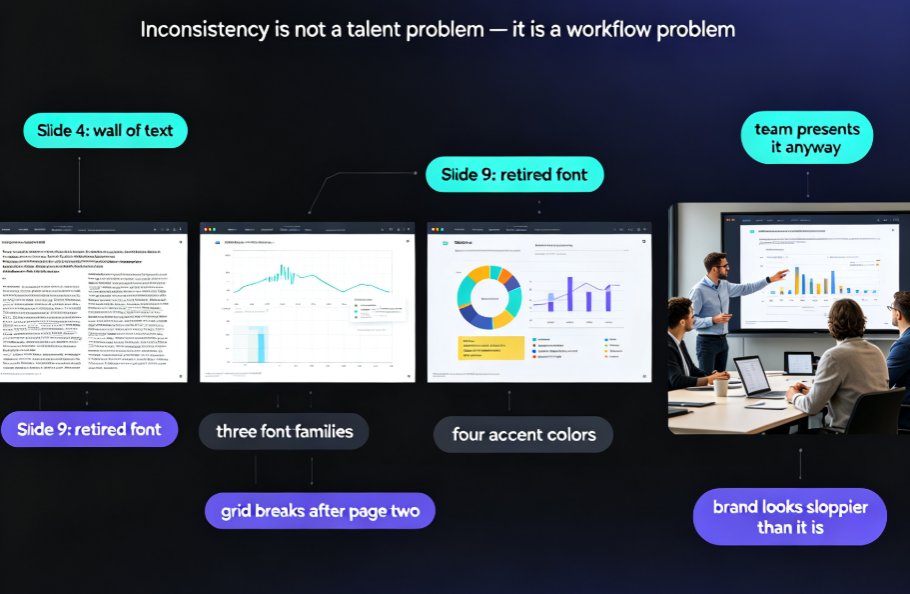
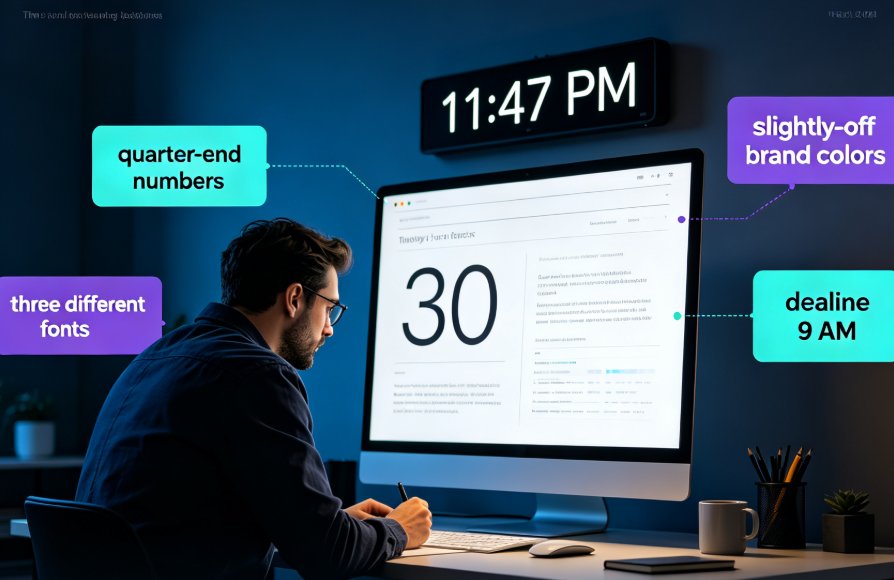
Zendeck's smart layout feature auto-unifies fonts, colors, and alignment, cutting presentation design time by up to 80%. This practical guide breaks down five before-and-after scenarios, from untangling mismatched fonts across 40 slides to turning a Word outline into a finished, on-brand deck in one pass. Built on documented results from L&D teams and training managers, we show exactly where the hours go when you format manually — and how one-click smart layout removes them. Includes time-saving benchmarks, a side-by-side comparison chart, and the step-by-step workflow you can apply to your next deck. If you build slides for training, sales, or teaching, this is the fastest path from blank template to ready to present.

Zendeck vs Gamma: Which AI Presentation Tool Wins for Business Decks?

AI Courseware 2026-09-18 3962

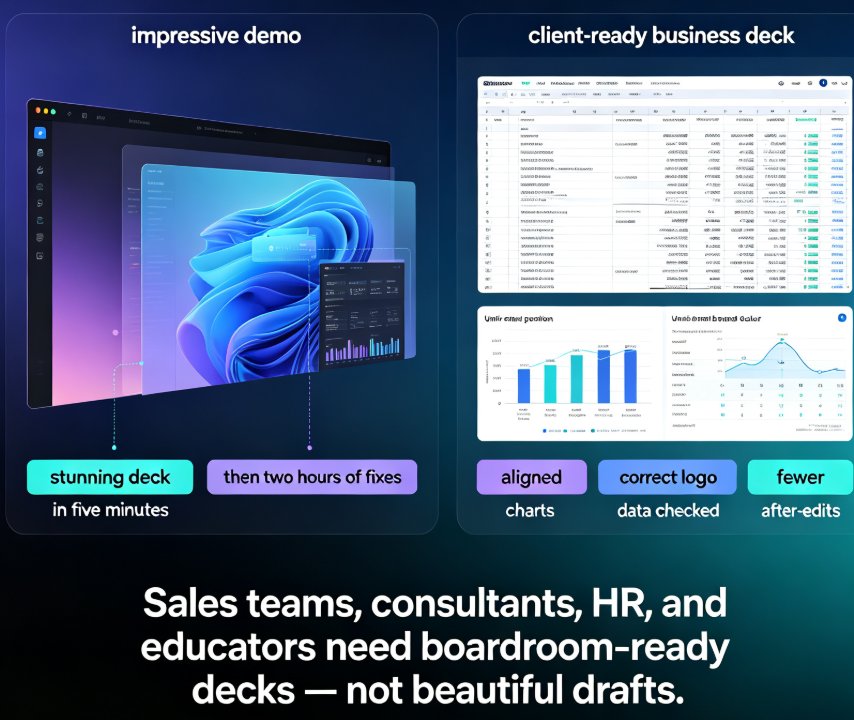
For business decks, Zendeck beats Gamma. While Gamma delivers flashy visual storytelling that looks great on your laptop, Zendeck combines AI generation from Word outlines with smart layout automation, a premium asset library, and brand governance—eliminating the post-generation cleanup that eats hours of your week. Zendeck is an AI-powered presentation platform that auto-unifies fonts, colors, and layouts, turns static slides into narrated videos, and enforces corporate consistency without any design skills. This head-to-head compares feature matrices, time-to-final-deck benchmarks, and real business workflows to show why teams producing sales decks, consulting deliverables, and training courseware consistently choose Zendeck over Gamma. If you're evaluating Gamma alternatives or wondering which AI presentation maker truly fits client-facing work, this is the honest answer backed by workflow data.

Turn a Word Outline into a Professional Presentation with Zendeck AI

AI Courseware 2026-09-14 2181

Turn a Word outline into a professional presentation in minutes with Zendeck AI. If you already have a written document, a meeting note, or a training manual, you are 80% done — Zendeck handles the design. Upload a .docx, paste Markdown or plain text, and the AI generates structured, visually consistent slides with smart layouts, consistent typography, and on-brand visuals, no design skills required. This practical guide walks through the complete workflow: preparing your outline, importing it into Zendeck, setting slide count, language, and tone, reviewing and refining the generated deck, applying one-click reskins or a custom brand kit, and exporting or converting slides into narrated micro-course video. You also get outline structure best practices, a time-saving comparison, and answers to the most common outline-to-PPT questions.