Tags:Zendeck smart layout

17 articles

One-Click Rebrand: Zendeck Unifies Fonts, Colors & Layout

Courseware Design 2026-09-11 3292

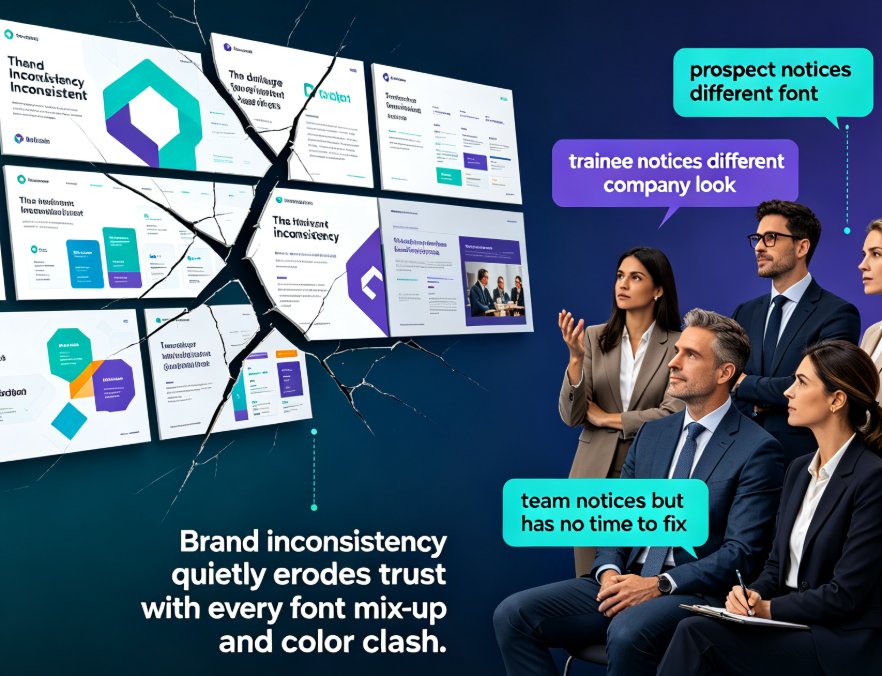
Zendeck's one-click reskin instantly unifies fonts, colors, and layout across every deck, helping organizations enforce brand consistency without any design expertise. This guide shows you how the smart layout engine works, why rebranding is a governance problem — not just a cosmetic one — and how L&D teams save hours per deck while keeping every slide on-brand. Includes a side-by-side comparison of manual rebranding versus Zendeck reskin, a time-tracking chart, and tips for turning brand guidelines into default behavior. If you've ever spent a Friday evening fixing fonts in a 70-slide training deck, this workflow will change how you think about presentation production.
Keep Every Department On-Brand with One-Click Deck Reskinning

Courseware Design 2026-09-09 600

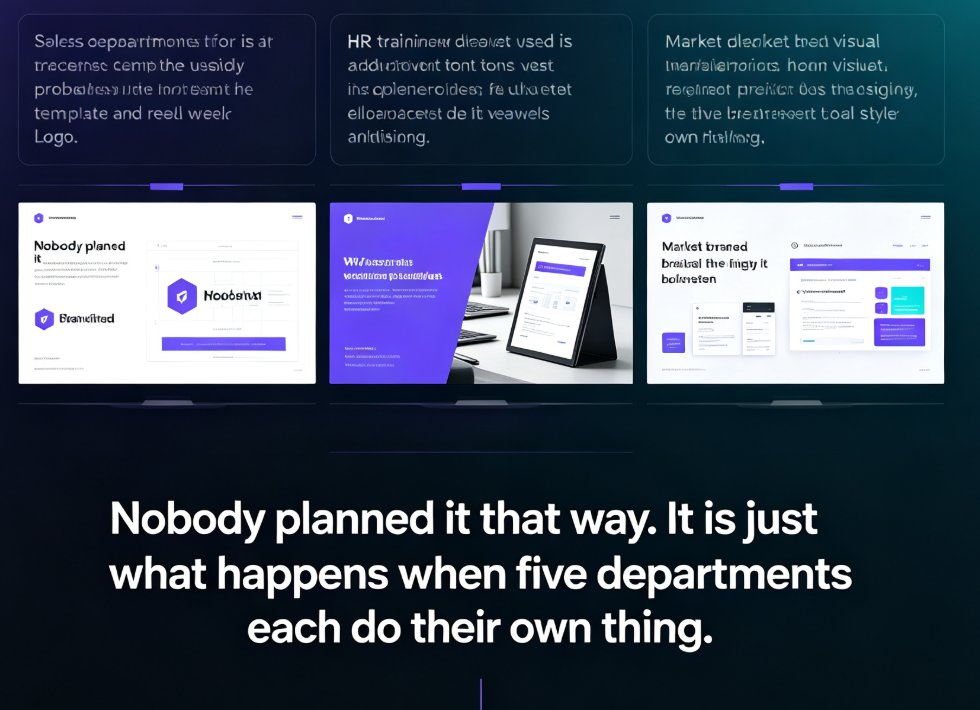
Off-brand decks are a workflow problem, not a design problem. Zendeck's one-click reskin instantly unifies fonts, colors, and layouts across every department deck — one real HR team unified 30 onboarding decks in an afternoon without redesigning them. This guide covers what reskin actually does, the exact workflow to scale brand consistency across sales, HR, marketing, and training teams, plus best practices for templates, brand kits, and asset libraries. If you want every presentation to look like it came from one company, start here.

Word Outline to Deck in 10 Minutes: Zendeck AI Generator Workflow Guide

AI Courseware 2026-09-07 3563

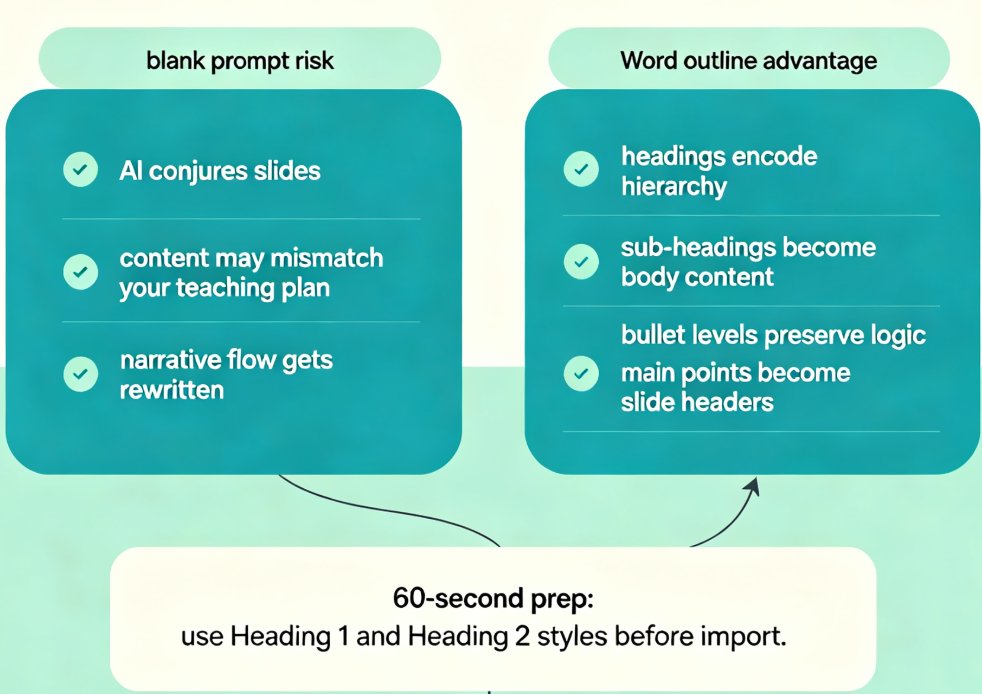
Turn a plain Word outline into a polished, branded deck in about 10 minutes with Zendeck's AI generator — no design skills required. This step-by-step workflow guide walks teachers and trainers through the full Word-to-deck pipeline: how to prep your outline, import it into Zendeck, let AI map headings to slide headers, apply a branded template, and avoid the five most common conversion mistakes. We also compare the manual PowerPoint grind against the AI-assisted flow with honest time estimates, and show how to extend a finished deck into narrated micro-courses with PPT-to-video. Whether you're a teacher, corporate trainer, or curriculum developer working from content-rich notes, this guide gives you a repeatable process you can ship today.

One-Click Reskin: Unify Your Presentation Brand with Zendeck

PPT Tutorial 2026-09-03 3319

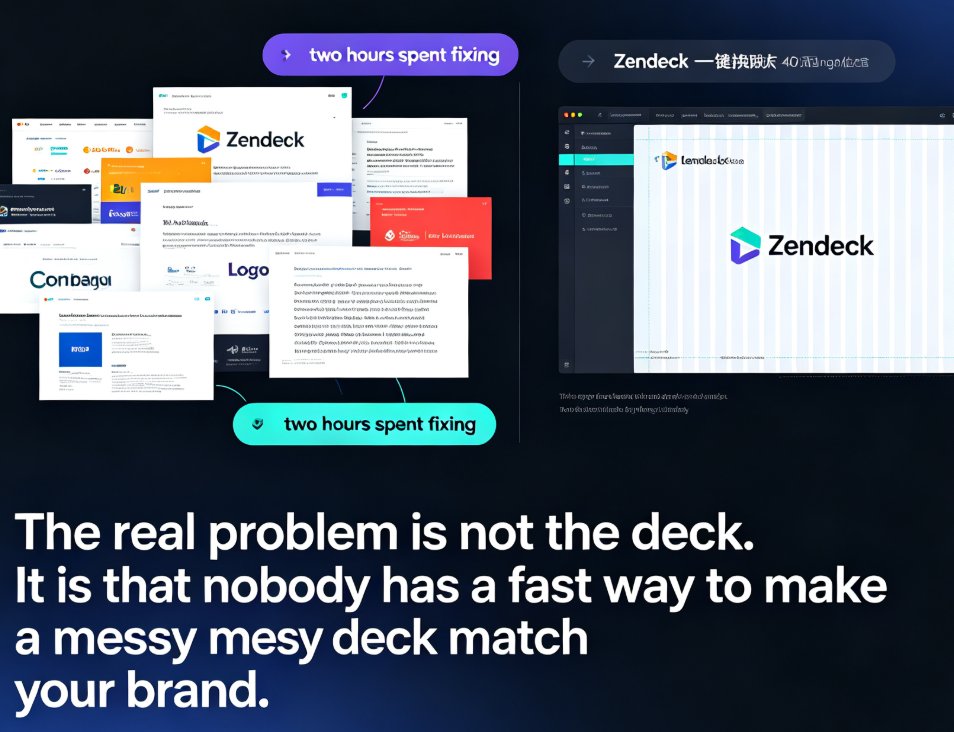
Zendeck's one-click reskin instantly unifies your entire presentation with your brand guidelines — fonts, colors, and layouts applied across every slide in seconds. Stop reformatting slide by slide when a teammate sends a deck that doesn't match your corporate style. This guide walks through the exact steps to reskin a messy PPT, shows what the smart layout engine fixes (and what it doesn't), and helps you decide when to reskin versus rebuild. You'll also get best practices for keeping every deck on-brand, plus a comparison of manual reformatting vs. one-click reskin time costs. If you've ever inherited a deck with five different fonts and three color schemes, this is for you.

Non-Designer Slides: How Zendeck Smart Layout Designs for You

Courseware Design 2026-08-28 1639

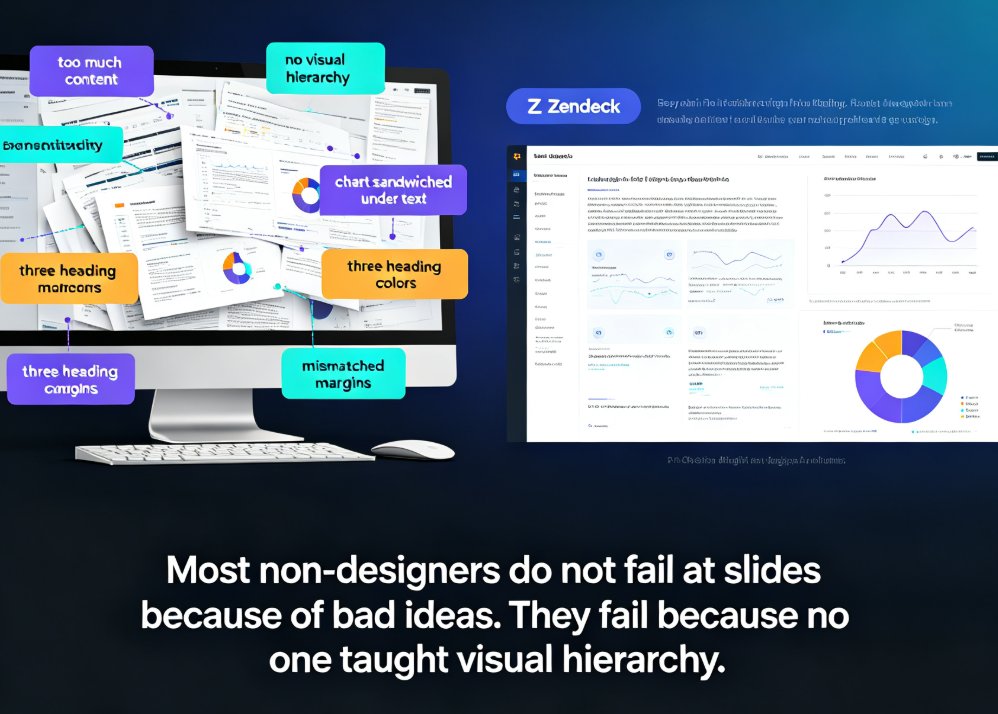
Non-designers can stop fighting with alignment, spacing, and color. Zendeck's smart layout engine and curated asset library automatically turn your outline or Word document into polished, professional slides. This guide shows why most non-designer decks fail, how AI-powered design decisions cut hours of manual tweaking, and a 5-step workflow for producing consistent decks with icons, charts, and illustrations that actually match. Whether you are an educator, trainer, HR lead, or founder, Zendeck handles hierarchy, theming, and spacing so you keep your energy on content.

How to Search & Insert Icons, Charts & Illustrations in Zendeck’s Asset Library

PPT Tutorial 2026-08-28 2000

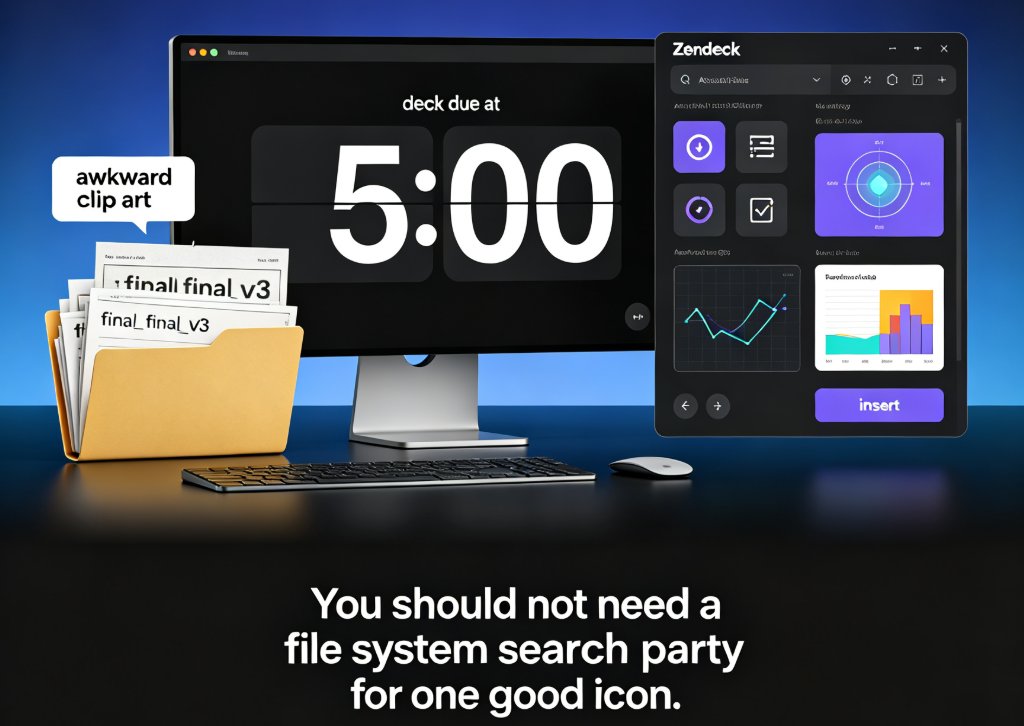
Searching for icons, charts, and illustrations across folders and downloads can cost you an hour before you even design one slide. Zendeck’s asset library solves that with a searchable collection and smart categorization. In this guide, you’ll learn how to locate the right visual element in seconds, insert it without breaking the layout, and apply a uniform visual style by reusing assets across the entire deck.