Tags:Zendeck smart layout

26 articles

One-Click Reskin: Unify Your Presentation Brand with Zendeck

PPT Tutorial 2026-09-03 3319

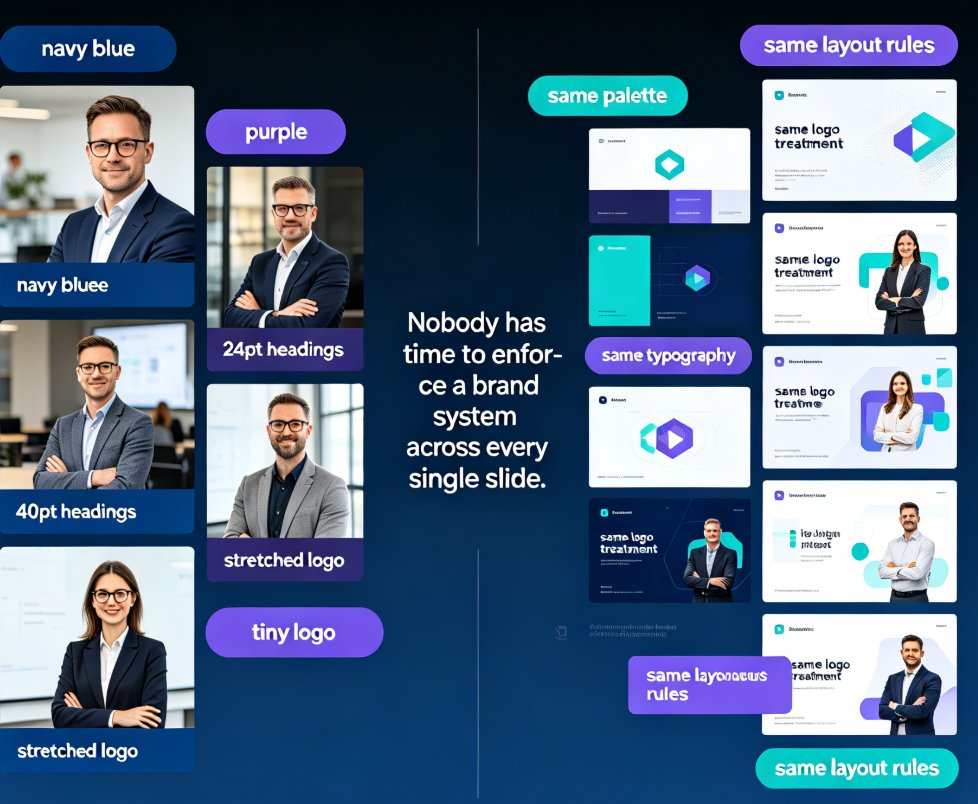
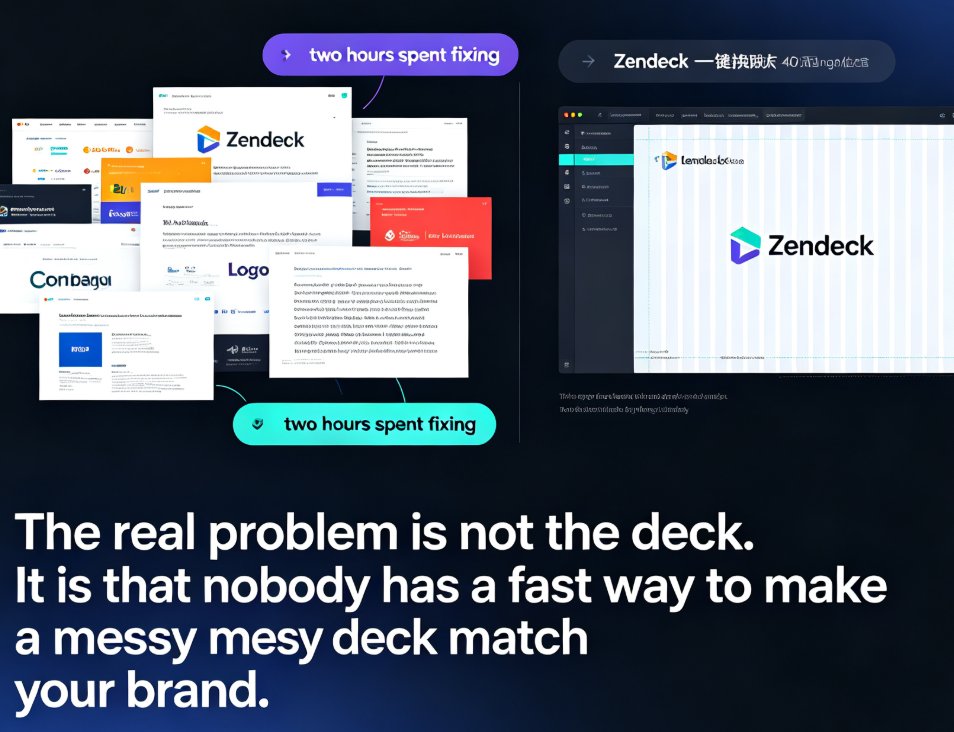
Zendeck's one-click reskin instantly unifies your entire presentation with your brand guidelines — fonts, colors, and layouts applied across every slide in seconds. Stop reformatting slide by slide when a teammate sends a deck that doesn't match your corporate style. This guide walks through the exact steps to reskin a messy PPT, shows what the smart layout engine fixes (and what it doesn't), and helps you decide when to reskin versus rebuild. You'll also get best practices for keeping every deck on-brand, plus a comparison of manual reformatting vs. one-click reskin time costs. If you've ever inherited a deck with five different fonts and three color schemes, this is for you.
Non-Designer Slides: How Zendeck Smart Layout Designs for You

Courseware Design 2026-08-28 1639

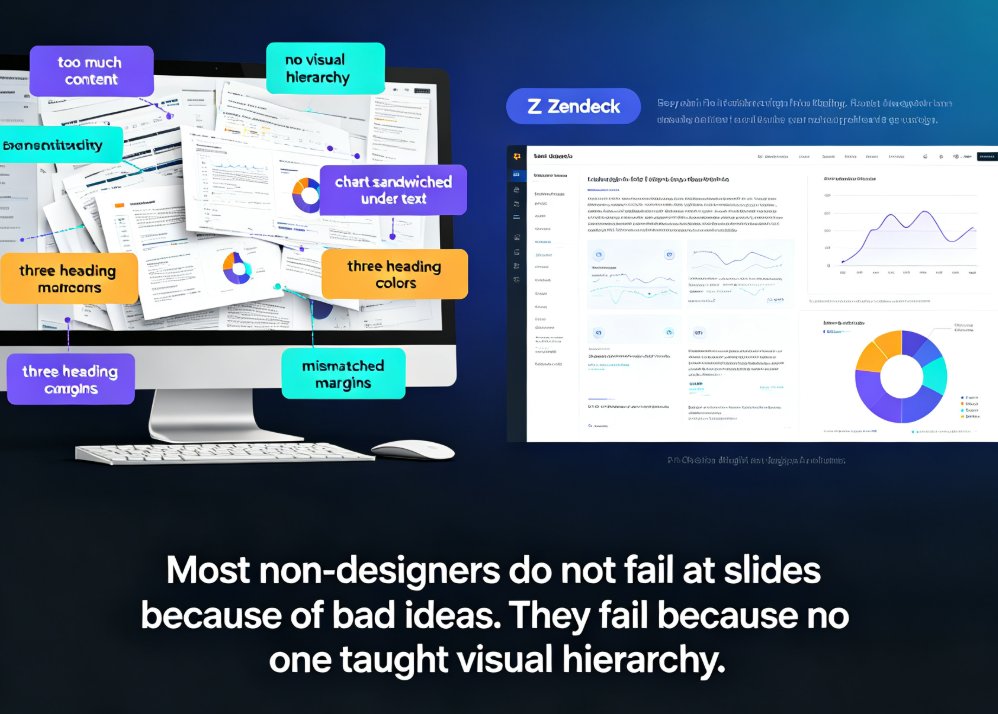
Non-designers can stop fighting with alignment, spacing, and color. Zendeck's smart layout engine and curated asset library automatically turn your outline or Word document into polished, professional slides. This guide shows why most non-designer decks fail, how AI-powered design decisions cut hours of manual tweaking, and a 5-step workflow for producing consistent decks with icons, charts, and illustrations that actually match. Whether you are an educator, trainer, HR lead, or founder, Zendeck handles hierarchy, theming, and spacing so you keep your energy on content.

How to Search & Insert Icons, Charts & Illustrations in Zendeck’s Asset Library

PPT Tutorial 2026-08-28 2000

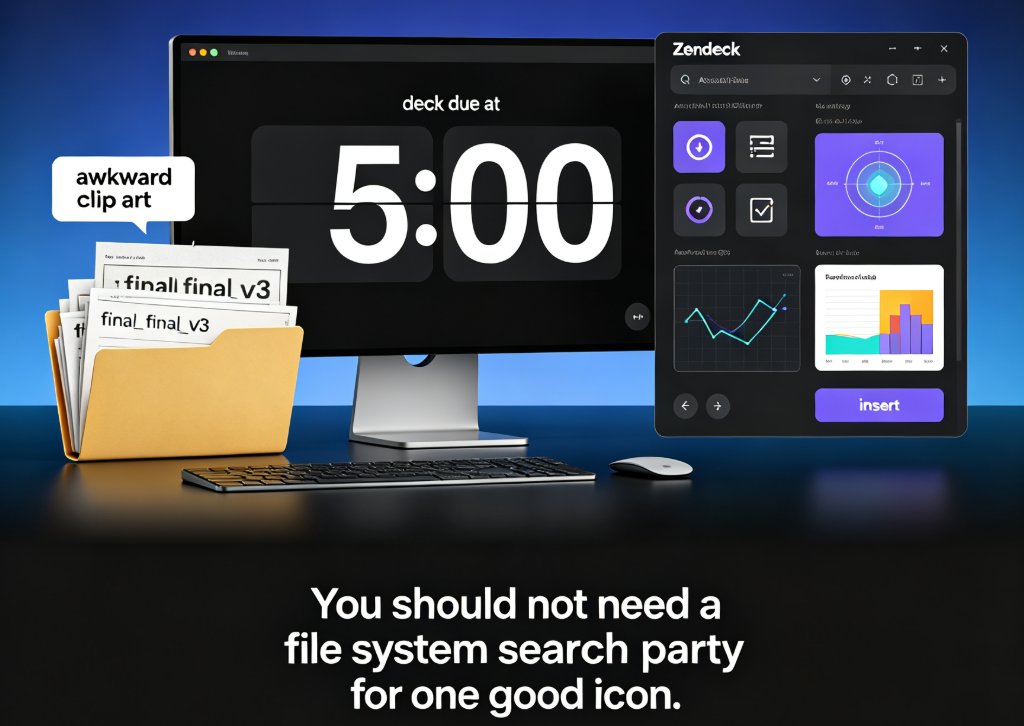
Searching for icons, charts, and illustrations across folders and downloads can cost you an hour before you even design one slide. Zendeck’s asset library solves that with a searchable collection and smart categorization. In this guide, you’ll learn how to locate the right visual element in seconds, insert it without breaking the layout, and apply a uniform visual style by reusing assets across the entire deck.

One-Click Reskin: Keeping Team Decks On-Brand with Zendeck

Courseware Design 2026-08-27 3164

Keep every team deck on-brand with Zendeck's one-click reskin. This guide shows how smart layout reskin unifies fonts, colors, and layouts across all your training presentations — without design skills. Learn the step-by-step workflow, compare reskin vs. manual redesign, and avoid common mistakes. Perfect for trainers, L&D teams, and educators who want consistent courseware that builds learner trust. Zendeck's reskin applies your brand rules automatically, turning a 3-hour consistency audit into a 3-minute operation. Set up a brand kit once, reskin every deck in seconds, and stop being the design police. Includes a practical comparison table and FAQ covering brand kits, content preservation, and team adoption.

Can Zendeck Unify Fonts, Colors, and Layout Across Slides?

Courseware Design 2026-08-27 1282

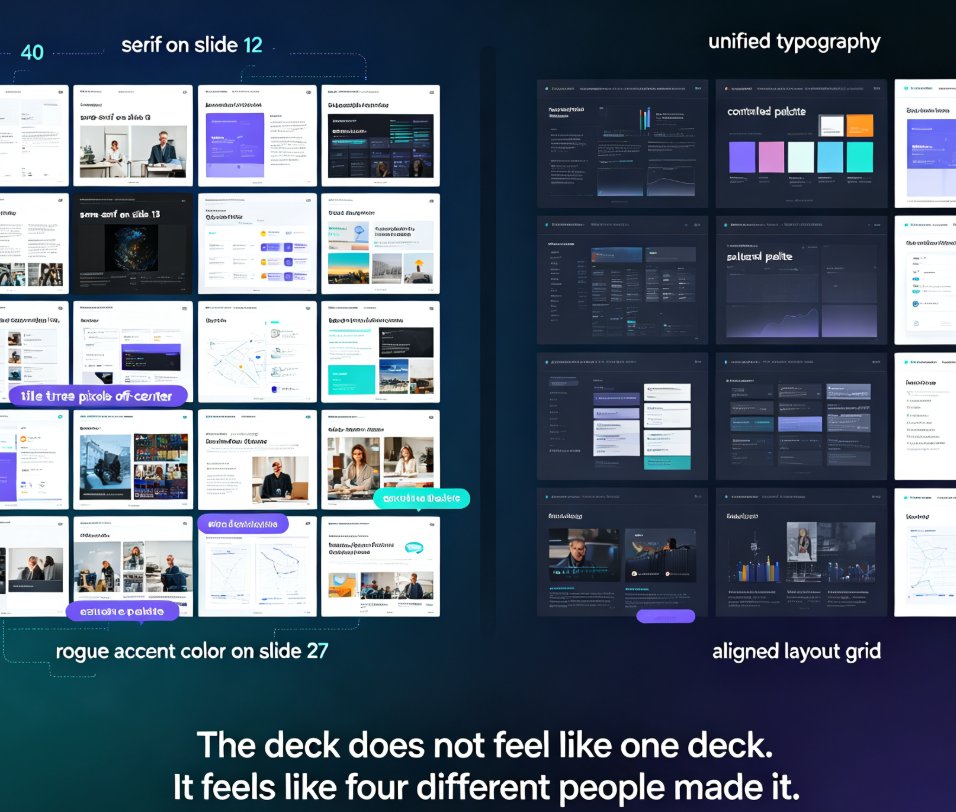
Zendeck's smart layout unifies fonts, colors, and layout across every slide in one click. Yes — Zendeck can unify fonts, colors, and layout across slides automatically. Its one-click reskin feature applies a consistent design system to your entire deck, so non-designers get brand-consistent courseware without manual tweaks. This guide breaks down how smart layout works, what it actually unifies, and where it saves you the most time. You'll see a before-and-after comparison, a step-by-step workflow, and honest notes on limitations. If you've ever spent an afternoon fixing misaligned titles and rogue fonts, this is the article for you. Learn how Zendeck turns a messy 40-slide deck into a polished, on-brand presentation in minutes — and why that matters for educators, trainers, and teams.

5 AI Presentation Mistakes to Avoid in 2026 (And How Zendeck Fixes Them)

PPT Tutorial 2026-08-18 1663

AI presentation tools are fast, but speed doesn't guarantee quality. In 2026, the most common AI presentation mistakes — generic layouts, inconsistent branding, cluttered slides, clichéd stock imagery, and animation overload — still plague decks everywhere. The good news: every one is fixable. This guide breaks down the 5 AI presentation mistakes to avoid in 2026 and shows exactly how Zendeck's smart layout engine, brand kits, asset library, and PPT-to-video features prevent each one. Whether you're a marketer, educator, or team lead, you'll learn practical before-and-after fixes that turn AI-generated decks from amateur to professional. Stop settling for generic AI output — learn how to enforce brand consistency, clean layouts, and meaningful visuals in every deck you create.

▲