
Tags:Asset Library

2 articles

How to Search & Insert Icons, Charts & Illustrations in Zendeck’s Asset Library

PPT Tutorial 2026-08-28 2000

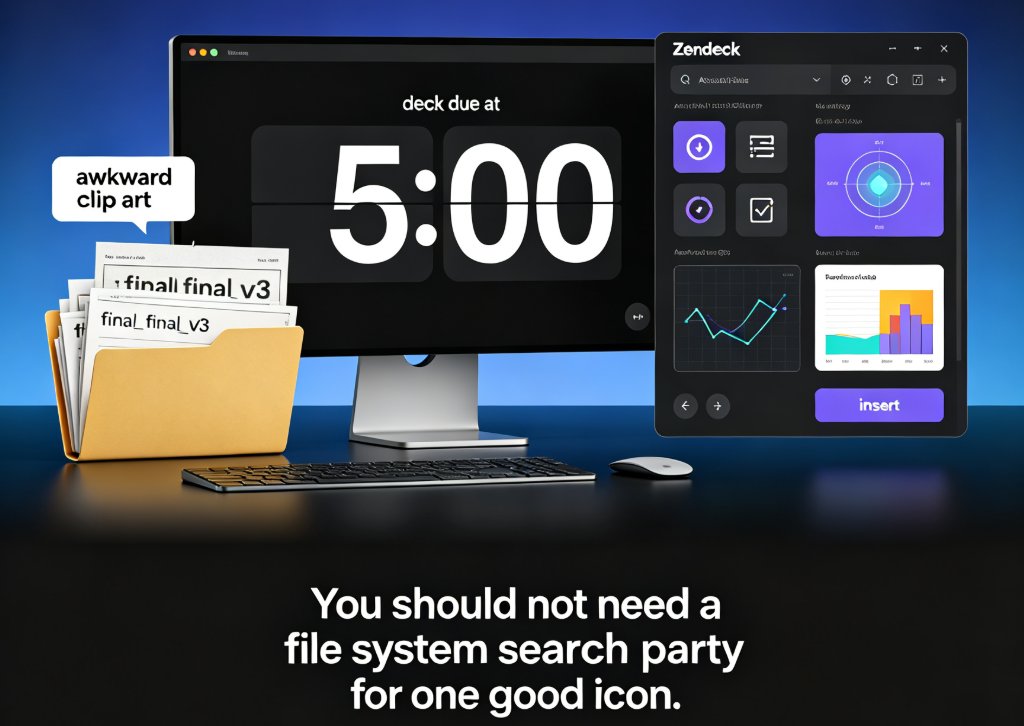
Searching for icons, charts, and illustrations across folders and downloads can cost you an hour before you even design one slide. Zendeck’s asset library solves that with a searchable collection and smart categorization. In this guide, you’ll learn how to locate the right visual element in seconds, insert it without breaking the layout, and apply a uniform visual style by reusing assets across the entire deck.

Stop Hunting for Icons: Zendeck's Asset Library Finds Them Instantly

Presentation Skills 2026-08-18 3904

Stop wasting hours hunting for the perfect icon. Zendeck's asset library searches, filters, and inserts icons, charts, and illustrations in seconds—all while keeping your brand consistent. This article breaks down how the library works, why it beats manual icon hunting, and how you can use it to speed up your presentation workflow. Whether you're a teacher, marketer, or consultant, you'll learn practical tips to find the right visual instantly and keep your decks polished. Zendeck's AI-powered search understands context, so you get relevant results without typing exact names. Say goodbye to endless scrolling and hello to a streamlined design process.