AI Presentation Templates for Trainers: Zendeck's Library Guide
It's Thursday afternoon. You've got a new-hire onboarding session Monday morning, a compliance refresher for 200 employees due Friday, and a manager training workshop next week. The slide deck is still a blank canvas. Sound familiar?
If you're a trainer, HR professional, or educator, you know the drill: the content is ready in your head, but the deck takes hours to build. You search for templates, find something "close enough," and then spend another hour fighting the layout. Let's be real — that's not how your time should be spent.
The smartest trainers don't start from a blank deck. They start from a scenario-specific template that already knows how a training session should flow.
This guide walks you through how Zendeck's premium template library turns a blank canvas into a professional training deck in minutes — and how to pick the right template for each training scenario, not just the prettiest one.
I. Why Generic Templates Fail Trainers
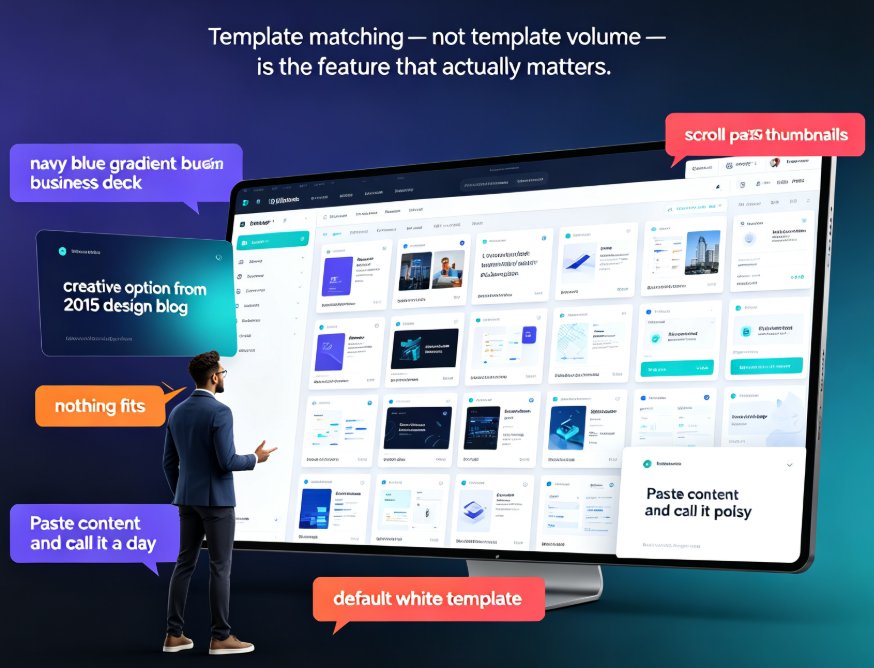
Most template libraries are built for sales pitches, product launches, and investor meetings. They look polished, but they don't think like a trainer.
Pain point: A generic business template gives you a title slide, an agenda, and a few content layouts — but no structure for learning objectives, no room for interactive exercises, and no natural flow from "introduce concept" to "practice skill" to "assess understanding."
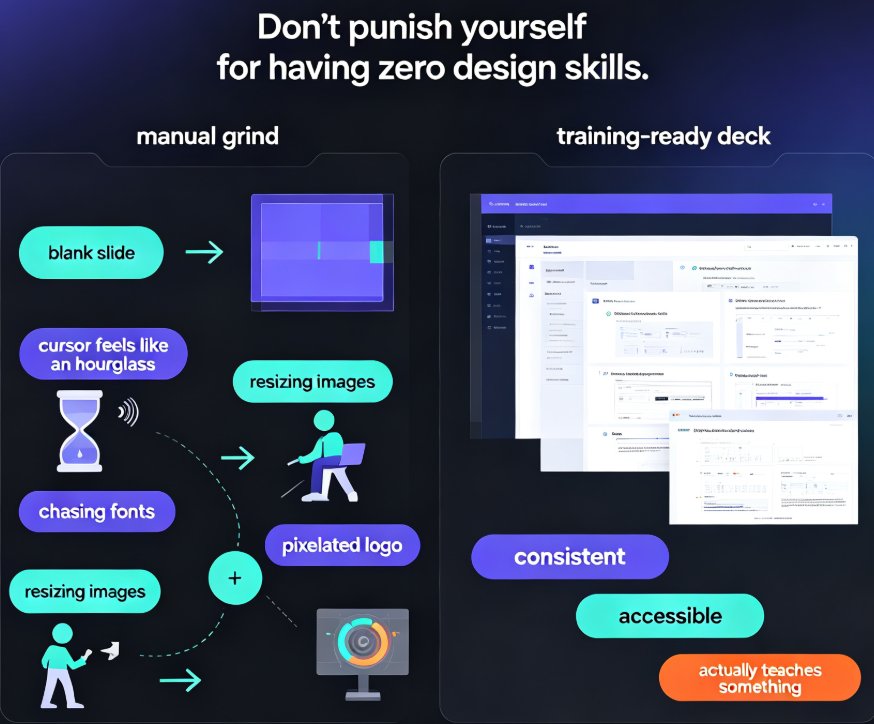
Solution: Training-specific templates bake in the pedagogical structure. They include slides for learning objectives, key takeaways, group activities, case studies, and assessment checkpoints.
Outcome: You're not just filling in slides — you're following a proven instructional flow that keeps learners engaged from the first slide to the last.
Here's the thing: when you use a template designed for a sales pitch to deliver a compliance training session, the mismatch shows. The content feels forced, the pacing feels off, and learners disengage. Scenario-matched templates are the difference between a deck that merely looks good and a deck that actually teaches.
II. The Scenario-First Approach to Template Selection
Let's talk about how to choose a template. Most people pick by aesthetics — "I like the blue one." But the right approach is scenario-first: what kind of training are you delivering, and what does that training need to accomplish?
Think about it this way. An onboarding deck needs to welcome, orient, and inform — it should feel warm and structured. A compliance deck needs to be clear, authoritative, and audit-ready. A skills workshop needs to be interactive and practice-oriented. A product training deck needs to demonstrate features and benefits in a logical sequence.
The template you choose should match the training outcome you're trying to achieve — not just your color preference.
When you match the template to the scenario, three things happen: 1. The content structure aligns with your learning objectives 2. The visual tone supports the training context (formal for compliance, energetic for onboarding) 3. The slide flow naturally guides learners from introduction to application
Zendeck's template library is organized around this exact principle. Instead of a flat list of "business templates," you get scenario-aware designs that adapt to your training context. And if you're not sure where to start, Zendeck's AI can recommend a template based on your content outline — a feature we covered in our guide to AI deck template selection.
III. Zendeck's Template Library by Training Scenario
Here's a practical breakdown of how to match Zendeck's templates to common training scenarios. This isn't a generic "here are 10 pretty templates" list — it's a decision framework you can reuse every time you build a training deck.
| Training Scenario | Recommended Template Type | Key Features | Outcome |
|---|---|---|---|
| New-Hire Onboarding | Welcome & Orientation | Warm visuals, company culture slides, 30-60-90 day plan layouts | New hires feel welcomed and understand their first 90 days |
| Compliance & Policy Training | Formal / Audit-Ready | Clear headers, policy summary layouts, quiz slides, sign-off pages | Content is easy to track, review, and document for audits |
| Skills & Leadership Workshops | Interactive / Activity-Based | Group exercise slides, discussion prompts, role-play scenarios | Participants actively practice skills, not just listen |
| Product & Service Training | Feature-Demonstration | Product screenshots, benefit-benefit layouts, comparison slides | Sales and support teams learn features in a logical sequence |
| Micro-Learning / Quick Refreshers | Concise / Summary-Focused | Short-form layouts, key-takeaway slides, one-point-per-slide design | Busy employees absorb key points in under 15 minutes |
For compliance training specifically, Zendeck offers templates designed to handle policy-heavy content without turning into a wall of text. If that's your use case, our guide to creating a compliance training deck with Zendeck walks through the full process step by step.
IV. From Template to Finished Deck in Minutes
Here's where the magic happens. Once you've picked your scenario-matched template, Zendeck's AI does the heavy lifting.
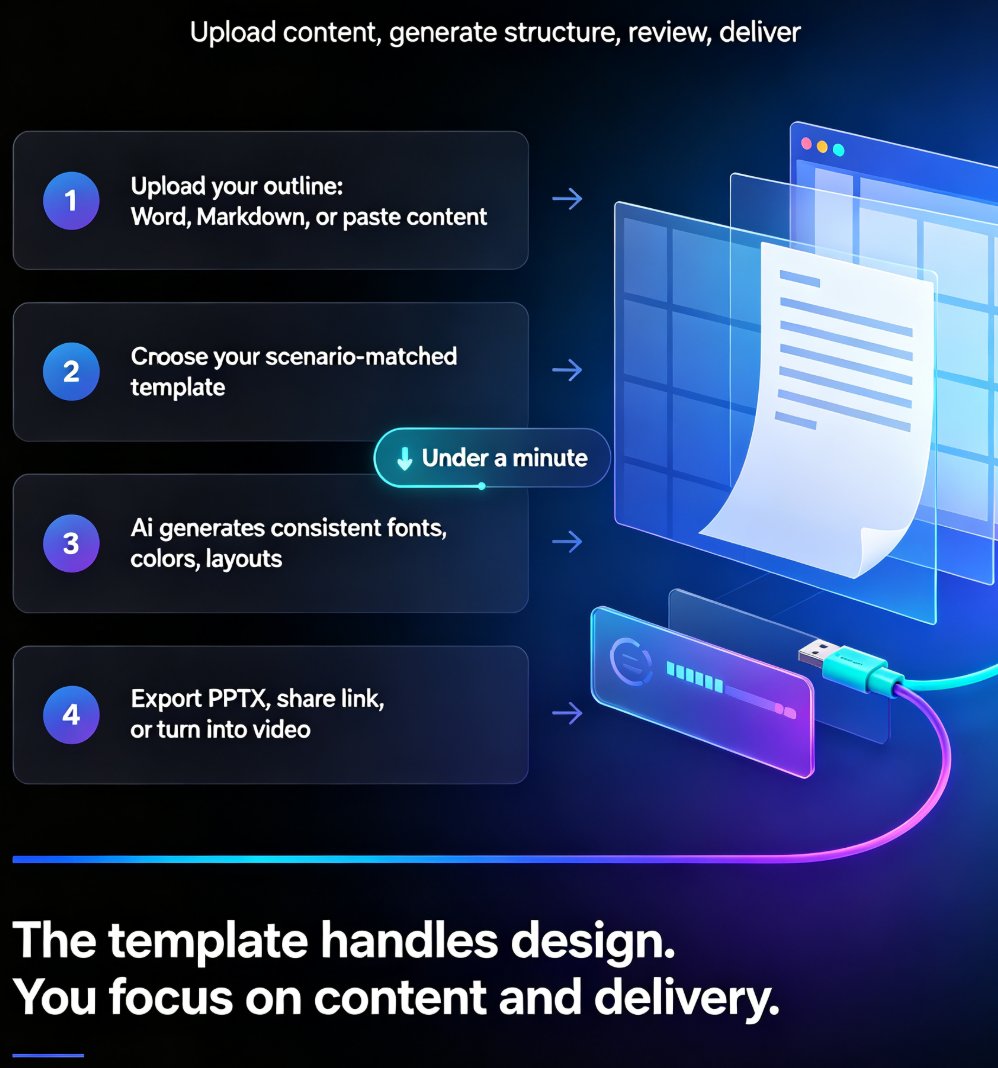
The workflow is simple: upload your outline or paste your content, and Zendeck generates a structured, visually consistent deck based on your chosen template — in under a minute.
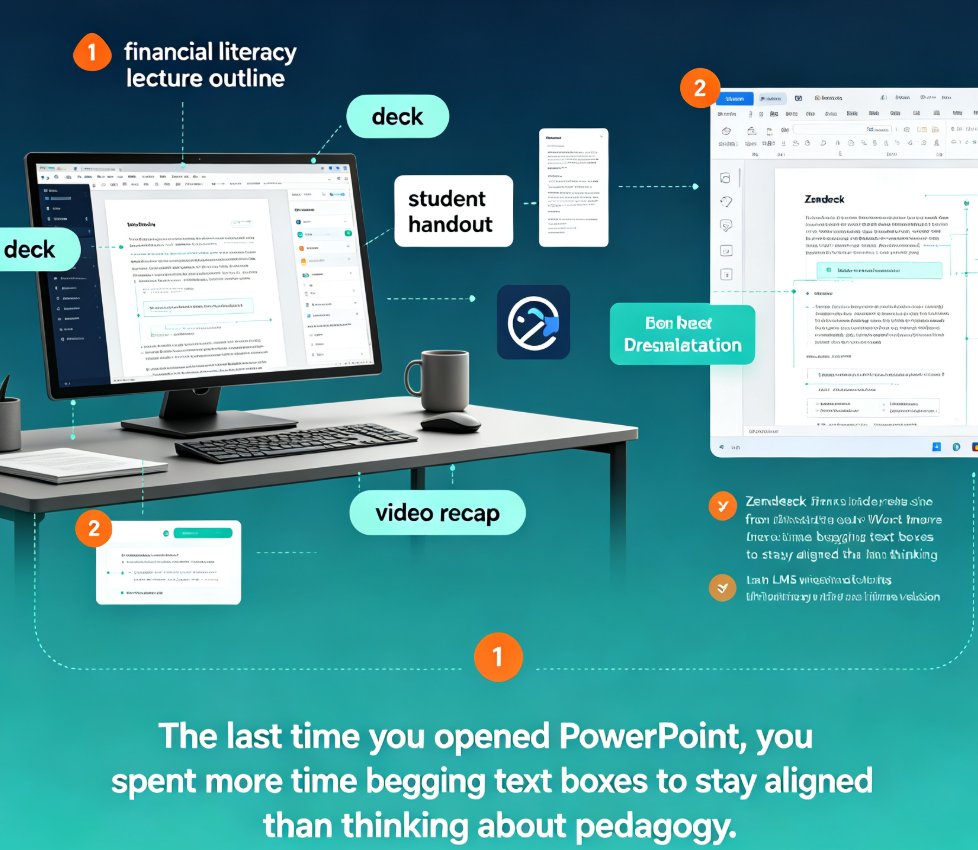
Let's walk through a real scenario. Say you're an HR manager building a compliance refresher for 200 employees. You have a Word document with the policy updates, but no design skills and no time to build slides from scratch.
- Upload your outline — Zendeck parses the Word document, understands the content structure, and extracts key information.
- Choose your template — Pick the compliance-focused template from the library, or let Zendeck's AI recommend one.
- Review and refine — Zendeck generates the deck with consistent fonts, colors, and layouts. You can manually edit any slide — here's how to manually edit AI-generated slides if you need to tweak details.
- Export and deliver — Export to PowerPoint, share via link, or turn it into a narrated video course.
The whole process takes minutes, not hours. And because the template already handles the design, you can focus on what matters: the content and the delivery.
V. Beyond Templates: Brand Kits, Video, and Collaboration
Templates are the starting point, but Zendeck's library is part of a larger ecosystem that trainers should know about.
Brand kits ensure every training deck matches your organization's visual identity — fonts, colors, logos — even when different team members create decks. This matters for training because inconsistent branding undermines credibility. If you're managing training across multiple departments, our guide to maintaining brand consistency with AI brand kits is worth a read.
PPT-to-video turns your static training slides into narrated micro-courses. This is a game-changer for asynchronous training — employees can watch the material on their own schedule, and you can add voiceover and subtitles. Our guide on adding narration to slides with PPT-to-video shows you how it works.
Collaboration means your training team can co-edit decks in real time, leave comments, and share links with stakeholders for review. No more emailing PowerPoint files back and forth.
VI. Common Template Mistakes Trainers Make (And How to Avoid Them)
Even with a great template library, trainers make a few recurring mistakes. Here's how to avoid them.
Mistake 1: Choosing a template before defining the learning objective. If you don't know what your learners should be able to do after the session, no template will save you. Define the outcome first, then pick the template.
Mistake 2: Overloading slides with text. A template gives you structure, but it doesn't stop you from cramming 500 words onto a slide. Keep slides visual, use bullet points sparingly, and let your spoken delivery carry the detail.
Mistake 3: Ignoring the audience context. A template that works for a room of 20 managers may not work for a self-paced video course. Match the template's tone and complexity to your actual audience.
Mistake 4: Skipping the brand kit. Using a template without applying your brand kit means every deck looks slightly different — and that inconsistency erodes trust. Set up your brand kit once and apply it to every deck.
Mistake 5: Treating the template as the final product. The template is a starting point. Review the generated deck, refine the content, and make sure the flow matches your training plan. Zendeck's AI presentation mistakes guide covers more pitfalls worth knowing.
VII. Making the Template Library a Strategic Tool
Here's the mindset shift that separates great trainers from busy ones: a template library isn't a design shortcut — it's a strategic tool for consistent, scalable training delivery.
When you build every training deck from the same scenario-aware templates, you get: - Consistency: Every session follows the same visual and structural language - Speed: New training programs launch in days, not weeks - Quality: Every deck meets a professional standard, regardless of who creates it - Scalability: Turn one training deck into a video course, a handout, or a web-based module
For trainers who deliver the same content repeatedly — onboarding, compliance refreshers, quarterly skills workshops — this consistency is gold. Your learners know what to expect, your stakeholders see a professional output every time, and you stop reinventing the wheel.
FAQ
Q: What types of training templates does Zendeck offer? A: Zendeck's template library includes scenario-specific designs for new-hire onboarding, compliance and policy training, skills and leadership workshops, product training, and micro-learning refreshers. Each template type is structured around the learning objectives of that scenario.
Q: Can I customize a Zendeck template to match my company's branding? A: Yes. Zendeck's brand kit feature lets you define your organization's fonts, colors, and logos once, then apply them to any template. Every generated deck automatically follows your brand guidelines.
Q: How long does it take to create a training deck with Zendeck? A: Most trainers go from a content outline to a finished, professionally designed deck in under 10 minutes. The AI generates the initial deck in under a minute; the remaining time is spent reviewing and refining the content.
Q: Can I turn a training deck into a video course? A: Yes. Zendeck's PPT-to-video feature converts static slides into narrated micro-courses. You can add voiceover and subtitles, making it easy to deliver asynchronous training to employees on their own schedule.
Q: Is Zendeck suitable for trainers without design skills? A: Absolutely. Zendeck is built for people without design backgrounds. The template library handles the visual design, the AI structures the content, and you focus on the training message. No design skills required.