How AI Personalizes Presentation Templates: 2026 Library Trends
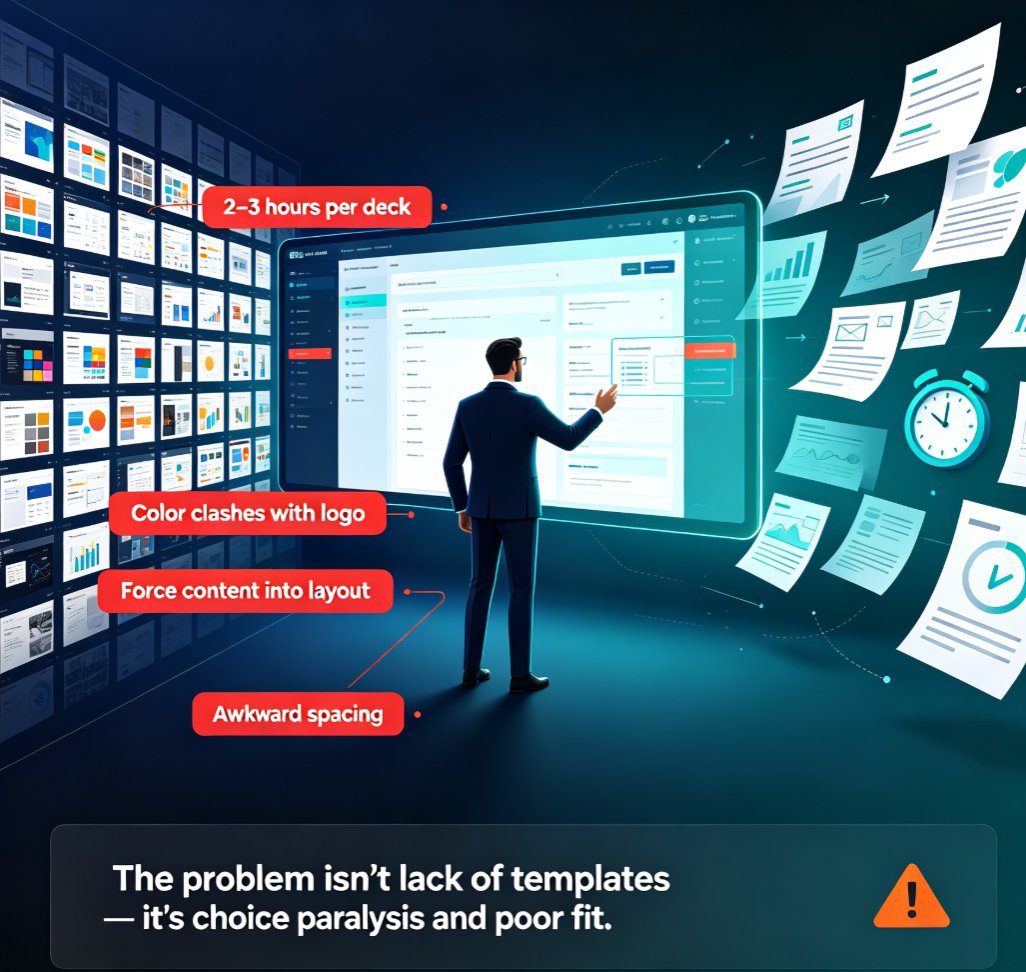
Let's be honest for a second. How many hours have you burned nudging a logo back into place, re-aligning a text box that refuses to cooperate, or swapping fonts because someone on the team pasted content from a different deck? If you're like most office workers, the answer is "way too many." And here's the kicker: the template library you're using right now is probably the reason why.
For years, template libraries were static warehouses — a folder of .pptx files where every layout was designed once and reused forever, regardless of whether your content was a 10-slide pitch or a 60-slide training manual. That era is ending. In 2026, the template library is becoming an intelligent layer that adapts to your content, your brand, and your audience before you ever touch a slide. Let's dig into how AI personalizes presentation templates and why that changes everything.
01. The Static Template Era Is Over
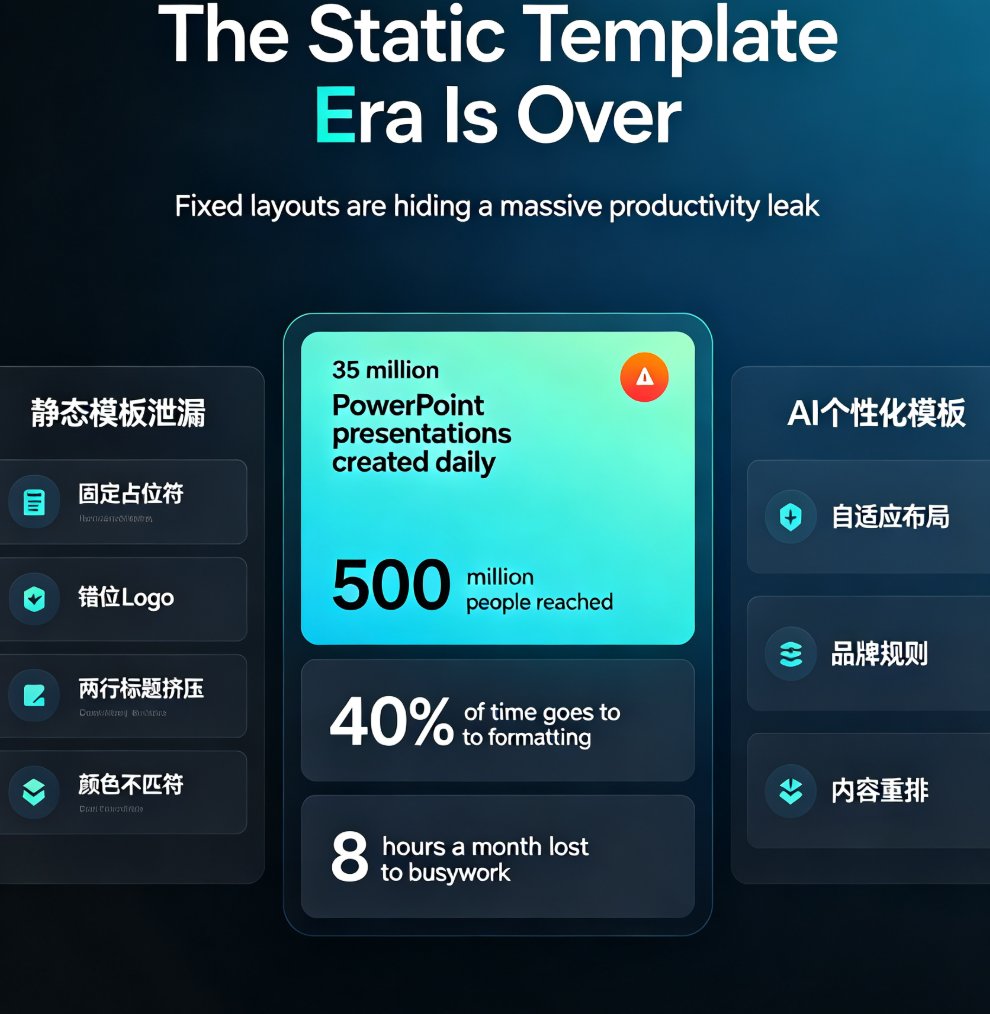
Here's a number that should stop you mid-scroll: 35 million PowerPoint presentations are created every day worldwide, reaching more than 500 million people (source: LLeMental's 2026 guide to AI PowerPoint automation). Yet the underlying technology for building those decks barely changed for two decades. The result? A massive, silent productivity leak.
Research cited in the same guide found that office workers spend nearly an hour each day on PowerPoint creation — and 40% of that time goes to formatting and design inconsistencies. Do the math: that's roughly 8 hours a month — a full workday — lost to non-strategic busywork. Not content. Not strategy. Just making slides look "not broken."
The root cause is static templates. A fixed layout can't know that your client's logo is wider than the placeholder, that your headline runs two lines longer than the designer anticipated, or that your brand colors changed last quarter. So you fix it manually. Every. Single. Time.
AI-personalized templates solve this by treating the template not as a fixed file, but as a set of rules that adapt to whatever content you feed it.
02. What "AI-Personalized Templates" Actually Mean
Let's clear up a common misconception: AI personalization isn't just "pick a template and let AI write the text." It's a deeper layer of intelligence that sits between your content and the final slide. In practice, it means four things:
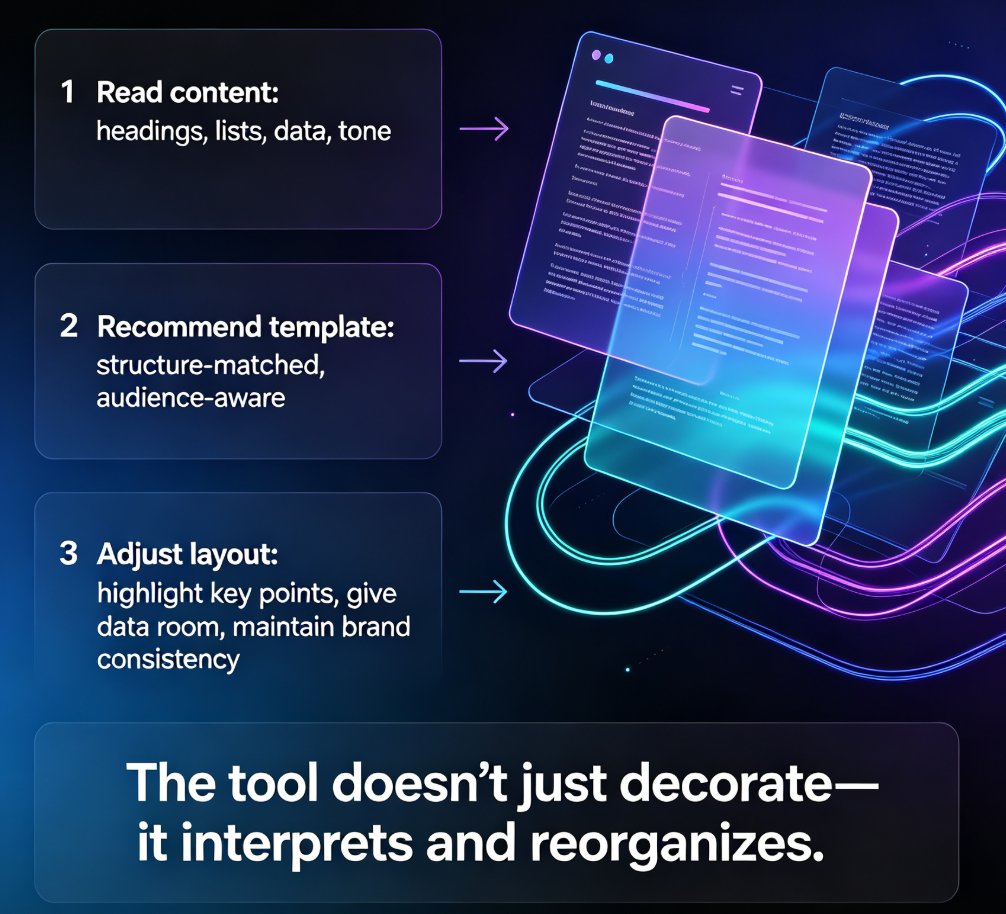
Content-aware layouts. The template reads your outline — headings, bullet depth, paragraph length, number of images — and reshapes the layout to fit. A slide with three bullet points gets a different treatment than a slide with a dense data table. The template bends to the content, not the other way around.
Brand-aware styling. The template knows your brand kit: fonts, colors, logo placement, spacing rules. When you paste in content, it applies those rules automatically. No more hunting for the right hex code or fixing a logo that's 3 pixels off-center.
Audience-aware tone. Increasingly, templates adapt to who you're presenting to. A boardroom deck gets restrained, data-heavy layouts; a training deck gets more visual anchors and white space. The same content can render differently depending on the audience profile you set.
Context-aware structure. The template library understands the deck's purpose — pitch, report, courseware, proposal — and recommends structures that fit that genre, not just a pretty cover page.
Templates are moving from "what looks good" to "what works for this content, this brand, and this audience." If you want to see how this plays out in practice, our deep dive on how AI deck template selection works walks through the recommendation logic step by step.
03. How AI Adapts Templates to Content and Brand Guidelines
So how does this actually work under the hood? Let's break it into the three mechanisms that matter most.
Smart template recommendation. Instead of scrolling through 500 thumbnails hoping one fits, the AI analyzes your outline and suggests 3–5 templates that match your content type, length, and audience. This isn't random — it's based on layout patterns that have proven effective for similar decks. The bigger and better-organized the template library, the smarter these recommendations get.
Automatic reflow and reskin. Once a template is applied, the AI reflows your content into the layout — and if you switch templates mid-project, it re-skins everything in one click. Fonts, colors, and spacing unify instantly. This is the feature that kills the "I'll just fix it later" habit, because there's nothing left to fix.
Brand kit enforcement. This is where consistency gets real. When a brand kit is attached to a template, the AI enforces it across every slide: your logo appears in the right spot, your fonts never get overridden, your color palette stays locked. Teams that used to spend hours reconciling decks from different departments suddenly don't have to. If brand governance is your pain point, our guide on how AI templates enforce consistency covers the mechanics in detail.
The outcome is simple: you produce more decks, they look on-brand, and nobody has to babysit the formatting.
04. The Data: What AI Template Personalization Actually Saves
Let's put some numbers behind the hype. Based on the workflow data from the 2026 AI PowerPoint research, here's what a typical team loses to non-strategic deck work each month — and what an AI template workflow recovers:
The pattern is consistent across every category: AI template workflows cut non-strategic deck work by roughly 70–75%. That's the difference between losing a full workday each month and losing a couple of hours.
| Work category | Manual workflow (hrs/month) | AI template workflow (hrs/month) | Time recovered |
|---|---|---|---|
| Formatting & layout fixes | 8 | 2 | 6 hrs |
| Design & visual tweaks | 6 | 2 | 4 hrs |
| Brand consistency fixes | 4 | 1 | 3 hrs |
| Total | 18 | 5 | 13 hrs (72%) |
And the savings compound. When templates enforce brand rules automatically, you stop generating inconsistencies in the first place — which means the "brand fixes" column shrinks to nearly zero over time. That's the real ROI of an AI-personalized template library.
05. What to Look For in an AI Template Library
Not all AI template libraries are created equal. Before you commit to one, run it against this checklist:
Depth of the library. A library with a few dozen templates can't personalize much. Look for hundreds of options organized by category — business, pitch deck, marketing, education, healthcare, technology. The 2026 AI PPT landscape, for example, features libraries with 500+ templates split between free and premium tiers. More templates mean better matches for your content.
Brand kit support. Can the library store and enforce your brand guidelines? This is non-negotiable if you produce decks for clients or multiple departments. A template library without brand kit enforcement is just a prettier version of the old static folder.
Real reflow, not just reskin. Some tools swap colors and call it "personalization." The good ones actually reflow your content into new layouts — moving text, resizing images, adjusting spacing. Test this before you buy.
Manual override. AI should accelerate your work, not lock you out of it. You need to be able to edit any slide by hand after generation. If a tool won't let you touch the output, it's a trap.
Collaboration and sharing. If your team builds decks together, the library should support real-time co-editing and shared template access. This is becoming a baseline expectation, not a premium feature.
If you're evaluating options, our guide to AI presentation templates for trainers shows how a well-organized library plays out in a real training workflow.
06. How Zendeck Approaches Template Personalization
Here's where Zendeck fits in. Zendeck's template library is built around the idea that the template should do the heavy lifting, not you. When you upload a Word outline or paste Markdown, Zendeck's AI analyzes the structure and recommends templates that fit your content type and audience — then applies them with consistent fonts, colors, and layout across every slide.
The brand kit is the backbone. Set up your brand once, and Zendeck enforces it across hundreds of slides: logo placement, color palette, typography, spacing. No more off-brand decks slipping through because someone grabbed the wrong template. If you want to see how to set this up, our guide on building a custom branded template in 5 steps walks through the process.
And because the platform supports one-click reskinning, you can swap templates mid-project without breaking your content — the AI reflows everything to the new look instantly. That's the kind of flexibility a static library simply can't offer.
The bottom line: AI-personalized templates aren't a nice-to-have anymore. They're the difference between a team that produces polished, on-brand decks in minutes and a team that loses a workday every month to formatting. If you're ready to stop fighting your template library, Zendeck's AI courseware tools are a good place to start.
FAQ
What is an AI-personalized template library? An AI-personalized template library goes beyond static designs. It uses AI to analyze your content, brand kit, and audience, then recommends and adapts templates so every slide fits your material and stays on-brand automatically.
How does AI adapt templates to my brand guidelines? The AI reads your brand kit — fonts, colors, logo placement, spacing — and enforces those rules across every slide. When you apply a template or switch templates, the AI re-skins the entire deck to match your brand, eliminating off-brand inconsistencies.
How much time can AI templates actually save? Based on 2026 workflow data, office workers lose about 8 hours a month to formatting alone. AI template workflows cut total non-strategic deck work by roughly 70–75%, recovering around 13 hours per month for a typical user.
Can I still manually edit slides after AI generates them? Yes. AI personalization accelerates your workflow, but it doesn't lock you out. You can edit any slide by hand after generation — the AI handles the heavy lifting, and you keep full control of the final output.
What should I look for when choosing an AI template library? Prioritize library depth (hundreds of templates by category), brand kit enforcement, real content reflow rather than just reskinning, manual override options, and collaboration features like real-time co-editing.