How Memory-Rich AI Personalizes Your Presentation Templates in 2026
How Memory-Rich AI Personalizes Your Presentation Templates in 2026
Let's be real: if you've spent more than 10 minutes fixing a slide that somehow broke after you pasted a paragraph, you know the pain. Traditional AI presentation tools are great at generating a first draft, but they forget everything about you the moment you close the tab. Every new deck is a blank slate. You re-upload logos, re-select brand colors, re-justify text boxes. Rinse, repeat.
But in 2026, a new breed of AI is changing that. Memory-rich AI remembers your style, your brand, and your preferences across sessions. It learns from you—not just once, but continuously. And when you open a new project, the deck already feels like yours.
"Memory-rich AI treats design as a set of constraints—alignment grids, whitespace ratios, visual hierarchy—and generates layouts that satisfy those constraints for your specific content." (Adapted from Presentations.AI, 2026)
This shift is more than a convenience. It's a productivity multiplier. Let's break down how it works and why Zendeck is leading the way.
I. The Problem: Every Deck Is a Fresh Start
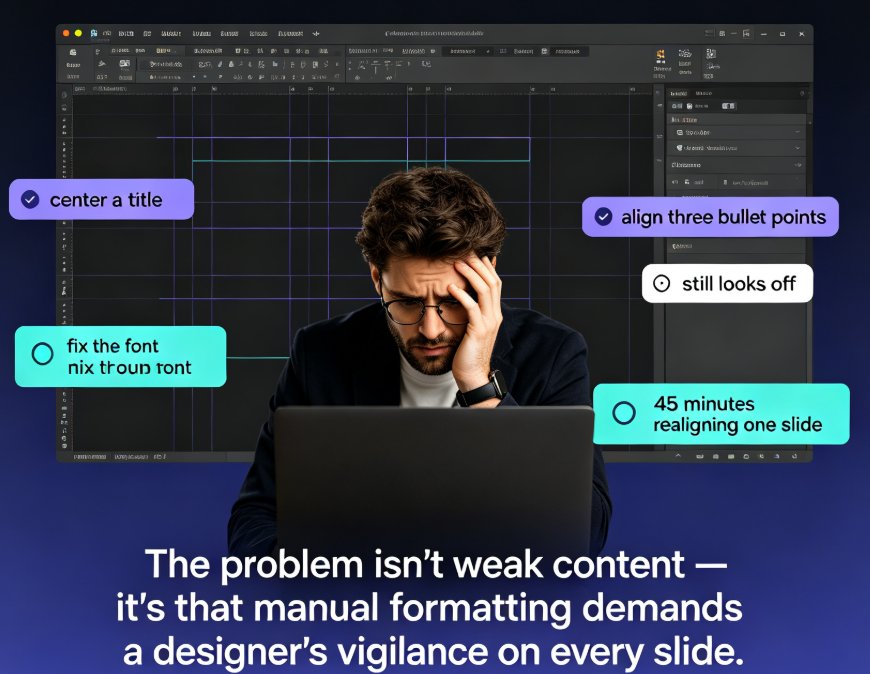
You know the drill. You open a presentation tool, pick a template, and start adding content. The first few slides look fine. Then you add a bullet point that's too long, and the text overflows. You resize the box. The image shifts. The spacing collapses. Suddenly, you're not designing a presentation—you're fighting layout bugs.
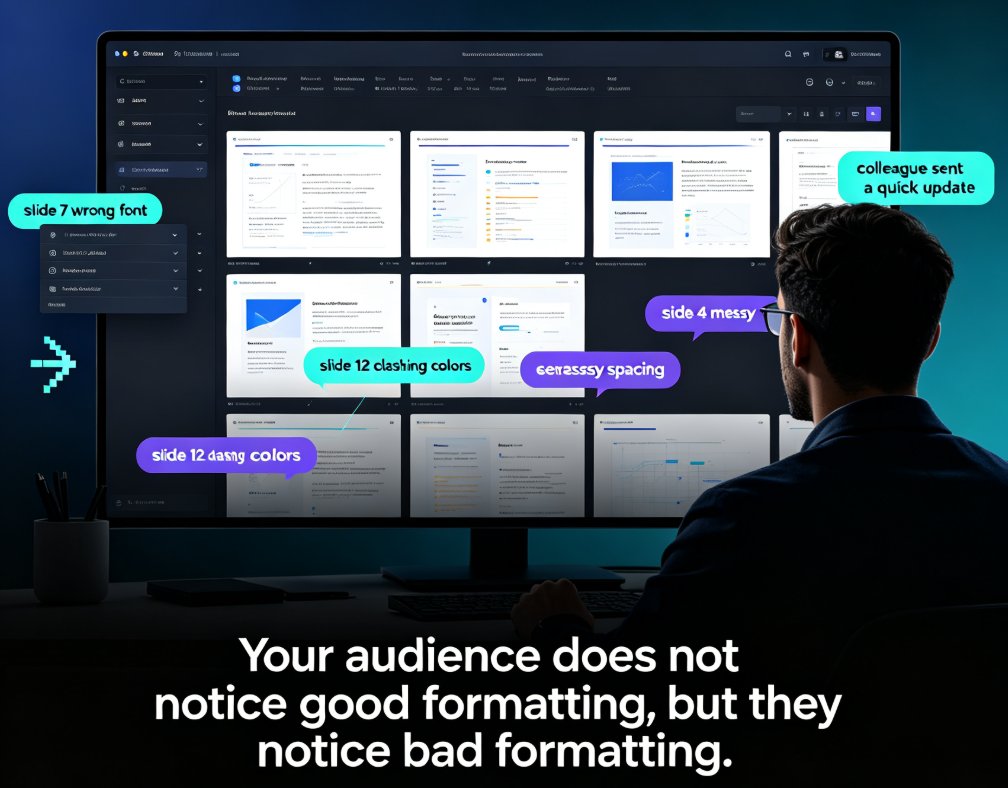
Traditional AI tools compound this problem. They generate a deck from your prompt, but they don't remember your last five decks. If you're a consultant who uses the same brand colors every time, you still have to re-enter them. If you import a Word outline, the AI might pick a random layout instead of the one you always use.
The result: you spend more time fixing than creating. According to a 2026 report from Presentations.AI, professionals can waste up to 20 minutes per session reformatting slides after editing a single paragraph. Multiply that by dozens of decks a year, and you're losing hours.
II. What Memory-Rich AI Does Differently
Memory-rich AI is not just about generating slides faster—it's about generating slides that fit you. Here's how it works:
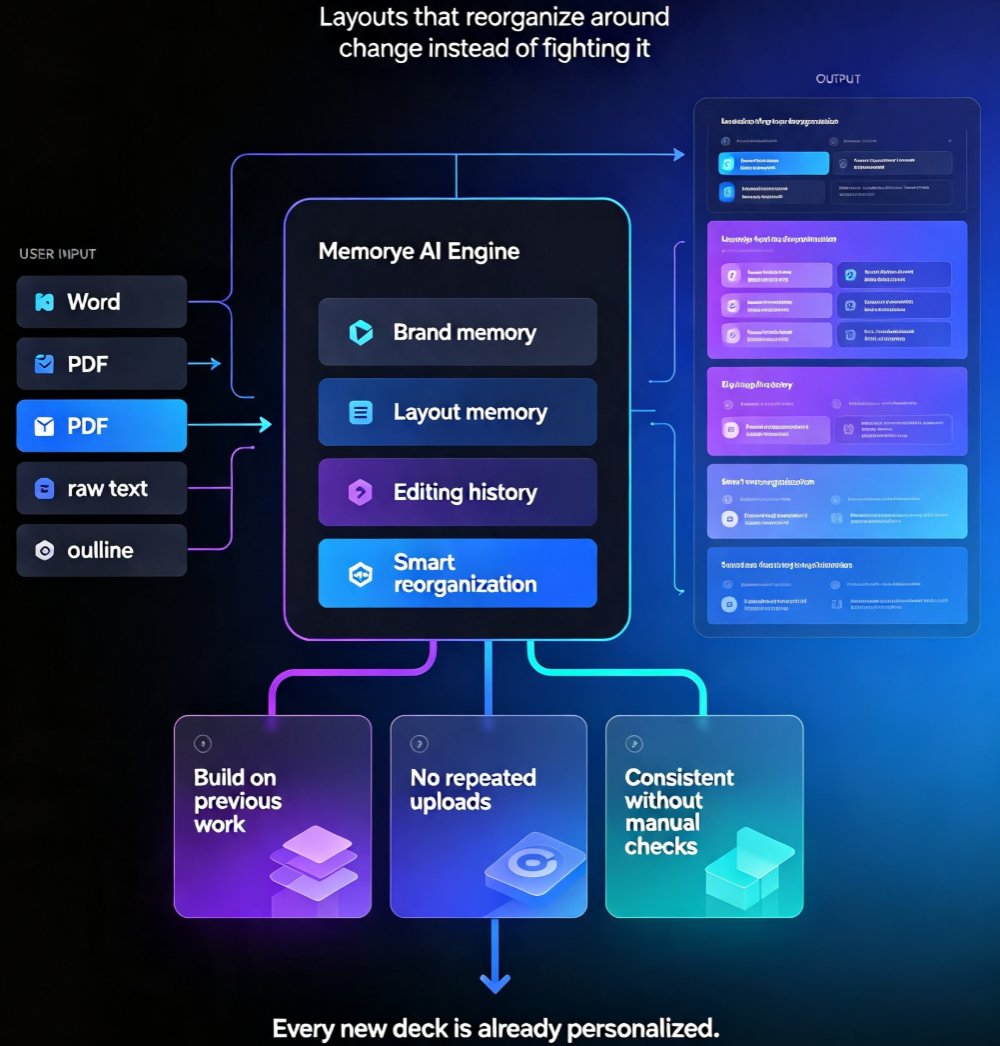
- Persistent Brand Identity: The AI stores your brand kit (colors, fonts, logo placement, tone) and applies it to every new deck. No repeated uploads, no mismatched visuals.
- Adaptive Layouts: Instead of fixed templates that break when content changes, memory-rich engines use smart layout rules. They reorganize slides around your content while preserving visual hierarchy.
- Contextual Learning: The AI learns from your editing history. If you always convert bullet points into numbered lists, it starts doing that automatically. If you prefer two-column layouts for data slides, it remembers.
Presentations.AI calls this "anti-fragile templates" —layouts that don't break when you change content. They reorganize around the change. Zendeck takes this concept further by adding a memory layer: your brand kit and layout preferences are saved, so every new deck is already personalized.
Bold key insight: Memory-rich AI eliminates the reset button. You build on your previous work, not start over.
III. Traditional AI vs. Memory-Rich AI: A Comparison
Let's put this in a table. Here's how the two approaches stack up across key dimensions:
| Feature | Traditional AI Tools | Memory-Rich AI (e.g., Zendeck) |
|---|---|---|
| Brand persistence | Requires manual setup each time | Saved brand kits apply automatically |
| Layout adaptability | Fixed templates, break on content change | Adaptive layouts, reorganize automatically |
| Learning from history | None | Learns from your editing patterns |
| Time to first draft | Fast, but needs heavy post-editing | Fast, and often ready to use |
| Consistency across decks | Low (each deck is independent) | High (uniform brand across all decks) |
| Collaboration friction | Team members must manually align | Shared brand kits ensure uniformity |
| Input format flexibility | Text prompts only | Accepts Word, PDF, raw text, outlines |
This table isn't just theory. If you've used both types, you know the difference. Memory-rich AI saves you the 10-20 minutes of fixing per deck. Over a year, that's a full workday or more.
IV. How Zendeck Implements Memory-Rich Personalization
Zendeck is built from the ground up to remember you. Here's what that looks like in practice:
1. Brand Kits: Your Identity, Saved Once
Set up your brand kit once—colors, fonts, logo, even slide margins. Every new presentation you create with Zendeck automatically uses that kit. No manual selection, no copy-pasting from the old deck.
Scenario: A sales team at a mid-sized tech company uses Zendeck to prepare client proposals. They set up a brand kit with their corporate blue and custom font. Each new proposal deck is instantly on-brand, and the team no longer argues about which shade of blue is "official." Read more about how brand kits ensure consistency.
2. Smart Layout: Slides That Don't Break
Zendeck's smart layout engine treats design as a set of constraints. When you add more text or swap an image, the layout adjusts automatically. The alignment stays intact, the whitespace stays balanced, and the visual hierarchy is preserved.
Scenario: A HR manager imports a 50-page onboarding document into Zendeck. The AI generates a deck with smart layout. She then edits a paragraph on slide 17—the slide reorganizes, but the rest of the deck remains untouched. No formatting domino effect. See how smart layout beats manual design.
3. Import from Any Source, Keep Your Brand
Zendeck accepts Word outlines, PDFs, and raw text. When you import, the AI applies your brand kit and smart layout immediately. You don't have to re-explain your preferences.
Scenario: A consultant gathers a research report in PDF, pastes the executive summary into Zendeck, and gets a fully branded deck in minutes. Check out importing PDFs and reports.
V. Practical Tips for Getting the Most Out of Memory-Rich AI
Based on early adopters in 2026, here are a few ways to maximize the value:
- Invest in a solid brand kit upfront. Spend 15 minutes setting up your colors, fonts, and logo in Zendeck. It pays off every single time you create a new deck.
- Use consistent input formats. If you usually start with a Word outline, stick to that. The AI learns your pattern better when you repeat the workflow.
- Don't fight the adaptive layout. Instead of forcing content into a specific template, let the AI reorganize. It's designed to maintain readability.
- Leverage team collaboration. Share your brand kit with your team. Everyone's slides will look like they came from the same company—even if they're designed in different time zones.
Pro-tip: If you're importing a messy PDF, use Zendeck's doc-to-slides feature first. It cleans up the structure before applying layout. See the doc-to-slides workflow.
VI. The Future: Why Memory-Rich AI Is the New Standard
By mid-2026, memory-rich AI is no longer a niche feature—it's becoming the expectation. Tools that treat every deck as a fresh start are losing relevance. Users want consistency, speed, and a tool that learns their style.
Zendeck is at the forefront of this shift. With brand kits, smart layout, and multi-format import, it delivers a personalized experience that traditional AI tools can't match. The result: you spend less time fixing slides and more time on the story you're telling.
Bold key insight: If your AI presentation tool doesn't remember you, it's not truly AI—it's just an automated layout engine.
FAQ
What is memory-rich AI for presentations?
Memory-rich AI refers to systems that retain user preferences—such as brand colors, fonts, and layout choices—across sessions. Instead of treating every new deck as a blank slate, the tool remembers your style and applies it automatically, ensuring consistency and saving time.
How does Zendeck achieve personalization with its brand kits?
Zendeck's brand kits store your company's brand identity (colors, fonts, logos, etc.) and apply them to any new presentation. Combined with smart layout, the AI adapts slide designs to fit your content while preserving brand consistency, so you don't have to manually adjust each slide.
How is memory-rich AI different from traditional AI presentation tools?
Traditional AI tools generate slides from scratch each time, often requiring you to re-enter preferences or manually fix formatting. Memory-rich AI, like Zendeck, learns from your previous decks and brand kits, making every new presentation feel like a natural extension of your existing work.
Can I use Zendeck's memory features with imported documents?
Yes. Zendeck accepts Word outlines, PDFs, and raw text. When you import a document, the AI applies your saved brand kit and smart layout rules, instantly generating a polished, brand-consistent deck without extra formatting steps.
Is memory-rich AI suitable for teams that collaborate on presentations?
Absolutely. Zendeck's real-time collaboration and version control allow multiple team members to work on the same deck while the AI maintains brand consistency. The memory-rich system ensures that any new slides added by a colleague automatically follow the team's brand standards.