Multi-Modal AI Presentations: Why Text, Audio, and Video Are Converging in 2026
Multi-Modal AI Presentations: Why Text, Audio, and Video Are Converging in 2026
You’ve spent hours crafting a perfect slide deck—charts, bullet points, icons. Then someone asks for a video version. So you export slides to a video editor, record voiceover, sync timings, and pray the audio doesn’t drift. By the time you’re done, you’ve essentially recreated the entire presentation in a different format. That’s the old way.
In 2026, the line between a slide deck, a narrated video, and a written document is disappearing. Multimodal AI—systems that combine text, vision, audio, and video—is making it possible to create one source that outputs to any format. And it’s not just a tech demo. It’s reshaping how educators, trainers, and teams produce content.
I. Why Single-Modality Tools Still Feel Like a Maze
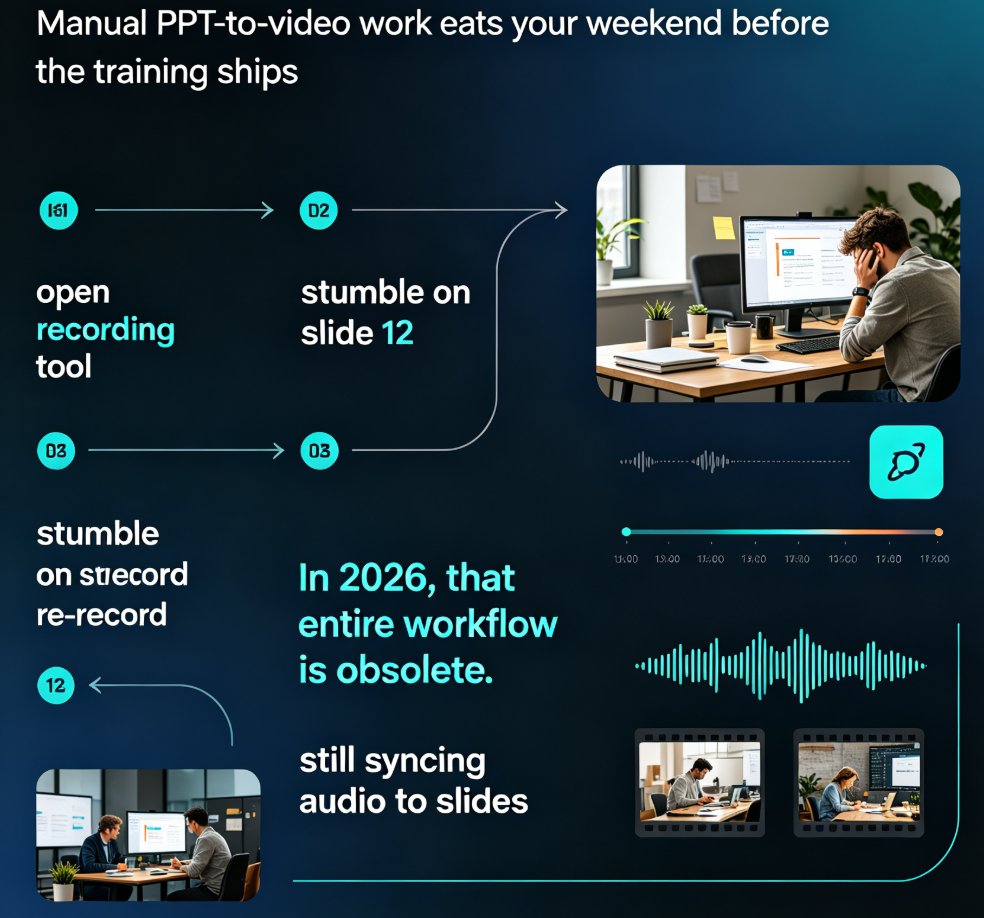
Think about the last time you built a training module. You probably started with a Word document, copied it into PowerPoint, spent 20 minutes aligning icons, then recorded a voiceover in a separate app. Each step meant a format handoff: text → slides → audio → video. Every handoff is a chance to lose consistency.
Traditional presentation tools are built for one modality at a time. PowerPoint excels at static slides but struggles with native video narration. Canva lets you add video clips but doesn’t understand your document structure. Most AI slide generators produce text-only output—they can’t reason about charts, audio timing, or visual hierarchy together.
“Medical records contain scans. Financial reports embed charts. Manufacturing quality control relies on photographs.” — TUTAI Blog
The same is true for presentations. A sales deck isn’t just bullet points; it’s market data, product images, and a demo video. A micro-course needs text, diagrams, and narration. When your tool can’t handle all modalities in one workflow, you end up juggling three apps and praying nothing breaks.
II. The 2026 Shift: Multimodal AI Becomes the Baseline
By 2026, multimodal AI has moved from “nice to have” to “expected.” Gartner’s forecasts show multimodal has shifted from niche capability to standard product behavior. The reason is simple: real-world information is multimodal. A model that only reads text must depend on separate, disconnected systems to handle images, audio, and video.
This convergence is powered by vision-language models that accept images alongside text, and audio models that synthesize speech from outlines. The key insight is joint reasoning—the system understands that a chart’s data point, a slide’s heading, and the voiceover’s emphasis are all part of the same message.
For content creators, this means you can: - Import a text outline and automatically generate slides with relevant icons and charts. - Add a voiceover that reads the slide content with natural intonation, not robotic TTS. - Export the same deck as a narrated video without re-recording or manual syncing.
| Capability | Traditional Slides | Single-Modal AI | Zendeck Multimodal |
|---|---|---|---|
| Text import | Manual copy-paste | Word import works | Word/Markdown import with smart outline detection |
| Visual assets | Find icons/charts in separate libraries | Limited to generic icons | Built-in asset library with icons, charts, illustrations |
| Audio narration | Record in separate app | Text-to-speech (no visual context) | AI narration synced to slide content, with timing control |
| Video export | Export slides as video (no narration) | Static video only | Full PPT-to-video with narration, transitions, and brand styling |
| Brand consistency | Manual per slide | Template-based (fonts/colors) | One-click brand kit across all modalities |
| Collaboration | Version conflicts | Single-user editing | Real-time co-editing with version control |
III. How Zendeck Bridges the Modality Gap
Zendeck was built with this multimodal reality in mind. Instead of treating each format as a separate project, it provides a unified pipeline from raw text to polished video. Here’s how it works.
1. Import Your Outline, Not Your Slides
Start with a Word document or Markdown file. Zendeck parses the structure—headings, lists, tables—and generates a slide deck with consistent layouts. No more rebuilding logic from scratch. You can see how this plays out in real workflows: ./word-import-outlines-to-presentations-zendeck.html
2. Layer in Visuals with the Asset Library
Your deck needs more than text. Zendeck’s asset library includes icons, charts, and illustrations that are searchable and resizable. The key: these assets are aware of your brand kit. Drop in a chart, and it automatically picks up your corporate colors. This eliminates the “generic AI look” that plagues many tools. Read more about maintaining brand consistency: ./brand-consistency-ai-brand-kits-zendeck.html
3. Add Narration with One Click
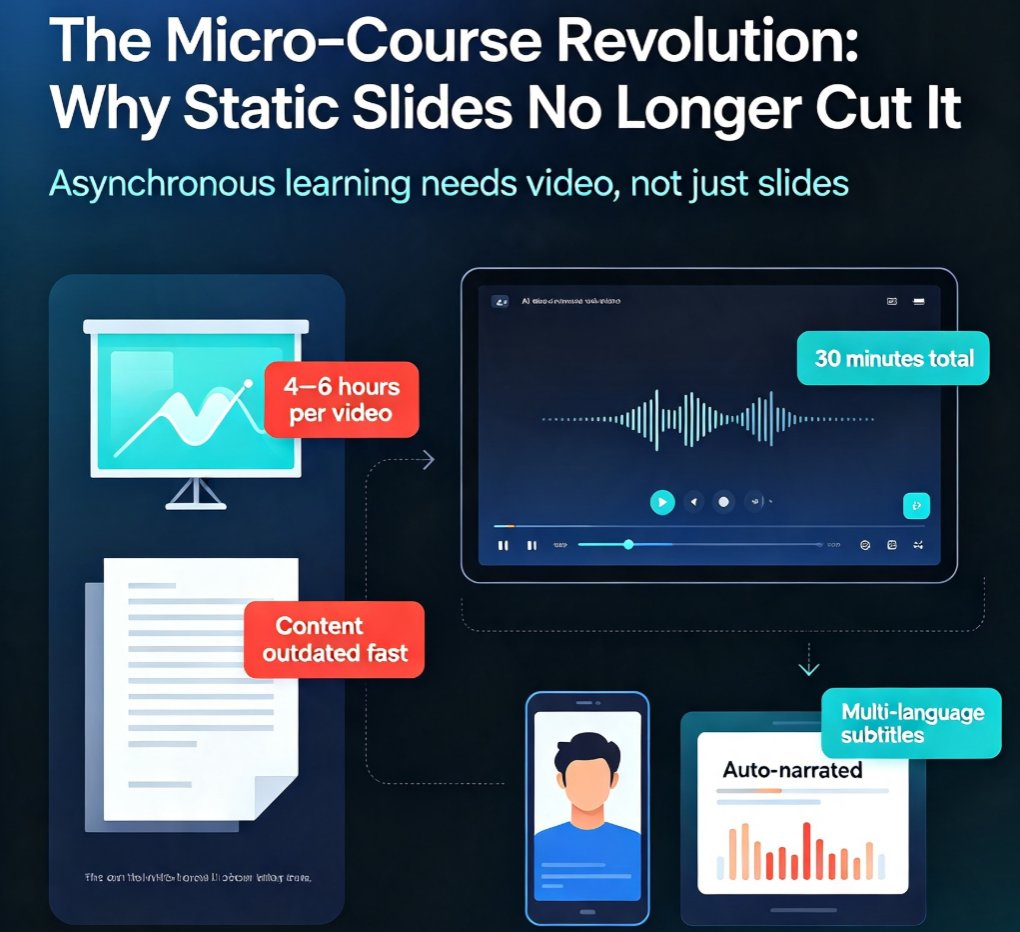
Instead of recording voiceover separately, use Zendeck’s PPT-to-video tool. Select a narrator voice, adjust timing, and the system aligns spoken words with slide transitions. The result is a micro-course that feels like a human presenter, not a scripted robot. This is especially powerful for training and onboarding, where tone and pacing matter.
./zendeck-ppt-to-video-tool.html
4. Export Anywhere, Edit Once
Multimodal doesn’t mean locked-in. Export your deck as PPTX, PDF, or Google Slides. Or keep the video version. Either way, the original remains editable. If you update a chart, the video can be regenerated without re-recording. This flexibility is a game-changer for teams that iterate frequently.
IV. Beyond Slides: The Real-World Impact
Let’s be real—multimodal AI isn’t about tech superiority. It’s about saving hours of grunt work. Consider an HR team creating onboarding modules. They have a PDF policy document, a few brand images, and a need for a narrated walkthrough. With Zendeck, they can:
- Import the PDF (or copy-paste text).
- Apply the company brand kit.
- Add relevant icons from the asset library.
- Generate narrated video segments for each policy section.
- Share the deck as a link or export as a video.
That process used to take three days and two tools. Now it’s one hour in a single platform.
Case in point: ./hr-onboarding-presentations-zendeck-case-study.html
V. What This Means for Your Content Strategy
If you’re still building presentations in silos, you’re not alone. But the window is closing. Audiences expect content that adapts to how they consume it—some people read, some watch, some listen. Multimodal AI lets you produce once and distribute everywhere.
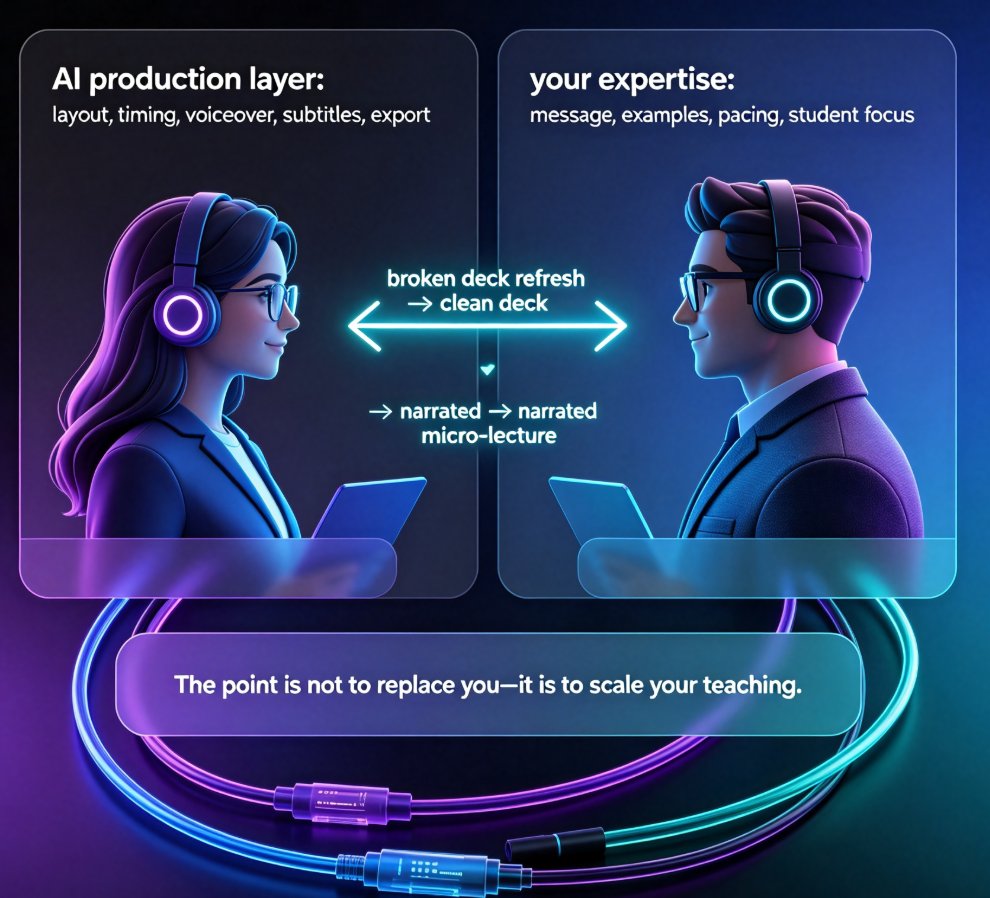
Zendeck’s approach aligns with this trend: one source, multiple outputs. You don’t need to choose between a slide deck and a video. You can have both, with the same message, same visuals, and same brand polish.
To get started, try importing a simple outline and see how the system suggests layouts, pulls in icons, and prepares narration. You might be surprised how quickly you go from Word to a narrated video.
FAQ
What is multimodal AI in presentations? Multimodal AI in presentations refers to systems that combine text, images, audio, and video in a single workflow, reasoning across those formats jointly. Instead of treating a slide deck as a static PDF, you can import a Word outline, add charts and icons, then generate narrated video directly—all in one tool.
Why is multimodal important for training and education? Real-world learning material is rarely just text. A training module might include a diagram, a spoken explanation, and a video demo. Multimodal AI lets you create these assets from the same source outline, ensuring consistency and saving hours of manual assembly.
How does Zendeck support multimodal presentations? Zendeck offers a complete pipeline: import text from Word/Markdown, apply smart layouts and brand kits, add icons and charts from its asset library, then export to PPTX or use the PPT-to-video tool to generate narrated micro-courses. All modalities stay aligned because the system understands the content structure.
Can I edit a multimodal presentation after converting to video? Yes. Zendeck retains the original editable deck alongside the video export. You can tweak text, swap visuals, or re-record narration without rebuilding the entire project. This is especially useful for iterative training content.
Is multimodal AI only for large enterprises? Not at all. Freelancers, educators, and small teams benefit most. Zendeck’s templates and one-click reskin make it affordable for anyone who needs to produce professional mixed-format content without a design background.