AI Presentation Makers vs PowerPoint: Which Saves You More Time?
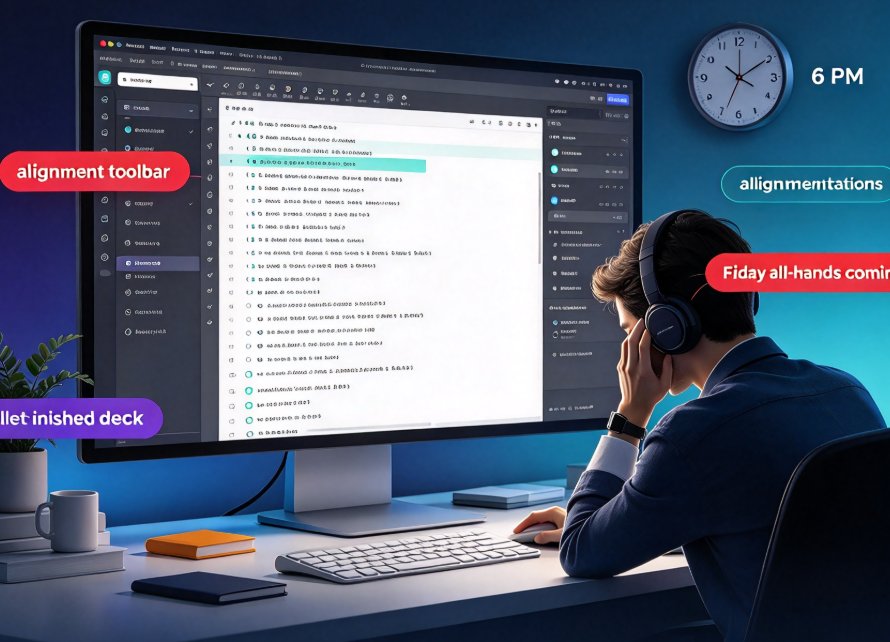
You know the feeling: it's 6 PM on Thursday, your deck is half-finished, and you're still adjusting bullet-point indentations. Friday's all-hands is coming, and you've spent more time in the alignment toolbar than actually thinking about your message. We've all been there. PowerPoint gives you total control, but that control comes at a cost—hours of repetitive, manual work that never seems to end.
Let me show you something better. I've spent the last 15 years watching teams build decks in every way imaginable, from golden-age PowerPoint hand-crafting to the new breed of AI presentation makers. The verdict is not even close: for most everyday business presentations, an AI presentation maker like Zendeck saves you hours per deck without sacrificing quality. In fact, enterprise teams report up to 80% faster deck creation, and I've seen individual salespeople cut their proposal time from six hours to under one.
But this isn't a feature checklist article. Let's get into the nitty-gritty—where exactly the time disappears, what the numbers look like, and whether PowerPoint still has a place.
I. The Real Time Cost of PowerPoint: A Hidden Tax on Your Week
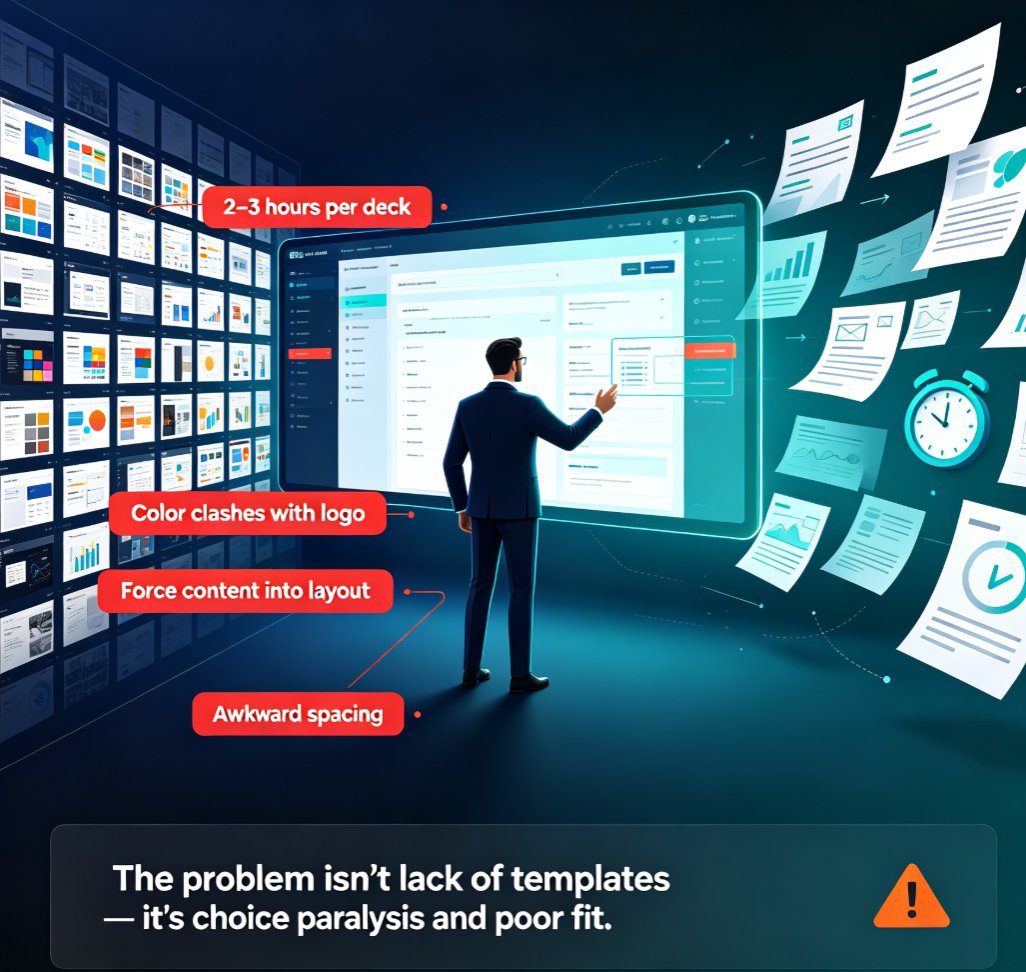
Let's be honest—we never sit down to "make a PowerPoint" thinking about the formatting. We want to communicate ideas. But manual creation forces you into a dozen sub-tasks that have nothing to do with your message:
- Structuring: Deciding the flow, writing the outline, shuffling topics around.
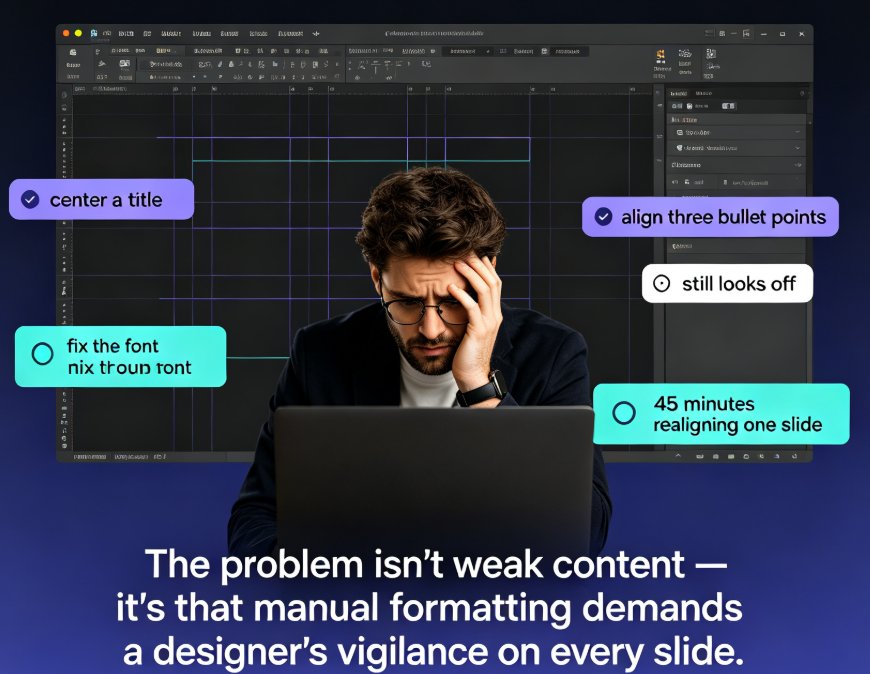
- Formatting: Choosing fonts, setting sizes, adjusting colors, aligning text boxes.
- Visual consistency: Making sure every slide has the same margins, spacing, and header styles.
- Asset hunting: Searching for icons, charts, illustrations that match your brand.
- Revisions: When your boss says "make it pop," you spend another hour tweaking every slide.
A 2026 study from the enterprise presentation space found that projects which take six to eight hours in PowerPoint can be reduced to 30 to 45 minutes with an AI presentation maker. Sales teams save an average of 5.5 hours per proposal—that's almost an entire workday, and for a team doing 10 proposals a month, it compounds into 55 hours of reclaimed time. Marketing teams see similar results with campaign and performance decks.
The kicker? Most of that time isn't spent on ideas. It's spent on mechanics. And that's exactly what AI is good at.
II. What AI Presentation Makers Actually Do (And Why It's Faster)
AI presentation makers like Zendeck don't replace PowerPoint—they accelerate the entire creation process. Instead of starting from a blank slide, you type an outline, paste a Word document, or drop in some Markdown text. The AI handles the heavy lifting: it generates a structured deck, applies a coherent design, and even suggests visuals.
The core difference is that AI systems work in full-deck mode, not slide-by-slide. While you're manually adjusting slide 3 in PowerPoint, Zendeck has already generated all 30 slides, applied a consistent theme, and checked the layout for balance. It's like having a junior designer who never sleeps and never complains.
◉ How Does Zendeck Stand Out Here?
Zendeck's smart layout engine goes one step further. It doesn't just pick a template—it analyzes your content and adjusts the layout contextually. If you have a list of 8 bullet points, it might split them into two columns. If you have a big image, it balances the text around it. This isn't a static template; it's a dynamic design system that responds to your content.
For teams that need brand consistency, Zendeck's custom brand kit lets you set fonts, colors, and logo placements once. Then every deck you create automatically follows those rules. I've seen marketing teams cut their design review cycle in half because there's simply nothing to fix—the alignment is already done.
III. Head-to-Head: Time per Task Comparison
Let's get granular. I've broken down the typical tasks in building a 20-slide business deck and compared average times. These numbers are based on aggregated reports from teams that have migrated from PowerPoint to AI tools.
| Task | PowerPoint (minutes) | AI Presentation Maker (minutes) | Time Saved |
|---|---|---|---|
| Content structuring & outline | 30–45 | 5–10 (AI generates from your input) | ~80% |
| Selecting a theme / template | 15–20 | 2–5 (AI auto-suggests based on content) | ~80% |
| Formatting text & bullets | 20–30 | 0–5 (AI applies consistent styles) | ~90% |
| Aligning objects & images | 25–40 | 0 (AI layout does it automatically) | 100% |
| Finding icons / charts | 15–25 | 1–3 (built-in AI asset library) | ~95% |
| Color & font consistency | 20–30 | 0–5 (smart layout enforces) | ~90% |
| Revisions (first round) | 45–60 | 10–15 (AI makes bulk changes instantly) | ~75% |
| Total for first draft | 180–240 | 20–45 | ~80% |
The takeaway: you're not saving 10% or 20%—you're cutting your creation time by four to five times. Even if you add time for manual tweaks, you're still hours ahead.
IV. The Numbers: What Teams Actually Report
To put this in perspective, let's look at the data from recent industry analyses. In a comparison of AI presentation makers vs. traditional tools, enterprise teams reported up to 80% faster deck creation. A project that used to take six hours now takes 45 minutes. Sales teams averaged 5.5 hours saved per proposal, and marketing teams similarly cut time spent on campaign decks.
Here's a visual representation of the typical time savings across three common deck types:
These are not hypotheticals. They're real averages from teams that switched to AI. The bars speak for themselves—the difference is not a margin tweak, it's a fundamental shift in what you can accomplish in a day.
V. Real-World Scenarios: Where the Savings Show Up
Let's make this concrete with three scenarios you'll likely recognize from your own workweek.
Scenario 1: The Weekly Status Report
You have to prepare a 12-slide weekly status update for your leadership team. In PowerPoint, you open last week's file, copy-paste new numbers, and spend 20 minutes fixing the chart alignment. With Zendeck, you just paste a few bullet points of what changed—the AI generates a fresh, branded deck instantly. That's 30 minutes saved, every single week. Over a year, that's 26 hours—more than a full workday.
Scenario 2: The Sales Proposal
You're a sales rep, and you need to customize an 18-slide proposal for a potential client. In PowerPoint, you spend 90 minutes swapping out logos, adjusting product screenshots, and re-fitting the text boxes. With an AI tool, you upload a short summary of the client's needs, and the deck is generated in 10 minutes, already tailored to your brand. The 5.5 hours saved per proposal in the data I mentioned? That's exactly this scenario.
Scenario 3: The Internal Training Deck
Your L&D team creates a 30-slide training module for new hires. In PowerPoint, aligning all the visuals and maintaining consistent fonts takes half the day. With Zendeck, you start from an outline and get a polished deck with images, icons, and a coherent theme in under an hour. The remaining time goes into content quality, not formatting.
These aren't edge cases—they're the daily routines of most knowledge workers. And the savings compound across every deck you make.
VI. The Hidden Advantage: Consistency and Brand Governance
Beyond raw time, there's a quieter killer of productivity that AI tools solve: inconsistent design. How many times have you seen a deck from your own company that uses three different fonts and four shades of blue? That inconsistency doesn't just look bad—it erodes trust and takes time to fix.
Zendeck's approach to brand consistency is a game-changer. The smart layout engine enforces a single visual language across all slides. Your logo appears in the right spot, your brand colors stay exact, and every header uses the same style. We've seen teams eliminate an entire review cycle because there's nothing left to 'polish.'
If you're building decks across a team, this means you don't have to babysit individual slide formats. The AI handles it. You just focus on the message.
VII. When PowerPoint Still Makes Sense
Let's be real—AI presentation makers aren't a magic bullet for everything. PowerPoint still has a place when you need:
- Custom animations and transitions that go beyond what AI tools offer.
- Fine-grained control over every element, down to the pixel.
- Offline editing in environments with strict security constraints.
- Complex data visualizations that require special chart types.
Also, AI tools aren't perfect. You may need to restructure the generated flow or tweak the visual hierarchy. That's fine—the goal isn't to have zero manual edits; it's to cut the mechanical work by 80% so you can spend your energy on the meaningful 20%.
The best workflow is hybrid: use an AI presentation maker like Zendeck for the heavy lifting, then switch to PowerPoint (or Zendeck's own editing tools) for any last-mile customizations. You get speed without losing control.
VIII. Final Verdict: Which One Saves You More Time?
The answer is clear: AI presentation makers save you dramatically more time than PowerPoint—in most cases, 80% or more on the initial draft. If you're creating recurring reports, sales pitches, or internal updates, the math is undeniable. Over a month, you're saving a full workday or more. Over a year, you're reclaiming weeks.
But the deeper win is the stress reduction. You stop dreading the formatting, the alignment, the fiddly adjustments. You start thinking about your story, your data, your audience. That's where great presentations come from.
I recommend giving it a try. Zendeck is free to start, and you can see the difference in one afternoon. Import a Word outline or paste your notes, and watch a professional deck appear in minutes. The time you save is yours to keep.
FAQ
Q: How much time does an AI presentation maker actually save compared to PowerPoint? A: Enterprise teams report up to 80% faster deck creation. Projects that typically take six to eight hours in PowerPoint can be reduced to 30 to 45 minutes for a complete first draft. Sales teams save an average of 5.5 hours per proposal, and the savings compound across dozens of weekly presentations.
Q: Can an AI presentation maker completely replace PowerPoint? A: Not entirely. AI presentation makers accelerate the creation process, but PowerPoint remains valuable for precise edits, custom animations, and fine-grained control. Most teams use AI for the heavy lifting—drafting, structuring, and formatting—then switch to manual tools for final polish.
Q: What makes Zendeck different from other AI presentation tools? A: Zendeck's smart layout engine automatically unifies fonts, colors, and spacing across your entire deck. It also lets you import a Word outline or Markdown text to generate a structured, visually consistent presentation in minutes. Plus, its brand kit feature ensures every deck matches your corporate identity without manual setup.
Q: Does using an AI presentation maker compromise visual quality? A: No. Modern AI tools like Zendeck are built on context-aware design that adapts to your content and brand guidelines. They offer premium templates and automatically apply smart layouts, so you get professional, consistent slides without design skills—often better than what a rushed PowerPoint user can produce.
Q: What are the most common time sinks in PowerPoint that AI tools eliminate? A: The biggest time sinks are manual formatting (setting fonts, colors, and spacing), structuring content logically, searching for icons and images, and aligning elements across slides. AI presentation makers automate all of these—generating an entire draft, suggesting layouts, and pulling assets from built-in libraries.
Ready to get your evenings back? Try Zendeck for free and see how fast a professional deck can come together. Your future self will thank you.