Consistent Branding Across Decks? Zendeck One-Click Reskin Fixes It
Consistent Branding Across Decks? Zendeck One-Click Reskin Fixes It in Seconds
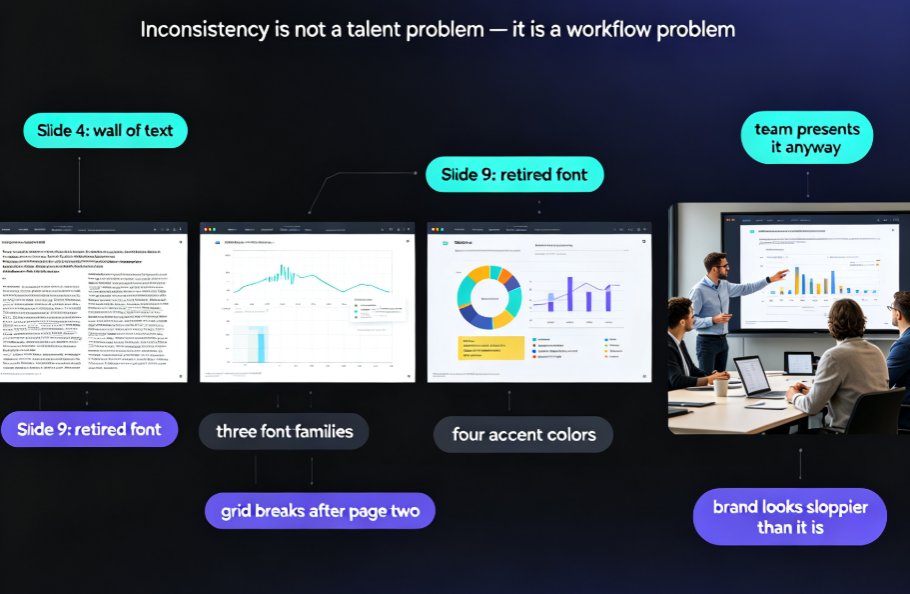
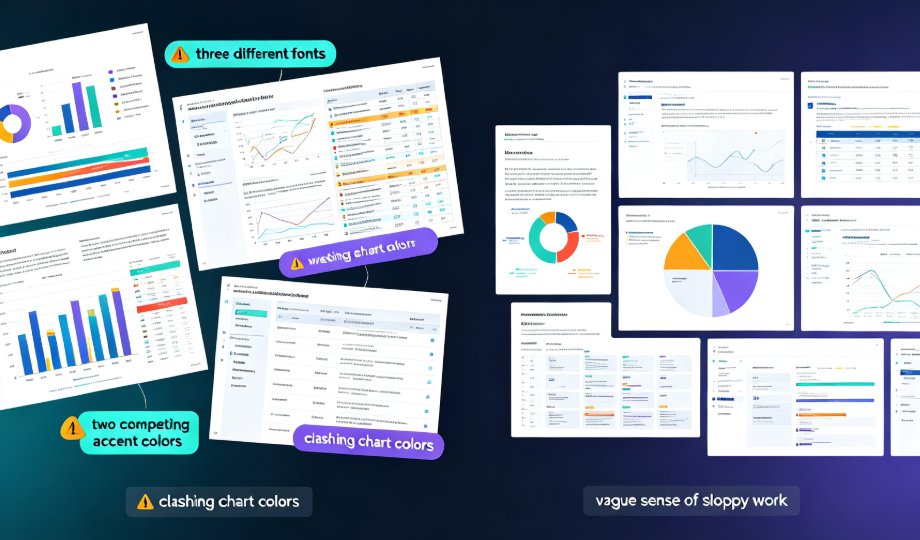
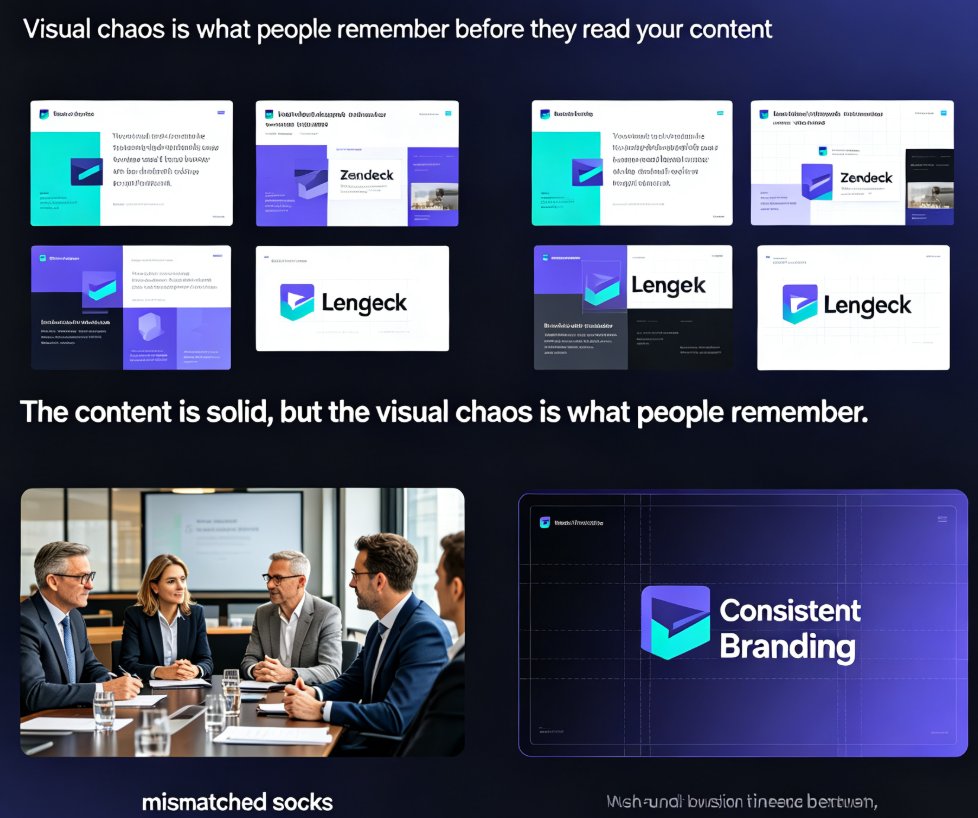
You know the feeling. The quarterly review deck has three different font families, a color scheme that clashes with your own logo, and slides that were clearly assembled by four different people with four different versions of "the template." Presenting it feels like showing up to a board meeting in mismatched socks. The content is solid — but the visual chaos is what people remember.
This is the problem Zendeck's smart layout engine was built to solve. And it solves it in a way that feels like cheating: one click.
I. Why Inconsistent Decks Are a Workflow Problem, Not a Design Problem
Let's be real: nobody sets out to make an ugly deck. What happens is that brand consistency gets treated as a design problem when it's actually a workflow problem. In mid-to-large companies, multiple teams, brands, and vendors contribute content — each with their own styles and habits. And when it's time to present to leadership, every deck needs to feel like it came from one unified source.
The symptoms are painfully familiar:
- Searching scattered repositories for the latest approved template
- Patching together decks from outdated or mismatched slides
- Catching errors in logos, fonts, colors, or layouts at the last minute
- Burning hours on manual formatting right before a deadline
Educators feel this too. A course series taught across multiple sections drifts over time: one instructor uses blue accents, another uses green; one relies on dense text, another on sparse bullets. Students notice, and the inconsistency quietly undermines the institution's brand.
The deeper truth: most people aren't sloppy — they're just using tools that don't enforce standards. If your presentation software doesn't lock fonts, colors, and layout for you, you'll always be one late-night edit away from chaos.
II. What Zendeck's Smart Layout Engine Actually Does
The smart layout engine is the bridge between "I have content" and "this looks professionally designed." Here's how it works under the hood.
When you upload a Word outline or paste Markdown, the engine analyzes structure first. It identifies headings, bullet hierarchies, and content density. Then it applies a design system — consistent fonts, a locked color palette, and strict alignment rules — across every slide automatically.
What makes this genuinely different from manually dragging elements in PowerPoint is the intelligence in the decisions. The engine doesn't just slap on a template and hope it fits. It makes context-aware choices: dense content gets breathing room, short slides get visual emphasis, and every element snaps to a grid that carries from slide one through slide forty.
The result is a deck where you never notice the design — you only notice the content. That's exactly what good design should always achieve.
This is the 2026 shift we keep talking about: AI-driven design automation is replacing manual layout work because it's not just faster — it's more consistent than any human could ever be.
III. One-Click Reskin: Brand Compliance Without the Design Team
Here's where it gets genuinely useful. The one-click reskin does exactly what the name promises: one click, and your entire deck adopts a new visual identity. No design skills. No CSS. No fighting with a theme editor.
The workflow is embarrassingly simple:
- Start with content — Paste your outline into Zendeck or upload a Word document (Markdown and TXT work too).
- Generate a draft — The AI produces a structured, readable deck you can review.
- Choose your brand identity — Pick your saved brand kit or select from the premium template library.
- Click reskin — Every slide unifies fonts, colors, layouts, and alignment instantly.
- Tweak if needed — You can review individual slides, but most people find they don't need to.
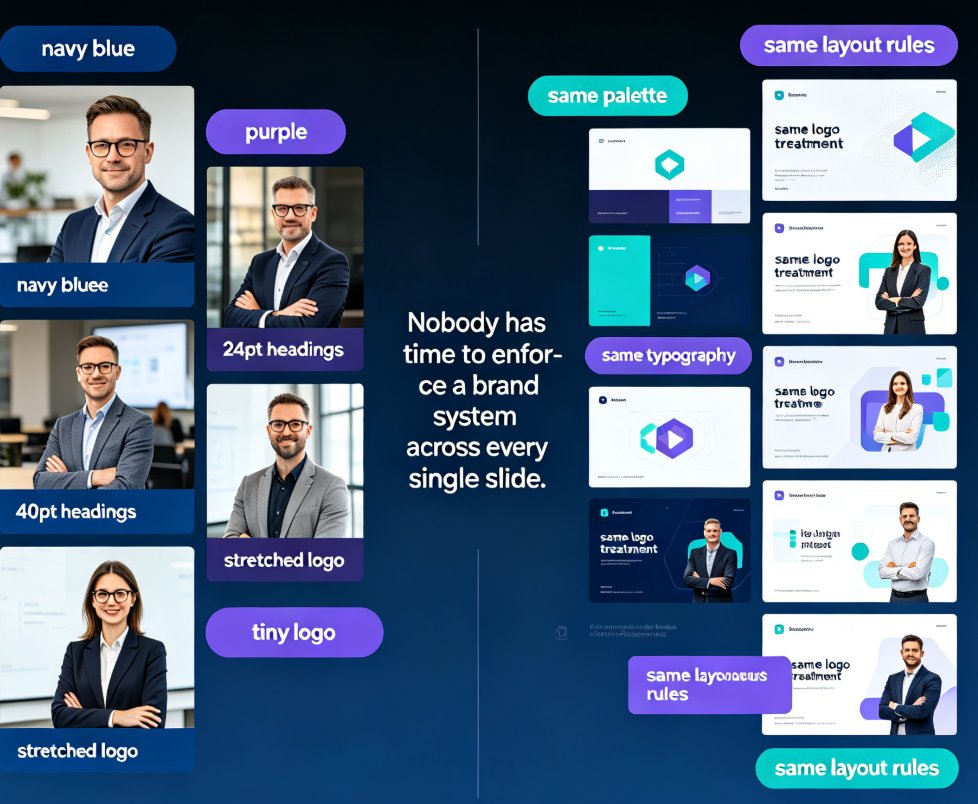
The magic is that the brand kit becomes a single source of truth. Lock your colors, fonts, and logo once. After that, every deck you generate — or reskin — pulls from that same locked system. No more "which version of the logo are we using?" because there's only one version, and it's already baked into every slide.
This kind of enforcement is what we mean by zero-design brand governance: the system handles the rules so humans don't have to remember them.
IV. Real Numbers, Real Crisis: The Workday Story
Let's ground this in a real example. When Workday went through a company-wide rebrand, Erin Lutz's team at Workday had six weeks to update 23,000 customer-facing slides and demos. That's roughly 550 slides per day, every day, just to hit the deadline.
The takeaway isn't "you need a bigger team." It's that manual rebranding simply doesn't scale. You can't find-and-replace your way through 23,000 slides without errors slipping through — a wrong logo here, a legacy color there.
For smaller teams, the stakes are lower but the principle holds. A training team producing monthly courses, an HR department rolling out new policy decks, a marketing team preparing pitch variants — all of them spend hours on formatting that a smart layout engine handles in seconds.
The comparison below shows how the manual approach stacks up against Zendeck's reskin workflow:
| Task | Manual Approach | Zendeck Smart Layout |
|---|---|---|
| Update fonts across a 50-slide deck | 60–90 minutes of find-and-replace | A few seconds |
| Apply brand colors to an existing deck | 45–60 minutes, high error rate | One click |
| Fix alignment inconsistencies | 30+ minutes of painstaking tweaks | Automatic |
| Keep template versions in sync | Continuous challenge | Single source of truth |
| Onboard new team members on brand rules | Days of training | Zero learning curve |
The pattern is clear: manual branding workflows burn hours and still produce inconsistencies. The question isn't whether to automate — it's when you'll stop arguing with your font menu.
Here's a stark visual of the time difference:
<svg viewBox="0 0 600 320" xmlns="http://www.w3.org/2000/svg"><rect x="20" y="20" width="560" height="280" fill="#f8f9fa" rx="8"/><text x="300" y="50" text-anchor="middle" font-family="Arial, sans-serif" font-size="16" font-weight="bold" fill="#1a1a2e">Weekly Brand Formatting Hours by Approach</text><line x1="100" y1="80" x2="100" y2="270" stroke="#333" stroke-width="2"/><line x1="100" y1="270" x2="520" y2="270" stroke="#333" stroke-width="2"/><line x1="100" y1="112" x2="520" y2="112" stroke="#e0e0e0" stroke-dasharray="4,4"/><text x="85" y="116" text-anchor="end" font-family="Arial, sans-serif" font-size="12" fill="#555">12h</text><line x1="100" y1="144" x2="520" y2="144" stroke="#e0e0e0" stroke-dasharray="4,4"/><text x="85" y="148" text-anchor="end" font-family="Arial, sans-serif" font-size="12" fill="#555">9h</text><line x1="100" y1="176" x2="520" y2="176" stroke="#e0e0e0" stroke-dasharray="4,4"/><text x="85" y="180" text-anchor="end" font-family="Arial, sans-serif" font-size="12" fill="#555">6h</text><line x1="100" y1="208" x2="520" y2="208" stroke="#e0e0e0" stroke-dasharray="4,4"/><text x="85" y="212" text-anchor="end" font-family="Arial, sans-serif" font-size="12" fill="#555">3h</text><line x1="100" y1="240" x2="520" y2="240" stroke="#e0e0e0" stroke-dasharray="4,4"/><text x="85" y="244" text-anchor="end" font-family="Arial, sans-serif" font-size="12" fill="#555">1h</text><text x="85" y="274" text-anchor="end" font-family="Arial, sans-serif" font-size="12" fill="#555">0h</text><rect x="160" y="142" width="90" height="128" fill="#e74c3c" rx="6"/><text x="205" y="130" text-anchor="middle" font-family="Arial, sans-serif" font-size="14" font-weight="bold" fill="#e74c3c">10–15h</text><text x="205" y="295" text-anchor="middle" font-family="Arial, sans-serif" font-size="13" fill="#333">Manual Formatting</text><rect x="380" y="259" width="90" height="11" fill="#2ecc71" rx="6"/><text x="425" y="248" text-anchor="middle" font-family="Arial, sans-serif" font-size="14" font-weight="bold" fill="#2ecc71">≤1h</text><text x="425" y="295" text-anchor="middle" font-family="Arial, sans-serif" font-size="13" fill="#333">Zendeck Smart Layout</text></svg>
Those numbers aren't hypothetical. Teams routinely spend 10–15 hours per week on font, color, and alignment fixes that a one-click reskin finishes in seconds.
V. Why This Matters for Courseware and Training
Does visual consistency really affect learning?
Short answer: yes, more than most people think. Visual noise is cognitive noise. When every module of a course looks like it came from a different team, learners spend mental energy decoding the layout instead of absorbing the content.
Zendeck's approach to courseware uses the same smart layout engine, tuned for learning contexts:
- Consistent slide structure across modules reduces cognitive load
- Locked typography ensures readability on projectors and screens of any size
- Coherent color coding (e.g., blue for definitions, orange for examples) becomes a teaching aid
- Accessible design with proper contrast and alt text comes built in — not bolted on later
This ties directly into what we cover in our guide on accessible AI presentations and WCAG tips: a reskin shouldn't sacrifice accessibility for aesthetics. Zendeck's engine keeps contrast ratios readable and maintains visual hierarchy through any style change.
The result is courseware that reinforces the institution's identity in every single module — which matters whether you're building corporate onboarding or a university lecture series. When brand consistency becomes automatic, your audience stops noticing the container and starts focusing on the content.
VI. From Chaotic Draft to Brand-Ready in One Session
Let's walk through a concrete session, because this is where the rubber meets the road.
Scenario: You're an L&D manager with a newly approved brand kit. You have a 40-slide training deck built by an outside consultant. Different fonts, mismatched headers, and the logo appears in the wrong color on slide 12.
Step 1: Upload your Word outline into Zendeck.
Step 2: The engine generates a structurally sound draft — clean hierarchy, readable bullets, no orphaned slides.
Step 3: Apply your brand kit to the deck.
Step 4: Click reskin.
Step 5: Export and present.
Total time: under five minutes, including upload. The consultant's deck, with all its visual chaos, is reborn as a cohesive brand asset.
Most professionals who try this have one reaction: they can't believe they ever formatted by hand. The hours you save compound every single week. And your output stops being dependent on who had time to polish the deck before the deadline.
This is what AI presentation agents do best: remove the mechanical work so humans can focus on message, argument, and storytelling. The brand consistency is just the first domino.
If you are ready to try it yourself, the prompt-to-deck workflow takes you from a text prompt to professional slides on autopilot. And once you've settled on a look you like, remember — anything you save in your template library can be reused in future decks, keeping your whole ecosystem on-brand.
FAQ
Q1: How does Zendeck's one-click reskin keep fonts and colors consistent across a deck?
The smart layout engine applies a locked design system — defined font families, a fixed color palette, alignment rules, and spacing conventions — across every slide in one action. Your custom brand kit is the single source of truth, so logos, colors, and typography match every time, with no manual find-and-replace.
Q2: Do I need design skills to use the smart layout engine?
No — that's the entire point. When you upload a Word outline or paste Markdown, Zendeck automatically handles hierarchy, placement, contrast, and alignment. You focus on the content; the engine handles the polish. No design team required.
Q3: Can I reskin a deck I already built elsewhere?
Yes. Bring your content into Zendeck — via a Word outline, Markdown, or TXT — and apply your brand kit. The reskin transforms the visual layer across the whole deck in seconds, turning an inconsistent draft into a cohesive brand asset.
Q4: Will reskinning change my content or break my slides?
No. Reskining targets the visual layer — fonts, colors, layout, spacing. Your text, structure, and images stay intact. You can always review individual slides after the reskin before you export or share the final deck.
Q5: How does Zendeck handle logos and other brand assets during a reskin?
Zendeck's asset library and brand kit centralize your logo, icons, colors, and fonts in one place. When you reskin, those assets are applied consistently across every slide — correct version, correct sizing, correct placement — which eliminates "which logo are we using?" problems permanently.