AI Prompt to Deck: Zendeck Generates Professional Slides in Minutes
It's 4:47 PM on a Friday. Your manager just pinged you: "Can you throw together a 15-slide deck for Monday's client meeting?" Your weekend just evaporated.
We've all been there. The blank PowerPoint, the cursor blinking, the slow crawl of copying bullet points into text boxes. It's not that you don't know the material — it's that turning knowledge into a well-designed deck takes hours of fiddling with layouts, fonts, and alignment.
But here's the thing: that workflow is now optional. AI prompt-to-deck tools like Zendeck can take a single sentence and turn it into a structured, professionally designed presentation in minutes. Not a rough draft — an actual deck you can present.
Let me show you exactly how it works.
01 Why "Prompt to Deck" Is the Workflow You've Been Waiting For
Let's be honest about what most deck-building actually is. You're not spending those two hours thinking about your message. You're spending them on formatting: resizing text boxes, fixing bullet indents, choosing colors, moving images around. Industry surveys consistently find that the average professional spends about 2 hours per presentation on formatting and design alone — not content, just making slides "look right."
That's the pain point prompt-to-deck solves. Instead of starting from a blank canvas, you start from a prompt. You describe what you need — audience, topic, tone, number of slides — and the AI handles the structure, the layout, and the visual design.
The shift here is bigger than saving time. It's changing what your job actually is: instead of being a slide formatter, you get to be the strategist.
This is part of a broader trend across the industry. AI slide generation is moving from pure design automation toward strategic thinking — the tools aren't just making things pretty anymore, they're helping you decide what to say and in what order. If you want the full picture on where this is heading, our piece on why AI slide generation is shifting from design to strategy is worth a read.
02 What Zendeck's AI Deck Generator Actually Does
Zendeck's prompt-to-deck feature is straightforward: you give it a text prompt, and it generates a complete, structured presentation. But the "how" matters.
Most AI presentation tools generate slides that look like a template dump — generic layouts, mismatched visuals, and content that's technically correct but visually flat. Zendeck takes a different approach. It analyzes your prompt for structure, not just keywords. That means it understands the logical flow of your content: what belongs on an intro slide, where the data should go, how to sequence arguments.
Here's what you get from a single prompt:
- A complete deck structure with logical slide order
- Consistent typography and color schemes across every slide
- Smart layout choices that match your content type (charts, lists, comparisons)
- Visual assets pulled from Zendeck's asset library
- Export-ready files in PPTX or PDF format
The key difference is that Zendeck treats your prompt as a brief, not just a topic. It makes decisions about structure and design the way a thoughtful human designer would.
And if you're worried about losing control — you don't. Every slide is fully editable. You can adjust text, swap layouts, or rebuild individual slides without touching the rest of the deck. We covered the details in our guide on how to manually edit AI-generated slides in Zendeck.
03 Step-by-Step: From a Single Prompt to a Finished Deck
Let's walk through a real example. Say you need a 12-slide deck for a client pitch about a new SaaS product. Here's the actual workflow.
◉ Step 1: Write a Clear Prompt
The quality of your output depends heavily on the quality of your input. A vague prompt like "make a deck about our product" will get you a generic result. Instead, be specific:
"Create a 12-slide investor pitch deck for a B2B SaaS product that automates invoice processing. Target audience: CFOs and finance directors. Tone: confident, data-driven, concise. Include a problem slide, market opportunity, product demo overview, competitive analysis, and financial projections."
That's it. One paragraph. You don't need to structure it perfectly — Zendeck handles that. But the more context you give about audience, tone, and content, the better the output.
A good prompt is worth more than an hour of manual formatting. Spend 60 seconds writing it, and you'll save yourself 60 minutes of fixing slides.
◉ Step 2: Let Zendeck Structure the Content
Once you submit the prompt, Zendeck's AI analyzes it and builds the deck skeleton. This is where the "structure-aware" design comes in. The AI doesn't just fill slides with text — it decides what each slide should accomplish and arranges them in a logical narrative flow.
You'll see the deck appear with all slides populated: titles, body text, suggested visuals, and layout choices. This usually takes under 60 seconds for a standard deck.
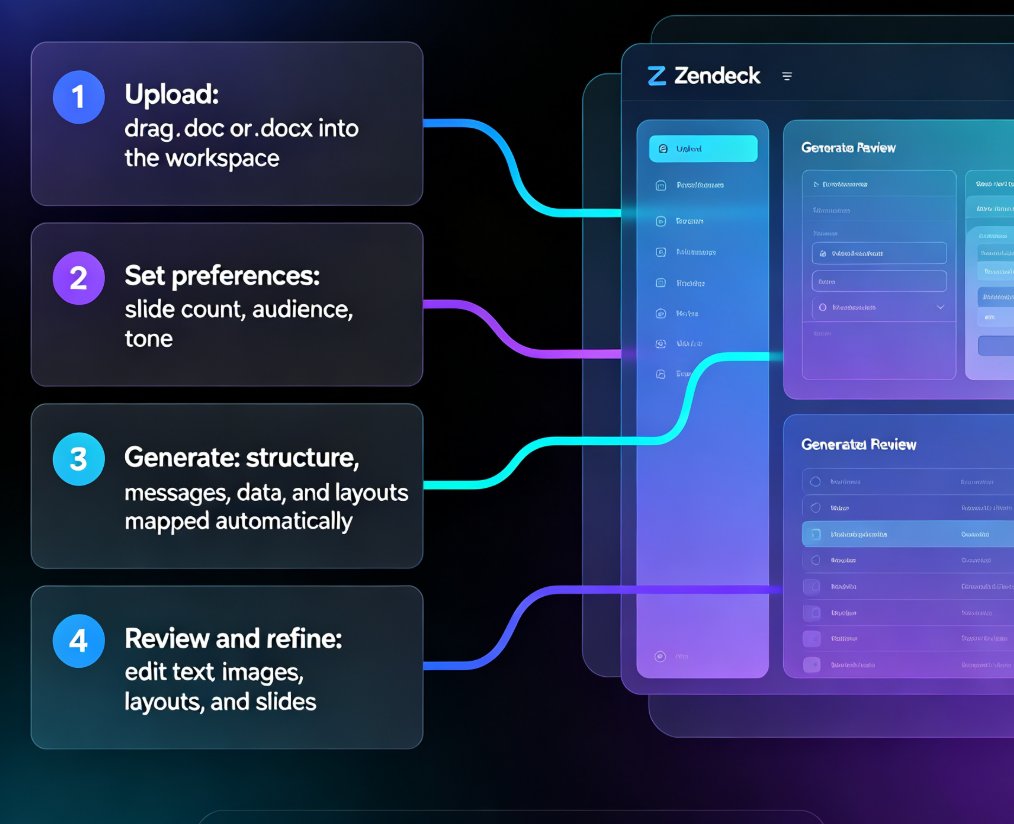
◉ Step 3: Review and Refine the Generated Slides
Here's where you earn your keep. The AI gives you a strong first draft, but your domain knowledge makes it better. Read through each slide and:
- Tighten the wording — AI tends to be wordy
- Add specific data points or examples only you know
- Remove anything that doesn't fit your narrative
The beauty is that you're editing a finished deck, not building one from scratch. You're polishing, not constructing.
◉ Step 4: Apply Brand Consistency
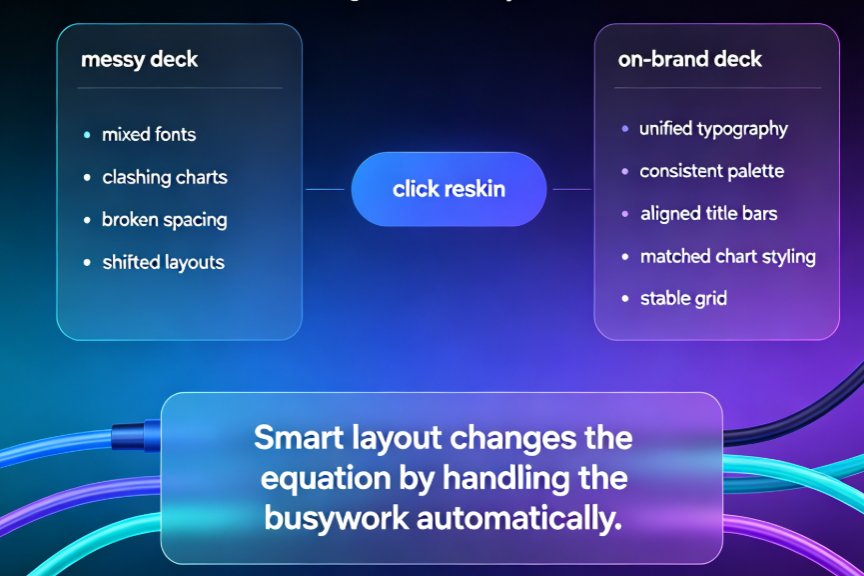
If you're presenting to clients or stakeholders, your deck needs to look like it came from your company, not from a generic template. Zendeck's brand kit feature lets you upload your logo, brand colors, and fonts once, then apply them to any generated deck with one click.
This is a huge deal for teams that produce decks regularly. Instead of manually updating colors and fonts across 15 slides, you apply the brand kit and every slide updates instantly. We wrote a detailed guide on setting up brand kits in Zendeck if you want the full walkthrough.
◉ Step 5: Export and Present
When you're happy with the result, export to PPTX for further editing in PowerPoint, or PDF for direct sharing. Zendeck also supports online sharing with real-time collaboration, so your team can review and comment without emailing files back and forth.
Total time for this entire workflow? Five to ten minutes, including your review pass. Compare that to the two hours you'd normally spend.
04 Does the Output Actually Look Professional?
This is the question everyone asks, and it's fair. AI-generated decks have a reputation for looking... generic. Let's address that directly.
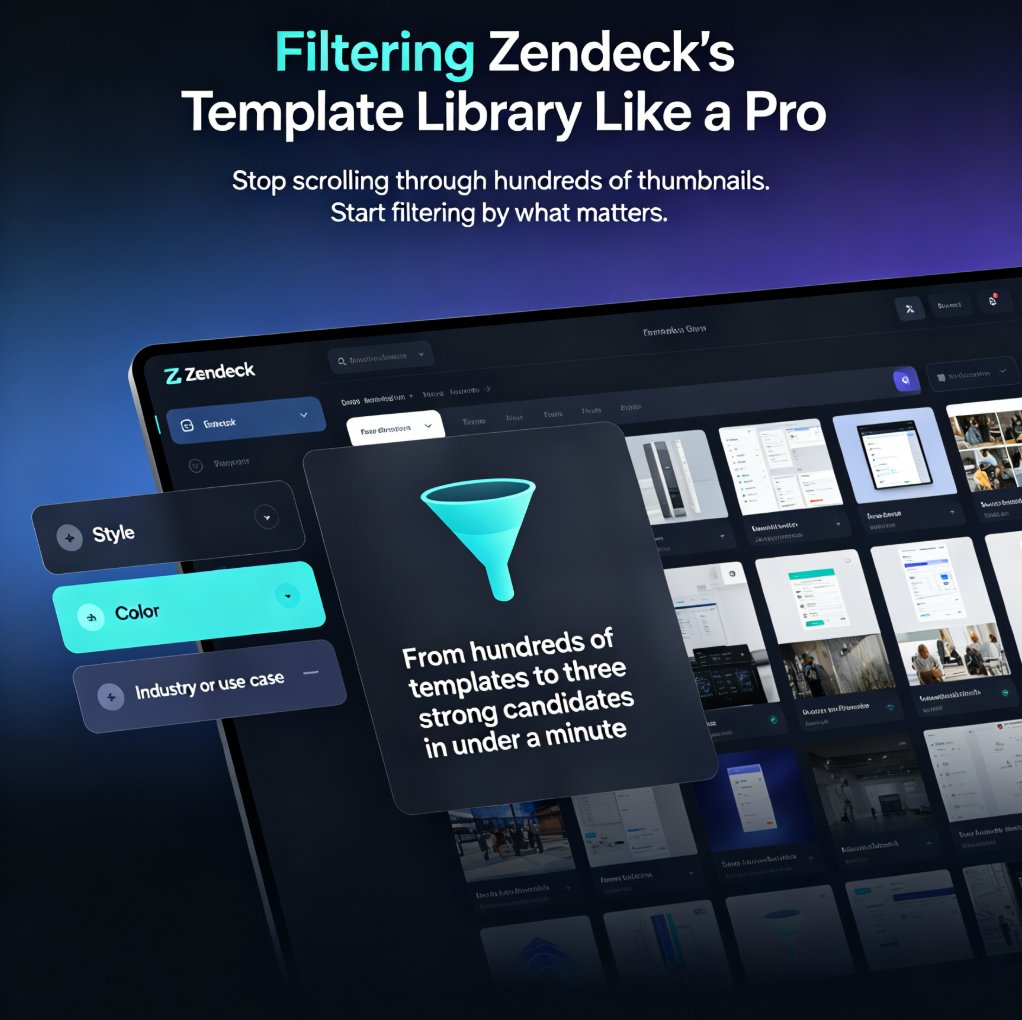
The quality of Zendeck's output depends on two things: the prompt quality and the template selection. Zendeck's AI deck template selection is designed to match your content type and audience — a pitch deck for investors gets a different visual treatment than a training deck for employees. The system considers factors like industry norms, content density, and presentation context.
That said, you should expect to do a review pass. No AI tool produces a perfect deck on the first try, and anyone who tells you otherwise is overselling. But the gap between "AI draft" and "final deck" is much smaller than the gap between "blank PowerPoint" and "final deck." You're editing 10% of the content instead of creating 100% of it.
The real test of an AI deck tool isn't whether the first draft is perfect — it's whether the draft is good enough that your review pass takes minutes, not hours.
If you're curious about common pitfalls and how to avoid them, we put together a list of AI presentation mistakes to avoid in 2026 — including the ones that make AI decks look obviously AI-generated.
05 Manual vs. AI Prompt-to-Deck: The Real Numbers
Let's put some concrete numbers on this. Here's a breakdown of where the time actually goes when building a 20-slide deck manually versus with Zendeck's prompt-to-deck:
| Task | Manual (PowerPoint) | Zendeck AI Prompt-to-Deck |
|---|---|---|
| Content planning & outline | 25 min | 1 min (included in prompt) |
| Slide creation & layout | 40 min | 2 min (auto-generated) |
| Design & formatting | 30 min | 1 min (auto-applied) |
| Visual assets & icons | 15 min | 1 min (from asset library) |
| Review & refinement | 10 min | 5 min (editing draft) |
| Total | 120 min | 10 min |
And here's what that looks like visually:
The numbers speak for themselves. A 12x reduction in time-to-deck. And that's not even counting the hidden cost of manual work: the mental energy spent on formatting that you could have spent on the actual message.
06 When to Use Prompt-to-Deck (and When Not To)
Prompt-to-deck isn't the right tool for every situation. Let's be honest about that.
Use it when:
- You need a deck fast (under an hour)
- You have a clear topic but no existing slides
- You're starting from a rough outline or brain dump
- You need a consistent brand look across many decks
- You're creating training or educational content
Skip it when:
- You have a highly customized existing template with complex animations
- The deck requires very specific data visualizations that need manual building
- You're working from a detailed, already-structured document that just needs formatting
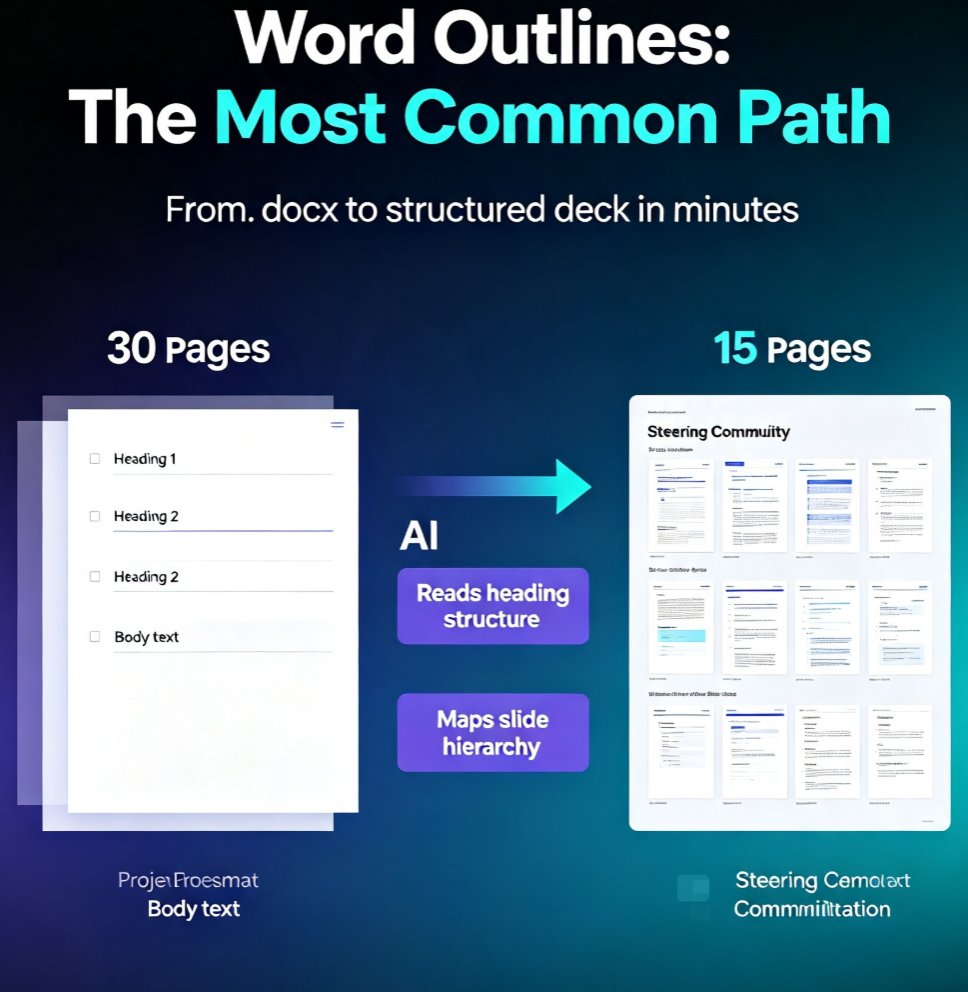
For that last case, Zendeck actually has a better option: you can upload a Word document or paste Markdown, and it converts the content into slides directly. That's a different workflow from prompt-to-deck, and it's covered in our guide on turning a brain dump into a structured presentation with AI.
07 The Bottom Line
Prompt-to-deck is the closest thing we have to a "deck on demand" workflow. You describe what you need, the AI builds it, and you refine it. It's not magic — it's a smarter division of labor. The AI handles the mechanical work of structuring and designing, and you handle the strategic work of making sure the message is right.
The professionals who adapt to this workflow aren't just saving time. They're raising the bar on what "quick turnaround" means — and that's a competitive advantage in any meeting.
If you're ready to try it, Zendeck's prompt-to-deck is available right in the platform. Write a prompt, generate a deck, and see for yourself how fast "from idea to presentation" can actually be.
FAQ
How long does it take Zendeck to generate a deck from a prompt?
Zendeck generates a complete, structured deck in under 60 seconds for a standard presentation. Including a review and refinement pass, most users go from prompt to final deck in 5-10 minutes.
Can I edit the slides after Zendeck generates them?
Yes. Every slide is fully editable. You can change text, swap layouts, replace visuals, and adjust designs without affecting the rest of the deck. Zendeck is not a "generate and pray" tool — it's designed for iterative refinement.
What kind of prompts work best for AI deck generation?
The best prompts include four elements: the topic, the target audience, the desired tone, and the number of slides. Adding context about what each section should cover also helps. A prompt like "Create a 10-slide training deck for new hires on data security, tone: practical and reassuring" will produce much better results than "make a deck about security."
Does Zendeck support brand colors and logos?
Yes. Zendeck's brand kit feature lets you upload your logo, brand colors, and fonts once, then apply them to any generated deck with a single click. This ensures every deck your team produces stays on-brand without manual formatting.
Can I export the generated deck to PowerPoint?
Yes. Zendeck exports to PPTX and PDF formats. The PPTX export is fully editable in PowerPoint, so you can continue working in your familiar tool if needed. You can also share the deck online with real-time collaboration features.