Tags:AI presentation generation

4 articles

From Word Outline to Polished Slides: Zendeck AI Does It in Minutes

AI Courseware 2026-09-15 2605

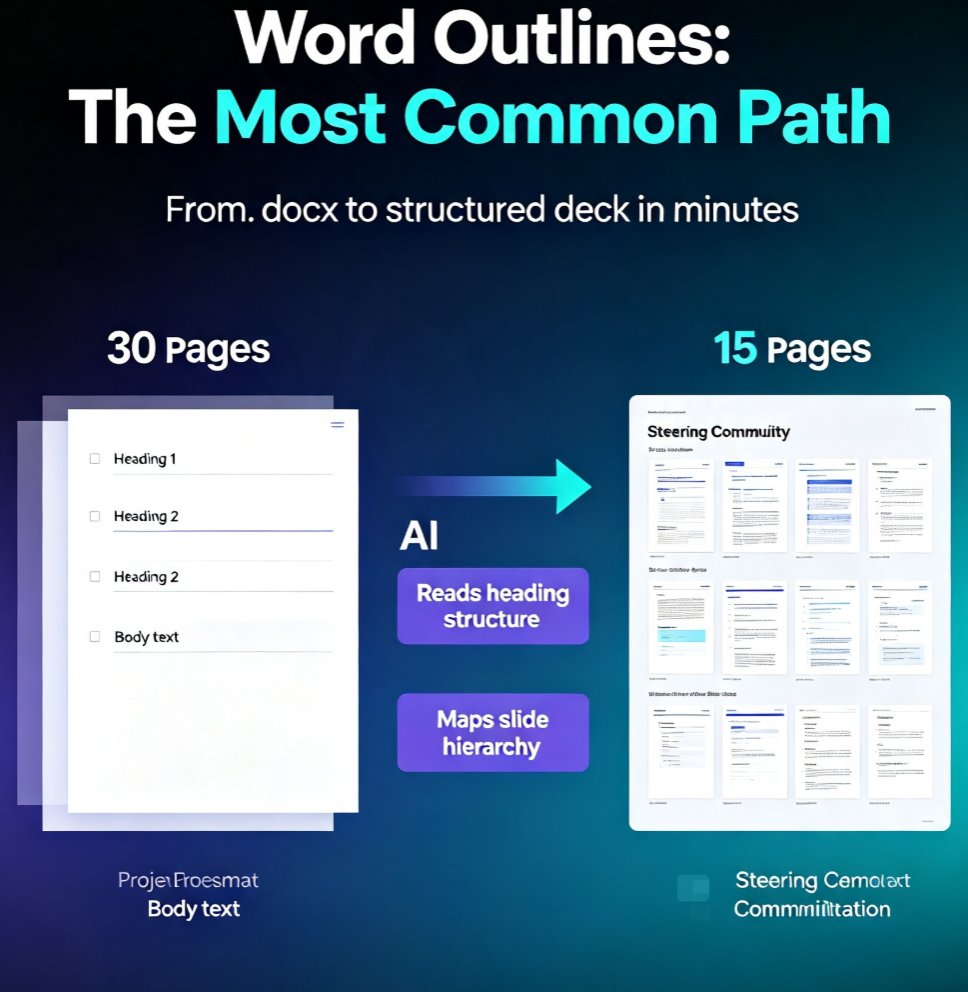
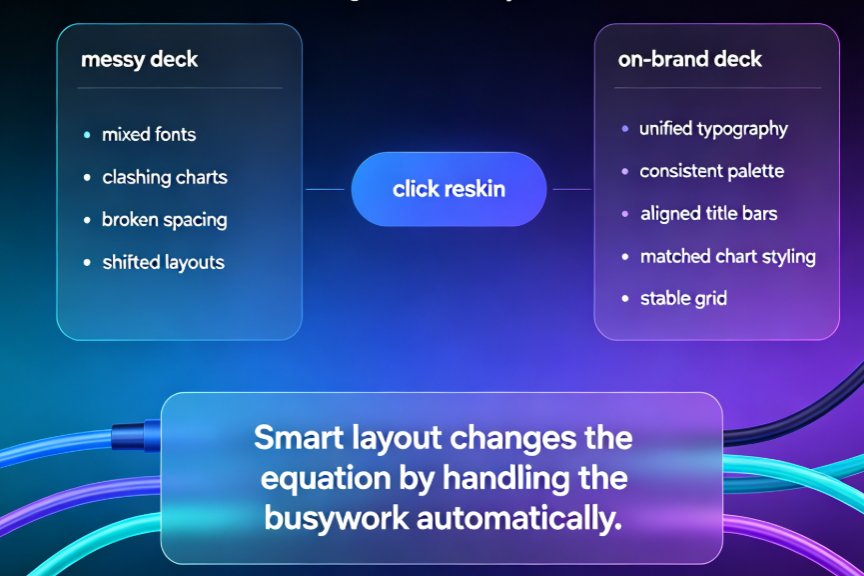
Zendeck AI turns your Word outline into a polished, structured presentation in minutes, eliminating manual formatting and design guesswork. Upload a .docx file, and Zendeck generates a cohesive deck with smart layouts, consistent branding, and editable slides. Ideal for educators, trainers, and teams who need professional presentations without design skills. This guide walks you through the exact workflow, compares time savings, and shows how Zendeck handles complex documents. Discover how to go from outline to slides in under 10 minutes, then extend your deck into a narrated micro-course with PPT-to-video. Perfect for course creation and corporate training.

AI Prompt to Deck: Zendeck Generates Professional Slides in Minutes

AI Courseware 2026-08-21 3323

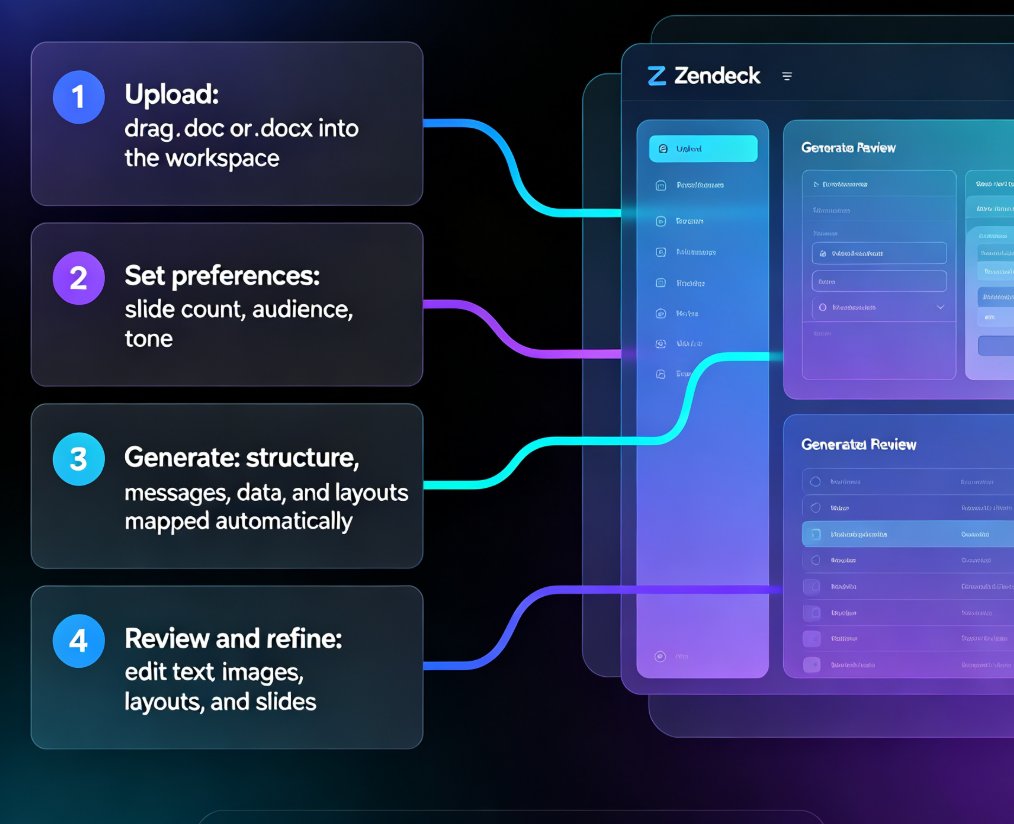
Zendeck's AI prompt-to-deck workflow turns a single text prompt into a professionally structured presentation in minutes. This walkthrough shows you exactly how to generate slides from a simple idea — no design skills required. Learn the step-by-step process, see real time savings, and discover when prompt-to-deck beats manual building. If you've ever stared at a blank PowerPoint at 5 PM on a Friday, this guide is for you. We cover prompt writing, content structuring, brand consistency, and export options, plus a side-by-side comparison of manual vs. AI deck creation. By the end, you'll know how to turn any rough idea into a polished, client-ready deck in under five minutes.

Markdown to PPT in Minutes: Zendeck's Text-to-Deck Workflow

AI Courseware 2026-08-18 2616

Turn Markdown or plain text into a polished presentation in minutes with Zendeck's text-to-deck workflow. Paste your outline, let the AI parse the hierarchy, and get a structured, on-brand deck without touching a design tool. This guide walks through the fastest path from notes to slides, with real Markdown examples, formatting best practices, and a side-by-side comparison of the old copy-paste-reformat grind versus Zendeck's one-step import. Whether you're a developer dumping a README, a consultant turning a case study into a client deck, or an educator converting a lecture outline into courseware, Zendeck's Markdown-to-PPT pipeline removes the formatting bottleneck. Learn what to paste, how the parser handles headings and bullets, and when this workflow saves you the most time.

What File Types Can I Import into Zendeck? Word, PDF, Markdown

PPT Tutorial 2026-08-12 1634

Wondering what file types you can import into Zendeck? This complete guide covers every supported format — Word outlines, Markdown, PDFs, and plain text — so you can turn almost any document into a structured slide deck in minutes. Learn which format works best for your workflow, how to prep your files for a clean import, and what happens after the AI generates your slides. Whether you're converting a 40-page Word report, a technical Markdown doc, or a finalized PDF into a presentation, Zendeck's import pipeline handles it. Includes a format comparison table, pro tips for clean imports, and answers to common questions about importing into Zendeck. Stop copy-pasting and start importing.