5 AI Presentation Mistakes to Avoid in 2026 (And How Zendeck Fixes Them)
Let's be honest: AI presentation tools have made us all faster, but not always better. You can generate a 20-slide deck in under a minute, yet the result often looks like it was assembled by a robot with no taste — mismatched fonts, clichéd stock photos, walls of text, and zero brand identity.
I've seen it happen in every kind of workplace. A sales team rushes out a pitch deck that looks nothing like their brand. A trainer builds a course with slides so dense they'd put anyone to sleep. A marketing manager generates a client deck that could've been made by any company on earth.
The good news? Every one of these problems is fixable. And most of them are preventable if you know what to look for.
Here are the 5 most common AI presentation mistakes in 2026, why they happen, and exactly how Zendeck helps you avoid each one.
01. The Generic Layout Trap: One Deck, Zero Context
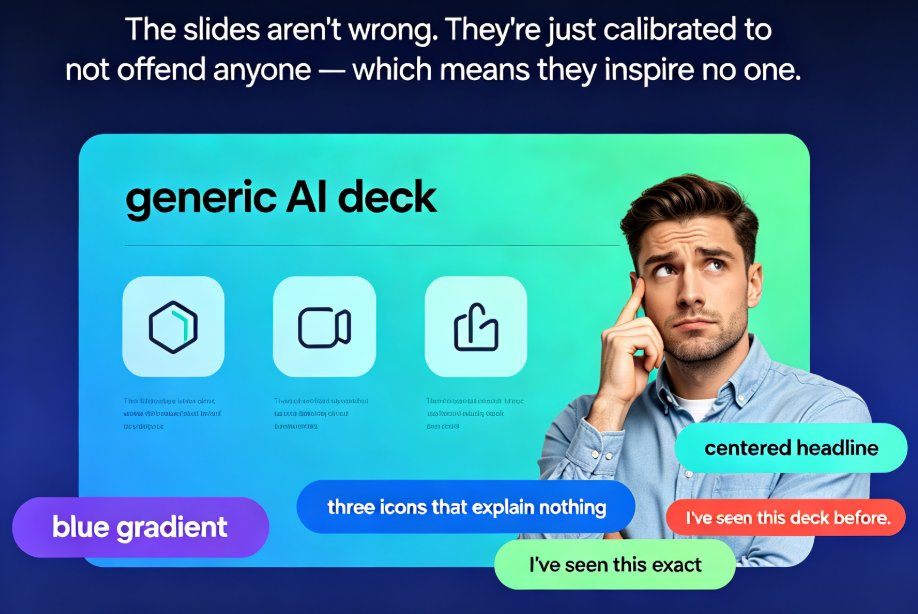
The mistake. You paste a prompt like "make a deck about our Q3 results" and the AI serves up a template that looks identical to the one your competitor used last week. No audience awareness, no context, no personality.
Why it happens. Most AI generators optimize for speed, not relevance. They pick a safe, generic template that works for "a presentation" — not for your presentation, to your audience, in your industry. A sales pitch, an internal strategy meeting, and a classroom lecture are three entirely different settings, yet many AI tools produce nearly identical slides for all three.
The fix. Before generating, define your context: who's watching, what they care about, what action you want them to take. Then use a tool that respects that context.
Zendeck's answer. Zendeck's smart layout engine doesn't just dump content into a template — it reads your outline and applies a structure that matches your intent. A sales pitch gets a persuasive flow; a training deck gets a pedagogical one. You can start from a Word outline or paste Markdown, and Zendeck maps the hierarchy into clean, audience-appropriate slides.
The rule of thumb: your audience is the hero of the story, not the AI. If a deck could be shown to any audience without changes, it's too generic.
02. Branding Chaos: When Your Deck Doesn't Look Like You
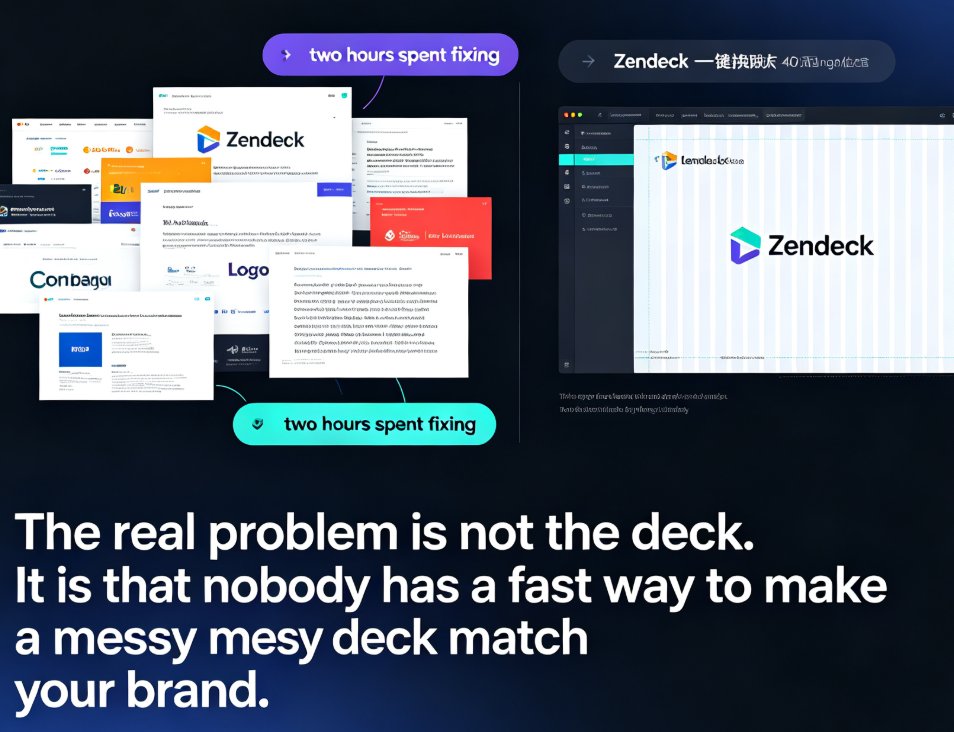
The mistake. Your company uses a specific blue, a specific font, and a specific logo treatment. Your AI-generated deck uses... whatever the template had. Suddenly your polished brand looks like a garage startup.
Why it happens. Generic AI templates ship with generic brand defaults. Unless you explicitly tell the tool about your brand, it will guess — and guessing means inconsistency. Left unchecked, AI might mix fonts, colors, and layouts across different slides, and the result feels like several presentations stitched together.
The fix. Set up a brand kit once, and every deck you generate should inherit your colors, fonts, and logo rules automatically.
Zendeck's answer. Zendeck's brand kit feature stores your colors, typography, and logo guidelines. Every generated slide inherits them, so your deck feels cohesive from title slide to closing. And if you're working with an older deck that's already off-brand, the one-click reskin unifies fonts, colors, and layout across all slides in seconds.
A deck that doesn't match your brand isn't just ugly — it's a trust problem. Audiences notice when a presentation looks like it was made by someone else.
If you're dealing with an existing messy deck, check out why your AI-generated slides still look messy and how Zendeck fixes it. For a full walkthrough, see how to set up and use brand kits in Zendeck.
03. The Cluttered Slide Problem: Too Much Text, Too Little Air
The mistake. AI loves to summarize — but it also loves to include everything. The result is slides packed with 200-word paragraphs, five bullet points per section, and no visual hierarchy.
Why it happens. When you feed an AI a dense document, it tries to preserve all the information. It doesn't know what to cut. The result is a slide that takes a full minute to read — and your audience checked out 45 seconds ago.
The fix. After generation, ruthlessly edit. One idea per slide. Short headlines. Visuals that carry meaning. If a slide needs more than 30 seconds to read, it's too dense.
Zendeck's answer. Zendeck's smart layout automatically breaks dense content into digestible chunks, using whitespace, icons, and charts to replace walls of text. You can also pull from the asset library — icons, charts, and illustrations — to turn bullet points into visuals. And if you need to tweak a slide by hand, you can manually edit AI-generated slides in Zendeck without breaking the layout.
If a slide needs more than 30 seconds to read, it's too dense. Cut it until it breathes.
04. Stock Photo Clichés: The Handshake, The Light Bulb, The Puzzle
The mistake. You know the images: two businesspeople shaking hands, a glowing light bulb for "ideas," puzzle pieces for "solutions." AI tools default to these because they're safe and widely available.
Why it happens. Stock libraries are full of these clichés, and AI picks the most "relevant" match by keyword — not by meaning. The result is a deck that looks like every other deck, with zero credibility.
The fix. Replace generic visuals with meaningful ones: your team's photos, product screenshots, real data visualizations, or custom illustrations.
Zendeck's answer. Zendeck's asset library is curated with purpose-built icons, charts, and illustrations that match your content — not generic stock filler. You can add interactive charts and data visualizations that actually communicate your numbers, which is far more credible than a stock photo of a handshake. For data-heavy decks, see how to add interactive charts to your AI slides with Zendeck's asset library.
Audiences see through stock clichés instantly. A real screenshot or a clean chart beats a stock photo every time.
05. Animation Overload: When Effects Steal the Show
The mistake. Fly-ins, spins, bounces, dissolves — AI tools love to add "wow" effects. But in a boardroom or a classroom, too much animation makes you look like you're presenting a slideshow from 2003.
Why it happens. Animation is an easy way for AI tools to feel "premium." But motion without purpose is noise. It distracts from your message and, in the worst cases, makes your content harder to follow.
The fix. Use animation sparingly — only to direct attention, not to decorate. If your deck is meant to be watched rather than presented live, consider turning it into a narrated video instead.
Zendeck's answer. Zendeck's templates default to clean, professional motion — subtle transitions that guide the eye without distracting. And if you want to turn a static deck into a narrated micro-course, the PPT-to-video feature adds voiceover and pacing automatically, so your content becomes a polished video without a single gimmicky transition. Learn more about adding narration to your slides with Zendeck's PPT-to-video.
Animation should serve the message, not compete with it. If the effect is memorable but the content isn't, you've failed.
Quick Reference: Mistakes vs. Zendeck Fixes
| # | The Mistake | The Symptom | Zendeck's Fix |
|---|---|---|---|
| 1 | Generic layout | Deck looks identical for any audience | Smart layout engine matches structure to intent |
| 2 | Branding chaos | Mixed fonts, colors, logos | Brand kit + one-click reskin |
| 3 | Cluttered slides | Walls of text, no hierarchy | Smart layout breaks content into digestible chunks |
| 4 | Stock photo clichés | Handshakes, light bulbs, puzzles | Curated asset library with purpose-built visuals |
| 5 | Animation overload | Distracting effects | Clean templates + PPT-to-video for narrated delivery |
The Bottom Line
AI presentation tools are a gift — but they're a gift you have to wrap yourself. The five mistakes above are the difference between a deck that looks AI-generated and one that looks professionally designed.
The pattern is simple: generate fast, then apply judgment. Use AI for the heavy lifting, and use a tool like Zendeck to enforce quality — brand consistency, clean layouts, meaningful visuals, and professional delivery.
If you're new to Zendeck, start with the PPT tutorial category to learn the basics, then explore how AI-powered design suggestions are making presentation software smarter to level up your workflow.
FAQ
Q1: Can I fix an AI-generated deck that's already off-brand?
A: Yes. Zendeck's one-click reskin unifies fonts, colors, and layout across all slides in seconds, so an off-brand deck becomes on-brand without rebuilding it from scratch.
Q2: Do I need design skills to use Zendeck?
A: No. Zendeck is built for people without design skills. The smart layout engine, brand kits, and asset library handle the design decisions for you.
Q3: Can I manually edit slides after Zendeck generates them?
A: Yes. You can manually edit any slide without breaking the layout. See our guide on manually editing AI-generated slides for details.
Q4: How do I make my AI deck look less generic?
A: Provide context in your prompt (audience, purpose, tone), use a brand kit, and replace stock imagery with meaningful visuals from Zendeck's asset library.
Q5: What's the best way to deliver a training deck?
A: Turn it into a narrated video with Zendeck's PPT-to-video feature. It's more engaging than a live slideshow and works for asynchronous learning.