How AI-Powered Design Suggestions Are Making Presentation Software Smarter
You’ve Spent 45 Minutes on One Slide. Let’s Stop That.
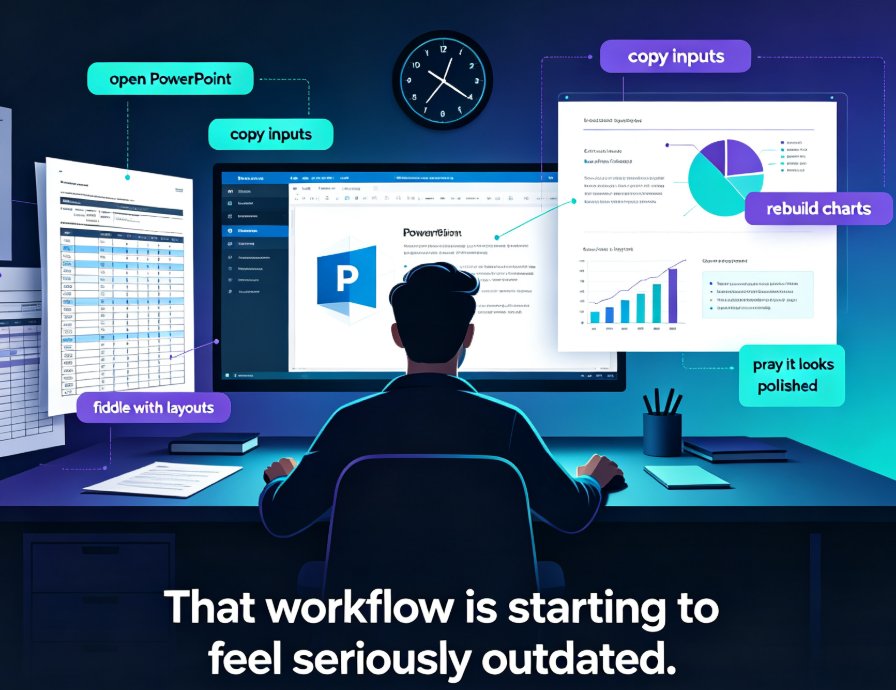
We’ve all been there. You have a solid outline, good data, and a clear message—but you open PowerPoint and immediately lose 45 minutes scrolling through template galleries, adjusting font sizes, and realigning text boxes. You end up with something that looks okay, but not great. You know it could be better, but you don’t have the design skills or the time.
What if your presentation software actually understood your content and suggested the perfect layout? That’s the shift happening right now: AI-powered design suggestions are turning static templates into intelligent assistants that proactively show you how to arrange your slides. And tools like Zendeck are leading this change.
I. Why Static Templates Are a Thing of the Past
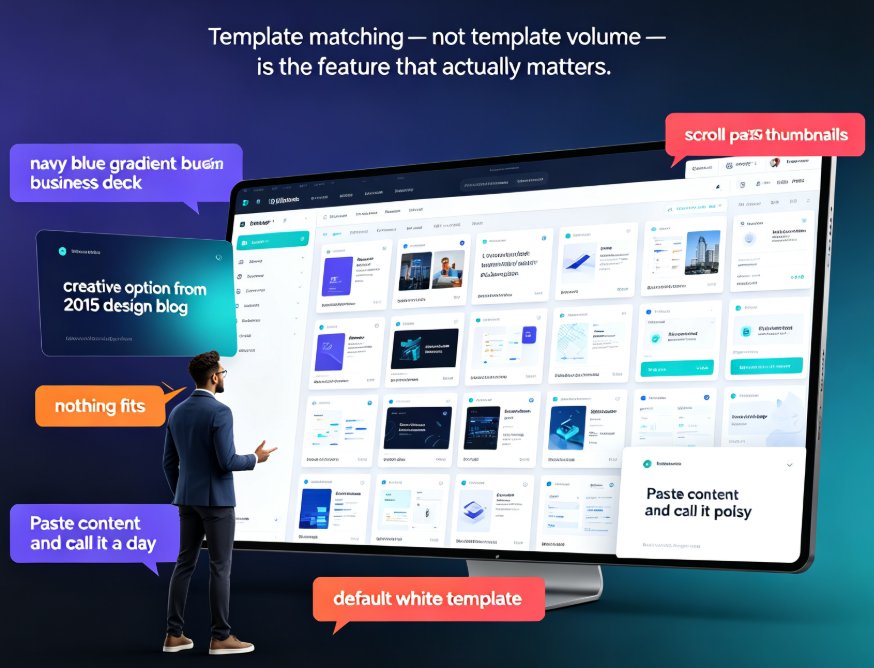
Traditional templates are like a one-size-fits-all shirt. They work for the basics, but they never fit perfectly. You have to manually adjust the collar, roll up the sleeves, and hope nobody notices. In presentation terms, that means:
- Manually rearranging bullet points to fit the template’s layout.
- Resizing charts that don’t align with the placeholder.
- Changing fonts because the template’s default clashes with your brand.
- Adding white space by trial and error.
The outcome? Hours of tedious work, inconsistent designs across slides, and a final product that still feels generic.
AI-powered design suggestions change this completely. Instead of you fitting your content into a template, the AI fits the template to your content. It analyzes your headings, paragraphs, data, and images, then recommends layouts, color schemes, and typography that make your message shine.
II. What Makes AI Design Suggestions Truly Smart?
It’s not just about auto-formatting. The real intelligence lies in content understanding. Here’s what happens under the hood:
1. Semantic Analysis of Your Outline
The AI scans your text and identifies structure: titles, subtitles, bullet lists, numbered steps, quotes, and data tables. It recognizes that a list of three items might work best as a three-column layout, while a timeline of five steps needs a horizontal flow.
2. Visual Hierarchy Recommendations
Not all content is equal. The AI identifies the most important point on each slide and suggests a layout that gives it visual prominence—larger font, bolder color, or a separate callout box. It ensures your audience sees the key takeaway first.
3. Intelligent Color and Font Pairing
Based on the tone of your content (formal proposal, creative pitch, educational lesson), the AI suggests color palettes and font combinations that fit. If you’re using a Brand Kit, it automatically applies your brand colors to the recommended layouts. No more guessing which blue matches your logo.
4. Data Visualization Suggestions
When the AI detects numbers, percentages, or comparisons, it suggests the best chart type—bar chart for comparisons, line chart for trends, pie chart for proportions. It even places the chart in a layout that leaves room for annotations.
III. Traditional Templates vs. AI-Powered Suggestions: A Side-by-Side Comparison
Let’s be real: templates still have their place. But the difference in workflow and output is huge. Here’s a comparison table that highlights the key differences:
| Aspect | Traditional Template | AI-Powered Design Suggestion (Zendeck) |
|---|---|---|
| Content fit | You manually adjust content to fit placeholders | AI adjusts layout to fit your content automatically |
| Time to first draft | 15–30 minutes (browsing + applying) | Under 2 minutes (paste outline → AI generates) |
| Design consistency | You manually check each slide | AI enforces brand kit rules across all slides |
| Data handling | You insert charts manually, then resize | AI suggests and inserts the right chart type |
| Layout variety | Limited to template’s pre-set slides | AI generates unique layouts per slide based on content |
| Learning curve | Low for basic use, high for polished results | Very low—AI handles design decisions |
| Customization | High flexibility but requires manual effort | One-click layout changes, AI still respects your edits |
The bottom line: If you value speed, consistency, and professional results without design training, AI-powered suggestions are a no-brainer.
IV. How Zendeck Brings This to Life in Your Workflow
Zendeck is built on the principle that great design should be invisible. You focus on your message; the AI handles the visuals. Here’s how it works in practice:
Step 1: Import Your Content
You can paste a Markdown outline, upload a Word document, or even import a PDF. Zendeck’s AI parses the entire document, recognizing headings, bullet points, quotes, and tables. Learn how to import PDFs, reports, and raw text.
Step 2: AI Generates a First Draft
Within seconds, Zendeck produces a complete slide deck. The AI has already chosen a layout for each slide, applied consistent fonts and colors, and placed your content in the most logical arrangement. You can see the result immediately.
Step 3: Refine with One-Click Suggestions
Don’t like the layout on a particular slide? Zendeck offers alternative layouts—just click, and the AI rearranges that slide’s content. You can also change the entire theme with one click, and the AI will reapply all design rules to every slide. Set up your Brand Kit to ensure your company’s colors and fonts are always used.
Step 4: Export or Share
Finalize your deck and export it to PPTX, PDF, or Google Slides. Or share a link for real-time collaboration with your team. Export options are flexible and maintain all design fidelity.
V. Real Scenario: A Teacher Builds a Course in 10 Minutes
Meet Sarah, a high school biology teacher. She has a syllabus outline, a few key diagrams, and a quiz. Normally, she spends Sunday afternoons building slides. With Zendeck:
- She pastes her outline into Zendeck.
- The AI generates 15 slides with layouts that highlight key terms, diagrams, and quiz questions.
- She uses the AI’s suggestion to add a timeline for the cell cycle (the AI detected a sequence in her outline).
- She adjusts a few bullet points and adds a photo from the asset library.
- She exports the deck as a PDF and shares it with students.
Total time: 12 minutes. The slides look like they were professionally designed. Sarah’s students are more engaged because the layouts are clear and consistent.
VI. The Future: AI That Learns Your Preferences
Current AI suggestions are already impressive, but the next wave is personalization. Imagine an AI that learns your design preferences over time—the colors you tend to pick, the layout styles you favor, the fonts you avoid. Zendeck is already moving toward this with its Brand Kit and template library, but deeper learning is on the horizon.
For now, the key takeaway is this: AI-powered design suggestions are not just a gimmick; they are a fundamental shift in how we create presentations. They save time, improve quality, and make professional design accessible to everyone.
FAQ
Q1: How does AI-powered design suggestion differ from using a traditional template? A: Traditional templates are static—you apply a pre-set layout and manually adjust it. AI-powered suggestions analyze your actual content (headings, bullet points, data) and recommend layouts, colors, and fonts that best fit that specific content. It adapts dynamically, not just reskins.
Q2: Can Zendeck's AI design suggestions maintain brand consistency? A: Yes. Zendeck's Brand Kit feature lets you upload company colors, logos, and fonts. The AI then applies these consistently across all slides, even when regenerating layouts. This ensures every presentation stays on-brand without manual checking.
Q3: What types of content does Zendeck's AI understand for design suggestions? A: Zendeck's AI processes text outlines, Word documents, raw markdown, PDFs, and even imported data. It identifies headings, subpoints, lists, quotes, and data tables, then suggests layouts that best present each element—like a chart for data or a timeline for sequential steps.
Q4: Does Zendeck offer any templates if I still want to start from a design? A: Absolutely. Zendeck has a library of 500+ premium templates categorized by use case (education, business, marketing). You can start from a template, and Zendeck's AI will still optimize the layout based on your content. It's the best of both worlds.
Q5: How quickly can I get a finished presentation with Zendeck's AI suggestions? A: Most users can go from a rough outline to a polished deck in under 10 minutes. The AI generates the first draft instantly, then you can tweak content, switch layouts, or apply a new theme with one click. No design skills required.