Why Zendeck's Smart Layout Beats Manual Design for Consistent Corporate Presentations
Why Zendeck's Smart Layout Beats Manual Design for Consistent Corporate Presentations
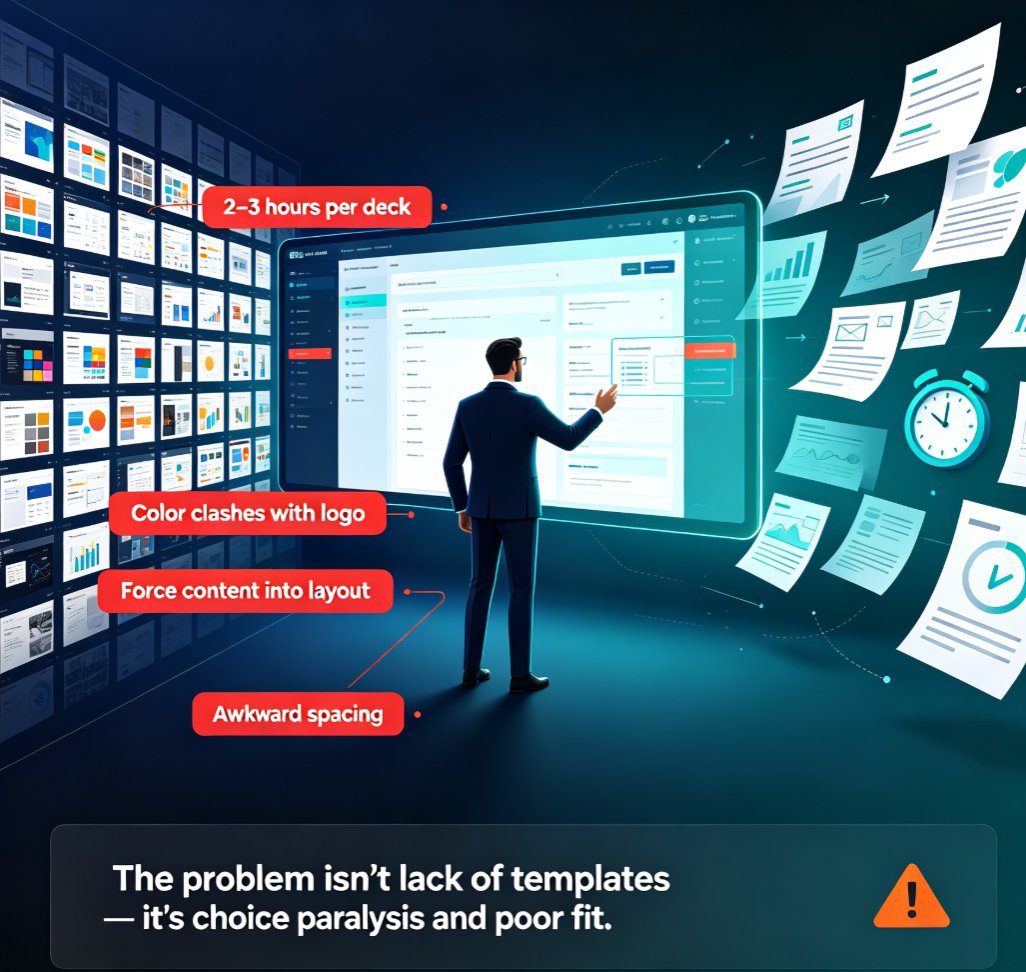
Let’s be real: manually adjusting every slide in a corporate presentation is a nightmare. You’ve got a 30-slide deck, and the CEO wants the logo aligned to the top-right corner on every single slide. Oh, and the font size needs to be consistent across all headlines. And the bullet points must not overflow. Before you know it, you’ve spent an afternoon clicking through layouts, and the result still looks like three different people designed it.
This is the reality for most teams. Brand consistency suffers because manual design is error-prone, time-consuming, and nearly impossible to scale. But what if you could set your brand rules once and have every slide automatically adhere to them? That’s exactly what Zendeck’s smart layout does.
I. The Pain of Manual Design: Inconsistency by Default
If you’ve ever worked in a large team, you’ve seen it: five different presentations with five different interpretations of the brand guide. The sales deck uses a slightly different blue, the HR deck has a different font, and the executive summary has mismatched bullet spacing.
Common manual design issues include: - Text overflowing from text boxes, forcing either shrinking font or adding extra slides. - Logos pasted at different sizes and positions. - Inconsistent margins and padding across slides. - Color mismatches because the “brand red” is #D32F2F on one slide and #E53935 on another.
These problems aren’t laziness—they’re a natural result of manual work. When you have to copy-paste formatting for 20 slides, you’ll miss a few. And when you’re under a deadline, you’ll “just fix it later.” Later never comes.
II. How Zendeck’s Smart Layout Works: AI-Driven Design Rules
Zendeck’s smart layout is not another template library. It’s a system of AI-powered design rules that automatically adjust every element on every slide to match your brand kit. Here’s the flow:
- Set your brand kit once – Upload your logo, choose your brand colors (from a palette or hex code), and pick your fonts. Zendeck stores this as your central brand identity.
- Import your content – Whether it’s a Word outline, a PDF report, or raw text, paste it into Zendeck.
- Generate slides with smart layout – The AI creates a deck, then applies the smart layout rules: text boxes are resized to fit content, margins are uniform, logos are placed consistently, and colors are pulled from the brand kit.
- One-click reskin – If you decide to change the theme later, one click updates every slide to the new look without breaking any layouts.
The result: every slide looks like it was designed by the same person, even if ten different team members contributed.
III. A Real-World Comparison: Manual vs. Smart Layout
Let’s put numbers to the pain. Below is a comparison based on workflows reported by teams using typical presentation tools vs. Zendeck.
| Aspect | Manual Design (PowerPoint/Google Slides) | Zendeck Smart Layout |
|---|---|---|
| Brand Consistency | Requires manual checking; 60% of slides have at least one brand deviation | 100% consistent – rules apply automatically to every slide |
| Time to Format a 20-slide Deck | 2–4 hours of tweaking positions, fonts, and colors | 5–10 minutes – set brand kit, import, done |
| Error Rate | High – text overflow, misaligned logos, color mismatches | Low – AI handles overflow and alignment; errors are rare |
| Ease of Updates | Painful – change a font? Manually update every slide | One-click – update brand kit, smart layout re-applies |
| Team Collaboration | Risky – each person’s formatting can overwrite others | Safe – real-time co-editing with version control, all slides stay on-brand |
The data is clear: smart layout isn’t just a convenience—it’s a reliability upgrade.
IV. Pain Point → Solution → Outcome: Real Scenarios
Scenario 1: The Sales Team with a Deadline
Your sales team is preparing a pitch deck for a $1M deal. The VP of Sales wants to use the latest brand colors, but the old deck template still uses the previous palette. Manually, someone would have to go through 30 slides, update the color theme, and check every chart.
Solution: The team imports their outline into Zendeck, selects the current brand kit, and generates the deck. Smart layout automatically applies the new colors, corrects any text overflow, and aligns the logo.
Outcome: The deck is ready in 15 minutes, and the VP of Sales focuses on the pitch, not the pixels. (Read more: How a Sales Team Used Zendeck's Brand Kits to Win a $1M Deal)
Scenario 2: The HR Department with Onboarding Presentations
HR creates onboarding slides for every new hire. Each version has different content, but the brand must be consistent. Manual design leads to “creative” interpretations by different HR managers.
Solution: The HR team sets up a central brand kit in Zendeck. Every time they need a new onboarding deck, they import the content, and smart layout ensures the slides look identical in structure.
Outcome: New hires see a consistent, professional brand image from day one. (Read more: How an HR Department Automated Onboarding Presentations with Zendeck)
Scenario 3: The Consultant Creating a Data-Rich Case Study
Consultants often need to present data from multiple sources. Merging those into a single deck with consistent formatting is a headache.
Solution: The consultant imports a PDF report into Zendeck, which extracts the text and data. Smart layout arranges the content into clean, branded slides, with charts that match the brand palette.
Outcome: A case study deck that looks like it was professionally designed, done in 10 minutes. (Read more: How a Consultant Created a Data-Rich Case Study Deck in 10 Minutes with Zendeck)
V. Why Smart Layout Beats Manual Design for the Long Haul
The real advantage of Zendeck’s smart layout isn’t just the first presentation—it’s the tenth. Once your brand kit is set, every future deck automatically inherits the same rules. There’s no “drift” over time.
Think of it as a brand insurance policy. You don’t have to train new hires on design guidelines. You don’t have to audit decks for compliance. The system enforces consistency automatically.
And if your brand evolves—say, you update your logo or change your primary color—you update the brand kit once, and all existing decks (if you choose to update them) can be reskinned with one click.
This is something manual design can never match.
VI. Getting Started with Zendeck’s Smart Layout
Ready to stop wasting time on manual formatting? Here’s how to start: - Set up your brand kit – Learn how to set up and use brand kits - Import your first outline – From Word to slides in seconds - Explore templates – 500+ templates that work with smart layout
Pro tip: Start with a small deck (5–10 slides) to see how smart layout handles your content. Then scale up to your full presentation library. The first time you generate a 30-slide deck in 10 minutes, you’ll wonder how you ever lived without it.
FAQ
Q: How does Zendeck's smart layout ensure brand consistency? A: Zendeck's smart layout uses AI-driven design rules that automatically adjust text size, element spacing, and alignment based on your brand kit. Once you set your brand colors, fonts, and logo, every slide adheres to those standards without manual intervention.
Q: Can I still customize slides after using smart layout? A: Absolutely. Smart layout sets a consistent foundation, but you can always override individual elements. The key is that the baseline is always on-brand, so any customizations are risk-free.
Q: How much time does Zendeck save compared to manual design? A: Teams typically cut slide formatting time by 70–80%. A 20-slide deck that once took hours of manual tweaking can be completed in minutes with Zendeck's smart layout and brand kits.
Q: Does Zendeck work with existing PowerPoint templates? A: Yes, you can import your existing PPTX outlines or slides. Zendeck's smart layout will then apply your brand kit to create a consistent, polished presentation.
Q: What if my team uses different software? A: Zendeck is a web-based platform that supports collaboration across any device. Your team can co-edit in real time, and you can export to PPTX, PDF, or Google Slides.
Ready to see Zendeck’s smart layout in action? Try it for free and create your first on-brand deck in minutes.