How an HR Department Automated Onboarding Presentations with Zendeck
The Problem: Onboarding Decks That Were a Full-Time Job
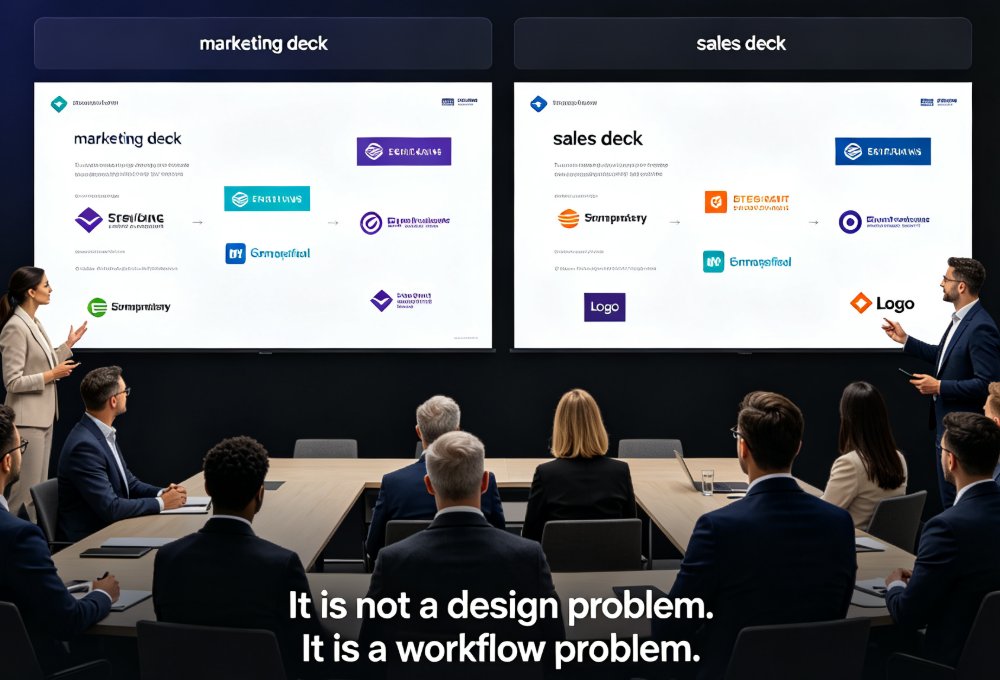
Let me paint you a picture. You're an HR manager at a company with 1,200 employees spread across three offices—New York, London, and Singapore. Every quarter, you need to update the new hire onboarding presentation. The deck includes company history, benefits, IT setup, compliance training, and a team directory. But each location has different benefits providers, different office-specific slides, and different trainers. So you end up maintaining three separate PowerPoint files, emailing them back and forth, and praying that the London office doesn't accidentally overwrite the New York version.
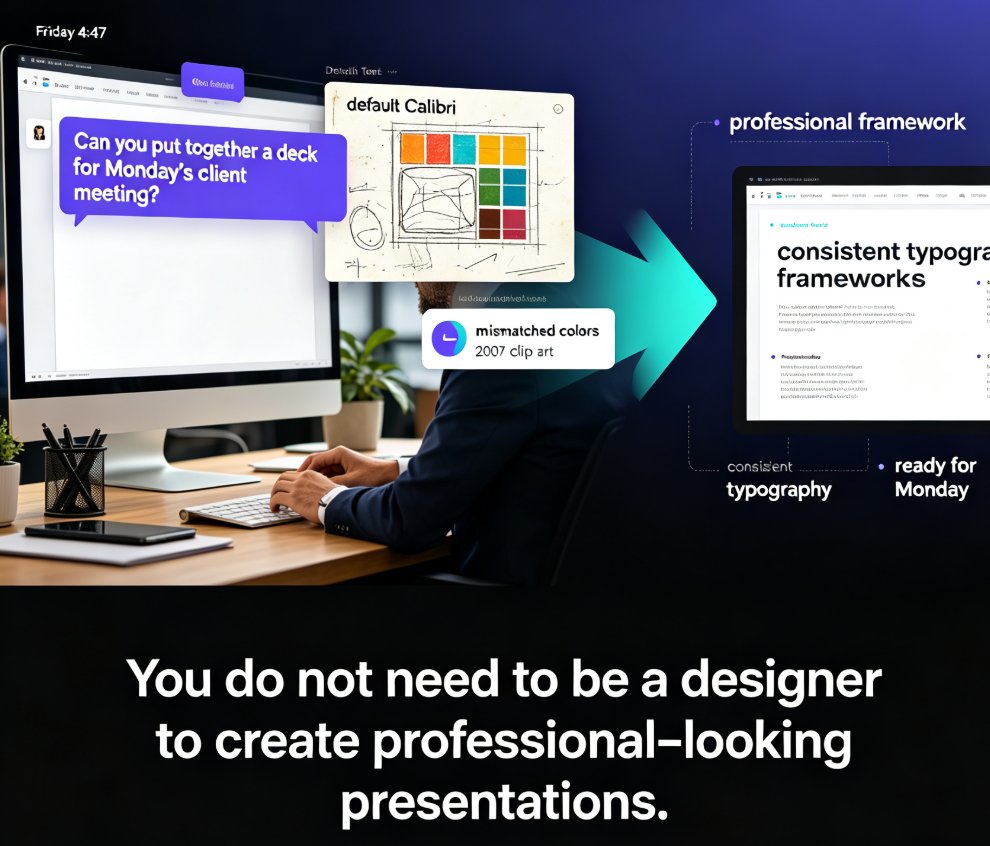
Sound familiar? It's a nightmare of version control, inconsistent branding, and hours of manual formatting. One HR director we worked with told us she spent 8 hours every month just updating the onboarding deck. That's a full day of work—gone. And she wasn't even the only one; across the three offices, the total time spent was over 20 hours per month.
83 percent of IT and HR leaders have invested in HR platforms to facilitate employee self-service, according to Zendesk. But those platforms often miss one critical piece: the actual presentation content that new hires see on day one.
The Solution: A Centralized, AI-Powered Deck Library
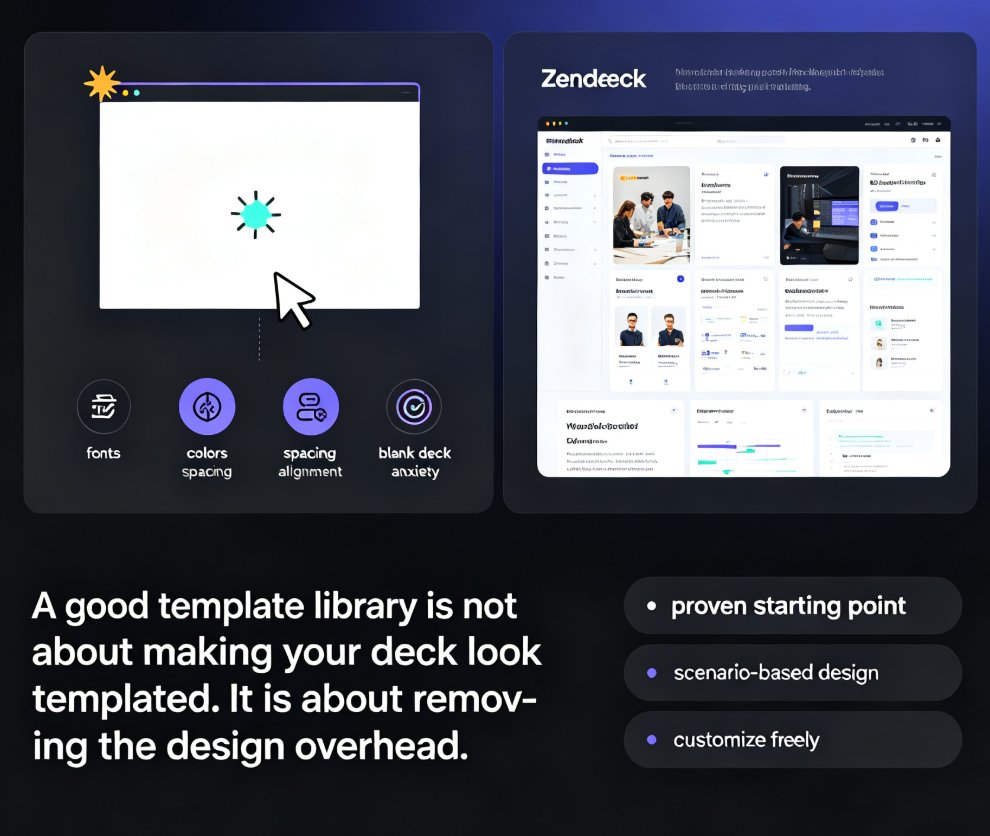
Enter Zendeck. The HR team decided to build a single source of truth for onboarding presentations. Instead of three separate files, they created one master deck in Zendeck's template library, then used brand kits to ensure every slide matched corporate guidelines. The key was Zendeck's ability to duplicate and customize slides for each location while keeping the parent template locked.
Here's the workflow they followed:
- Build the master deck – The HR director imported their existing Word outline into Zendeck using the Word import feature. The AI generated a visually consistent draft in seconds.
- Apply a brand kit – They set up a brand kit with company colors, fonts, and logo placement. Zendeck automatically applied it to all slides. (See how to set up brand kits.)
- Create location variants – For each office, they duplicated the relevant slides and swapped in location-specific content: benefits packages, local contact info, and office maps. The parent template ensured that core slides (like company values) remained identical.
- Enable real-time collaboration – HR managers from all three offices co-edited the deck simultaneously. Comments and version control kept everyone aligned. (Learn more about real-time collaboration.)
- Publish and share – Once finalized, they shared a single link. New hires received a consistent, on-brand experience regardless of location.
The result: Update time dropped from 8 hours to 2.4 hours per deck—a 70% reduction.
The Outcome: More Than Just Time Savings
Let's be real—cutting 70% of update time is huge. But the real win was consistency. Before Zendeck, the New York deck might have an outdated company mission statement, while the Singapore deck used a different font. New hires noticed. And when you're trying to build a strong company culture from day one, your first impression matters.
With Zendeck, every slide across all locations now uses the same approved visuals, the same structure, and the same tone. The HR team also started using the PPT-to-video tool to create narrated micro-courses for compliance training, embedding those videos directly into the onboarding deck. (See how to turn slides into videos.)
The new employee experience became uniform, professional, and scalable.
The Numbers: Before and After
To give you a clear picture, here's a comparison of the old vs. new workflow:
| Aspect | Before Zendeck | After Zendeck |
|---|---|---|
| Time to update per location | 8 hours | 2.4 hours |
| Total monthly time (3 locations) | 24 hours | 7.2 hours |
| Number of file versions floating | 15+ (emails, USB drives, network folders) | 1 master version with version history |
| Brand consistency | Spotty – different fonts, logos, colors | 100% consistent via brand kit |
| Collaboration method | Email attachments, in-person meetings | Real-time co-editing, comments, @mentions |
| New hire feedback | Mixed – some outdated slides confused new hires | Positive – unified experience across offices |
And here's a visual of the time savings:
What Made It Work: The Right Features in the Right Hands
A tool is only as good as its adoption. The HR team credited Zendeck's template library and brand kits as the features that made the switch stick. They didn't need to learn design—they just needed to choose a template, drop in their content, and let the AI handle the layout.
One pro-tip from the team: Lock critical slides in the master deck. Use Zendeck's permissions to prevent accidental edits to mandatory slides like legal disclaimers or company mission. That way, location-specific teams can still customize their own slides without breaking the core message.
And if you're worried about your existing PowerPoint files, don't be. Zendeck lets you import existing PPTX files and convert them to the platform, so you don't have to start from scratch.
The Bottom Line: Why This Case Study Matters for Your Team
If your HR department is spending more than a few hours a month on presentation updates, you're overpaying—in time, in consistency, and in employee experience. The 70% reduction in update time is impressive, but the real ROI is the unified brand experience that every new hire receives, whether they're in New York, London, or Singapore.
Want to see how it works? Start by exploring Zendeck's template library and imagine your own onboarding deck, cleaned up and automated. Your first presentation takes minutes, not days.
FAQ
How long did it take to set up the initial onboarding deck template in Zendeck?
The HR team spent about two hours building the first master deck using Zendeck's template library. They imported their existing content, applied a brand kit, and customized placeholders for location-specific details. After that, creating a new hire presentation took under 10 minutes.
What collaboration features did the HR team use most?
Real-time co-editing and version control were the most-used features. Multiple HR managers across different locations could edit the same deck simultaneously, while Zendeck's version history let them roll back changes if needed. Comments and @mentions also streamlined approvals.
Can Zendeck handle different languages for onboarding decks in global offices?
Yes. Zendeck supports Unicode text, so the team created a single master deck in English, then duplicated it and translated the text for French, German, and Spanish versions. The brand kit and layout stayed consistent across all languages.
How did the team measure the 70% reduction in update time?
They tracked the time spent updating the deck during the previous quarter (manual, averaging 8 hours per update) versus the first quarter using Zendeck (averaging 2.4 hours per update). The time savings came from eliminating manual formatting, copy-paste errors, and cross-departmental email chains.
What if the HR team needs to include a video or interactive element in the onboarding deck?
Zendeck's PPT-to-video tool can turn static slides into narrated micro-courses. The team used this for compliance training modules within the onboarding deck, embedding videos directly in the presentation. They also used the asset library to add icons and charts.