No Design Skills? Zendeck Template Library Has a Deck for Every Need
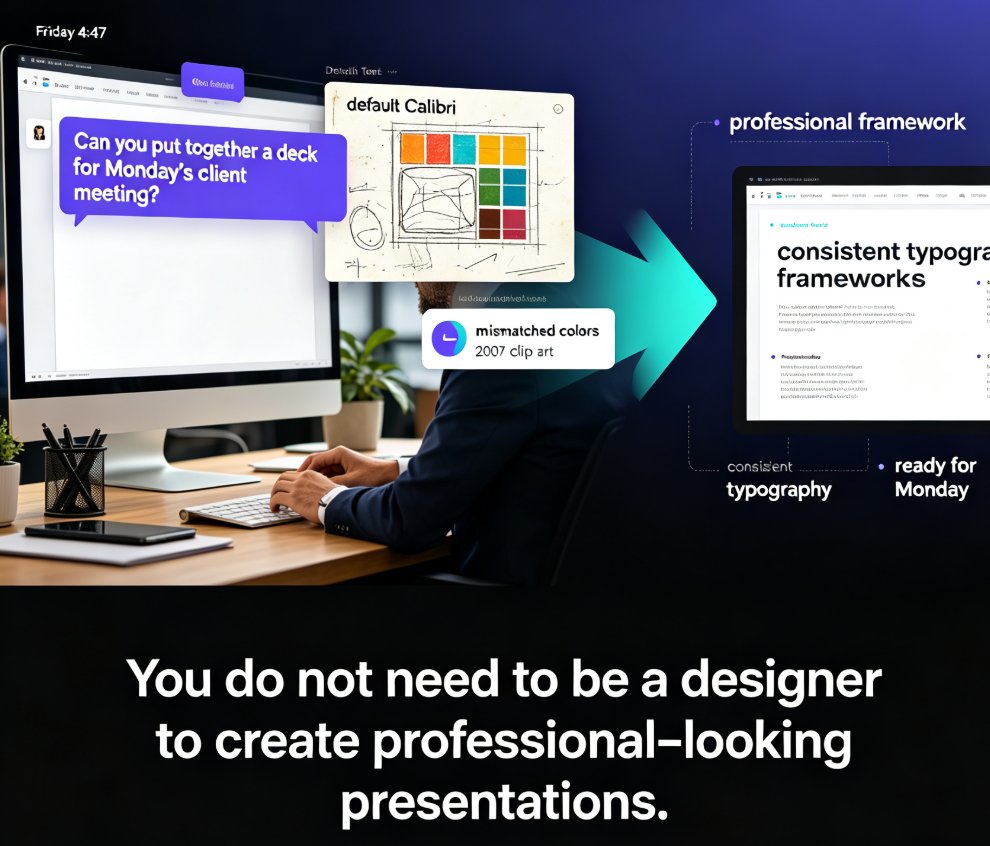
It's 4:47 PM on a Friday. Your manager just pinged you: "Can you put together a deck for Monday's client meeting?" Your heart sinks. Not because you don't know the material — you do. But because you know what a deck you build from scratch looks like: default Calibri, mismatched colors, and clip art that screams 2007.
Here's the thing: you don't need to be a designer to create professional-looking presentations. You just need a better starting point.
01 — The Design Skill Gap Is Real (And It's Not Your Fault)
Most professionals were never trained in visual design. You learned to write, analyze, and present — not to kern type or build a color palette. Yet somehow, you're expected to produce slides that look like they came from a creative agency.
The result? Hours wasted fighting alignment guides, choosing fonts, and rearranging boxes that never quite line up.
The average non-designer spends more time on slide aesthetics than on the actual content.
That's backwards. Your message matters more than your margins — but if the slides look amateur, nobody gets far enough to appreciate the message.
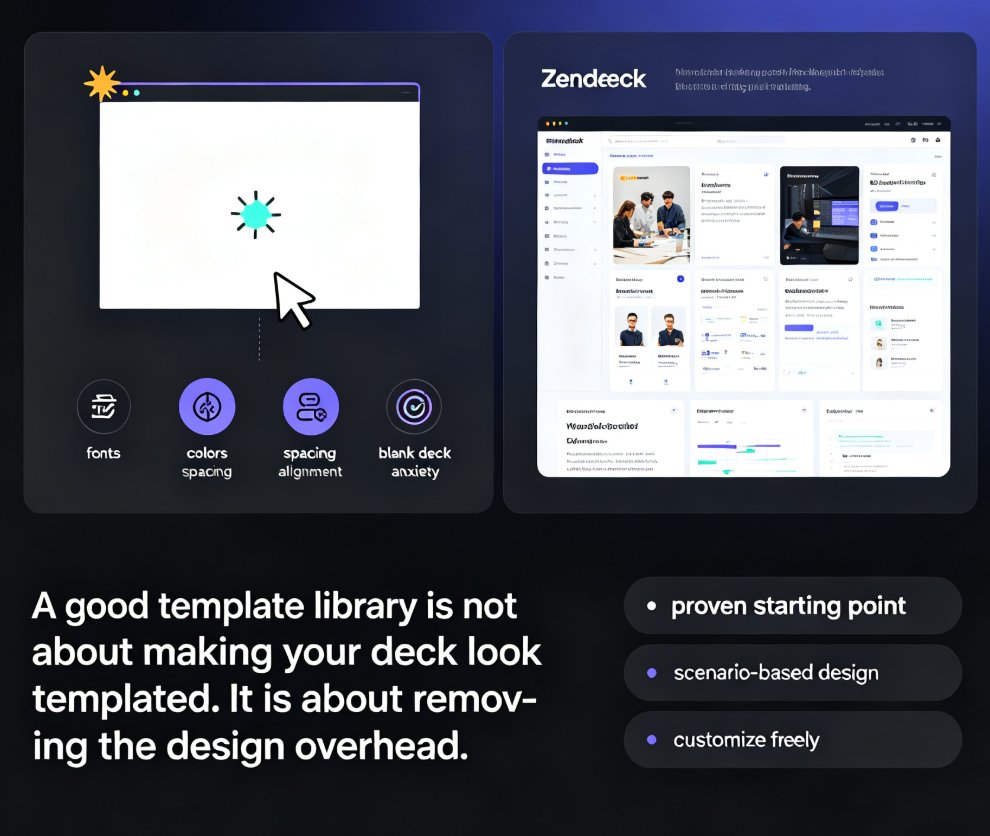
Templates exist precisely to close this gap. They give you a professionally designed framework — typography, color, spacing, layout — so you can focus on what actually matters: your content. And when the template library is powered by AI, the gap closes even faster.
02 — Why a Template Library Beats Starting from a Blank Deck
Let's be real: opening a blank PowerPoint slide is a design decision you're not qualified to make. Every blank slide is a blank canvas, and blank canvases are where good ideas go to die under bad formatting.
A good template library changes the equation entirely:
| Approach | Time to Build a 20-Slide Deck | Design Quality | Consistency |
|---|---|---|---|
| Blank slide, manual design | 6–8 hours | Depends on your skill | Low |
| Static template (download & fill) | 3–4 hours | Good, but rigid | Medium |
| Zendeck AI template library | Under 1 hour | Professional by default | High |
The difference isn't just time — it's confidence.
Every slide you produce inherits the template's design quality automatically. You can't accidentally make it ugly.
That's the hidden superpower of a good template library: it enforces a baseline of visual competence across your entire deck, even if you've never opened a design tool in your life.
◉ But aren't all templates basically the same?
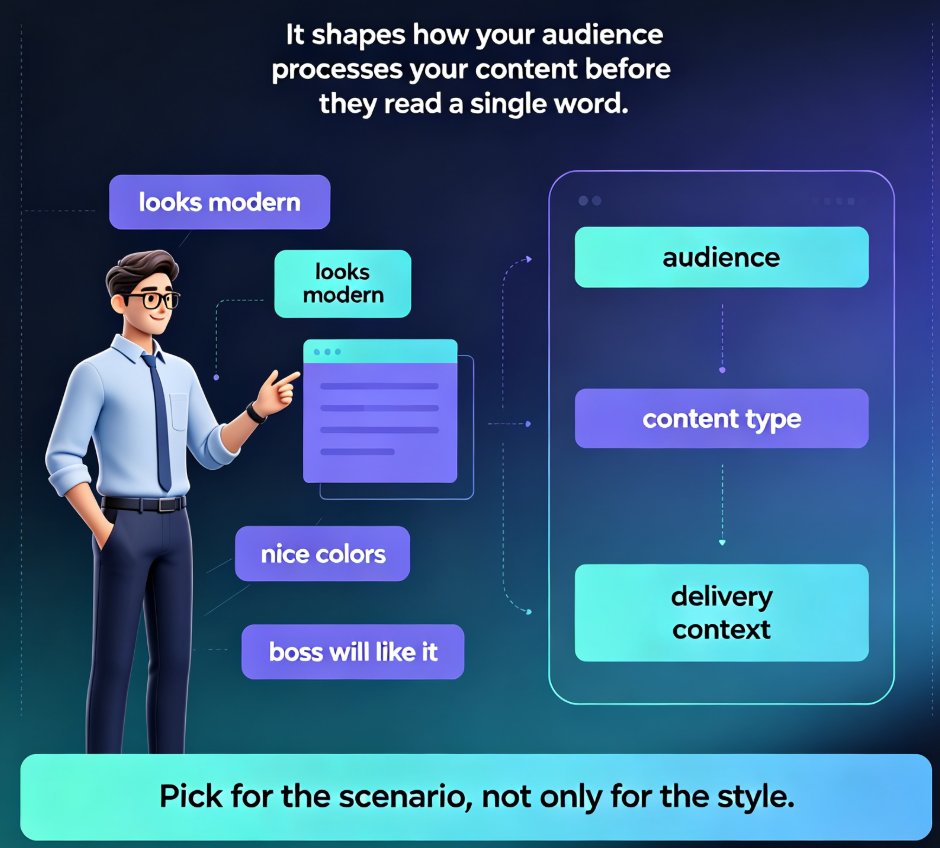
No — and this is where most free template sites fail you. Generic templates are designed to look "nice" in a vacuum. They don't account for how much text you actually have, what kind of content you're presenting, or who your audience is. That's why so many template-based decks still look off: the template was never designed for the scenario.
03 — Zendeck's Template Library: Organized by Real Scenarios
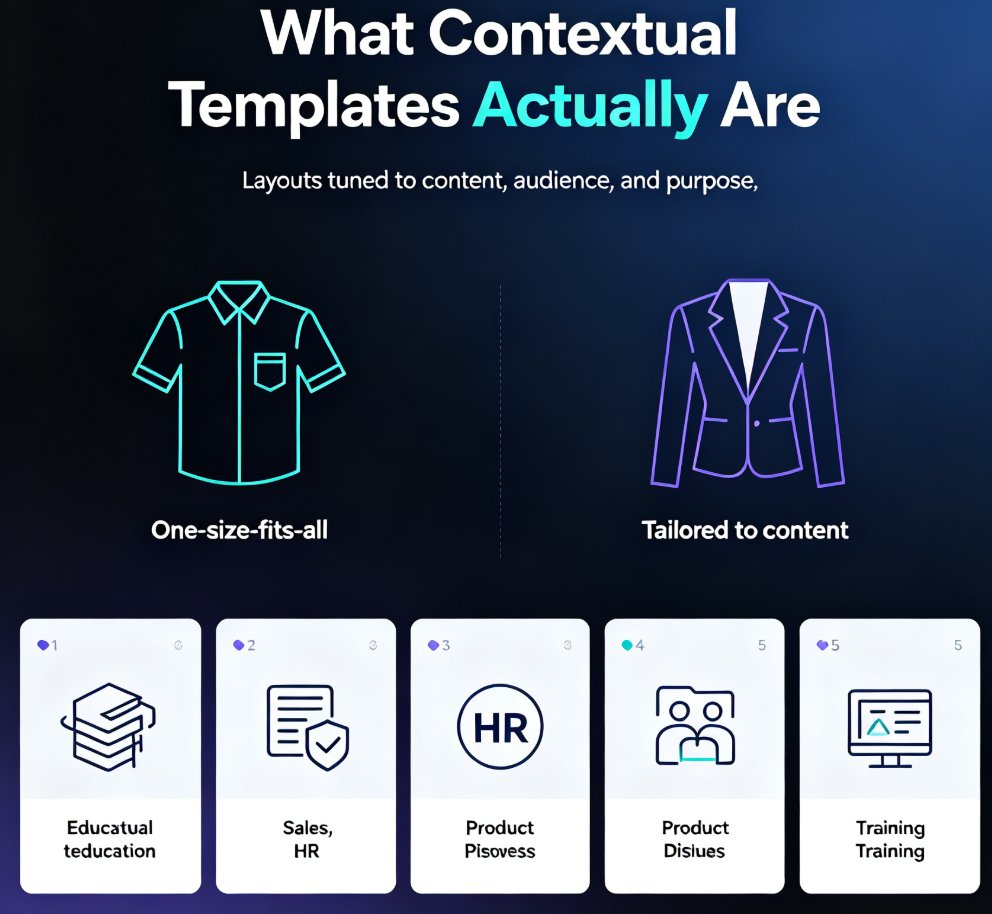
Here's what makes Zendeck's template library different from the generic template dump you find on free template sites: it's organized by scenario, not just by color scheme.
You're not browsing "Blue Business Pack #47." You're choosing from templates built for the way you actually work:
- Courseware & training decks — structured layouts for lesson plans, learning objectives, and assessment slides. Perfect for educators and corporate trainers. If you're building training material, check out our guide to AI presentation templates for trainers.
- Business & pitch decks — investor-ready layouts with clear narrative arcs, financial projections, and problem-solution framing.
- HR & internal comms — onboarding decks, policy updates, and team announcements that look polished without feeling corporate-cold.
- Marketing & product launches — bold, visual-first layouts designed to showcase features and drive engagement.
- Academic & research — citation-friendly layouts, data presentation slides, and methodology frameworks.
Each category contains multiple design directions — minimal, bold, playful, formal — so you're not locked into one aesthetic.
◉ How do I know which template category fits my deck?
Ask yourself one question: what is the audience supposed to do after seeing this deck? If they're supposed to learn, it's courseware. If they're supposed to invest, it's a pitch. If they're supposed to comply, it's training. The scenario determines the category — and Zendeck's library makes that mapping obvious.
The right template does half the thinking for you. It suggests where the title goes, how much text fits, and what visual hierarchy looks like. You just fill in the content.
04 — The Template Is Just the Starting Line
Here's where Zendeck goes beyond what a static template file can do. Once you've picked a template, the AI takes over:
Smart layout. Paste in your content — even a messy Word outline or Markdown file — and Zendeck automatically maps it to the template's structure. Headings become slide titles, bullet points become content blocks, and the layout adjusts to fit your actual content. No more squeezing text into boxes that were designed for someone else's words.
One-click reskin. Changed your mind about the color scheme? Want to try a different visual direction? One click re-skins the entire deck with a new template's fonts, colors, and layout rules — without touching your content. This is what we mean when we say AI deck tools are moving beyond static templates.
◉ What if I change my mind about the template halfway through?
That's exactly what one-click reskin is for. Your content stays put; only the visual framework changes. You can audition three different templates in five minutes and keep the one that feels right.
Brand kit integration. If your organization has brand guidelines, Zendeck can apply them automatically across any template. Your deck looks on-brand even if you picked a template that wasn't designed for your company. Here's how to set up a custom brand kit for consistent decks across your team.
Asset library. Need an icon, chart, or illustration that fits your template's style? Zendeck's asset library has you covered — and the AI can generate custom visuals that match your template's aesthetic. No more hunting through free icon sites hoping something matches. For a deeper look at how these libraries are evolving, see how AI-generated icons and charts are changing asset libraries.
05 — How to Pick the Right Template: A Practical Workflow
You've got a template library at your fingertips. Now what? Here's a workflow that works:
Step 1: Define the scenario first. Are you teaching, pitching, training, or reporting? The scenario determines the template category. Don't pick a marketing template for a compliance training deck — the visual language will feel wrong.
Step 2: Match the template to your audience's expectations. A board meeting deck should feel restrained and data-forward. A product launch can be bolder. A classroom deck needs clarity over flash. Zendeck's category structure makes this easy.
Step 3: Let the AI handle the layout. Once you've picked a template, import your content and let Zendeck's smart layout do its thing. Don't fight the template — trust it. The design decisions were made by professionals.
Step 4: Customize the details. Swap colors to match your brand, add your logo, adjust the asset library visuals. This is where you make it yours.
Step 5: Review on a real screen. Always preview your deck in presentation mode before sharing. What looks fine in the editor can look different in full-screen.
Quick tip from someone who's been there: don't over-customize. The whole point of a template is that someone already made the hard design decisions. If you find yourself moving elements around for more than ten minutes, step back and ask whether the change actually improves the slide — or just feels like "doing something."
06 — From Template to Finished Deck: The Full Zendeck Workflow
The template library isn't an isolated feature — it's the foundation of a complete workflow. Here's what the full journey looks like:
- Start with an outline. Write your content in Word, Markdown, or even a text file. Structure matters more than formatting.
- Pick a template. Choose from scenario-based categories in the library.
- Generate. Zendeck converts your outline into a structured, visually consistent deck — automatically.
- Refine. Use smart layout, one-click reskin, and the asset library to polish.
- Share or convert. Export, share via link, or turn the deck into a narrated video.
That last step is worth highlighting. If you're building courseware or training material, converting your deck to a narrated micro-course extends the life of your work far beyond a single meeting. Your template-based deck becomes a video lesson, a training module, or a product demo — without any additional design work.
07 — What About Template Trends in 2026?
If you're wondering whether template libraries are a passing trend, the answer is no — but they're evolving. The shift is toward contextual templates that adapt to content rather than forcing content into fixed layouts. The 2026 template library trends point toward templates that understand what they're being used for.
That's exactly where Zendeck is heading. The template library isn't just a collection of pretty slides — it's an intelligent system that matches your content, your scenario, and your brand to the right visual framework.
The bottom line: you don't need design skills to create professional presentations. You need the right starting point. Zendeck's template library gives you that — and then some.
FAQ
Q: Do I need design skills to use Zendeck's template library?
No. The entire point of the template library is to eliminate the design skill requirement. Templates come with professionally designed layouts, typography, and color schemes. You just add your content and Zendeck's AI handles the visual structure automatically.
Q: What types of templates does Zendeck offer?
Zendeck's library covers courseware and training, business and pitch decks, HR and internal communications, marketing and product launches, and academic and research presentations — each with multiple design directions like minimal, bold, playful, and formal.
Q: Can I customize templates to match my brand?
Yes. Zendeck's brand kit feature applies your organization's colors, fonts, and logo across any template. You can also use one-click reskin to change the visual direction at any time without touching your content.
Q: How is Zendeck different from Canva or PowerPoint templates?
Zendeck's templates are AI-powered rather than static files. The system automatically maps your content to the template structure, re-skins the entire deck in one click, and integrates with the asset library and PPT-to-video features — so you get a complete workflow, not just a starting file.
Q: Can I convert a template-based deck to video?
Yes. Zendeck's PPT-to-video feature turns your deck into a narrated micro-course or video presentation, with auto-generated subtitles and voiceover options. This is especially useful for educators and trainers building reusable learning content.