2026 Template Library Trends: Why Contextual Templates Beat Generic
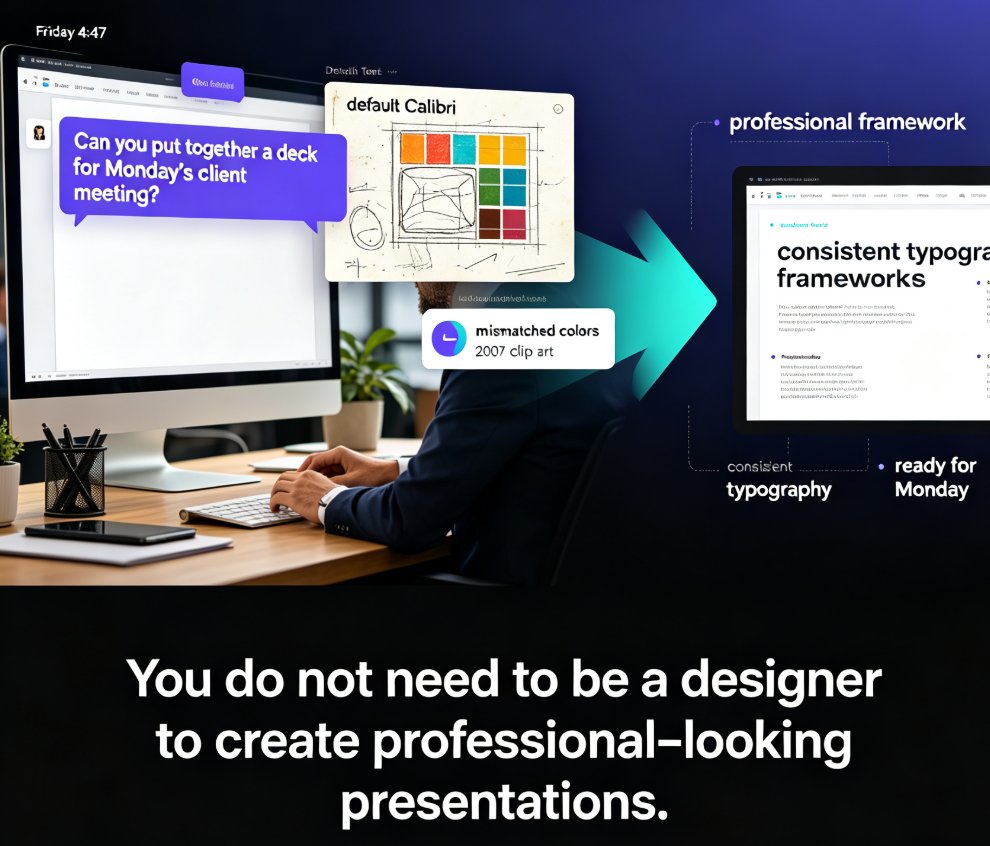
Let's be honest: you've probably opened a template library, found a deck that looked stunning in the preview, and then spent 40 minutes fighting it. The fonts felt wrong for your audience. The slide structure forced your content into boxes it didn't fit. By slide five you were back to a blank canvas, wondering why you bothered.
That's not a you problem. That's a template problem. And it's exactly why 2026 is the year template libraries stop selling "pretty" and start selling "relevant."
01 Why Generic Templates Fail You
Generic templates are built to look good anywhere — which means they fit nowhere perfectly. A template designed for a tech startup keynote will feel stiff in a corporate training session. A sales deck template with bold, punchy layouts will bury the nuance of an academic lecture. The result is the same: you spend more time fixing the template than building the content.
The deeper issue is structural. Generic templates assume every presentation follows the same arc: title, agenda, three points, conclusion. But a courseware deck needs learning objectives, checkpoints, and summaries. A sales pitch needs a problem-solution-value flow. An HR onboarding deck needs compliance sections and practical next steps. When the template doesn't match the structure your content demands, you end up bending your message to fit the design — and that's backwards.
Think about the last time you built a training deck. You probably started with a template that had a "key takeaways" box on the final slide. But your learners needed a recap slide, a quiz slide, and a clear call to action. So you deleted, rearranged, and rebuilt half the deck. That's not customization — that's damage control.
The real cost of generic templates isn't aesthetic. It's the hours you lose reshaping content to fit a layout that was never designed for your use case.
02 What Contextual Templates Actually Are
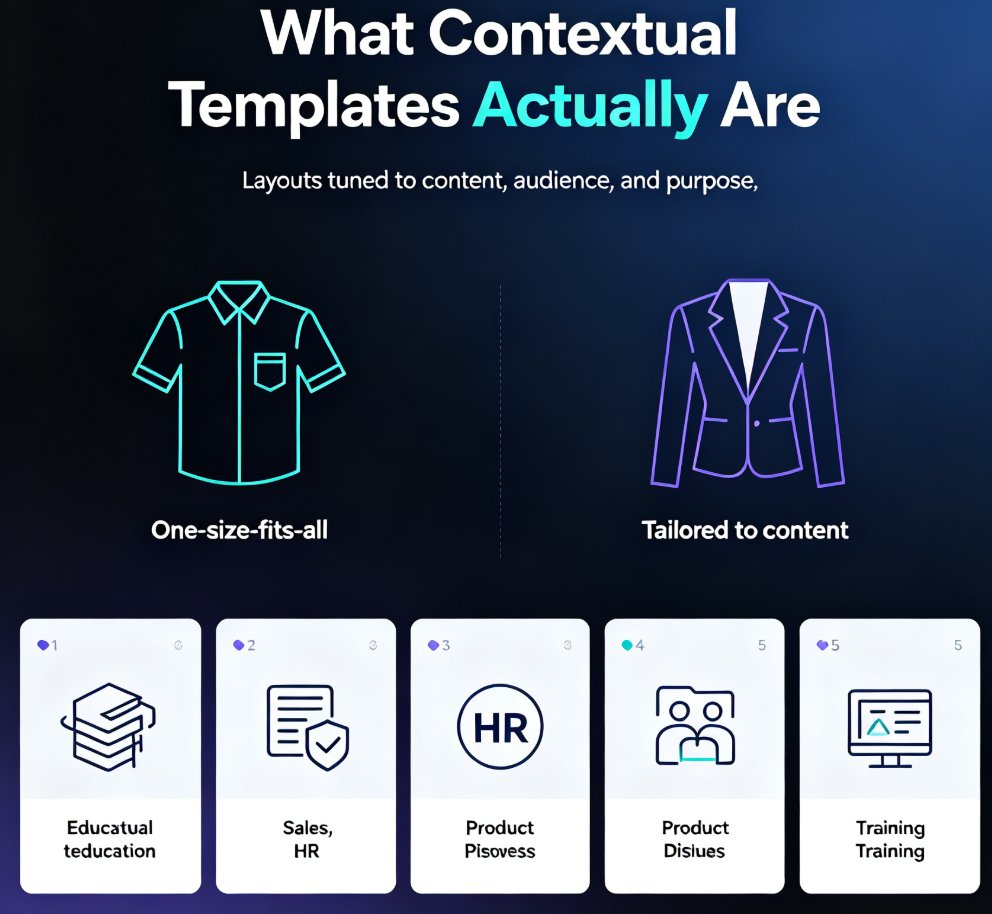
A contextual template is a layout that adapts to what you're presenting and who you're presenting to. Instead of one generic "business deck," you get templates tuned for education, sales, HR, product launches, training, and more. Each one comes with the right slide types, the right visual rhythm, and the right tone baked in.
Think of it this way: a generic template is a one-size-fits-all shirt. A contextual template is tailored. Same fabric, but the cut matches your body — and in this case, your content.
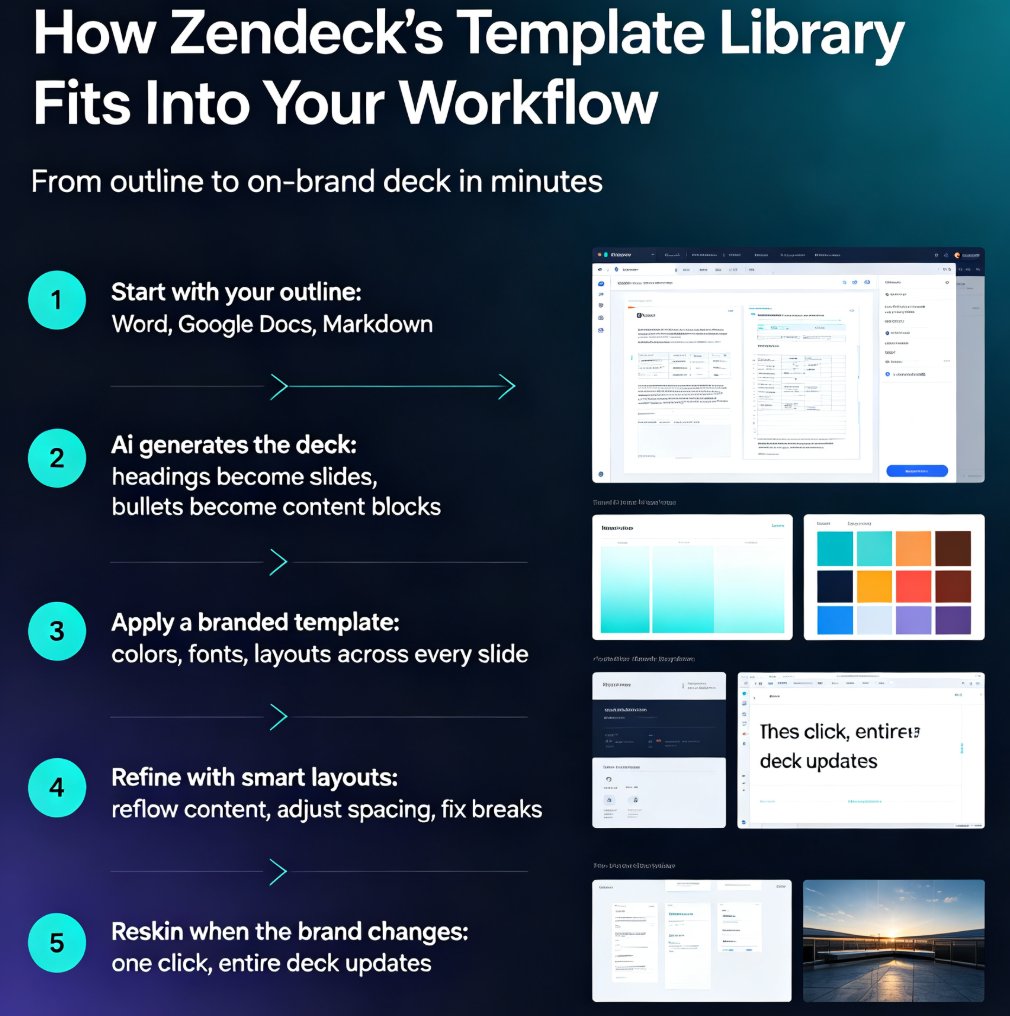
Contextual templates also respond to content type. Paste in a Word outline and the template rearranges itself to highlight key points. Add a data table and the layout shifts to give the chart room to breathe. This is where AI enters the picture, and it's changing what "template" even means. This shift toward context-aware design is one of the most significant changes in how presentation tools work.
◉ What makes a template "contextual" vs. just "niche"?
A niche template is simply themed — a "healthcare" template with a stethoscope icon. A contextual template understands the structure of healthcare content: patient cases, clinical data, regulatory notes — and provides slide layouts that support each. The difference is structural intelligence, not just visual theming.
03 Vertical-Specific Templates: Education, HR, Sales
Let's look at three real scenarios where contextual templates outperform generic ones.
| Scenario | Generic template gives you | Contextual template gives you | Outcome |
|---|---|---|---|
| Education / courseware | Title slide, bullet lists, generic charts | Learning objectives, checkpoint slides, summary slides, quiz layouts | Students follow the lesson arc; no more cramming objectives into a "key takeaways" box |
| HR onboarding | Standard corporate deck | Compliance sections, policy callouts, interactive team intro slides | New hires get structure that matches how training actually flows |
| Sales pitch | Bold hero slide, feature bullets | Problem → solution → value framework, ROI slides, objection-handling layouts | The deck mirrors the sales conversation instead of fighting it |
The pattern is clear: when the template matches the content's natural structure, you stop designing and start communicating. For trainers specifically, Zendeck's library guide walks through how scenario-based templates support different teaching formats.
Vertical-specific templates don't just save you time — they change the outcome. A courseware deck built on a learning-arc template teaches better than the same content squeezed into a generic business layout.
04 How AI Makes Templates Adaptive
The bigger shift in 2026 is that templates are no longer static files. They're becoming intelligent systems that read your content and adjust. Paste in a messy brain dump and the template reorganizes it into a logical flow. Import a Word document and the template detects headings, lists, and data — then applies the right layout to each.
This is where AI-driven design suggestions come in. Instead of you choosing between 50 templates and hoping one works, the tool analyzes your content and recommends the template that fits its structure and tone. That's the difference between browsing a library and having a design partner. The 2026 personalization trends show that libraries are increasingly adapting to industry, audience, and tone rather than offering one-size-fits-all options.
For teams, this also solves the brand consistency problem. A contextual template that understands your brand kit ensures every deck — from a sales pitch to an internal training — looks like it came from the same company, even when different people build them. That's the kind of governance generic templates can't offer.
05 How Zendeck Curates for Real Use Cases
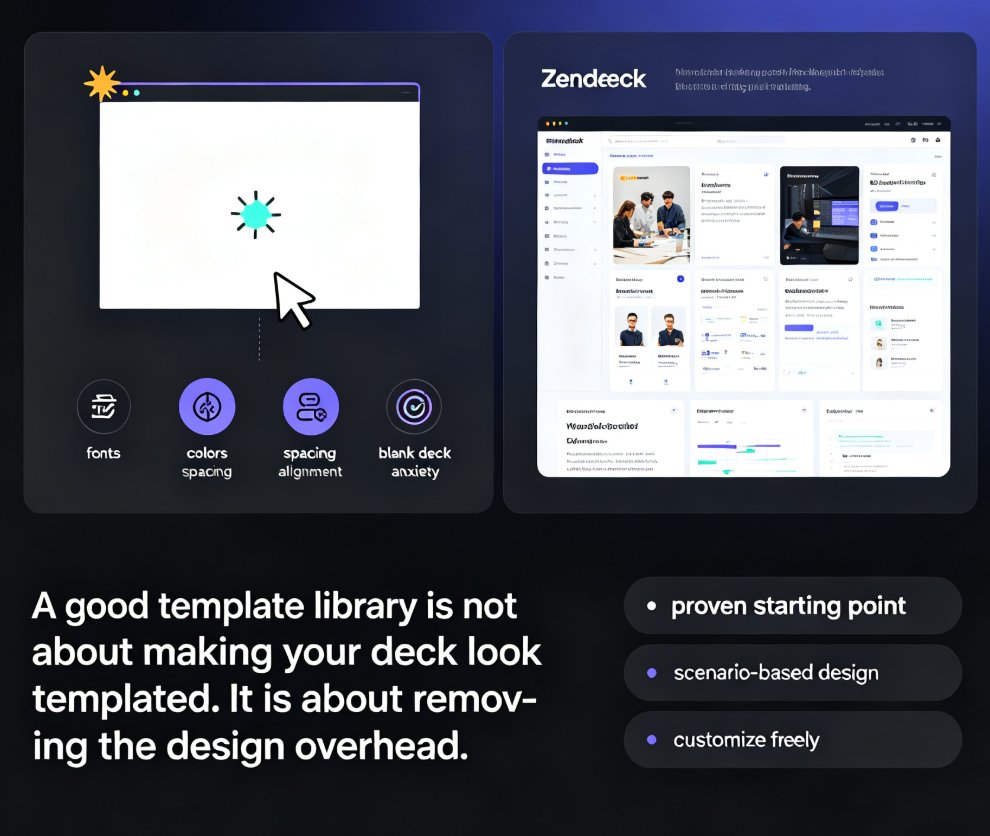
Zendeck's template library is built around scenarios, not just aesthetics. Instead of a flat list of "business" templates, you get curated collections for educators, trainers, HR teams, sales professionals, and content operators. Each collection is designed around the actual slide structures those roles use every day.
The result is practical: a trainer building a micro-course gets a template with lesson arcs and checkpoint slides. A sales lead building a pitch gets a problem-solution-value framework. The template doesn't just look right — it structures your thinking.
Zendeck also pairs contextual templates with smart layout tools. Once you pick a template, the one-click reskin feature unifies fonts, colors, and spacing across your deck — so even if you swap content in from different sources, the final deck stays coherent. And because the library is integrated with the asset library, you can drop in icons, charts, and illustrations that match the template's visual language without hunting for compatible assets. If you're wondering how Zendeck picks the right template for your content, the answer is simple: it reads your outline first, then matches the structure.
06 How to Pick the Right Template in 2026
Here's a practical checklist for choosing between generic and contextual templates:
- Match the template to the content structure, not the industry label. A "healthcare" template is useless if it doesn't support case-study slides. Look for templates that include the slide types your content needs.
- Check the tone. A training deck for new hires should feel supportive, not aggressive. Preview how the template handles body text, callouts, and transitions before committing.
- Test with your real content. Paste in an actual outline, not lorem ipsum. If the template fights your content, move on.
- Look for adaptability. Can the template handle different content types — text-heavy slides, data slides, image-heavy slides? Static templates that only work with one content type will slow you down.
- Consider your audience's needs. If you're presenting to executives, you need concise, data-forward layouts. If you're teaching, you need repetition and checkpoints. The template should serve the audience, not your aesthetic preferences.
One more thing: don't be afraid to start with a contextual template and then customize. The best templates are starting points, not cages. The difference is that a contextual starting point gets you 80% of the way there, while a generic one gets you maybe 30%. For more guidance on building decks that match your purpose, browse our courseware design resources.
FAQ
Q: What is a contextual template?
A: A contextual template is a layout that adapts to the content type and audience of your presentation. Unlike generic templates, which use the same structure for every deck, contextual templates include slide types and visual rhythms matched to specific scenarios like education, sales, or HR training.
Q: How are template libraries changing in 2026?
A: Template libraries are shifting from static design files to intelligent, scenario-aware systems. In 2026, templates increasingly read your content, recommend the right layout, and adapt to your brand — moving from "pick a pretty design" to "get a layout that fits your message."
Q: Why do generic templates fail for courseware and training?
A: Generic templates assume a universal presentation arc — title, agenda, points, conclusion — which doesn't match the structure of learning content. Courseware needs learning objectives, checkpoints, and summaries, and generic templates force you to bend that content into ill-fitting layouts.
Q: How does Zendeck's template library differ from traditional ones?
A: Zendeck curates templates by real-world scenario — education, HR, sales, training — so each template includes the slide structures those roles actually use. Combined with smart layout tools and a brand kit, it ensures decks are both relevant and consistent.
Q: Can I still customize a contextual template?
A: Absolutely. Contextual templates are starting points, not cages. The advantage is that they get you much closer to a finished deck, so customization is about refinement rather than rebuilding from scratch.