PPT to Video Is the Next Big Trend: What L&D Teams Need to Know in 2026
PPT to Video Is the Next Big Trend: What L&D Teams Need to Know in 2026
You spent three weeks building a 60-slide onboarding deck. You presented it live once, recorded a shaky screen-capture version, and uploaded it to the LMS. Three months later, completion rates are in the teens, and nobody can recall slide 12.
If that sounds familiar, you're not alone. Most L&D teams are still shipping static decks into a learning environment that has already moved on. And 2026 is shaping up to be the year that finally changes — because AI-powered PPT-to-video tools have made the leap from "nice experiment" to "practical default."
This isn't a tool roundup. It's a look at why video-based learning is winning, why static decks are struggling, and how your team can make the shift without a production budget or a film degree.
01 Why Static Decks Are Quietly Failing Your Training Team
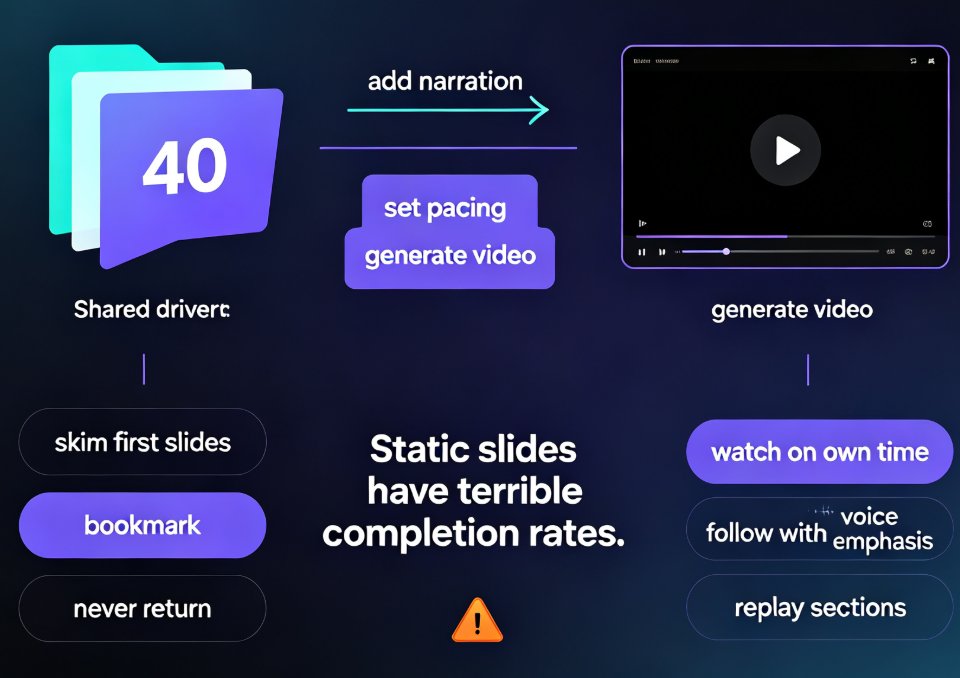
Let's be honest about what a static deck actually does in a self-paced learning context. It sits in the LMS. Learners click through it. They skim the bullet points, skip the dense slides, and close the tab. The content was probably excellent — but the format is working against it.
Here's the core problem: static decks were designed for live delivery, not for self-paced consumption. A presenter adds energy, pacing, and emphasis. A slide deck on a screen has none of that.
◉ What actually goes wrong with static decks?
Three things, over and over:
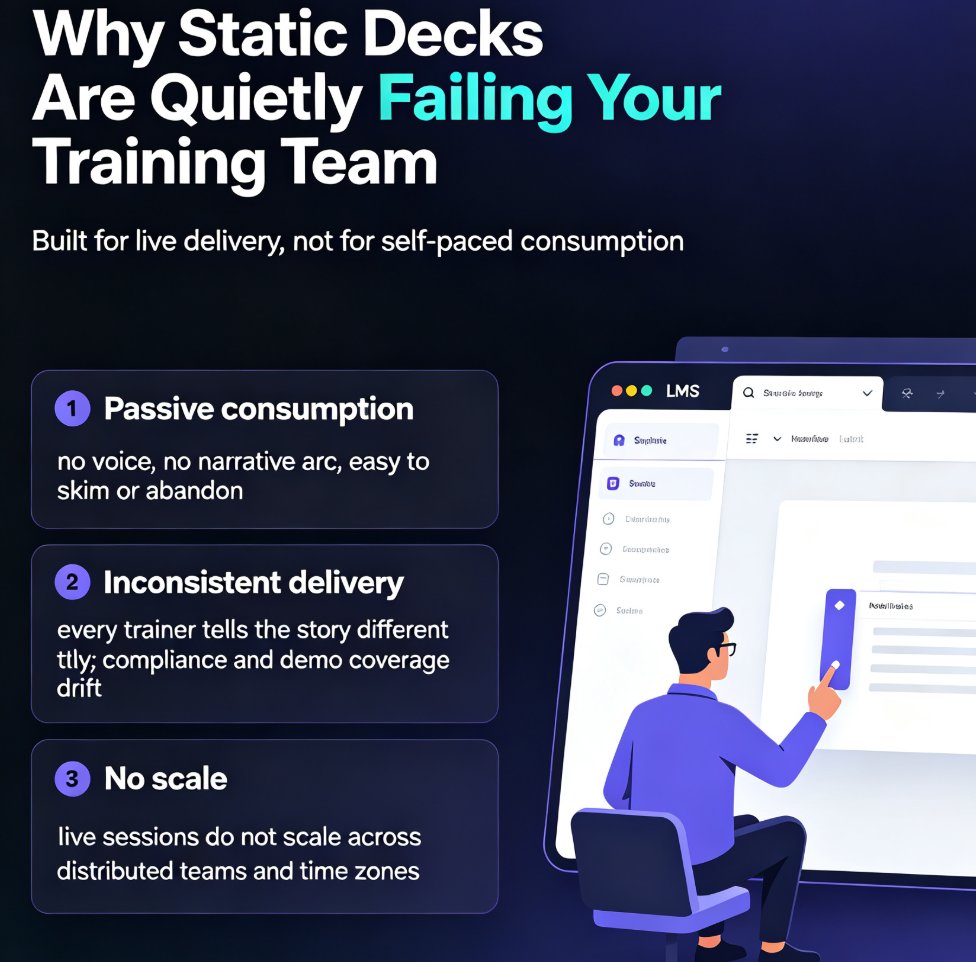
- Passive consumption. Reading slides is a passive activity. There's no voice, no narrative arc, no reason to keep going. Learners multitask or abandon entirely.
- Inconsistent delivery. Every trainer tells the story differently. One rushes the compliance section; another skips the product demo. The result is a training program that's different every time it's delivered.
- No scale. Live sessions don't scale. You can't run a 90-minute workshop for 2,000 distributed employees across four time zones — at least not without turning it into a recording that nobody watches.
The outcome is predictable: low completion rates, weak knowledge retention, and a training team that keeps rebuilding the same content because the last version didn't land.
Static decks were built for live delivery, not for self-paced learning — and that mismatch is quietly costing your training program its impact.
02 The Shift to Video-First Learning Is Already Happening
The learning industry has talked about video for years, but the direction of travel is now unmistakable. Micro-learning, mobile-first training, and short-form video have reshaped how employees actually want to learn.
Video is no longer a nice-to-have in corporate learning — it's the default way modern learners absorb information. People watch tutorials on their phones, learn software from YouTube, and expect the same quality from internal training.
◉ Why does video outperform slides for learning?
The reasons are practical, not ideological:
- Voice adds meaning. A narrator's tone tells learners what matters, what's urgent, and what's just context.
- Pacing controls attention. A well-paced video moves learners through content at the right speed, instead of letting them skim and skip.
- Subtitles improve accessibility and retention. Learners can watch in a noisy office, on mute, or in a second language — and still follow along.
- Video fits the workflow. Employees can watch a 6-minute micro-course between meetings. They won't block out 45 minutes for a slide deck.
This is why forward-thinking L&D teams are already treating video as the primary format and slides as the source material. The trend is strong enough that many analysts now expect AI-powered conversion to become the 2026 corporate training standard — a shift we've examined in depth in our look at why AI PPT-to-video is becoming the default delivery method.
The chart below shows the direction of travel in illustrative terms — video-based learning adoption climbing steadily while reliance on static decks fades.
03 How AI Makes PPT-to-Video Effortless (Finally)
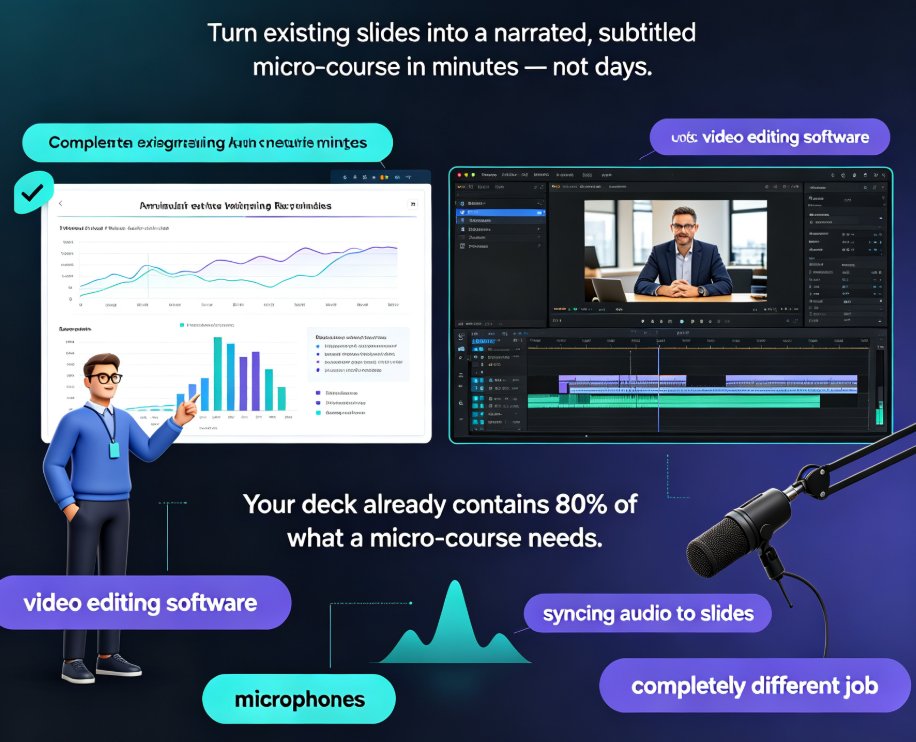
Here's the part that used to be painful. Converting a deck to video traditionally meant recording your screen, narrating every slide, editing out the mistakes, adding captions, and exporting in the right format. A 20-slide deck could eat an entire afternoon — and the result often looked amateur.
AI changed the math. Modern PPT-to-video tools handle the heavy lifting automatically:
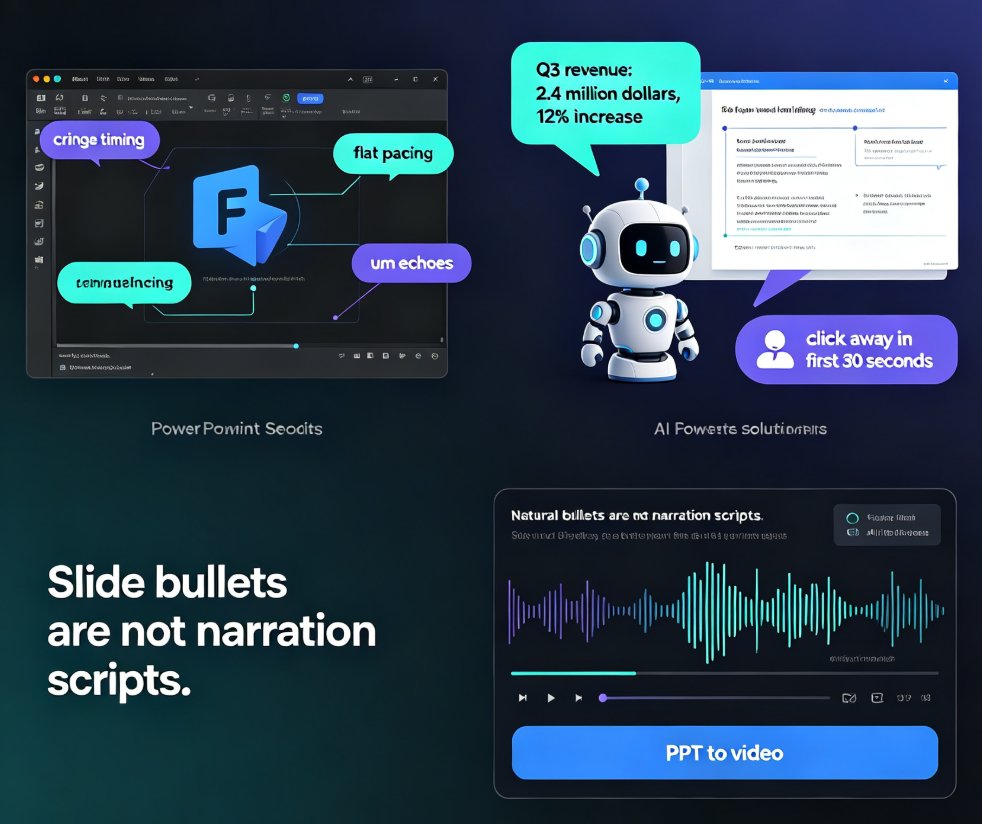
- AI voice synthesis reads your slide content with a natural, human-sounding voice — no recording booth required.
- Auto-generated subtitles appear in sync with the narration, improving accessibility and comprehension.
- Timing and transitions are handled automatically, so the video flows at a watchable pace.
- Edits are simple — change a line of text, and the narration and subtitles update to match.
The result: what used to take hours now takes minutes. AI has turned PPT-to-video from a production project into a routine workflow that any training team can run.
◉ How does Zendeck fit into this?
Zendeck's PPT-to-video engine is built around exactly this workflow. You start with your existing deck or a simple outline, generate a clean, consistent presentation, then add narration with one click. The platform generates voiceover and subtitles automatically, so you get a finished micro-course without touching a video editor.
If you're already using Zendeck for deck creation, the path to video is a natural extension — you're not learning a new tool, you're just taking the next step. For a closer look at the mechanics, this walkthrough of adding narration to slides covers the details, and the guide on voiceover and subtitles shows how to make your videos accessible to every learner.
04 What to Look for in a PPT-to-Video Tool
Not all PPT-to-video tools are created equal. Some just record your screen and call it a day. Others — the ones worth your time — automate the entire pipeline. Here's a practical comparison of what separates a real solution from a glorified screen recorder:
| Capability | Basic screen recorder | AI-powered PPT-to-video tool |
|---|---|---|
| Narration | You record manually | AI voice synthesis, editable |
| Subtitles | Manual or none | Auto-generated, synced |
| Editing | Full video editor required | Edit text, video updates |
| Brand consistency | Manual | Automatic via templates |
| Time per 20-slide deck | 3-5 hours | 15-30 minutes |
| Skill required | Video editing | None |
| Update cycle | Re-record everything | Change text, re-export |
The last row is the one most teams overlook. The real cost of video content isn't production — it's maintenance. When your compliance policy changes, a screen-recorded video means re-recording the whole thing. An AI-generated video means editing a few lines of text and re-exporting. That difference compounds quickly across a library of training content.
05 Getting Started: From Deck to Micro-Course in an Afternoon
If you're convinced but not sure where to start, here's a realistic path that works with an AI-powered tool like Zendeck — and most of it happens in a single afternoon.
Step 1: Start with your outline. You don't need a finished deck. Paste a Word outline or Markdown into Zendeck, and it generates a structured, visually consistent presentation for you.
Step 2: Review and refine the deck. Check the flow, adjust the copy, and let the smart layout handle fonts, colors, and spacing. If you have brand guidelines, apply them here so the video matches your corporate identity.
Step 3: Add narration. One click generates AI voiceover for every slide. Pick a voice that fits your audience — warm and conversational for onboarding, more formal for compliance training.
Step 4: Generate subtitles. Auto-captions make the video accessible and watchable in any environment. This is a small step with a big impact on completion rates.
Step 5: Export and distribute. Export as a video file and upload to your LMS, or share via link. Your micro-course is live.
That's the whole workflow. No recording studio, no video editor, no post-production marathon. Just a deck that becomes a course. If you're building a larger library, our micro-course production guide walks through the full pipeline from outline to published course.
FAQ
◉ What is PPT-to-video conversion?
PPT-to-video conversion turns a slide deck into a narrated video, typically by adding AI-generated voiceover, subtitles, and timing. It's the fastest way to turn static training content into video-based learning.
◉ Why are L&D teams moving from slides to video?
Because video improves engagement, retention, and accessibility. Learners prefer short, narrated videos they can watch on their own schedule, and video scales across distributed teams far better than live presentations.
◉ How long does it take to convert a deck to video with AI?
With an AI-powered tool like Zendeck, a 20-slide deck can become a narrated micro-course in 15-30 minutes. Traditional screen recording and editing would take several hours.
◉ Do I need video editing skills to use PPT-to-video tools?
No. AI-powered tools handle narration, subtitles, timing, and transitions automatically. If you can edit text in a document, you can update a video.
◉ Can I update a video after it's published?
Yes — and this is a major advantage of AI-generated video. Change the text in your deck, re-export, and the narration and subtitles update automatically. No re-recording required.