No Video Skills? Zendeck Turns PPT into Narrated Onboarding Videos
Let's be honest: your onboarding deck is probably sitting in a shared drive, packed with great content, and nobody watches it. You know it should be a video. But hiring an agency costs thousands, learning video editing software is a career change, and your L&D team is already stretched thin. Here's the thing — you don't need video skills to make a professional narrated onboarding video. You need the right workflow.
01 Why Onboarding Videos Matter (and Why Most Teams Don't Make Them)
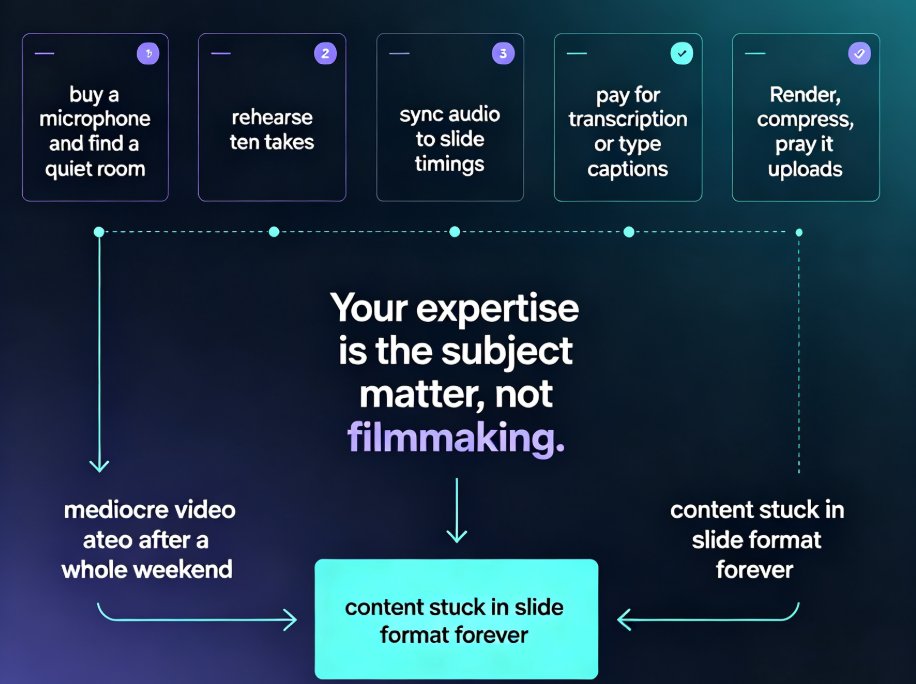
First, the why. Onboarding is where new hires form their first impression of your company. A well-structured video delivers consistent messaging, reduces the burden on managers, and lets new employees learn at their own pace. But here's the reality check: most HR and L&D teams skip video onboarding entirely because video production feels like a completely different profession.
The pain points are real:
- Cost: A professional 10-minute onboarding video from an agency can run into thousands of dollars.
- Time: Scripting, storyboarding, filming, editing, revisions — a single video can take weeks.
- Skills: Video editing, motion graphics, voiceover recording — none of these are in the typical HR toolkit.
- Maintenance: Onboarding content changes. Policy updates, new team members, rebranding. Every change means re-editing the video.
So what happens? Teams default to a static PPT deck with a "please read this" email. New hires skim it, miss half the content, and the onboarding experience feels flat.
The outcome you actually want isn't a fancy video. It's a clear, consistent, and current introduction to your company — delivered in a format people actually watch.
02 The PPT-to-Video Workflow: From Static Deck to Narrated Video
Here's where the mental shift happens. You already have the content — it's in your onboarding PPT. The problem was never content; it was the production layer. What if you could skip production entirely?
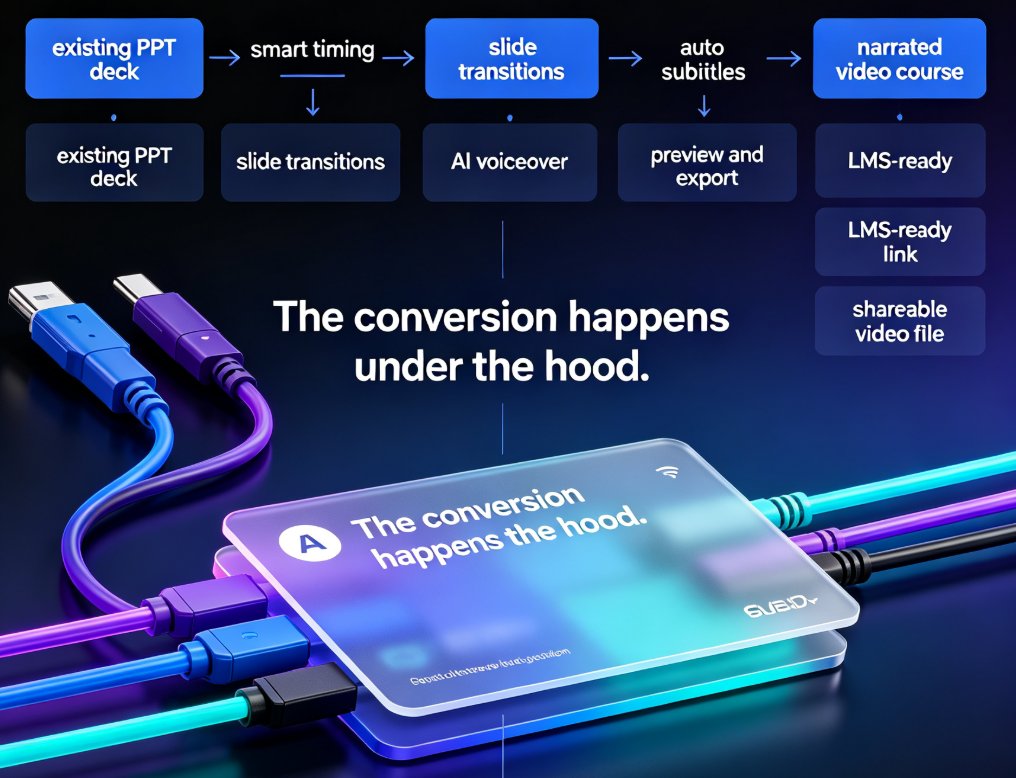
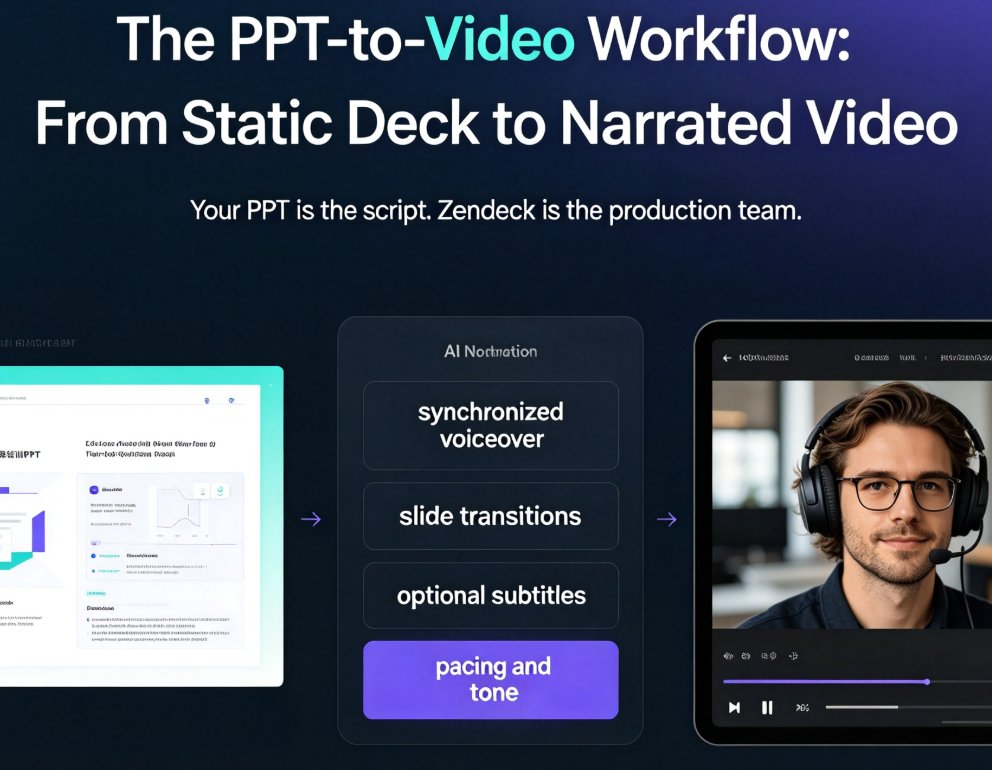
That's exactly what Zendeck's PPT-to-video feature does. You upload your existing deck, and it turns into a narrated video with synchronized voiceover, slide transitions, and optional subtitles. No video editing timeline. No green screen. No After Effects.
The core idea: your PPT is the script, and Zendeck is the production team.
This approach works because onboarding content is naturally slide-based. Each slide is a scene. Your bullet points are the talking points. The flow of the deck is already the narrative arc. What's missing is the voice, the pacing, and the polish — which is precisely what the platform adds.
03 Step-by-Step: Turn Your Onboarding PPT into a Narrated Video
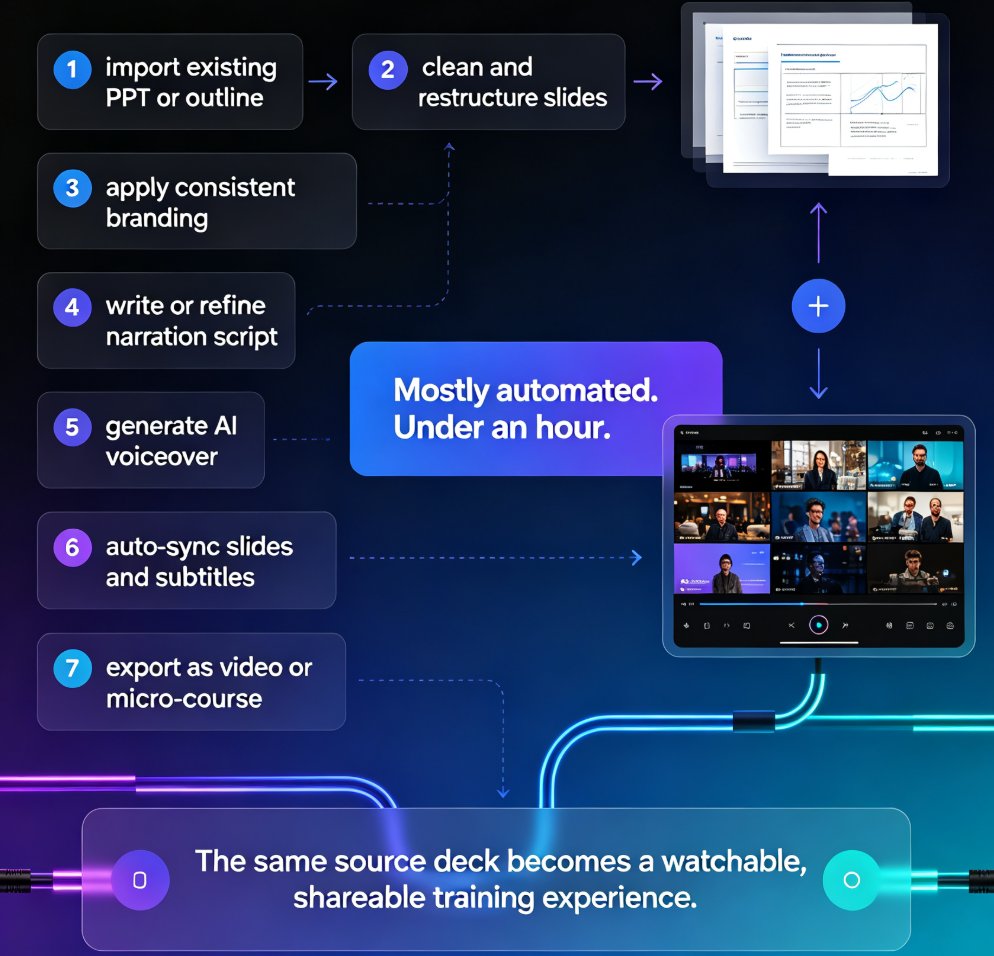
Let's walk through the actual workflow. It takes less time than your next team meeting.
Step 1: Prepare your deck
Start with a clean, well-structured PPT. The tool works best when your slides have clear headings and concise bullet points. If your deck is a wall of text, trim it first — the video will inherit the clarity of the source. You can also import a Word outline or paste Markdown if you're starting from scratch.
Step 2: Upload and generate
Upload your PPT to the platform. It generates a structured deck with consistent layouts. If you want to refresh the design, use the one-click reskin to apply a template that matches your brand. This is also where you'd create a custom brand kit if you want every video to carry your colors and fonts automatically.
Step 3: Add narration
This is where the magic happens. You have two options:
- AI voiceover: The platform generates natural-sounding narration from your slide content. You can adjust pacing and tone.
- Your own voice: Record your own voiceover slide by slide, or upload an audio file. This is great when you want a personal touch from your CEO or a senior team member. If you want more detail on this step, here's how to add narration to your slides.
Step 4: Fine-tune and export
Preview the video, adjust timing if needed, and export. You can also add voiceover and subtitles for accessibility — which matters more than you think, since many new hires will watch on mute in a shared office.
The whole process takes minutes, not weeks. If you can edit a PowerPoint, you can produce a professional onboarding video.
04 Traditional Production vs. Zendeck: The Real Comparison
Let's put the numbers on the table. These are typical scenarios based on how teams actually work:
| Factor | Traditional Agency | In-House Video Tools | Zendeck PPT-to-Video |
|---|---|---|---|
| Time to produce | 2-4 weeks | 1-2 weeks | 1-2 hours |
| Cost | $3,000-$10,000+ | $500-$2,000 (software + hardware) | Fraction of a subscription |
| Skills required | None (you outsource) | Video editing, motion graphics | Basic PPT skills |
| Update cycle | Re-hire agency, weeks | Re-edit, days | Re-generate, minutes |
| Consistency | Depends on agency | Depends on editor | Template-driven, consistent |
| Voiceover | Studio recording | Microphone + editing | AI or self-recorded |
The takeaway isn't that agencies are useless — they're great for high-production brand films. But for onboarding, which needs to be practical, current, and repeatable, the PPT-to-video route is a different category entirely.
Here's a visual look at the typical timeline difference:
05 Best Practices for Onboarding Videos That Actually Work
A narrated video is only as good as its structure. Here are the patterns that work, based on watching what actually engages new hires:
Keep each video under 10 minutes. If your onboarding content is longer, split it into a series: Day 1 essentials, company culture, tools and systems, HR policies. Short videos get watched. Long ones get abandoned.
Write for the ear, not the page. Slide text that works as a handout sounds robotic when narrated. Rewrite your bullets as conversational sentences. The AI narration handles natural phrasing well, but garbage in, garbage out — clean up your copy first.
Add subtitles. A significant portion of viewers watch on mute — in an office, on a commute, or just because they prefer reading. Subtitles also help non-native speakers and align with accessibility best practices. If you're already thinking about WCAG compliance, this is a low-effort win.
Use your own voice where it matters. AI narration is great for procedural content. But for the "welcome to the team" message from your CEO or the culture section, a real human voice adds warmth that AI can't replicate. Zendeck lets you mix both — record the personal parts, use AI for the rest.
Plan for updates from day one. Onboarding content changes constantly. The beauty of the PPT-to-video approach is that when a policy changes, you edit the slide and re-generate the video in minutes. Build this into your workflow so updates actually happen.
06 The Maintenance Advantage: Why This Beats a One-Time Video
Here's the part most people don't think about until it's too late: onboarding content is never finished. New hires join, tools change, policies get updated, your company rebrands. A video that's 18 months old is worse than no video — it actively misinforms.
With a traditional production pipeline, updating a video means going back to the agency, re-negotiating, and waiting weeks. So teams don't update. The video goes stale. And new hires get wrong information.
The PPT-to-video workflow turns video maintenance from a project into a habit. Your deck is the single source of truth. When content changes, you update the deck and regenerate. The video is always current because the source is always current.
This is also why the approach scales across your whole L&D function. The same workflow that produces onboarding videos can produce product training, compliance refreshers, and manager development content. Once your team learns the process, it's reusable for everything. This is exactly why AI PPT-to-video is becoming the 2026 corporate training standard — and why AI-generated video decks are replacing traditional corporate training in forward-thinking organizations.
FAQ
Do I need video editing skills to use Zendeck's PPT-to-video?
No. The entire workflow is built around your existing PPT. You upload, generate, add narration (AI or your own voice), and export. If you can edit slides, you can produce the video. No timeline editing, no keyframes, no rendering settings.
How long does it take to convert a PPT into a narrated video?
For a typical 10-15 slide onboarding deck, plan for 1-2 hours including reviewing the AI narration and making small adjustments. The actual conversion takes minutes; most of your time goes into polishing the script and voiceover.
Can I add my own voiceover instead of using AI narration?
Yes. Zendeck supports both AI-generated narration and your own recorded voiceover. You can record slide by slide or upload audio files. Many teams use AI narration for procedural content and record human voice for welcome messages and culture sections.
Can I add subtitles to the video?
Yes. Zendeck can generate subtitles for your narrated video, which improves accessibility and helps viewers who watch on mute. This aligns with broader WCAG compliance trends in corporate training.
What happens when my onboarding content changes?
You update the source PPT and regenerate the video. Because the deck is the single source of truth, the update cycle is minutes rather than weeks. This is the key advantage over traditional video production for content that evolves regularly.