Deck Feedback Scattered? Zendeck Centralizes Reviews in One Place
You know the drill. You share a deck with five stakeholders on a Tuesday, and by Friday you're playing detective. Two comments landed in email, three live in a Slack thread, one person marked up a PDF and sent it back, and your manager "just wants to talk through it" in a meeting you weren't invited to. Sound familiar?
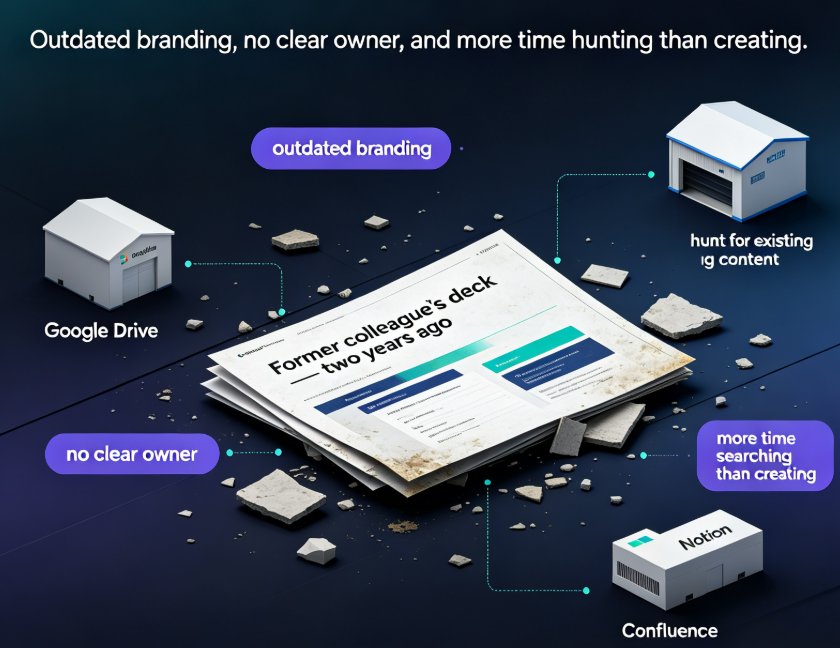
Here's the uncomfortable truth: the deck isn't the problem — the feedback workflow is. When review comments scatter across email, chat, and random PDFs, you spend more time hunting for opinions than acting on them. And the bigger your team, the worse it gets.
That's exactly the pain Zendeck's commenting and review features are built to kill. Instead of chasing feedback across five tools, you collect it in one place, anchored to the exact slide it belongs to. Let's walk through why that matters and how to set it up.
01 — The real cost of scattered deck feedback
Let's be real: scattered feedback isn't just annoying. It's expensive.
Every time a reviewer drops a comment in a different tool, you pay a switching cost. You jump from email to chat to a PDF viewer, reorienting yourself each time. Multiply that by five reviewers and three review rounds, and you've burned hours of your week on logistics instead of content.
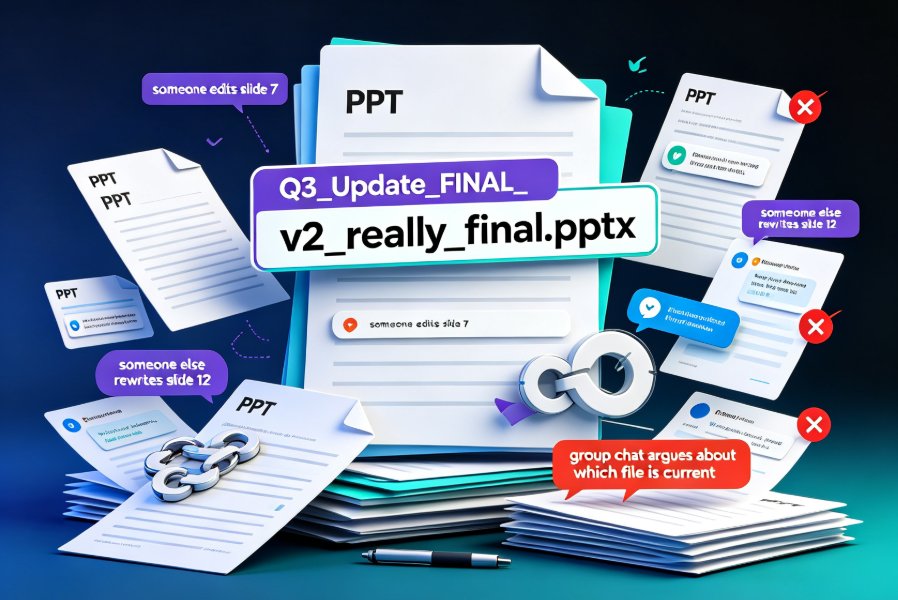
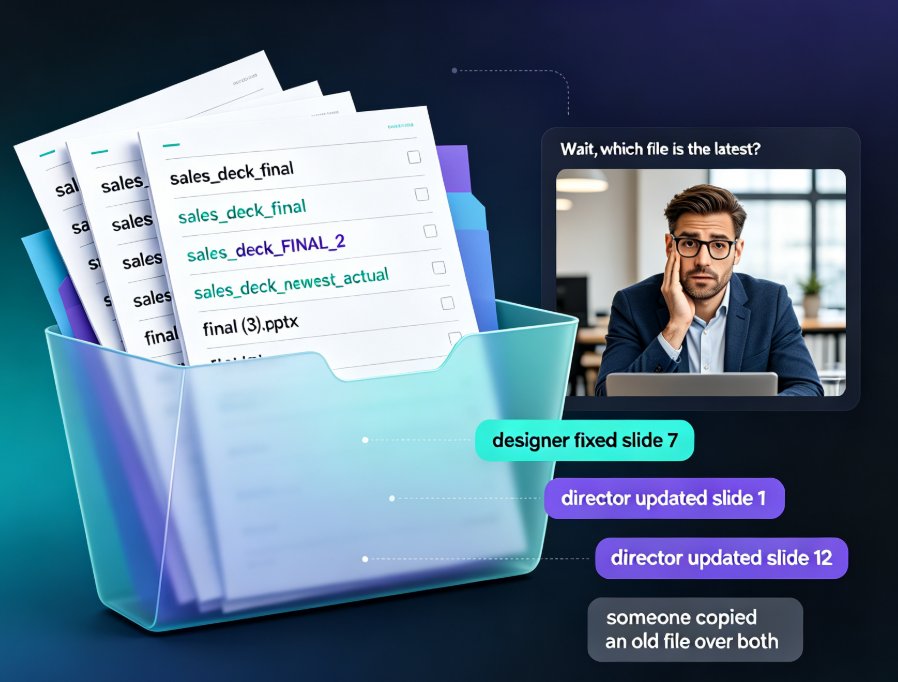
Worse, scattered feedback creates version confusion. Someone comments on "slide 12" in an email, but the deck has already been updated twice. Which version were they looking at? Now you're not just collecting feedback — you're reconciling it against the wrong draft.
And then there's the silent killer: missed feedback. When comments live in five places, something always slips through. A stakeholder's suggestion never makes it into the final deck, they notice, and trust erodes. Next round, they stop giving feedback altogether — or worse, they start giving it in a sixth place.
The pattern is predictable: the more tools involved, the more feedback gets lost, and the more time you spend chasing it. That's the real cost — and it compounds with every review round.
02 — What centralized review actually looks like
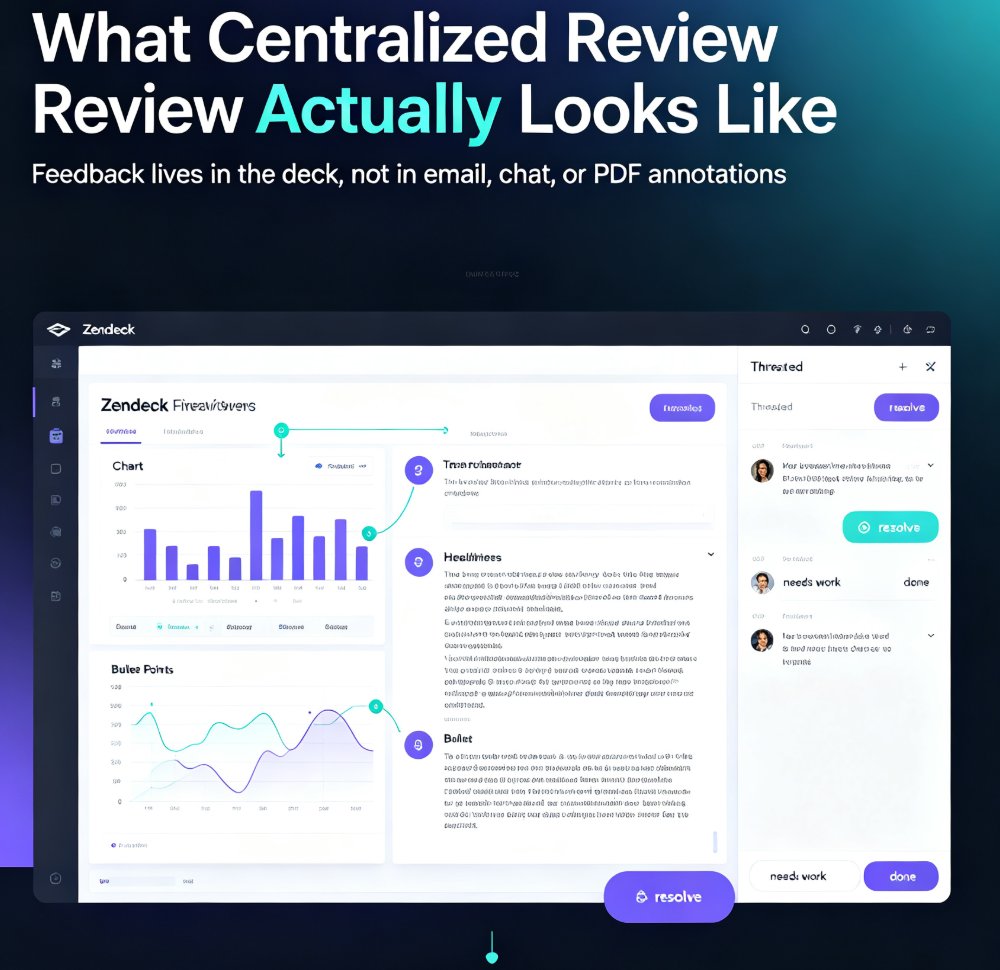
Centralized review flips the script. Instead of feedback living wherever reviewers happen to type, it lives in the deck itself.
With Zendeck, you share a link to your deck, and reviewers comment directly on the slides. Each comment is anchored to a specific element — a chart, a headline, a bullet point — so there's zero ambiguity about what's being discussed. Threads keep the back-and-forth attached to the original point, and you resolve comments as you address them, creating a clear audit trail from "needs work" to "done."
The result? One source of truth for every review round. No more reconciling email against chat against PDF annotations. You open the deck, see every open comment, and work through them in order.
This matters beyond convenience. When feedback is centralized, reviewers see each other's comments. That changes the dynamic — people stop repeating the same point, they build on each other's suggestions, and the discussion gets sharper. You end up with better feedback, not just tidier feedback.
If you're already using Zendeck for day-to-day deck work, the review layer slots right into your existing workflow — no new tool to learn, no separate platform to check. It's the same deck, with the conversation built in. And if you're curious what else your team might be missing, take a look at these hidden features that boost team productivity.
03 — A practical review workflow with Zendeck
Here's how a clean review cycle actually runs. This is the workflow I use with teams, and it takes about five minutes to set up.
Step 1: Get the deck into Zendeck. If you're starting from a Word outline or Google Docs, you can import it directly — Zendeck turns it into a structured deck with consistent layouts. If you're starting from scratch, paste your Markdown or TXT and let the AI generate the first pass. If you're coming from PowerPoint, this is where you'll feel the difference — the AI handles the layout so you can focus on the content. (If your slides tend to come out messy, here's how Zendeck fixes common AI slide issues.)
Step 2: Share a review link. Send the deck link to your stakeholders with a clear ask: "Comment directly on the slides by Friday." No attachments, no email chains, no "let me know what you think" — the link is the single entry point for all feedback.
Step 3: Let the comments roll in. Reviewers comment on specific slides, and threads form around each point. Because everyone sees the same deck, you avoid duplicate comments and version confusion. If someone references "slide 12," you both know exactly which slide they mean — because it's the same deck you're all looking at.
Step 4: Work through comments in order. Open the comment list, address each one, and resolve it. The audit trail shows what changed and why. No more "did we cover that?" — the record is right there.
Step 5: Finalize and share. Once all comments are resolved, the deck is done. If you need a narrated version for training or async review, Zendeck's PPT-to-video can turn the final deck into a micro-course — but that's a separate workflow for later.
The whole cycle collapses from "days of chasing" to "a focused review window." And because the feedback is anchored to slides, you spend your time improving content, not decoding comments.
04 — Scattered vs. centralized: a side-by-side look
Let's put the two approaches next to each other.
| Review aspect | Scattered (email + chat) | Centralized (Zendeck) |
|---|---|---|
| Where feedback lives | Email threads, Slack, PDFs, meetings | In the deck, on the slide |
| Version confusion | High — reviewers see different drafts | Low — everyone sees the same deck |
| Duplicate comments | Common — reviewers can't see each other | Rare — threads are visible to all |
| Time to collect feedback | Hours across multiple tools | Minutes in one place |
| Audit trail | None — feedback disappears into threads | Full — every comment tracked to resolution |
| Missed feedback | Likely — something always slips | Unlikely — everything is in one list |
| Team size scaling | Breaks down past 3-4 reviewers | Holds up with larger groups |
And here's what that time difference looks like in practice. These are illustrative numbers from typical team scenarios, not a scientific study — but if you've lived through a scattered review round, they'll feel familiar.
The pattern is consistent: the more reviewers you add, the more the scattered approach punishes you. Centralized review keeps collection time roughly flat, because you're not multiplying the number of places feedback can land.
05 — Review habits that keep decks moving
A tool only helps if you use it with discipline. Here are the habits that separate smooth review cycles from chaotic ones.
Set a review window. Give reviewers a clear deadline — "comments by Thursday EOD." Open-ended reviews drag on, and the deck goes stale while people sit on it.
Assign a single owner. One person owns the review cycle: they share the link, chase stragglers, and work through comments. If everyone owns it, no one does.
Encourage threaded discussion. Tell reviewers to reply to existing comments instead of starting new ones on the same point. It keeps the conversation tight and prevents duplicate feedback.
Close the loop. When you resolve a comment, add a one-line note on what you changed. Reviewers see their input was heard, which keeps them engaged in future rounds.
Don't skip the async review. If your team is remote or hybrid, the comment-based workflow is a gift. Reviewers can leave feedback whenever they have time, without scheduling a meeting. And if you're preparing for a live presentation, you can use the resolved comments as your rehearsal checklist.
One more thing: if your team is new to centralized review, expect one awkward round. People will default to email because it's habit. Gently redirect them — "drop it on the slide instead" — and by round two, the habit sticks.
For more ways to tighten your team's presentation workflow, browse our office efficiency guides.
FAQ
Q: Can reviewers comment on specific slides in Zendeck? A: Yes. Reviewers comment directly on individual slides, and each comment is anchored to the specific element being discussed. Threads keep the conversation attached to the original point, and you can resolve comments as you address them.
Q: Do reviewers need a Zendeck account to leave feedback? A: Reviewers can access shared decks through a link, which keeps the barrier to entry low. The deck link is the single entry point for all feedback, so stakeholders don't need to navigate multiple tools.
Q: How does centralized feedback reduce version confusion? A: Because everyone comments on the same shared deck, reviewers are always looking at the current version. There's no risk of someone commenting on an outdated PDF or an old email attachment, since the link always points to the latest deck.
Q: What happens to resolved comments? A: Resolved comments stay in the audit trail, so you have a record of what was raised and how it was addressed. This is useful for accountability and for future review rounds where similar questions might come up.
Q: Can I use Zendeck's review workflow for training or course decks? A: Absolutely. The same comment-and-resolve cycle works for courseware and training decks. Once the deck is finalized, you can even turn it into a narrated video for async training using Zendeck's PPT-to-video feature.