Why AI PPT-to-Video Is the 2026 Corporate Training Standard
Let's be real: nobody asks for a 60-slide deck at their next all-hands. But most corporate training still runs on them. Static slides, a monotone voice-over, and a "please review by Friday" email that gets ignored. That's not training — that's a compliance checkbox.
Here's the shift that's quietly rewriting L&D playbooks: companies are converting static training decks into narrated video micro-courses, and AI PPT-to-video tools are making it the default format for onboarding and upskilling in 2026.
01 — The Problem: Static Decks Are Failing Your Learners
Walk into any onboarding session and you'll see the same scene. A trainer clicks through slide 14 of 48, someone in the back is on Slack, and the new hire in the corner is taking notes on a deck they'll never reopen. The content is fine. The delivery is broken.
Static training decks fail because they demand attention without earning it. No pacing, no voice, no emotional anchor. Learners skim, forget, and then blame themselves when they can't recall the process during week three.
The forgetting curve is brutal — most people lose a large chunk of new information within days if they don't actively engage with it. A static deck gives them nothing to engage with. It's text on a screen, competing with a dozen other tabs.
The pain is real for trainers too. Every quarter, the same cycle: update the deck, re-record the session, resend the PDF, chase attendance. It's exhausting, and it doesn't scale.
02 — Why Video-First Training Is Winning in 2026
Video isn't new. What's new is that video is now the default — not the premium option. Distributed teams, hybrid work, and a workforce that learned everything from YouTube expect training to be on-demand, bite-sized, and narrated.
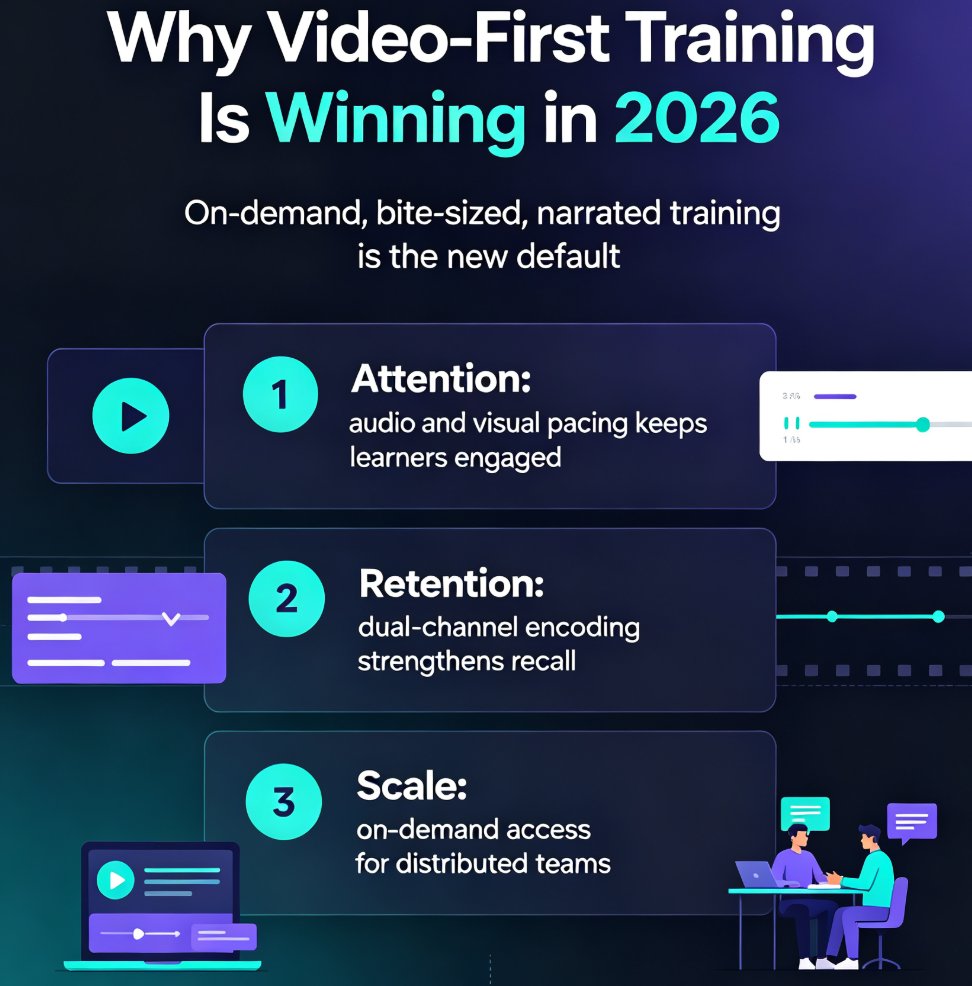
Video micro-courses solve the three things static decks can't: attention, retention, and scale.
| Dimension | Static PPT Deck | Narrated Video Micro-Course |
|---|---|---|
| Learner engagement | Passive reading, easy to skip | Audio + visual pacing keeps attention |
| Knowledge retention | Text-only recall, fades fast | Dual-channel encoding (audio + visual) |
| Accessibility | Limited — text-only | Subtitles, captions, transcripts |
| Scalability | One trainer, one room | On-demand, unlimited seats |
| Update cost | Redesign entire deck | Re-record one segment |
| Production time | Hours of manual design | Minutes with AI narration |
The outcome is measurable. Teams that move training to video report shorter onboarding ramp-ups, fewer repeated questions, and less trainer burnout. When a new hire can watch a 6-minute narrated walkthrough at their own pace — and rewatch the tricky part — they stop pinging the team lead for answers.
03 — The Production Bottleneck That Held Video Back
So if video is obviously better, why did it take until 2026 for most companies to adopt it? Because producing video was expensive. Really expensive.
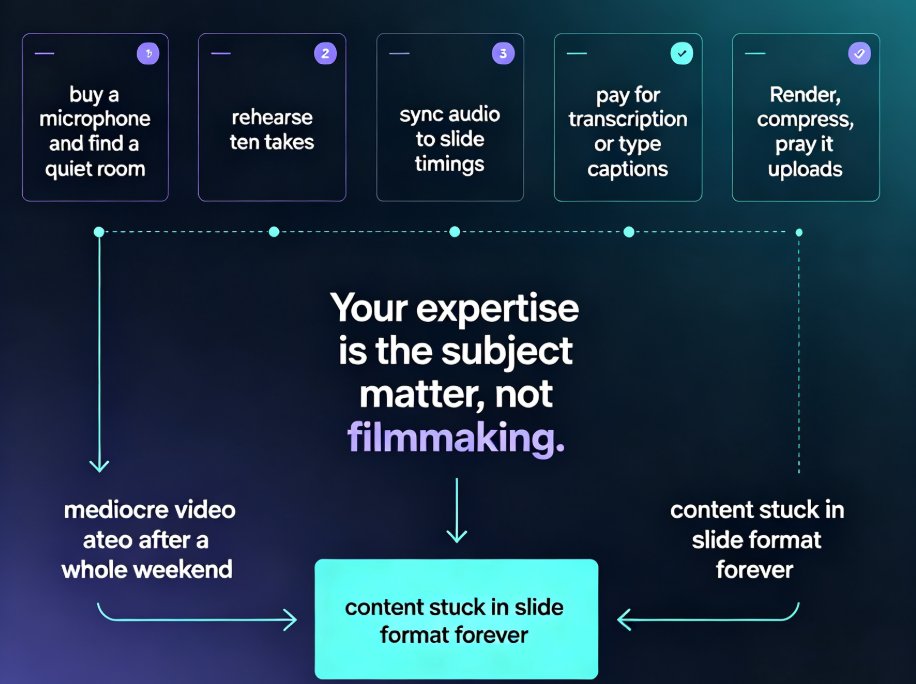
The traditional pipeline: write a script, record a voice-over, sync it to slides, edit out the mistakes, add captions, export, compress, upload. A single 10-minute training video could eat a full day of a trainer's time — or a few thousand dollars of an agency's invoice. The production bottleneck — not learner preference — is what kept training decks static for so long. When a video costs a day of work, you only make videos for the most important topics. Everything else stays a boring deck.
That's the real reason corporate training lagged behind consumer content. It wasn't a strategy problem. It was a production problem.
04 — How AI PPT-to-Video Removes the Bottleneck
AI didn't invent video training. It removed the cost that made video training impractical. That's the whole story.
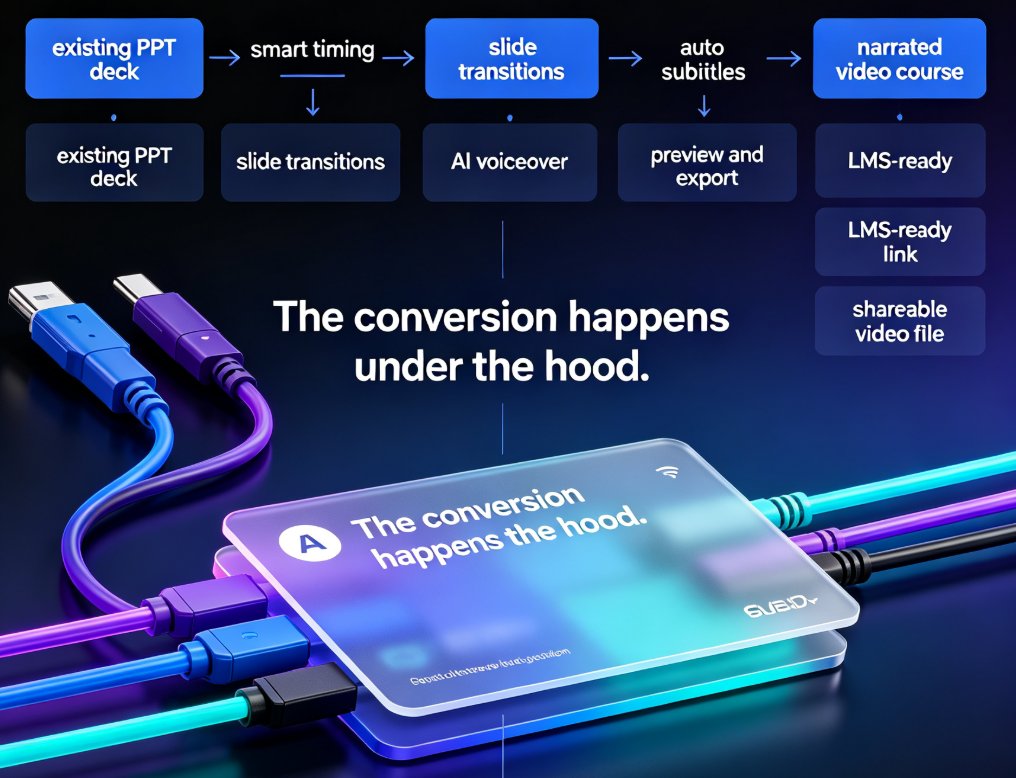
With AI PPT-to-video, the workflow collapses to three steps:
- Start with what you already have — your existing deck, a Word outline, or even a rough script.
- Let AI structure and narrate — the tool generates slide layouts, writes or refines the narration, and produces a voice-over that matches the pacing.
- Export and share — a narrated video micro-course, ready for your LMS or a simple link.
◉ What exactly does the AI automate?
Everything that isn't judgment. The AI handles slide layout, narration script generation, voice-over synthesis, subtitle timing, and export formatting. What it doesn't do — and shouldn't — is decide what your learners actually need to know. That's still the trainer's call, which is why the best workflows keep a human in the loop for review.
The trainer's job shifts from producing to reviewing. Instead of spending six hours recording and editing, they spend twenty minutes checking the AI's output and tweaking the tone. AI PPT-to-video turns a day-long production task into a coffee-break task.
This is exactly the shift we're seeing across L&D teams. The tools that win aren't the ones with the most features — they're the ones that respect the trainer's time. That's why narrated slide-to-video has become the standard format: it's the lowest-effort path to the highest-impact content.
05 — Zendeck's Pipeline: From Outline to Narrated Micro-Course
If you're wondering which tools actually deliver this, Zendeck is a strong example of the category. The platform takes a Word outline or Markdown, generates a structured, visually consistent deck, and then pushes it through a PPT-to-video pipeline that adds narration and exports a micro-course.
The workflow is built for people who aren't video editors:
- Upload an outline — paste a Word doc or Markdown, and Zendeck structures it into slides.
- Pick a template — the library handles fonts, colors, and layout so you don't have to.
- Add narration — either AI-generated voice-over or your own recording, synced to slide transitions.
- Export as video — a narrated micro-course ready for your LMS, YouTube, or a shared link.
For trainers, this is the difference between "I'll make the video next quarter" and "the video is done by lunch." The Zendeck PPT-to-video guide walks through the narration setup in detail, and if you're starting from a raw outline, the outline-to-micro-course workflow shows how far the pipeline can go.
The key insight: you don't need to learn video production to produce video training. You need a tool that does the production for you.
06 — Best Practices for Narrated Training Micro-Courses
Converting a deck to video isn't just "press record." The teams that get real results follow a few patterns. Here are the ones that matter.
Keep each micro-course under 10 minutes. Attention spans are short, and a 40-minute narrated deck is just a long meeting with worse engagement. Split long topics into a series of 5–7 minute segments. Learners can binge them or space them out — either way, retention improves.
Write for the ear, not the eye. A slide that works as a reference document doesn't work as narration. Short sentences. Active voice. One idea per slide. If you're using AI narration, read the script out loud once — if you stumble, your learners will too.
Add subtitles by default. A huge portion of learners watch training with the sound off — in an office, on a commute, in a shared space. Subtitles aren't an accessibility add-on anymore; they're the default way people consume video. Zendeck's voiceover and subtitle workflow makes this a one-click step rather than a post-production chore.
Design for the video frame, not the projector. Text that's readable on a 16:9 slide at a conference is often too dense for a phone screen. Keep slides minimal, use large type, and let the narration carry the detail.
07 — Mistakes to Avoid When Converting Decks to Video
I've seen teams make the same three mistakes when they start producing video training. Avoid them and you're ahead of most.
Mistake 1: Narration that reads like a manual. "This slide outlines the quarterly objectives and key results framework." Nobody talks like that. Rewrite for conversation: "Here's what we're trying to hit this quarter." If your AI voice-over sounds robotic, the script is the problem, not the voice.
Mistake 2: Slides that are still slide-shaped. A dense slide with six bullet points and a diagram doesn't become a good video just because there's a voice over it. Cut the text, enlarge the visuals, and let the narration do the explaining. This is where Zendeck's smart layout helps — it reflows content for the medium instead of just exporting the deck.
Mistake 3: Treating video as a one-time project. The whole point of the AI pipeline is that updates are cheap. When a process changes, you regenerate the affected segment instead of reshooting the whole course. Teams that treat training as a living library — not a static artifact — get the compounding value.
The shift to video-first training isn't a trend cycle. It's a response to a real constraint: static content doesn't teach, and traditional video production doesn't scale. AI PPT-to-video resolves both at once. In 2026, the standard for corporate training isn't a deck or a video — it's a narrated micro-course that anyone can produce and everyone can watch on demand.
If you're still shipping 60-slide PDFs to new hires, the gap between your training and your team's expectations is only going to widen. The tools exist. The workflow is proven. The only question is whether you'll be the team that's still sending decks next year.
FAQ
Q: What is AI PPT-to-video? A: AI PPT-to-video is a workflow that converts static presentation slides into narrated video micro-courses. The AI structures the content, generates or refines the narration, and syncs voice-over to slide transitions, producing a shareable video without manual video editing.
Q: How long does it take to convert a deck to video with Zendeck? A: Most users convert a 10–15 slide deck into a narrated micro-course in under 30 minutes, including review time. The AI handles layout, narration, and export, so the trainer's role is reviewing and tweaking rather than producing from scratch.
Q: Can I use my own voice instead of AI narration? A: Yes. Zendeck supports both AI-generated voice-over and your own recorded narration. You can record directly or upload audio, and the tool syncs it to your slide transitions automatically.
Q: Do narrated video micro-courses work for compliance training? A: They work especially well for compliance. Video micro-courses are easier to track, easier to rewatch, and easier to update when regulations change. You can regenerate a single segment instead of redoing the entire course.
Q: What's the difference between a narrated deck and a micro-course? A: A narrated deck is essentially slides with a voice-over — linear and passive. A micro-course is designed for learning: shorter segments, subtitles, clear learning objectives, and the ability to rewatch specific parts. The AI pipeline in Zendeck helps you structure content for learning rather than just presentation.