The Asset Library as a Productivity Hub: Icons, Charts on Demand
Let's be honest: how much of your last deck was actually spent building slides, and how much was spent hunting for a decent icon?
We've all been there. You're mid-flow, your argument is solid, and then you need a simple icon for "customer feedback." Twenty minutes later, you're three tabs deep in a free icon site, squinting at a thumbnail that's almost right but not quite. You settle. The slide looks... fine. Not great. Fine.
This is the hidden tax on every presentation. And it's exactly why asset libraries have quietly become the most underrated feature in modern deck tools.
The average professional spends 20–30% of total deck-building time just searching for visuals — not creating them. That's not a productivity leak. That's a productivity flood.
01: The hidden cost of visual hunting
Let's put some numbers on this. When you build a deck the old way, sourcing visuals means:
- Opening a browser tab for an icon site
- Typing a keyword, scrolling through 40 near-misses
- Downloading a candidate, importing it, resizing it
- Realizing the stroke weight doesn't match your other icons
- Starting over
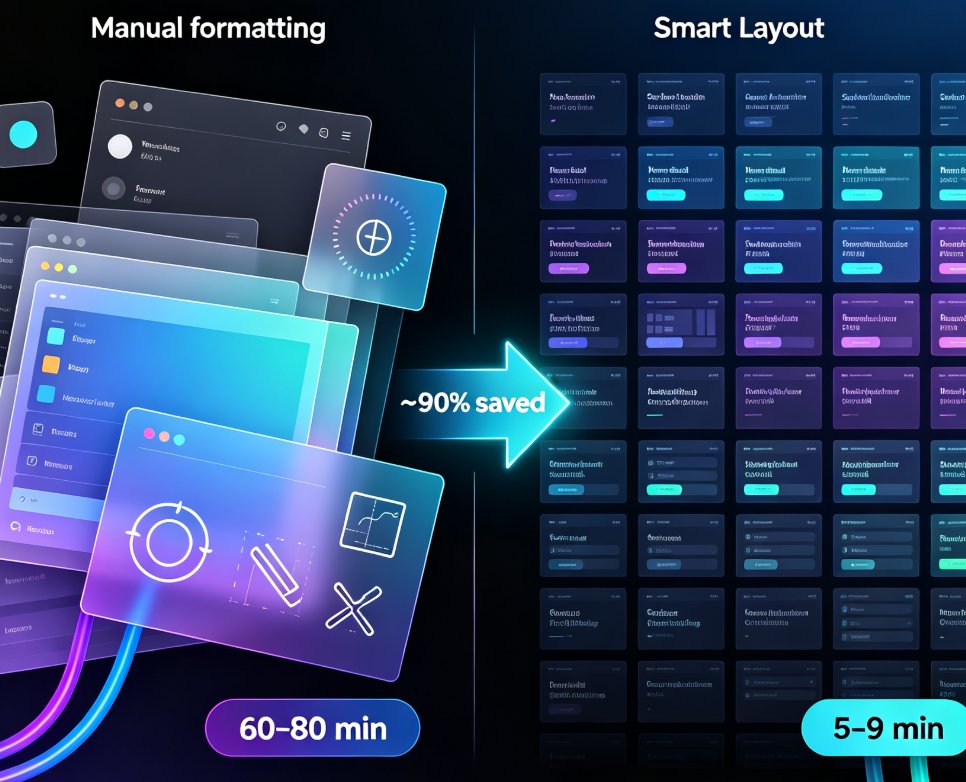
Repeat that five times per deck, and you've burned an hour. Multiply by the number of decks you ship each month, and the cost compounds fast.
A recent survey of knowledge workers found that the average employee spends nearly 2 hours per week searching for digital assets — icons, images, logos, charts. That's over 100 hours a year. Per person.
For teams, the math gets worse. If a five-person marketing team each loses 2 hours a week to asset hunting, that's 10 hours of lost productivity weekly — the equivalent of a full extra workday, gone, every single week.
02: What separates a "library" from a "productivity hub"
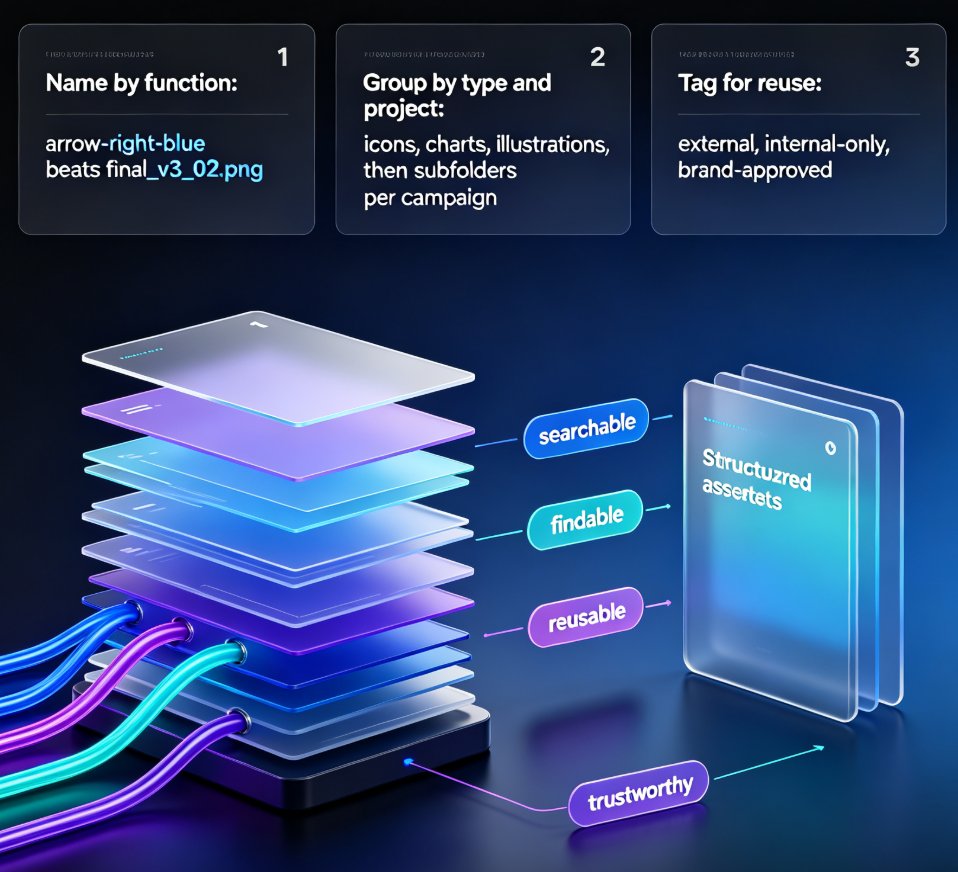
Here's the thing: every design tool has some kind of asset library. But most of them are just... folders. A grid of thumbnails you scroll through, hoping.
A true productivity hub is different. It's not just storage — it's search, relevance, and integration working together. Three things separate a real hub from a glorified folder:
Search that actually understands what you need. You type "growth chart" and get a chart that fits your slide's color scheme, not 300 random line graphs. The search should know context — what slide you're on, what tone you're going for.
Assets that are ready to use, not ready to edit. The worst time-sink in presentation work is fixing assets after you find them. Recoloring an icon to match your brand. Resizing a chart so it doesn't look squished. A productivity hub delivers assets that drop in and just work.
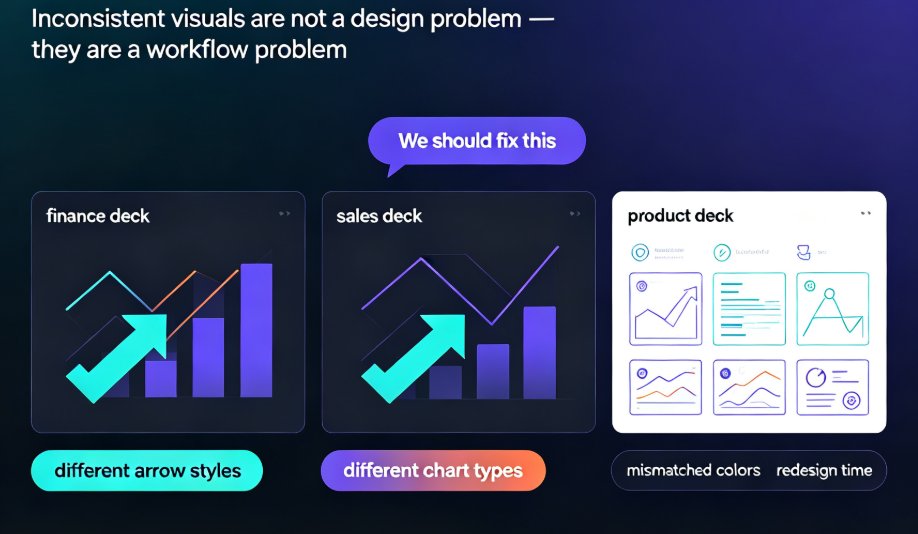
Consistency baked in. When every icon in your deck comes from the same library, with the same stroke weight and style, your slides look professionally designed. When you mix free icon sites, stock photos, and screenshots, your deck looks like a ransom note.
This is where Zendeck makes its case. The built-in asset library isn't an afterthought — it's a core part of the slide-building flow. Search, click, done. The asset lands on your slide already styled to match your template.
03: The three-second rule
Here's a benchmark worth stealing: if you can't find the visual you need within three seconds, your asset library is failing you.
Three seconds sounds aggressive, but think about it. When you search for "customer icon" in a well-organized library, the right result should be on the first screen. You click, it's placed, you move on. The entire interaction takes less time than it takes to read this sentence.
The three-second rule isn't about speed for speed's sake. It's about protecting your creative flow. Every time you break focus to hunt for an asset, you pay a "context-switching tax" — research suggests it takes up to 23 minutes to fully regain deep focus after an interruption. Even a 30-second asset hunt chips away at your momentum.
When the asset library is integrated into the tool you're already working in, the interruption never happens. You stay in flow. The slide gets built. The deck gets done.
04: Beyond icons — charts, illustrations, and brand consistency
Icons get all the attention, but a real asset hub covers the full visual spectrum:
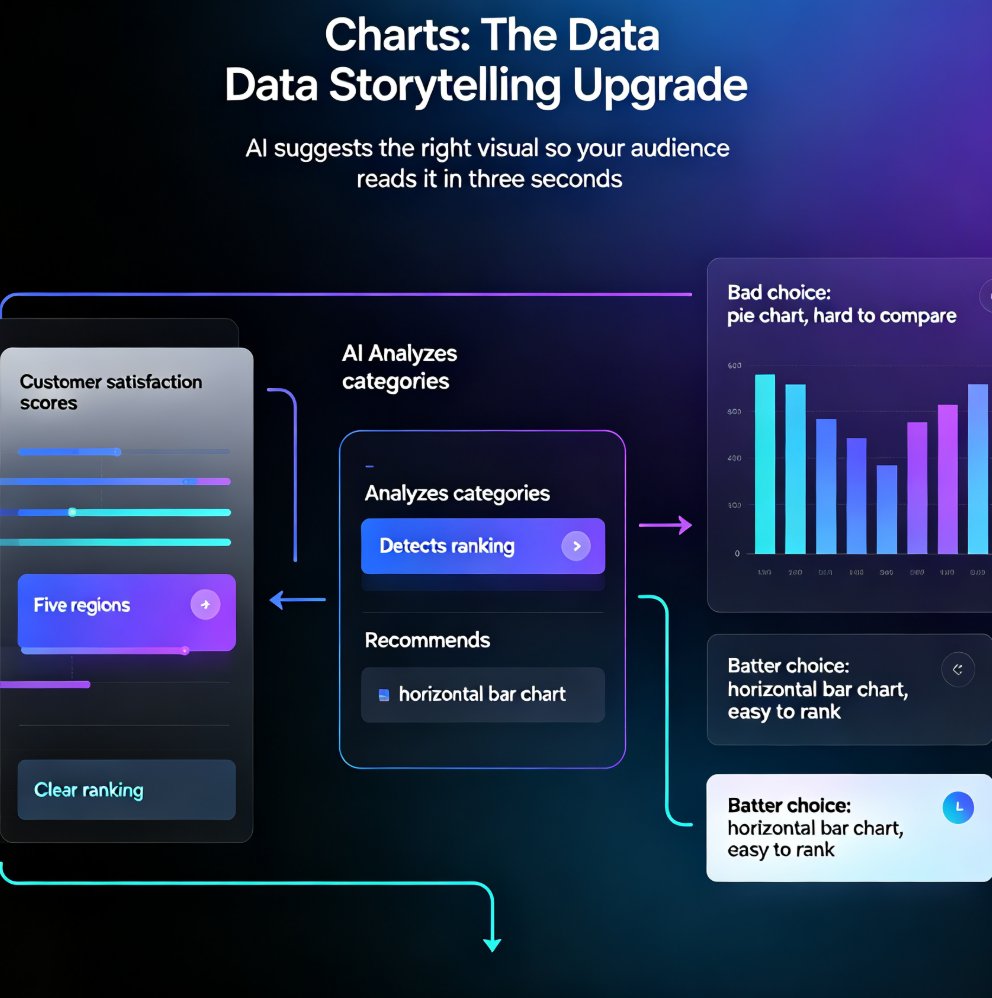
Charts and data visualizations. Raw data is useless in a presentation until it's a chart. A good asset library offers pre-built chart templates that you can populate with your own numbers — no Excel-to-PowerPoint gymnastics required. For a deeper look at how data visualization is evolving in AI deck tools, check out our breakdown of AI data visualization trends in 2026.
Illustrations and imagery. Not every concept has a good icon. Sometimes you need a scene, a metaphor, or a stylized illustration. A rich library covers both the literal and the abstract.
Brand consistency. This is the sleeper feature. When your asset library is tied to your brand kit, every icon, chart, and illustration you drop in automatically matches your colors and style. No more "why does this icon look blue when our brand is green?" moments. We've written about how AI asset libraries are revolutionizing corporate brand consistency — it's one of the biggest quiet wins in modern presentation tools.
05: Traditional search vs. integrated asset library
Here's the honest comparison table — the old way versus the hub way:
| Task | Traditional workflow | Integrated asset library |
|---|---|---|
| Find an icon | Open browser, search site, scroll, download, import, resize | Search in-app, click, placed on slide |
| Time per asset | 10–15 minutes | 2–3 seconds |
| Style consistency | Manual — you fix colors and strokes yourself | Automatic — matches your template |
| Chart creation | Export from Excel, paste, reformat | Pick a chart template, enter data |
| Brand compliance | Manual check, frequent misses | Enforced by the library |
| Context switching | High — you leave your tool constantly | Zero — everything stays in one place |
| Team sharing | Email files, version chaos | Shared library, single source of truth |
The pattern is obvious. The integrated library doesn't just save time — it eliminates an entire class of busywork. You're not doing the same task faster; you're not doing the task at all.
06: How to actually work faster with an asset library
Knowing the tool is half the battle. Here's the workflow that actually moves the needle:
Start with the outline, not the visuals. Before you touch a single icon, get your structure down. Zendeck's AI prompt-to-deck workflow lets you generate a full slide structure from an outline, then you layer in visuals afterward. This keeps the asset search focused — you know exactly what you need before you start looking.
Search by concept, not by keyword. Instead of searching "arrow," search "growth" or "progress." Good asset libraries index by meaning, not just labels. You'll get results that actually serve your slide's message.
Batch your asset gathering. If you're building a 20-slide deck, don't search for assets one slide at a time. Spend 10 minutes pulling everything you need into a shortlist, then place them all at once. It's the difference between 20 context switches and one.
Let the library enforce consistency. Don't fight the system. If your library offers a specific icon style, commit to it. A deck with 30 icons in the same style looks intentional. A deck with 30 icons from 12 different sources looks like a garage sale.
For a deeper dive on how AI is making asset libraries smarter, our piece on AI-powered asset libraries and smarter visuals covers the technical side.
07: Where asset libraries are heading
The asset library is evolving from a static collection into an active, intelligent layer of the presentation tool. Three trends are worth watching:
AI-generated assets on demand. Instead of searching a fixed library, you'll type "icon of a rocket launching" and the tool generates it on the spot, in your brand style. The library becomes infinite. We're already seeing this with AI-generated icons and charts.
Context-aware suggestions. The tool knows you're building a Q3 revenue slide, so it surfaces revenue-related charts and icons before you even search. The library stops waiting for you to ask.
Interactive and data-linked assets. Charts that update when your source data changes. Icons that adapt their color based on the slide background. Assets stop being static images and become living elements of your deck. If you want to see how interactive charts work in practice, this guide on adding interactive charts with Zendeck's asset library walks through it.
The through-line is simple: the best asset library is the one you never have to think about. It's there, it's fast, it's consistent, and it gets out of your way.
FAQ
Q: How much time can an integrated asset library actually save? A: For a typical 20-slide deck, switching from manual icon hunting to an integrated library can save 30–60 minutes per deck. Across a month of regular presentations, that's several hours of reclaimed time — time you can spend on content, strategy, or actually rehearsing.
Q: Is Zendeck's asset library free to use? A: Zendeck's built-in asset library — including icons, charts, and illustrations — is included as part of the platform's core features. The exact limits depend on your plan, but the library is designed to be a primary resource, not an upsell.
Q: Can I upload my own assets to Zendeck's library? A: Yes. Zendeck supports uploading custom assets, and you can organize them alongside the built-in library. This is especially useful for teams that want to maintain brand-specific icons, logos, and imagery in one place.
Q: How does Zendeck's asset library compare to Canva's or PowerPoint's? A: The key difference is integration. Zendeck's library is tightly coupled with the AI slide-generation engine — assets are suggested contextually and automatically styled to match your template. Canva has a huge library but weaker AI-deck integration; PowerPoint's library is more of a basic icon collection.
Q: Do asset libraries help with brand consistency across a team? A: Absolutely. When the library is tied to a shared brand kit, every team member pulls from the same styled assets. This eliminates the "rogue icon" problem where one person uses a different style than everyone else. We've covered this in detail in our article on AI asset libraries and brand consistency.